The modern teaching landscape is a balancing act of personalized instruction, administrative tasks, and fostering genuine student engagement. It's a demanding role where time is the most valuable, yet scarcest, resource. The good news? Artificial intelligence is a practical co-pilot for educators, ready to streamline your workload.
This guide moves beyond the hype to deliver a curated, in-depth list of the best AI tools for teachers. We've designed this resource to help you reclaim your time and focus on what truly matters: your students. Forget tedious planning and administrative overload; these tools are built to handle the heavy lifting.
Inside, you will find a categorized breakdown of platforms that can help you:
- Differentiate lesson plans for diverse learners in minutes.
- Generate engaging assessments, rubrics, and feedback.
- Create stunning classroom visuals and instructional materials.
- Communicate more effectively with students and parents.
Each tool in our list includes a practical analysis covering key features, real classroom use cases, pricing, and essential privacy considerations. With direct links and screenshots provided, you can quickly evaluate which platforms are the right fit for your specific teaching needs. Let’s dive into the solutions making a real impact in classrooms today.
1. ai-media-studio
AI Media Studio is an exceptional all-around choice for educators needing a fast, intuitive way to generate high-quality visual aids. This platform excels at turning simple text prompts into compelling images and videos, making it one of the most versatile ai tools for teachers looking to create custom content for lesson plans, presentations, and student activities without needing any design skills. Its strength lies in its simplicity and the sheer variety of artistic styles available, allowing educators to produce everything from photorealistic historical scenes to engaging animated characters in seconds.
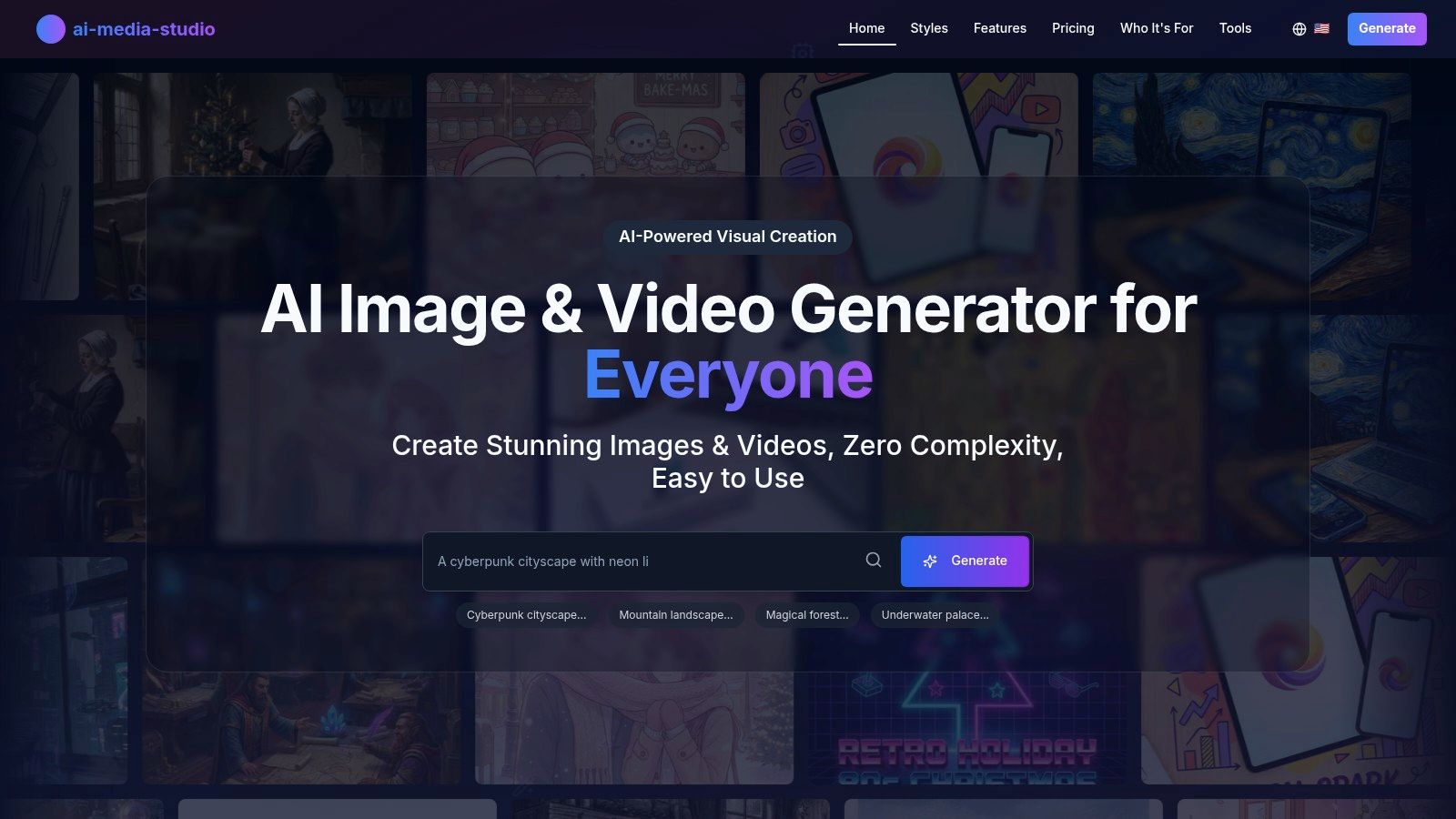
Unlike more complex tools, its no-skill interface is perfect for the busy teacher. You can instantly select from over 50 styles, including watercolor, cinematic, and anime, to match the tone of any subject. Advanced features like inpainting and outpainting allow for easy edits, such as adding a specific historical artifact to an image or extending a landscape for a presentation slide.
Key Features & Classroom Use Cases
- 50+ Art Styles: Generate visuals that perfectly match your lesson's theme. For example, use the watercolor style for a biology lesson on plant cells or the photorealistic style to create images of ancient Roman architecture for a history class.
- Text-to-Video Generation: Quickly create short, animated videos to explain complex concepts, like the water cycle or a mathematical theorem. Explore more about how you can use the platform's AI Video Generator capabilities for your classroom.
- Team Collaboration: Departments or grade-level teams can share a workspace to create and iterate on a consistent set of visual resources for a curriculum unit.
Pricing & Privacy
AI Media Studio offers a free tier with 3 monthly generations, making it accessible for experimentation. Paid plans start with the Light plan at $10/month (200 credits, personal license) and go up to the Starter plan at $19/month, which includes a commercial license and 1,000 credits. The platform emphasizes privacy, stating that user prompts and images are not used for model training without consent, a crucial consideration for educational settings. While some advanced features are still in development, its current toolset provides immense value for classroom visual creation.
2. MagicSchool.ai
MagicSchool.ai is a comprehensive generative AI platform built from the ground up for K-12 educators. It stands out by focusing exclusively on teacher workflows, offering a suite of over 80 specialized tools that address common classroom tasks, from lesson planning and assessment creation to communication and IEP support. This education-first approach makes it one of the most practical and secure ai tools for teachers available.
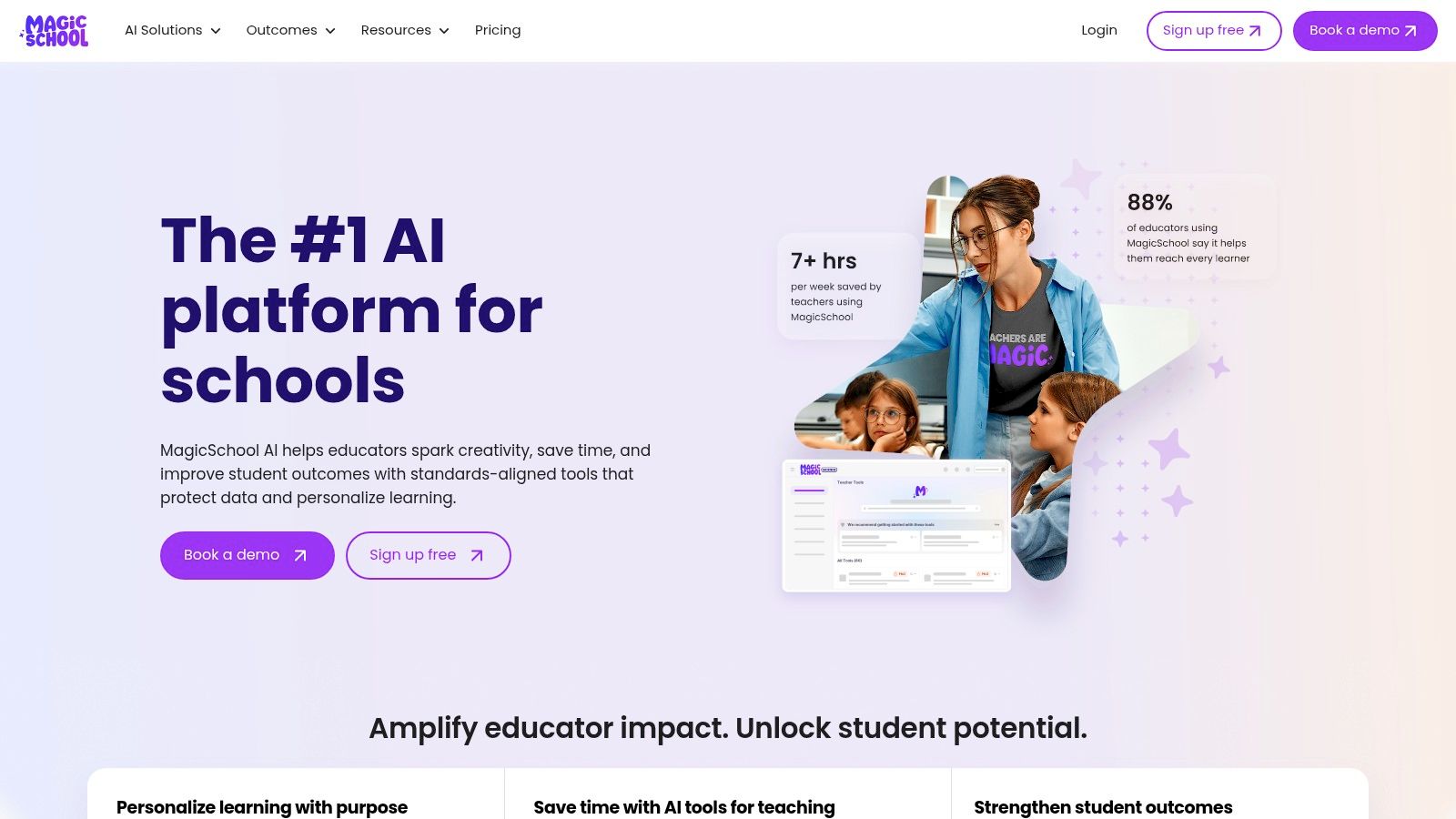
Unlike general-purpose AI models, its tools are pre-trained on educational best practices and include important guardrails for safety and privacy, making it FERPA-aware. Its "Raina" chatbot provides students with a safe environment for inquiry, while giving teachers valuable learning insights.
Key Features & Implementation
- Best For: Teachers and administrators looking for a single, secure platform to streamline planning, differentiation, and communication.
- Pricing: A robust free version is available. MagicSchool Plus ($9.99/month billed annually) unlocks unlimited history and premium features. Enterprise plans offer district-wide integrations and administrative controls.
- Quick Tip: Use the "Rubric Generator" tool to create clear, standards-aligned rubrics in seconds. Simply input the assignment topic, standard, and grade level, and it will produce a detailed, customizable rubric you can export directly.
Website: https://www.magicschool.ai/
3. Khan Academy – Khanmigo for Teachers
Khanmigo for Teachers is an AI-powered assistant from Khan Academy, designed to integrate directly with its trusted educational content. It acts as a planning and instructional partner, offering over 20 tools that help educators create standards-aligned lesson plans, differentiate materials, and generate assessments like exit tickets and rubrics. This deep connection to Khan Academy’s existing curriculum makes it one of the most content-aware ai tools for teachers on the market.
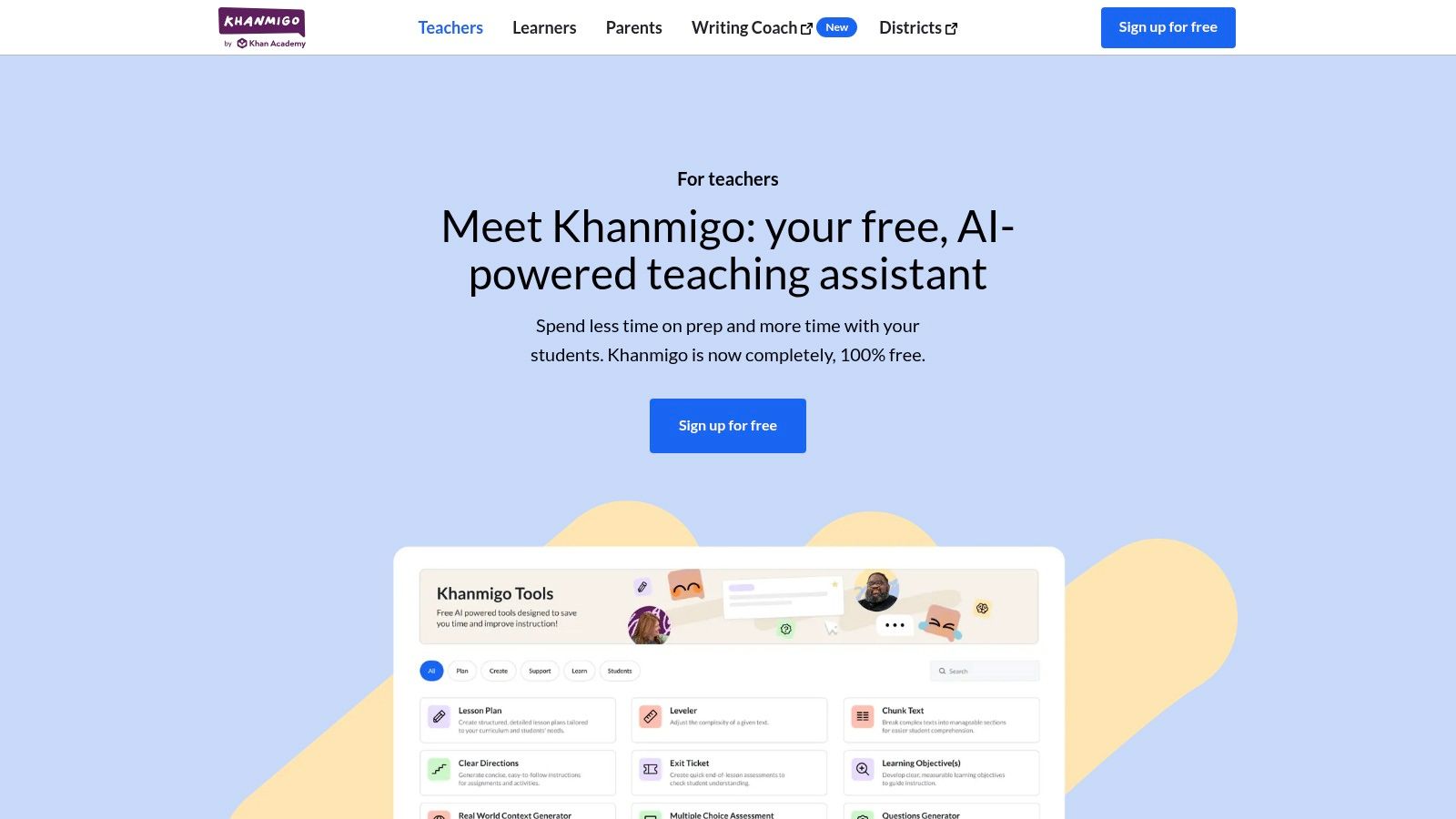
Unlike standalone tools, Khanmigo’s strength lies in its ability to ground its suggestions in proven pedagogical frameworks and specific Khan Academy resources. This ensures that the generated content is not just plausible but also educationally sound and directly applicable within the platform's ecosystem. It also offers Canvas LMS integration for easier workflow management.
Key Features & Implementation
- Best For: K-12 educators who already use Khan Academy and want an integrated AI assistant for planning and differentiation.
- Pricing: Currently free for all U.S. K-12 teachers. District-level deployment with advanced rostering and data tools is available by quote. Note that parent/learner plans may be paid.
- Quick Tip: Use the "Lesson Plan" tool and specify a particular Khan Academy video or article. Khanmigo will build a complete, standards-aligned lesson around that exact piece of content, including objectives, activities, and checks for understanding.
Website: https://www.khanmigo.ai/teachers
4. Diffit
Diffit is a highly focused AI tool designed to solve one of the most persistent challenges in education: differentiation. It allows teachers to take any text, article, or topic and instantly generate leveled readings, summaries, comprehension questions, vocabulary lists, and more. This makes it an invaluable resource for supporting diverse learners, including those in MTSS/RTI tiers, English Language Learners, and students with varied reading abilities.
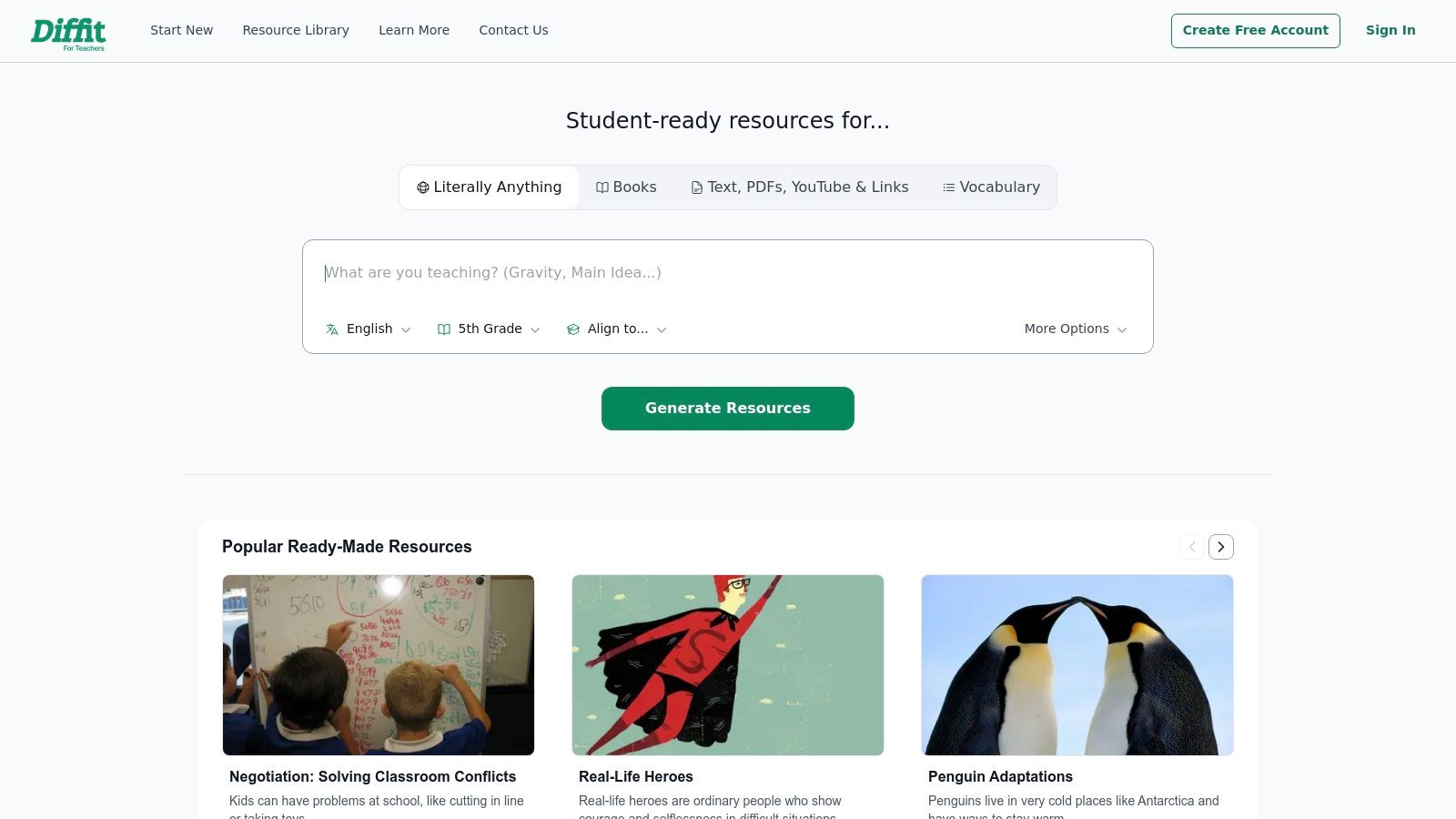
Unlike all-in-one platforms, Diffit hones in on adapting existing content, making it one of the most efficient ai tools for teachers for modifying curriculum on the fly. Its seamless integration with Google and Microsoft ecosystems means resources can be exported directly to Docs, Slides, or Forms, fitting perfectly into established classroom workflows.
Key Features & Implementation
- Best For: Teachers needing to quickly adapt texts and create differentiated materials for various reading levels within a single classroom.
- Pricing: Offers a generous free version with limits. The Premium plan ($14/month billed annually) provides unlimited use, advanced customization (Lexile, DOK), and more export options. School/District licenses are available.
- Quick Tip: Use the "Get Resources for Any Topic" feature to generate a base reading passage about a new subject. Then, use the "Adapt/Translate" function to create multiple versions of that same passage for different grade levels in your class.
Website: https://app.diffit.me/
5. Eduaide.ai
Eduaide.ai is a versatile AI platform designed by educators to support the entire instructional cycle. It provides teachers with a rich suite of over 100 specialized tools and templates for everything from generating lesson plans and learning objectives to creating assessments and providing student feedback. This focus on practical, classroom-ready resources makes it one of the most efficient ai tools for teachers for rapid content creation.
The platform stands out with its feedback bot, which can analyze student work and provide constructive comments, and its "Enhance/Transform" tools that allow educators to quickly differentiate existing materials. With a broad set of multilingual templates and standards alignment, Eduaide.ai is well-suited for teachers who need to build out units and lessons quickly without starting from scratch.
Key Features & Implementation
- Best For: Individual teachers who need a wide variety of templates for rapid lesson and unit planning, differentiation, and feedback generation.
- Pricing: A free plan with monthly generation limits is available. Eduaide Pro ($5.99/month) unlocks unlimited generations, longer input capacity, and over 25 additional teacher assistant resources.
- Quick Tip: Use the "Independent Practice" generator to create a series of differentiated activities. Input your topic and learning objective, and it will produce varied exercises like concept maps, short answer questions, and real-world scenarios that you can assign to students based on their needs.
Website: https://www.eduaide.ai/
6. Curipod
Curipod is an interactive lesson platform that leverages AI to transform static content into dynamic, engaging learning experiences. It excels at generating entire standards-aligned lessons, including activities like polls, drawings, word clouds, and open-ended questions, from a single prompt. This makes it one of the fastest ai tools for teachers for creating interactive presentations that capture student attention and provide real-time formative feedback.
The platform focuses heavily on student participation, using AI not just for creation but also for providing feedback on student responses. With robust privacy compliance (FERPA/COPPA/GDPR) and detailed post-lesson reports for both the class and individual students, Curipod bridges the gap between AI-driven efficiency and data-informed instruction. For those interested in how AI can transform text into other media formats, you can explore more about text-to-video tools.
Key Features & Implementation
- Best For: Teachers who want to quickly create interactive, standards-aligned lessons that boost student engagement and provide immediate feedback.
- Pricing: A generous free version is available with some limits on AI usage. Premium plans for schools and districts offer unlimited AI, SSO, and administrative controls. Individual premium pricing is not publicly listed.
- Quick Tip: Use the "AI Feedback" feature during an open-response activity. After students submit their answers, Curipod can generate personalized feedback for each one, helping you provide timely, individualized guidance to an entire class in moments.
7. Canva for Education
Canva for Education provides the full power of Canva's Pro-level design suite to verified K-12 teachers, students, and districts, completely free of charge. While known for its user-friendly graphic design interface, Canva has integrated a powerful set of AI tools that transform it into a creative powerhouse for the classroom. Features like Magic Write and Magic Animate allow students and teachers to generate text, animate presentations, and create dynamic visuals with simple text prompts.
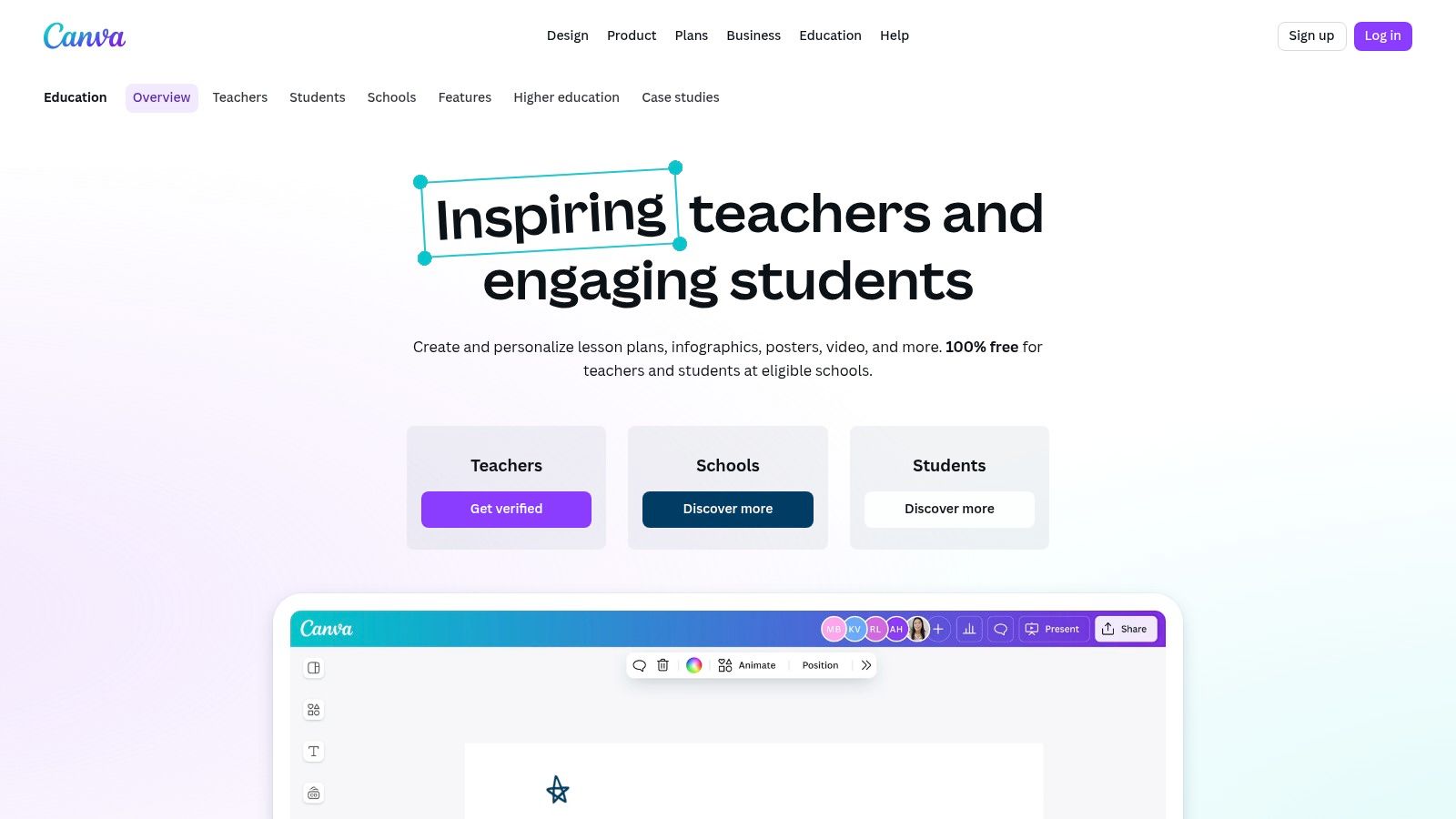
It stands out by embedding these ai tools for teachers within a familiar, collaborative design environment. Critically, it includes robust administrative controls, allowing districts to manage AI feature availability for students. This focus on safety, combined with integrations for major LMS platforms and its FERPA/COPPA alignment, makes it a secure and versatile choice for enhancing creativity across the curriculum. These features make it a strong contender, much like an AI poster generator on ai-media-studio.com, but with a broader educational suite.
Key Features & Implementation
- Best For: Teachers and students who need an all-in-one platform for creating visually engaging presentations, reports, videos, and classroom materials with AI assistance.
- Pricing: Completely free for eligible K-12 educators, students, and qualified school districts after a verification process.
- Quick Tip: Use the "Magic Write" tool within a Canva Doc to instantly generate a lesson plan outline. Just type
/Magic Writeand enter a prompt like "Create a 5E lesson plan outline for a 4th-grade lesson on the water cycle," and it will generate a structured starting point you can then design around.
Website: https://www.canva.com/education/
8. Google Workspace with Gemini for Education
For districts already embedded in the Google ecosystem, Gemini for Education integrates powerful AI capabilities directly into the tools teachers use daily. This add-on brings generative assistance to core Workspace apps like Docs, Gmail, and Slides, allowing educators to draft lesson plans, generate presentation outlines, or summarize email threads without leaving their workflow. This native integration makes it one of the most seamless ai tools for teachers to adopt.
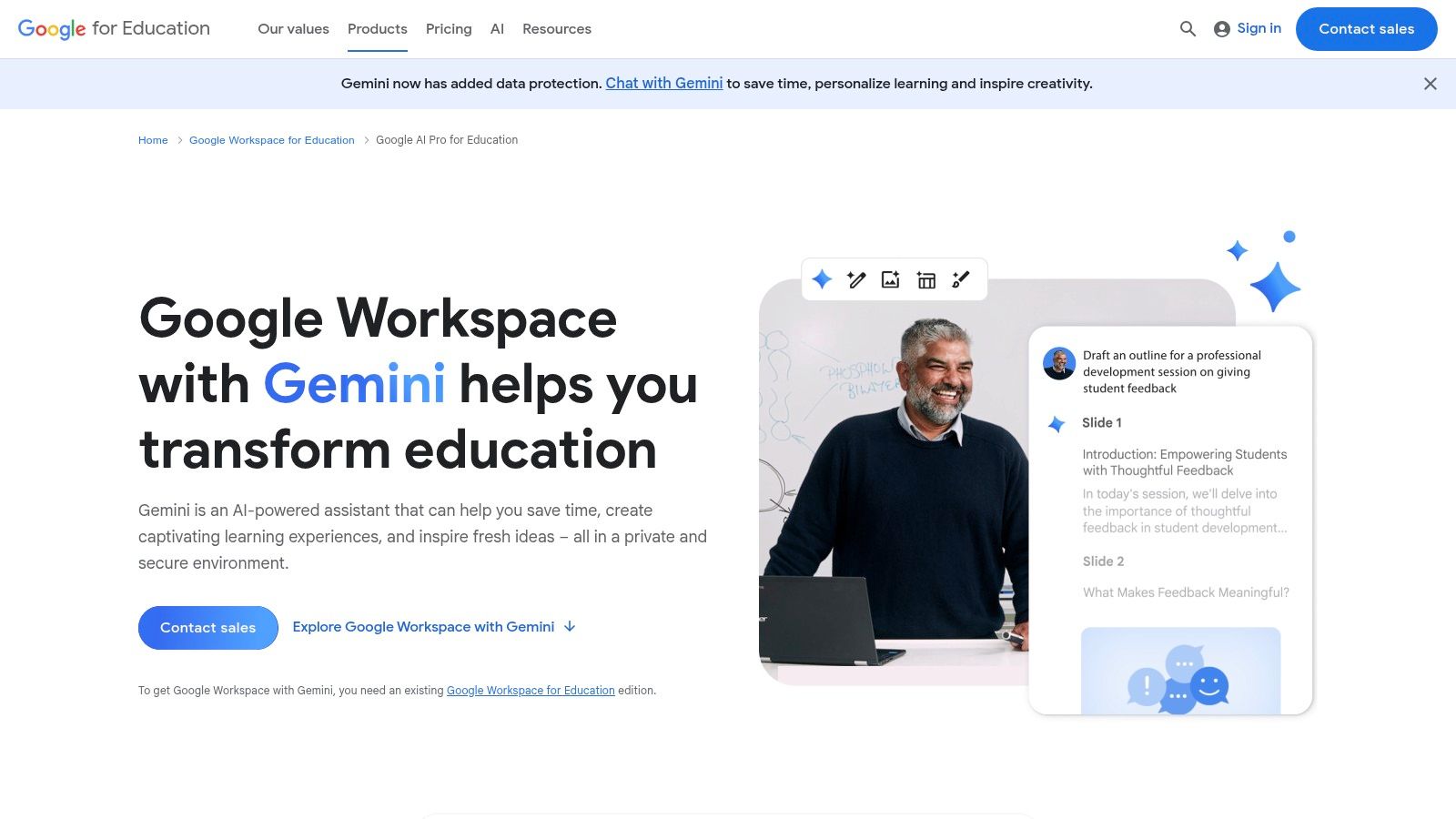
Unlike standalone tools, Gemini for Education is built with institutional needs in mind, featuring education-grade privacy protections and administrative controls for governance. It also includes access to NotebookLM, a unique research and writing assistant that grounds its responses in source materials provided by the user, and a free Gemini app (formerly Bard) for qualifying institutions.
Key Features & Implementation
- Best For: Schools and districts using Google Workspace who want to embed AI assistance directly into existing teacher and student workflows.
- Pricing: A free version of the Gemini app is available. Paid add-ons (Gemini Education and Gemini Education Premium) are required for Workspace integration, priced per user with different usage limits and features.
- Quick Tip: In Google Docs, use the "Help me write" feature to generate a differentiated reading passage. Prompt it with a topic and specify three different Lexile levels to instantly create versions of the text suitable for a diverse range of learners.
Website: https://edu.google.com/workspace-for-education/add-ons/gemini-for-google-workspace/
9. Microsoft 365 Copilot for Education
Microsoft 365 Copilot for Education integrates generative AI directly into the tools many schools already use daily, including Word, PowerPoint, Teams, and Outlook. Rather than being a standalone product, it acts as an assistant within the existing Microsoft ecosystem, helping educators draft lesson plans, summarize meeting transcripts, generate presentation slides, and organize emails. This deep integration is what makes it one of the most seamless ai tools for teachers to adopt.
The platform is built with institutional needs in mind, offering robust, tenant-level administrative controls and compliance features essential for educational settings. Microsoft also provides a version of Copilot Chat (formerly Bing Chat Enterprise) at no extra cost for eligible educational accounts, offering a secure entry point for staff and students to experiment with AI.
Key Features & Implementation
- Best For: Schools and districts already invested in the Microsoft 365 ecosystem looking to enhance productivity with integrated AI.
- Pricing: Copilot Chat is available at no extra cost for many Microsoft 365 Education accounts. The full integrated Microsoft 365 Copilot is a paid, per-user add-on license with pricing available through Microsoft partners.
- Quick Tip: In Microsoft Teams, use Copilot to summarize long meeting discussions or chat threads instantly. Ask it to "list the main decisions made" or "identify action items for me" to quickly catch up without reading through the entire conversation.
Website: https://www.microsoft.com/education/products/copilot-in-education
10. Quizizz
Quizizz is a highly engaging assessment platform that leverages AI to transform how teachers create and deliver formative and summative evaluations. Its standout feature is the ability to generate quizzes from virtually any content, including YouTube links, PDFs, or pasted text, instantly creating varied and relevant questions. This makes it an incredibly efficient tool for turning existing curriculum materials into interactive learning experiences.
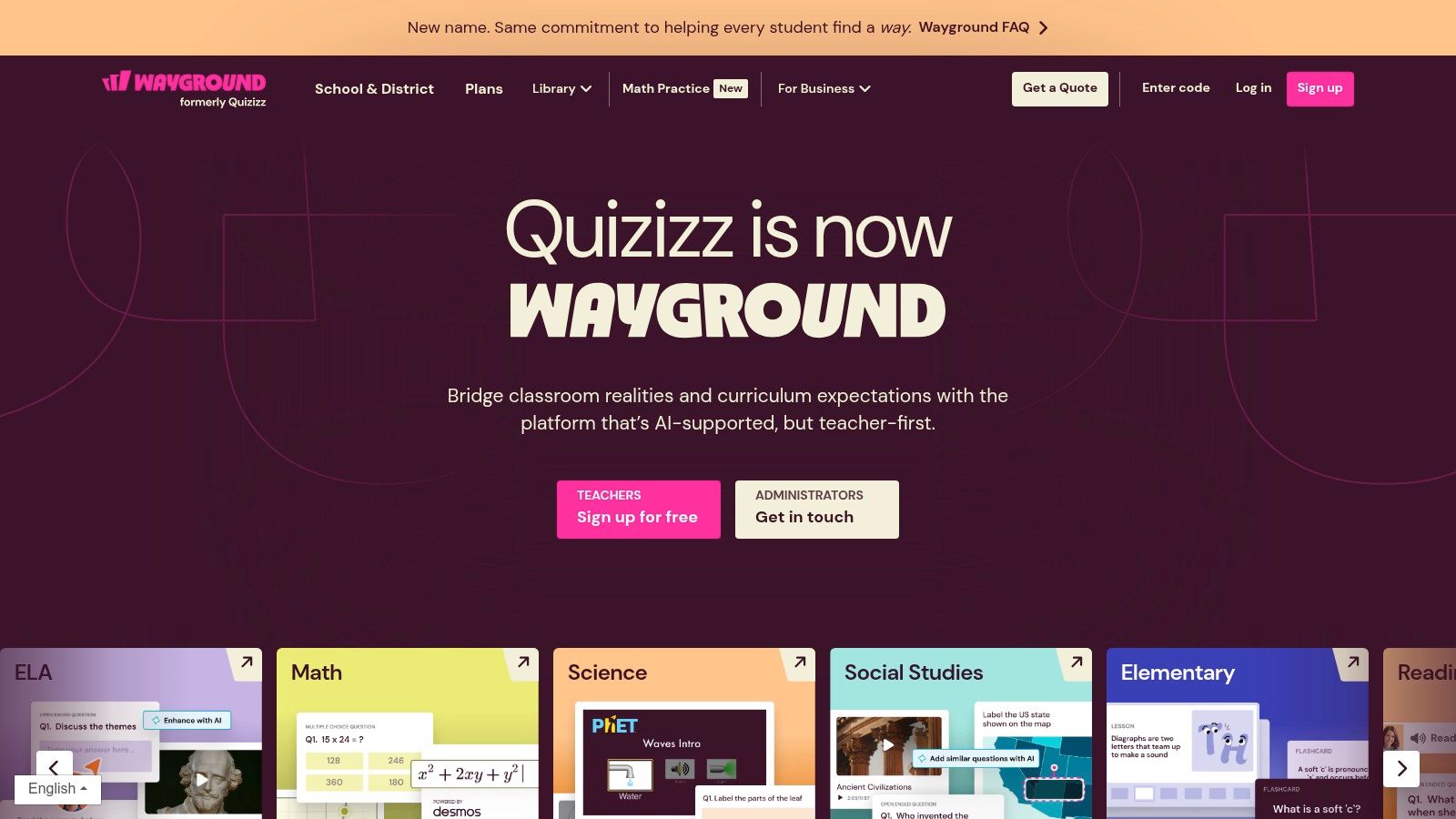
More than just a quiz maker, Quizizz functions as a comprehensive learning platform with live and asynchronous modes, a vast library of over 20 million pre-made activities, and robust features for differentiation. As one of the most versatile ai tools for teachers, it supports everything from quick exit tickets to district-wide benchmark assessments, making it a staple in modern classrooms.
Key Features & Implementation
- Best For: Teachers needing a fast way to create engaging, standards-aligned assessments from existing content and for schools seeking a scalable assessment solution.
- Pricing: A generous free starter plan is available. The individual “Super” plan offers more features, with pricing that varies by region. School and District plans unlock advanced analytics, integrations, and accommodation settings.
- Quick Tip: Use the "AI Enhance" feature on an existing quiz. It can automatically add new question types, translate questions into different languages, or adjust the difficulty level to better meet the needs of your students.
Website: https://wayground.com/
11. Quizlet (Plus for Teachers)
Quizlet is a household name in digital flashcards, but its AI-powered features transform it into a dynamic study and assessment tool. The "Magic Notes" feature automatically converts class notes, PDFs, or lecture slides into outlines, flashcards, and practice tests. This saves educators and students significant time, making it one of the most practical ai tools for teachers for reinforcing vocabulary and key concepts.
While its AI chatbot was retired for general users, the platform’s core strength lies in its generative capabilities for creating study materials. It leverages AI to quickly structure information for its proven Learn and Test modes. For rapidly creating engaging quizzes and assessments, teachers can also explore the benefits of dedicated AI Question Generator tools for educators.
Key Features & Implementation
- Best For: Teachers needing a quick, familiar way to generate formative assessments and review activities from existing content.
- Pricing: A basic version is free with ads. Quizlet Plus for teachers is $35.99/year and unlocks ad-free access, Magic Notes, and progress tracking. Group and school plans are also available.
- Quick Tip: Use the "Magic Notes" feature to instantly digitize a handout. Take a picture of any text or paste content into Quizlet, and it will automatically generate a complete study set with flashcards and practice questions in seconds.
Website: https://quizlet.com/upgrade
12. Turnitin (Feedback Studio with AI Writing Detection)
Turnitin is an established leader in academic integrity, widely used in secondary and higher education for its robust similarity checking. With the rise of generative AI, its Feedback Studio now includes an AI writing detection feature, allowing institutions to check for potential AI-generated text alongside traditional plagiarism. This integration makes it a critical tool for schools and districts looking to uphold academic integrity policies in the age of AI.
The platform is designed for institutional adoption, not individual teachers, and integrates seamlessly with major Learning Management Systems (LMS). This allows educators to maintain their existing grading workflows while adding another layer of analysis. As one of the most comprehensive ai tools for teachers focused on integrity, it provides a centralized solution for administrators to manage policy and support faculty.
Key Features & Implementation
- Best For: School districts and higher education institutions needing an integrated, system-wide solution for similarity and AI writing detection.
- Pricing: Available only through institutional or district-wide licensing. Pricing is customized based on student enrollment and requires a direct quote. No individual teacher plans are offered.
- Quick Tip: Use the AI detection score as a conversation starter, not a final verdict. Institutional policy is key; leverage the score to initiate a dialogue with the student about their writing process, citation habits, and appropriate use of AI tools, rather than for immediate disciplinary action.
Website: https://www.turnitin.com/
12 AI Tools for Teachers: Feature Comparison
| Product | Core Capabilities | Unique Selling Point ✨ | Target Audience 👥 | Pricing & Quality 💰★ |
|---|---|---|---|---|
| 🏆 ai-media-studio | Text→image/video, 50+ art styles, inpainting/outpainting, team workspaces, hi-res export | Privacy-first + commercial-use rights; no-skill interface | Creators, marketers, agencies, small businesses | Light $10 / Starter $19 / Pro $35 · ★★★★★ · 💰 Good |
| MagicSchool.ai | 80+ teacher tools, 50+ student tools, FERPA-aware, SIS/SSO | District-ready admin controls & unlimited Plus plan | K–12 teachers & districts | Enterprise/district pricing · ★★★★ · 💰 Tiered |
| Khan Academy – Khanmigo for Teachers | Standards-aligned planning tools, rubrics, Canvas integration | Free for US teachers; built on Khan content | K–12 teachers (US focus) | Free for US teachers; district quotes · ★★★★ · 💰 Free/Quote |
| Diffit | Leveling by Lexile/length, leveled readings, Qs, vocab, exports | Purpose-built differentiation + strong G Suite/Microsoft export | Intervention specialists, literacy teachers | Individual card-pay / school PO · ★★★★ · 💰 Moderate |
| Eduaide.ai | 75+ content generators, feedback bot, multilingual, standards | Rapid unit/lesson build; low transparent Pro pricing | Classroom teachers building curricula | Pro = unlimited gens; free limited · ★★★★ · 💰 Affordable |
| Curipod | AI lesson generator, real-time feedback, polls/drawings, reports | Interactive engagement (polls, word clouds) + strong free tier | Classroom teachers seeking engagement | Free tier + district plans · ★★★★ · 💰 Freemium |
| Canva for Education | Design + AI tools (Magic Write/Animate), LMS & SSO, templates | Free Pro-level access for verified K–12 educators/students | Teachers, students, districts | Free for eligible K–12 · ★★★★ · 💰 Free/Verified |
| Google Workspace + Gemini for Education | Generative assist across Gmail/Docs/Slides/Meet, NotebookLM | Native integration into teachers' daily apps; admin controls | Schools using Google Workspace | Add-ons / qualifying free app · ★★★★ · 💰 Add-on tiers |
| Microsoft 365 Copilot for Education | Drafting/summarizing across M365, Copilot Studio, admin controls | Deep M365 integration; Copilot Chat often free for EDU | Schools using Microsoft 365 | Add-on per-user; seat mins may apply · ★★★★ · 💰 Paid add-on |
| Quizizz | AI quiz generator from links/PDFs/videos, large item library, live/asynch | Fast assessment creation + ESSA Level 3 evidence designation | K–12 teachers & districts | Free starter; school plans · ★★★★ · 💰 Freemium |
| Quizlet (Plus for Teachers) | Magic Notes, Learn/Test modes, study games, large set library | Familiar student experience; affordable Plus for teachers | Students, classroom teachers | Plus pricing / group deals · ★★★★ · 💰 Low–Moderate |
| Turnitin (Feedback Studio) | Similarity checking, AI-writing detection, LMS integrations | Institution-grade academic integrity tools & controls | Institutions, districts, colleges | Institutional licensing only · ★★★★ · 💰 Institutional |
Putting AI to Work: Your Next Steps for a Smarter Classroom
Navigating the landscape of educational technology can feel daunting, but the journey into artificial intelligence doesn't have to be. We've explored a powerful array of ai tools for teachers, from comprehensive assistants like MagicSchool.ai and Khanmigo to specialized platforms for content differentiation like Diffit and assessment creation with Quizizz. The central theme is clear: AI is not here to replace the irreplaceable human connection in teaching. Instead, it serves as a powerful co-pilot, designed to automate tedious tasks and unlock new creative potential in the classroom.
The true value of these platforms lies in their ability to reclaim your most valuable resource: time. By offloading the repetitive work of drafting lesson plans, adapting reading materials for different levels, or creating initial feedback, you can dedicate more energy to what truly matters. This means more one-on-one student interaction, more nuanced pedagogical strategy, and more space for fostering a love of learning.
Choosing Your First AI Tool
The key to successful integration is to start small and be strategic. Avoid the temptation to adopt multiple tools at once. Instead, identify a single, persistent pain point in your daily workflow and select a tool that directly addresses it.
- Overwhelmed by lesson planning? Start with a free account on a platform like Eduaide.ai or MagicSchool.ai to generate outlines and activity ideas.
- Struggling with differentiation? Use Diffit to adapt a single news article or text for multiple reading levels in just a few clicks.
- Need more engaging visuals? Explore the AI-powered features within Canva for Education to create stunning presentations and classroom materials.
A Mindful Approach to Implementation
As you begin experimenting, keep a few best practices in mind. Always review and refine AI-generated content to ensure it aligns with your teaching style and meets your students' specific needs. Treat the output as a first draft, not a final product. Additionally, maintain transparency with your students and colleagues about how you're using these tools.
Furthermore, always prioritize data privacy and digital citizenship. Before fully committing to a platform, verify its compliance with FERPA and other relevant educational privacy laws. Fostering a responsible and ethical approach to AI is as important as leveraging its capabilities. To see a real-world example of AI tools in action, teachers can watch how platforms like this Magna AI for Educators video are being implemented to support instruction.
The Future is Collaborative
The AI tools for teachers we've discussed are more than just software; they represent a fundamental shift toward a more efficient, personalized, and creative educational future. By embracing these technologies thoughtfully, you are not just optimizing your workflow. You are modeling adaptability and lifelong learning for your students, preparing them for a world where collaborating with intelligent systems is the norm. The first step is often the hardest, but with the right tool and a clear purpose, you can begin transforming your classroom one task at a time.
Ready to bring dynamic, AI-powered video content into your lessons? ai-media-studio makes it simple to create engaging, curriculum-aligned videos that capture student attention and explain complex topics with ease. Visit ai-media-studio to see how you can transform your teaching materials into captivating multimedia experiences.