AI Mockup Generator
An AI mockup generator should produce the images you actually list with — not a poster on a wall. Upload one product photo and get marketplace squares, lifestyle scenes, and packaging-style mockups sized for Amazon, Shopify, and Etsy.


From a rough product photo to a listing mockup set
Start with the photo you already have, pick the mockup job (clean listing, lifestyle, packaging), preview variants, then export the crops your storefront needs.
Export every mockup your listing needs
Generate a marketplace square, lifestyle scene, social crop, and website hero from the same product brief so the SKU looks like one brand across channels.
Quadrato per marketplace
Creato dallo stesso brief così i tuoi risultati restano coerenti su tutti i canali.
Quadrato per social
Creato dallo stesso brief così i tuoi risultati restano coerenti su tutti i canali.
Annuncio verticale
Creato dallo stesso brief così i tuoi risultati restano coerenti su tutti i canali.
Ritaglio hero per sito
Creato dallo stesso brief così i tuoi risultati restano coerenti su tutti i canali.
Mockup templates built around selling
Choose white-background listing, lifestyle scene, packaging mockup, or social ad set instead of a blank art-style prompt.
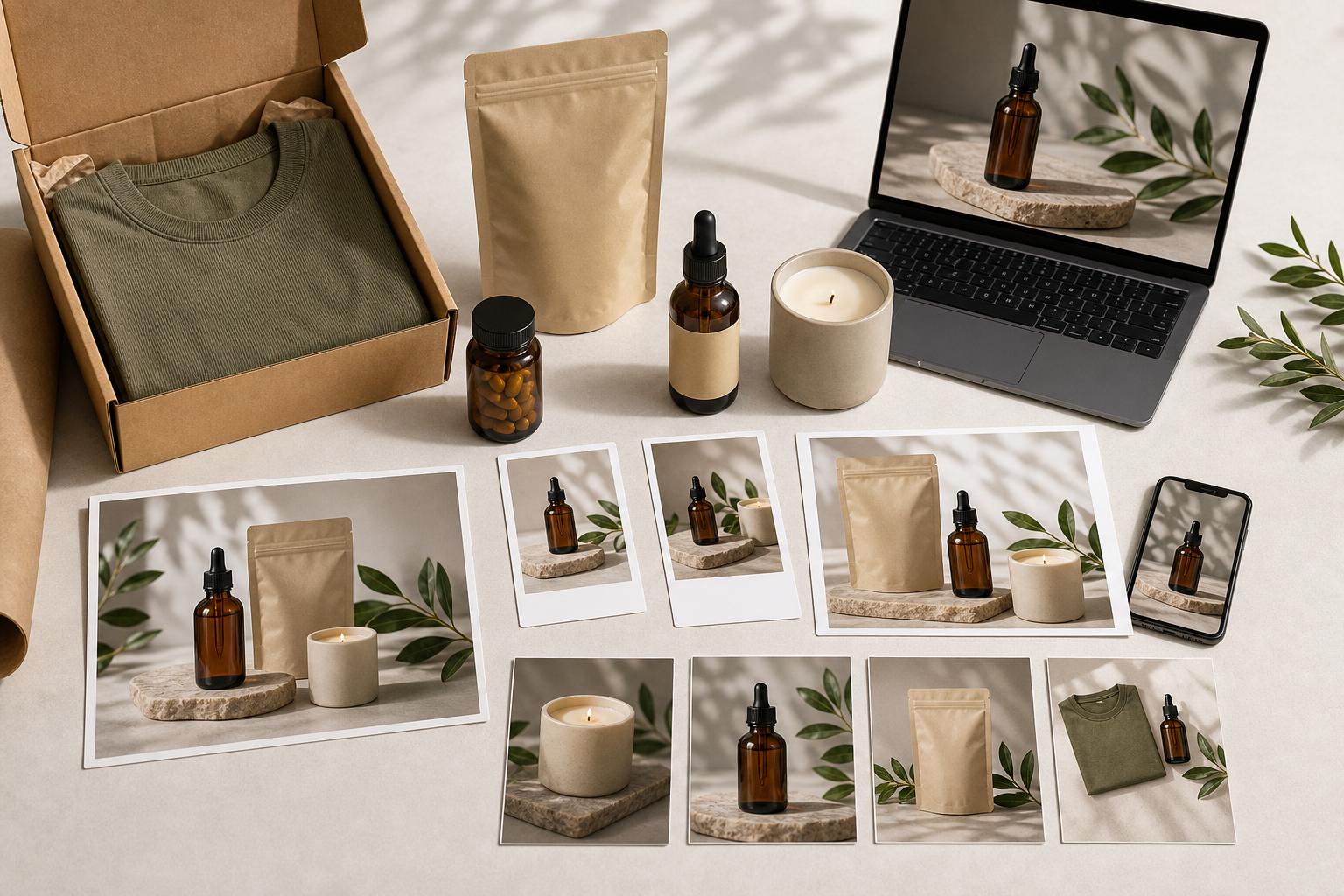
Built for sellers who need mockups, not art
Use this when you need listing-ready product mockups fast and do not have a studio day booked — one photo in, a sellable set out.
Aggiorna le inserzioni quando le foto del fornitore sono incoerenti.
Crea campagne stagionali senza dover organizzare un nuovo shooting in studio.
Anteprima prima, iscriviti solo quando sei pronto a esportare.
Strumenti correlati
Domande frequenti
Can I try an AI mockup generator for free?
AI Media Studio is a paid product with no free tier. Plans start at $19/month and include listing-ready formats, watermark-free exports, and commercial rights.
Is this a t-shirt mockup generator or a product photography tool?
It is a product-listing mockup workflow: white-background catalog shots, lifestyle scenes, and packaging-style images from a photo of your actual product. It is not a blank apparel template pack for putting a logo on a stock t-shirt.
Can I use the mockups on Amazon, Shopify, and Etsy?
Yes. The export package is built around marketplace squares, lifestyle crops, social squares, vertical ads, and website heroes.
Can I use the generated mockups commercially?
Yes. Exported assets are intended for commercial ecommerce use when you own or have rights to the uploaded source photo and product branding.
How is this different from Canva or Flair mockups?
Canva applies artwork to stock mockup templates. Flair.ai is a canvas for composing staged scenes (from $8/month; commercial license on Pro+). AI Media Studio turns a photo of your product into a listing set — see our Flair and Canva comparison pages for the pricing breakdown.