Welcome to the new era of content creation, where turning a simple text prompt into a stunning visual is no longer science fiction. The market for AI art generators has exploded, offering a dizzying array of tools for every skill level and use case, from professional graphic designers to marketers needing a quick social media post. But with so many options, how do you find the best AI art generator that fits your workflow, budget, and creative vision?
This guide cuts through the noise. We've meticulously tested and analyzed the top 12 platforms, focusing on what truly matters: image quality, ease of use, unique features, pricing transparency, and practical applications. We dive deep into the specific capabilities that solve real-world problems, such as creating consistent character designs, generating high-resolution marketing assets, or producing unique artistic styles. To fully grasp how AI is transforming visual content, it's helpful to consider the broader applications of AI tools across various industries.
Inside this resource, you will find a detailed breakdown of each tool, complete with screenshots and direct links. We'll explore the strengths and weaknesses, identify the ideal user, and provide actionable tips to help you get the most out of every prompt. Whether you're a seasoned artist, a small business owner, or simply curious about generative AI, this comprehensive review will equip you with the insights needed to choose the right tool. Our goal is to help you move beyond generic outputs and start creating professional-quality visuals today.
1. ai-media-studio
Best For: Teams, marketers, and creators needing a versatile, user-friendly tool for commercial use. Price: Paid plans from $10/month.
AI Media Studio solidifies its position as the best AI art generator by offering a powerful, yet remarkably accessible, creative suite. It expertly balances robust features with an intuitive user experience, making it an ideal choice for both individual creators and collaborative teams who need professional-grade visuals without a steep learning curve. The platform's core strength lies in its ability to produce consistent, high-quality images and videos quickly, thanks to a vast library of over 50 curated art styles.
Loading image...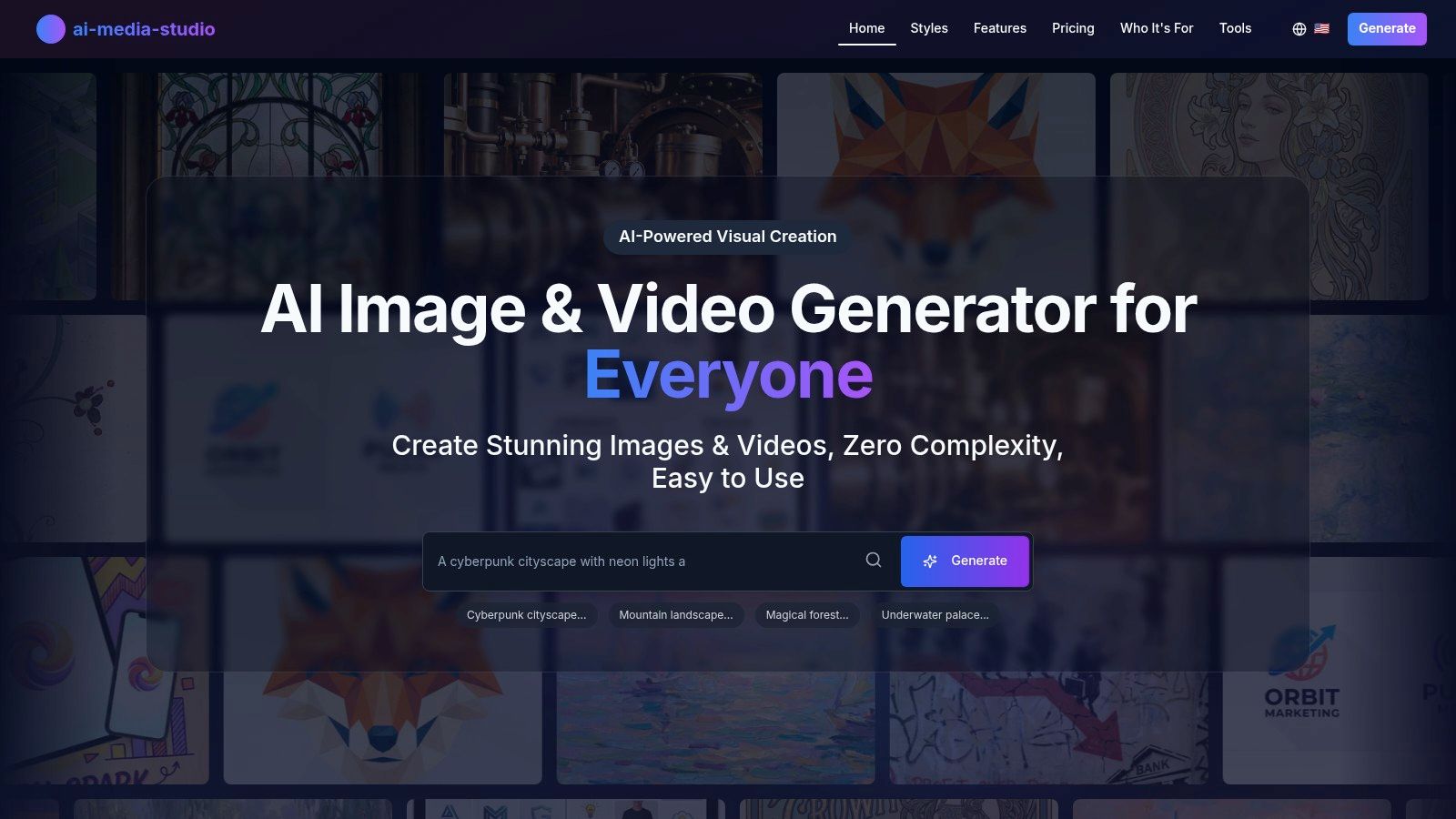
Unlike many competitors that require complex prompt engineering, AI Media Studio allows users to select styles like "Photorealistic," "Cinematic," or "Banksy" to achieve a specific aesthetic instantly. This feature is a game-changer for marketers and social media managers who need to maintain a consistent brand look across various assets.
Key Features & Benefits
The platform is more than just a text-to-image tool; it's a complete workflow solution. Built-in AI editing tools like inpainting and outpainting allow for precise modifications, while team workspaces facilitate seamless collaboration on creative projects. The straightforward high-resolution export and social sharing options streamline the entire content creation process.
- Extensive Style Library: With 50+ curated styles, you can effortlessly generate images and videos in diverse aesthetics, from anime and cyberpunk to watercolor and Art Nouveau.
- Os planos pagos do AI Media Studio começam em US$ 19/mês.
- Privacy-First Approach: A significant differentiator is its commitment to privacy. Your prompts and generated assets are private by default and are not used for model training without your explicit consent.
- Team Collaboration: The platform is built for teams, offering collaborative workspaces that allow members to work together on visual assets, a feature often missing from other generators.
Pricing and Plans
AI Media Studio offers a flexible pricing structure suitable for various user needs.
| Plan | Price (Monthly) | Key Features |
|---|---|---|
| Light | $10 | 200 credits, personal use |
| Starter | $19 | 1,000 credits, commercial license, team features |
| Pro | $35 | 2,000 credits, priority support |
The paid plans provide the necessary credits, commercial rights, and advanced tools for professional workflows. Catalog batch — one image recipe across registered products — is live on Pro and above. AI Media Studio's current offering provides immense value, making it a top-tier choice for producing stunning, commercially-viable AI art.
2. Midjourney
Midjourney has established itself as a titan in the AI art space, renowned for producing images with a distinct, often artistic and hyper-stylized aesthetic. Originally accessible only through a Discord server, it now offers a polished web interface, making it one of the best AI art generator platforms for users who prioritize final image quality above all else. Its models are exceptionally well-trained to create coherent, detailed, and visually stunning compositions that often require minimal prompt engineering to look professional.
Loading image...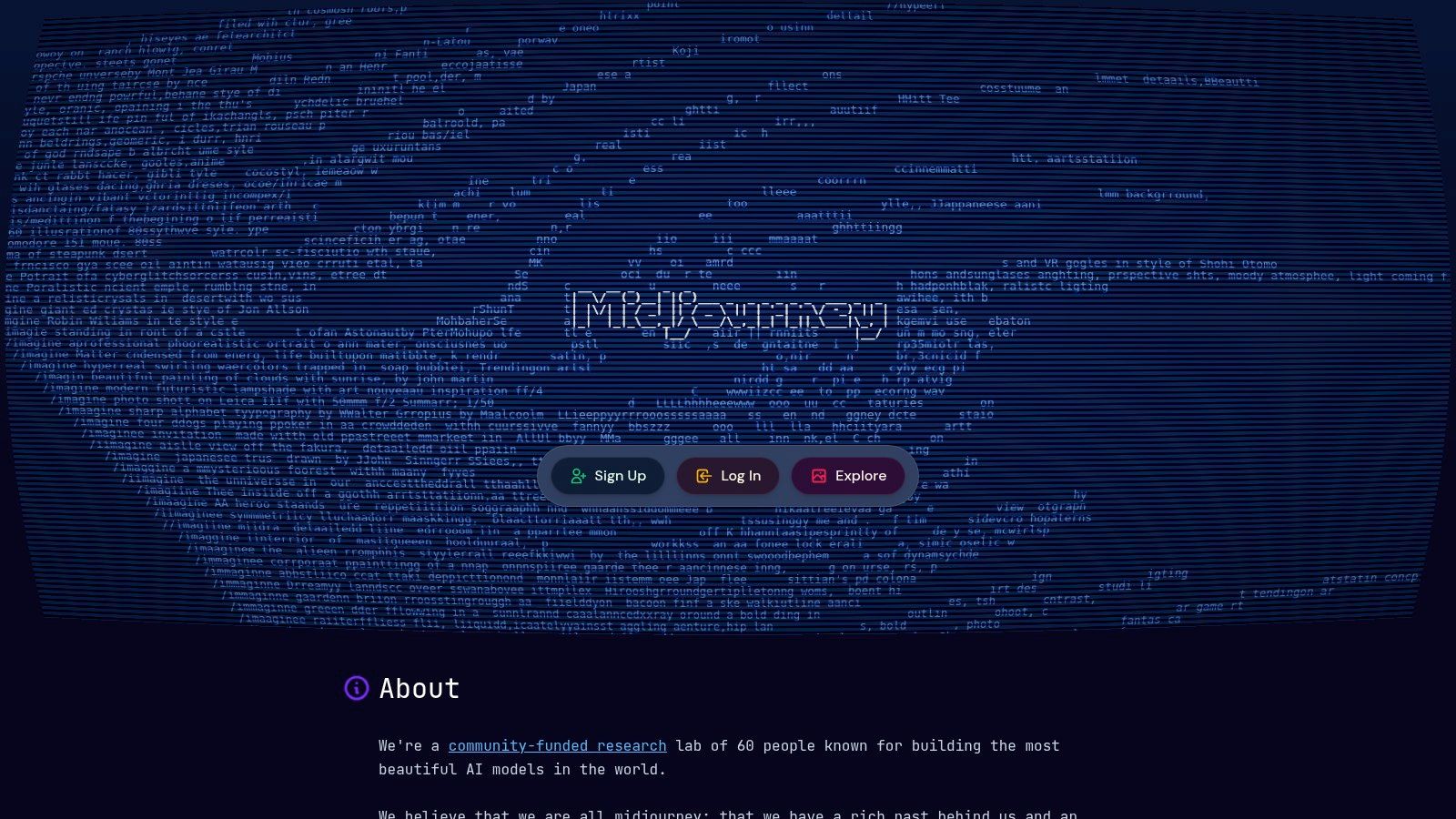
The platform operates on a subscription-only basis, with no free trial or tier available for generating images. Plans vary based on the amount of "Fast GPU" time allocated per month, with higher-tier plans offering a "Relaxed" mode for unlimited, albeit slower, generations. This structure makes it ideal for serious creators and professionals who need consistent, high-quality output.
Key Features & User Experience
Midjourney's strength lies in its powerful feature set and vibrant community. The platform excels at interpreting nuanced prompts and offers advanced parameters for fine-tuning aspect ratios, stylization levels, and model versions. Recent additions like the --animate feature can transform static images into short, subtle video clips, adding a new dimension to creations.
- Access: Web and Discord
- Pricing: Subscription required. Starts at $10/month for the Basic Plan, with Standard ($30/mo), Pro ($60/mo), and Mega ($120/mo) plans offering more Fast GPU time and features like Stealth Mode for private generations.
- Pros: Consistently superior aesthetic quality, strong community for inspiration, advanced control parameters.
- Cons: No free tier, which is a barrier for casual users. It has also faced legal challenges regarding its training data, a consideration for some enterprise clients.
Website: https://www.midjourney.com
3. OpenAI Images (gpt-image-1)
OpenAI's state-of-the-art multimodal model, gpt-image-1, represents the engine behind many AI art generator tools, but it's also directly accessible via API. This makes it the best AI art generator for developers, startups, and established businesses seeking programmatic control over image creation. Rather than a consumer-facing platform, it is a powerful, pay-as-you-go solution designed for seamless integration into applications, websites, and custom workflows, offering enterprise-grade tooling and predictable governance.
Loading image...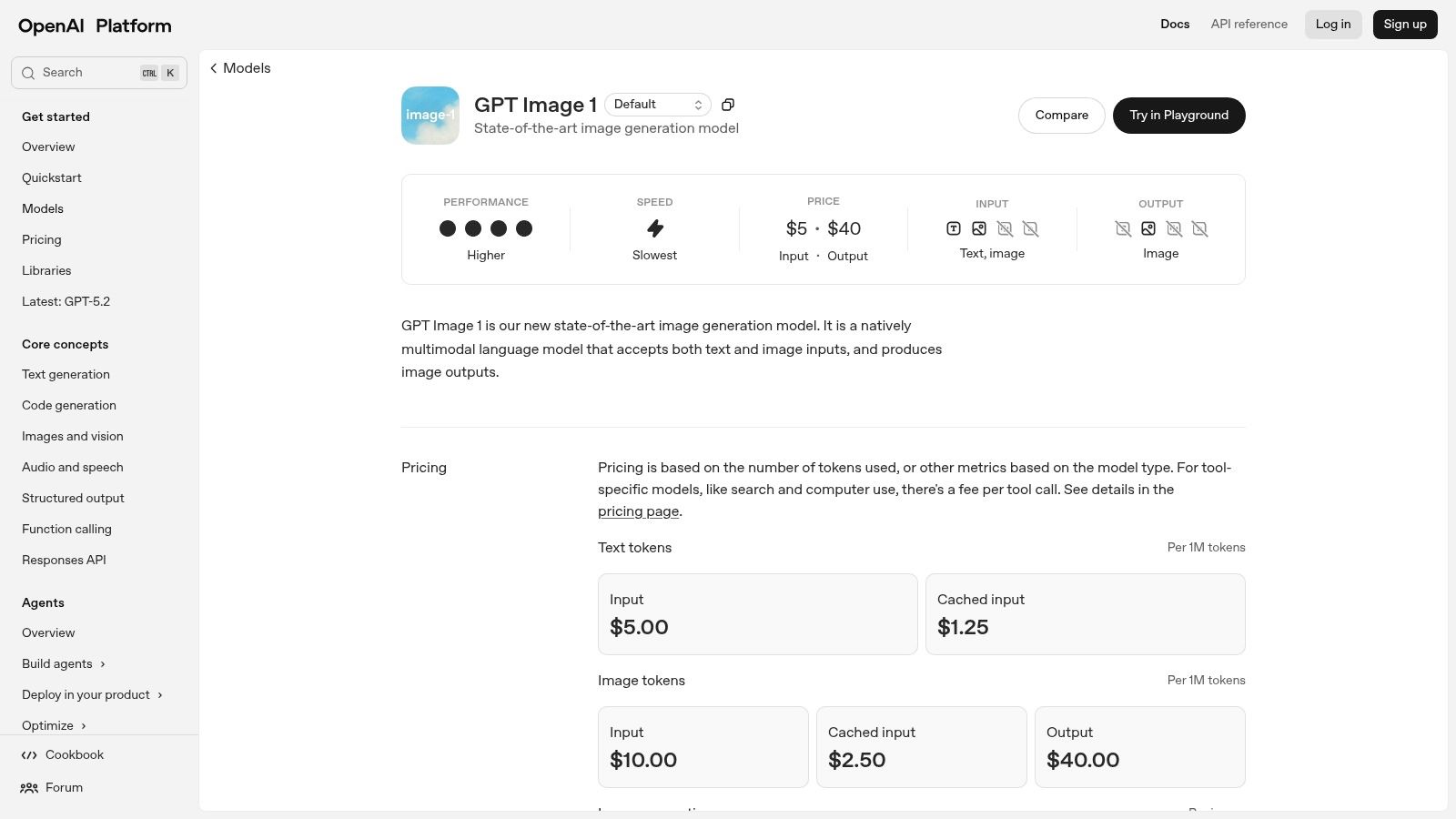
This model is built for technical users who prioritize reliability, scalability, and direct access. Its clear, usage-based pricing eliminates the need for monthly subscriptions, making it cost-effective for projects with variable demand. The focus is on providing a robust foundation for building custom visual content solutions, complete with comprehensive developer documentation and strong API performance. To better understand how this model can be implemented, you can learn more about the technical details of OpenAI Images (gpt-image-1) integration.
Key Features & User Experience
The core strength of gpt-image-1 lies in its advanced multimodal capabilities, including sophisticated image editing and conditioning features available through the Images API. It is engineered for high performance and reliability, ensuring consistent uptime for critical business applications. The user experience is developer-centric, revolving around API keys, billing setup, and clear documentation rather than a graphical interface.
- Access: API only
- Pricing: Pay-as-you-go based on usage. Pricing is determined by image size and quality, providing a transparent, scalable cost model.
- Pros: Flexible pay-as-you-go pricing model perfect for integrations, excellent for developers due to reliable uptime and strong tooling.
- Cons: Requires technical setup and coding knowledge. The per-token or per-image accounting can be abstract for non-developers.
Website: https://platform.openai.com/docs/models/gpt-image-1
4. Adobe Firefly
Adobe Firefly is the creative giant's answer to generative AI, seamlessly integrated into its ubiquitous Creative Cloud ecosystem. Designed for commercial safety, Firefly is trained on Adobe Stock images, openly licensed content, and public domain content, making it a reliable choice for professionals and enterprises concerned with copyright. It’s positioned as one of the best AI art generator tools for users already embedded in Adobe's workflow, offering features like Generative Fill directly within Photoshop.
Loading image...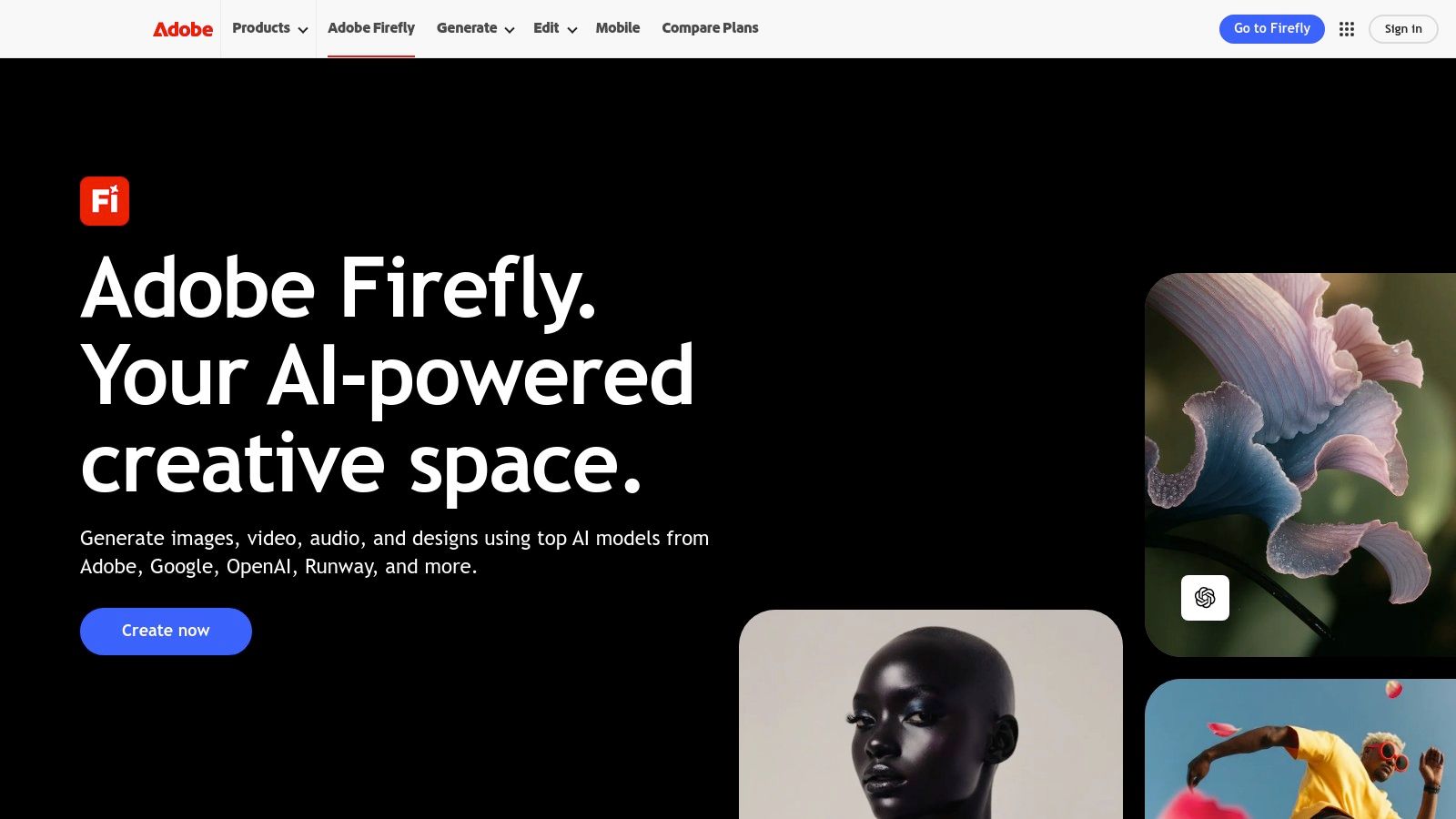
The platform operates on a "Generative Credits" system. Free users get a monthly allotment, while paid Creative Cloud subscribers receive a larger, faster pool of credits. This model encourages integration, allowing users to leverage AI features like text-to-image, text effects, and the powerful Generative Fill and Expand tools without leaving their core design applications. Its Content Credentials feature adds a layer of transparency, attaching "nutrition label" metadata to generated assets.
Key Features & User Experience
Firefly's core strength is its deep integration with Photoshop and Adobe Express, transforming established creative workflows. The user experience is polished and intuitive, whether on the standalone web app or within a host application. Tools like Generative Fill, a form of AI inpainting, allow for remarkable contextual edits and object additions. For a closer look at how this technology works, you can find more information about inpainting tools and their applications.
- Access: Web and integrated into Adobe Creative Cloud apps (Photoshop, Express, Illustrator).
- Pricing: A free plan is available with 25 monthly Generative Credits. Paid Creative Cloud plans (starting at $9.99/mo) include a larger bucket of credits, with options to purchase additional credits.
- Pros: Excellent integration with Adobe's suite, commercially safe training data, and Content Credentials for provenance.
- Cons: The generative credit system can be confusing, and high-volume use, especially with video features, can deplete credits rapidly.
Website: https://www.adobe.com/products/firefly
5. Stability AI (Stable Diffusion, API, self‑host)
Stability AI is the powerhouse behind the influential Stable Diffusion family of models, which helped democratize high-quality AI image generation. Unlike consumer-focused platforms, Stability AI primarily offers its technology through APIs, self-hosting options, and partnerships, positioning it as a foundational layer for developers, businesses, and technical users. This makes it the best AI art generator for those who need deep customization, integration flexibility, and control over their generative AI pipeline, including on-premises deployment.
Loading image...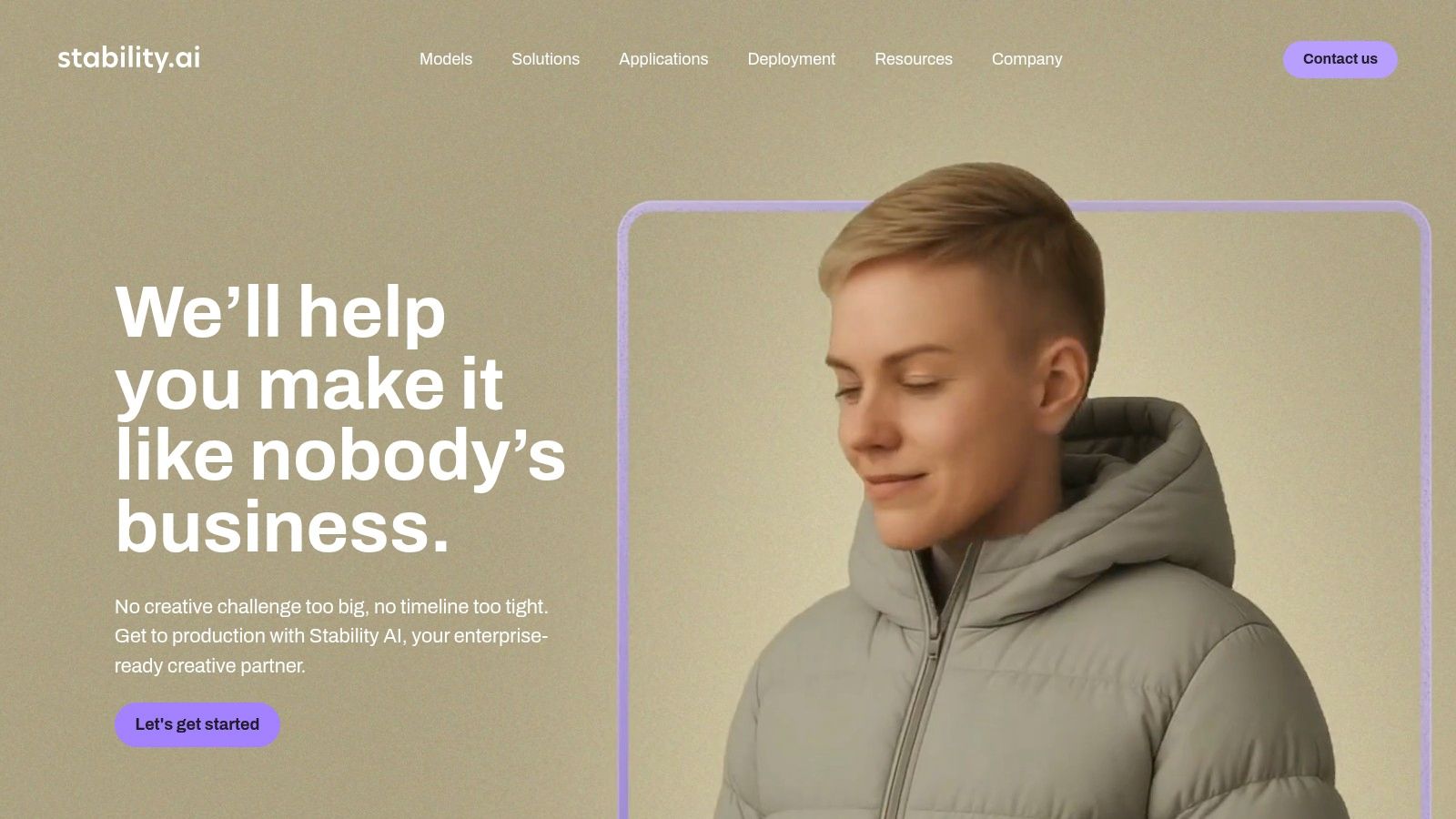
The company’s open-source ethos has cultivated a massive ecosystem of community-driven tools, fine-tuned models, and resources. Developers can leverage the Stability AI API with a credit-based pricing model, while enterprises can opt for cloud marketplace solutions or self-hosting the open weights of models like SDXL and the newly announced Stable Diffusion 3.5. This unparalleled flexibility caters to a wide spectrum of technical needs, from simple API calls to complex, customized local installations.
Key Features & User Experience
Stability AI's offerings are geared towards technical implementation rather than a direct-to-user interface. The platform's strength is its robust API, which provides access to a wide variety of models for image generation, editing, and video. Its open-weight models allow users to fine-tune them on proprietary data for specific styles or subjects, a critical advantage for commercial applications requiring brand consistency.
- Access: API, self-hosted open-weight models, and partner integrations.
- Pricing: API access is credit-based (pay-as-you-go or subscription). Self-hosting costs depend on infrastructure. Enterprise and cloud marketplace pricing varies.
- Pros: Maximum flexibility with API and self-hosting options, strong open-source community and ecosystem for customization.
- Cons: Can be complex for non-technical users, and the platform's available endpoints and pricing structures evolve frequently. Some legacy models have been deprecated.
Website: https://stability.ai
6. Microsoft Designer / Copilot (image generation)
Microsoft has seamlessly integrated powerful AI image generation directly into its ecosystem with Microsoft Designer and Microsoft 365 Copilot. Leveraging DALL-E models, this tool is not just a standalone generator but a built-in feature for millions of users, making it a compelling choice for individuals and businesses already invested in the Microsoft 365 suite. Its primary strength is convenience, allowing users to create visuals directly within applications like Word and PowerPoint.
The platform is accessible through a free tier that provides "boosts" for faster generations, which refresh daily. For business users, the Copilot for Microsoft 365 license unlocks higher usage limits, priority access, and commercial use rights, complete with the administrative controls and security protocols enterprises expect. This dual-access model makes it a versatile tool for both casual creators and corporate teams.
Key Features & User Experience
Microsoft’s integration-first approach defines the user experience, making AI art generation a natural extension of existing workflows. Instead of navigating to a separate platform, users can prompt for an image directly within their project documents or presentations. The Designer tool also provides templates and editing features to refine the AI-generated assets into finished marketing materials or social media posts, streamlining the entire creative process.
- Access: Web (Microsoft Designer) and integrated into Microsoft 365 apps.
- Pricing: Free access with daily boosts. Copilot for Microsoft 365 ($30/user/month) offers higher limits, priority access, and commercial rights.
- Pros: Excellent integration for Microsoft 365 users, strong for enterprise with admin controls, free tier is generous for casual use.
- Cons: Generation limits on free accounts can be restrictive for heavy users, and the exact credit system can be subject to change.
Website: https://designer.microsoft.com
7. Canva Magic Studio (Dream Lab/AI Image)
Canva Magic Studio integrates AI image generation directly into its widely-used design platform, making it a uniquely practical choice for users who need to create complete marketing assets, not just standalone images. Its strength lies in its ecosystem. You can generate an image with its "Dream Lab" tool and immediately drop it into a social media post, presentation, or advertisement template, streamlining the entire content creation workflow for non-designers and busy marketing teams.
Loading image...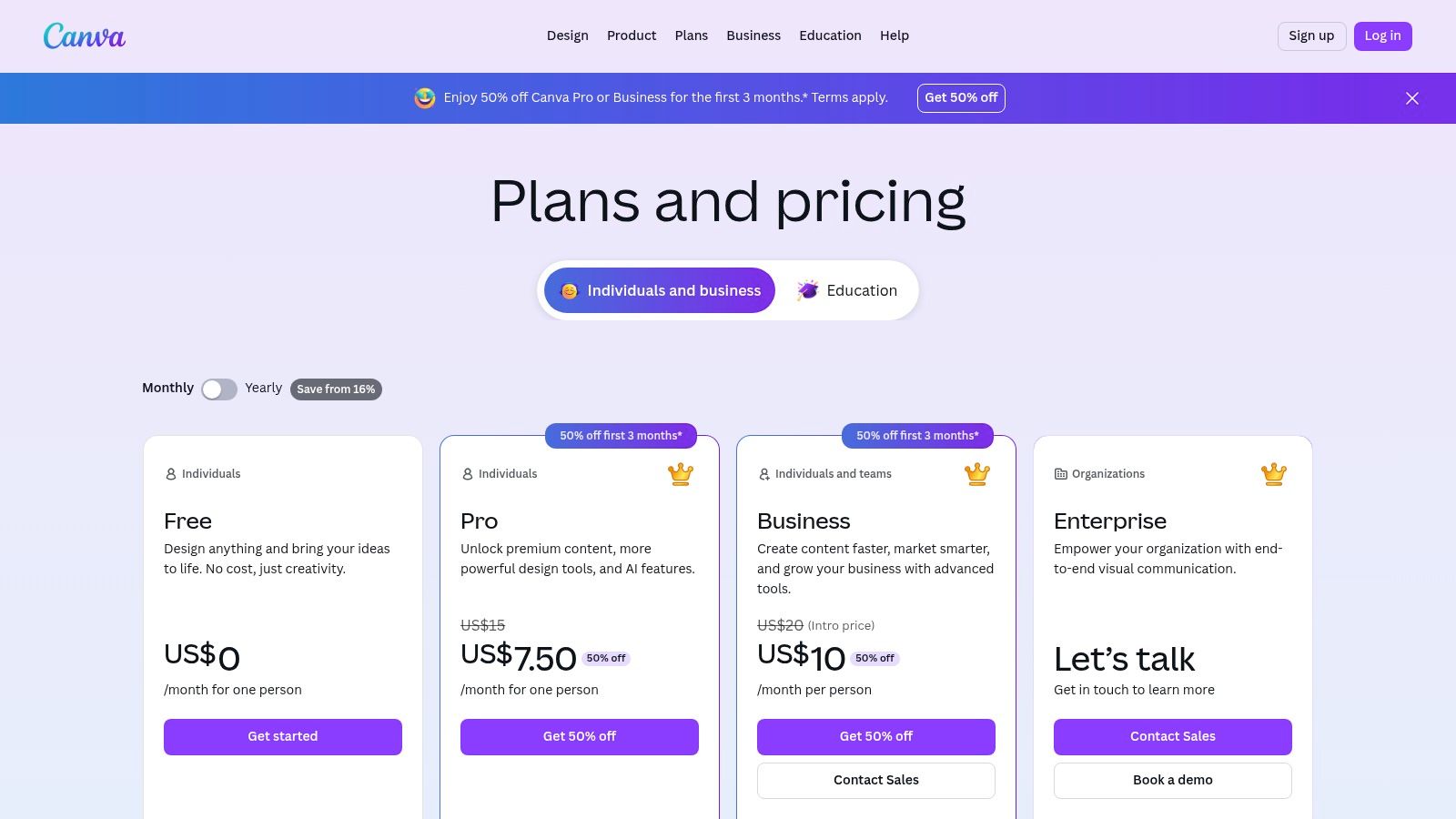
The platform operates on a freemium model where AI features are governed by credits. Free users get a limited number of lifetime credits, while paid subscribers receive a monthly allotment. This makes it an accessible entry point, but heavy users on Pro plans may find the credit limits restrictive compared to platforms offering unlimited generations. It's the best AI art generator for those who prioritize workflow efficiency over advanced image customization.
Key Features & User Experience
Canva’s user experience is famously intuitive, and its AI tools are no exception. The Dream Lab feature is embedded within the editor, allowing for easy text-to-image and even text-to-video generation without leaving your project. The ability to leverage Canva’s massive library of stock assets, fonts, and templates alongside AI-generated content is its key differentiator, enabling rapid, on-brand collateral production.
- Access: Web, Desktop, and Mobile Apps
- Pricing: Free plan with 50 lifetime text-to-image credits. Pro plan ($14.99/mo) includes 500 monthly credits. Higher-tier plans for teams offer more.
- Pros: Seamless integration into a full design suite, incredibly easy to use, and excellent for creating social media and marketing materials quickly.
- Cons: AI image quality is not as advanced as specialized generators, and credit system can be limiting for power users.
Website: https://www.canva.com/pricing/
8. Leonardo.ai
Leonardo.ai has carved out a powerful niche as a comprehensive creative suite, positioning itself as much more than just a text-to-image tool. It is designed for creators who need a full production workflow, from initial concept to refined asset. The platform stands out by offering a suite of fine-tuned models and advanced in-painting/out-painting canvas controls, making it a strong contender for the best AI art generator for game developers, concept artists, and marketing teams who require consistent characters and assets.
Loading image...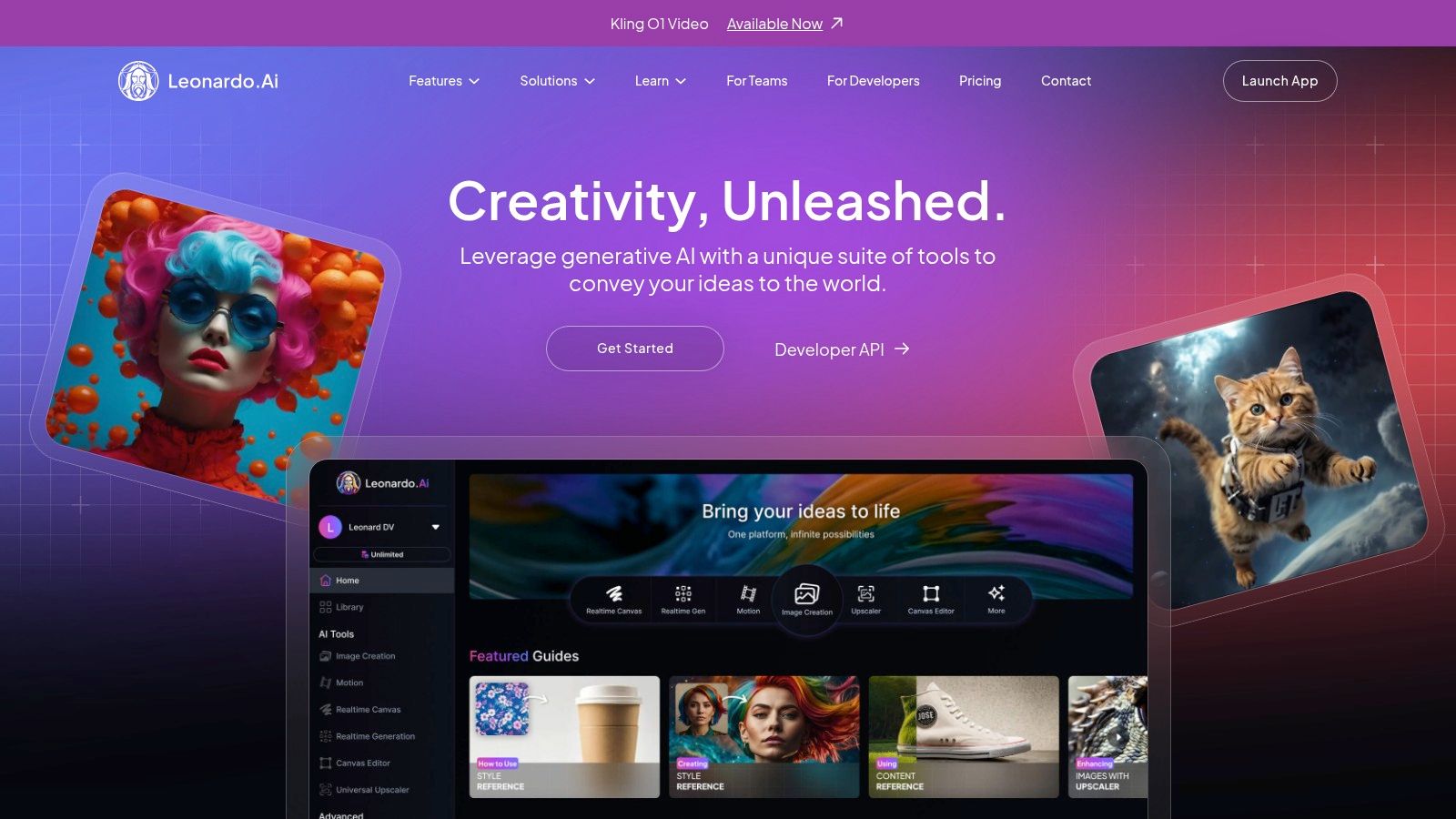
The platform operates on a freemium model, offering a daily allotment of free tokens that allows users to explore its core features. Paid plans provide more tokens, faster generation speeds, access to premium features like private generations, and the ability to train your own models. This flexible structure caters to both casual hobbyists and enterprise-level teams needing API access for scalable content production.
Key Features & User Experience
Leonardo.ai's strength lies in its ecosystem of integrated tools. The "AI Canvas" is a standout feature, providing an infinite workspace for extending images, correcting details, and combining multiple generations into a cohesive scene. The platform also offers a library of "Finetuned Models" optimized for specific styles like isometric sprites, character portraits, and product photography, giving users a head start on achieving a professional look.
- Access: Web app and API
- Pricing: Free tier available (150 daily tokens). Paid plans start at $10/month for the Apprentice Plan, with Artisan ($24/mo) and Maestro ($48/mo) tiers offering more tokens, features, and faster processing.
- Pros: Excellent suite of editing and canvas tools, specialized models for specific use cases, and robust API/team options for scaling.
- Cons: The token system and various generation settings can have a learning curve, and unlimited "relaxed" generation may not apply to all available models.
Website: https://leonardo.ai
9. NightCafe Studio
NightCafe Studio is one of the longest-running platforms in the AI art scene, making it a highly accessible and community-focused option. It stands out with a freemium, credit-based system that allows users to experiment with various models without an upfront subscription. This approach makes it a fantastic starting point for hobbyists and newcomers looking for a low-friction entry into AI image creation.
Loading image...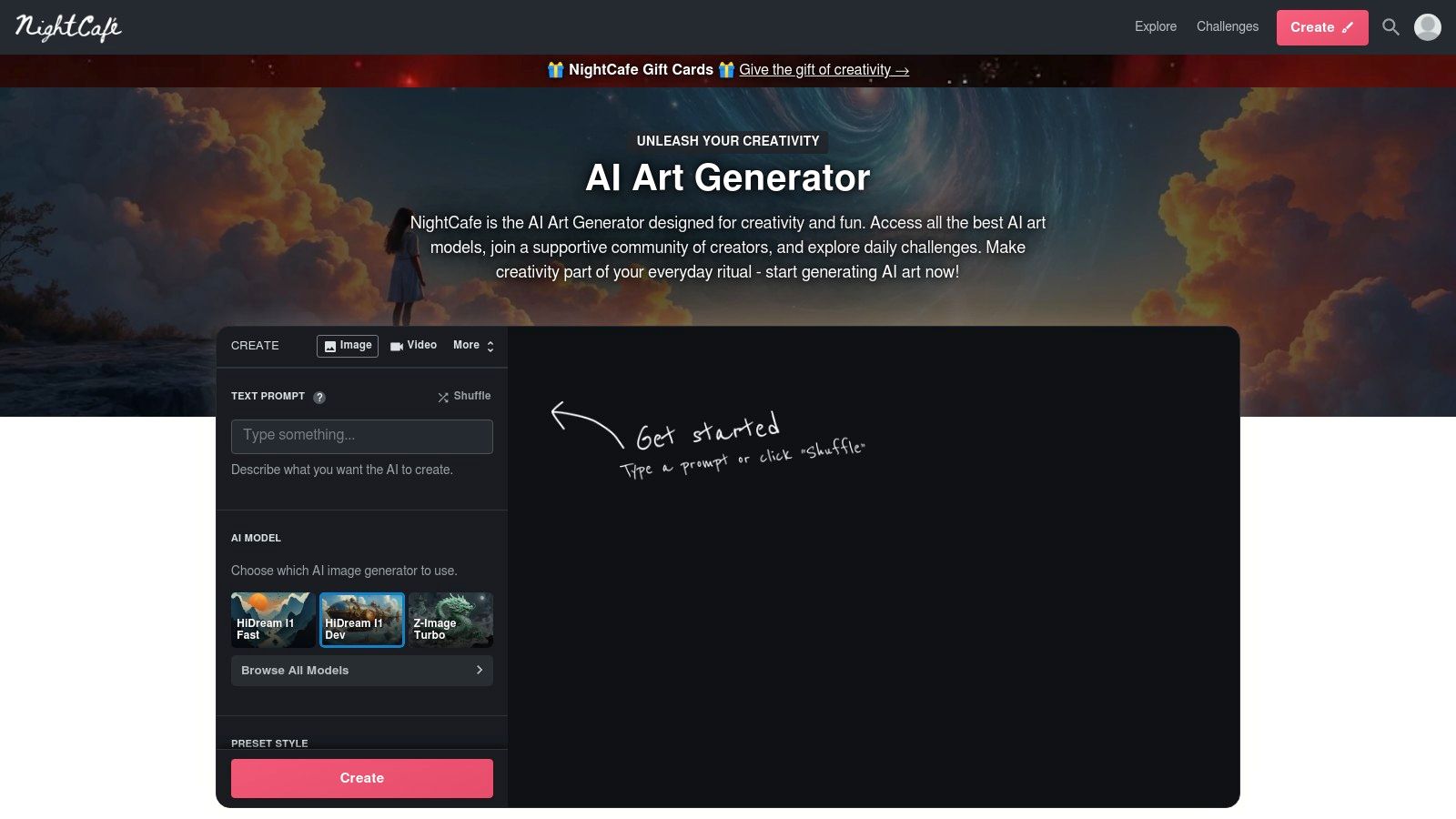
The platform offers daily free credits and opportunities to earn more through community challenges, encouraging active participation. A unique feature is its integrated print-on-demand service, allowing creators to easily order physical copies of their artwork. The platform's commitment to accessibility has cemented its place as a popular free AI art generator.
Key Features & User Experience
NightCafe provides access to multiple AI models, including Stable Diffusion XL (SDXL) and the newer, powerful Flux, alongside various upscalers and animation tools. Its user interface is designed to be beginner-friendly, guiding users through the creation process with clear options and presets. The community aspect is central, with daily challenges and a public gallery providing endless inspiration.
- Access: Web
- Pricing: Freemium model. Users get free daily credits. Additional credit packs can be purchased starting at $4.79 for 40 credits. Pro subscription plans start at $5.99/month for 100 credits.
- Pros: Very generous freemium model makes it great for beginners, access to a wide variety of models and tools, strong community features and print-ordering service.
- Cons: The credit system can be complex, as different models and settings consume credits at different rates. Final image quality is highly dependent on the model chosen and credits spent.
Website: https://nightcafe.studio
10. Ideogram
Ideogram has carved out a unique and powerful niche for itself by excelling where many other AI art generators struggle: typography. It is specifically designed to render coherent and accurate text within generated images, making it the best AI art generator for creating posters, logos, memes, and typographic art. While others often produce garbled or nonsensical characters, Ideogram's model reliably integrates legible text into visually appealing compositions, a truly game-changing feature for designers and marketers.
The platform offers a tiered pricing structure that includes a free plan, though its initial daily credits have been tightened to a weekly allotment. Paid plans introduce priority generation and a significant number of "Slow" credits, which are perfect for queuing up larger batches of images without burning through premium credits. This flexibility caters to both casual users and professionals who need bulk creation capabilities.
Key Features & User Experience
Ideogram’s interface is straightforward, focusing on the prompt and a selection of style tags like "typography," "poster," and "3d render." Its standout feature is its "Magic Prompt" function, which automatically enhances and adds detail to user prompts for more creative results. For professionals, the Pro plan’s batch generation from a CSV file is a major workflow enhancement, allowing for the creation of hundreds of customized images from a single upload.
- Access: Web-based
- Pricing: Free plan with 10 slow generations per week. Paid plans include Basic ($8/mo) and Plus ($20/mo), offering priority and more slow credits. Team plans are also available.
- Pros: Best-in-class text rendering inside images, generous slow credit system on paid tiers, and powerful batch creation for professional workflows.
- Cons: The free plan is now more limited, and the slow generation queue can become congested during peak usage hours, leading to delays.
Website: https://ideogram.ai
11. Picsart (AI Image Generator inside Picsart Pro/Plus)
Picsart is a household name in mobile and web-based photo editing, and it has successfully integrated a powerful AI image generator directly into its existing suite of creative tools. This makes it an excellent choice for solo creators, social media managers, and small teams who already use Picsart for design work and want an all-in-one solution. Rather than being a standalone generator, its AI capabilities are woven into a comprehensive ecosystem that includes background removal, templates, and extensive stock libraries.
Loading image...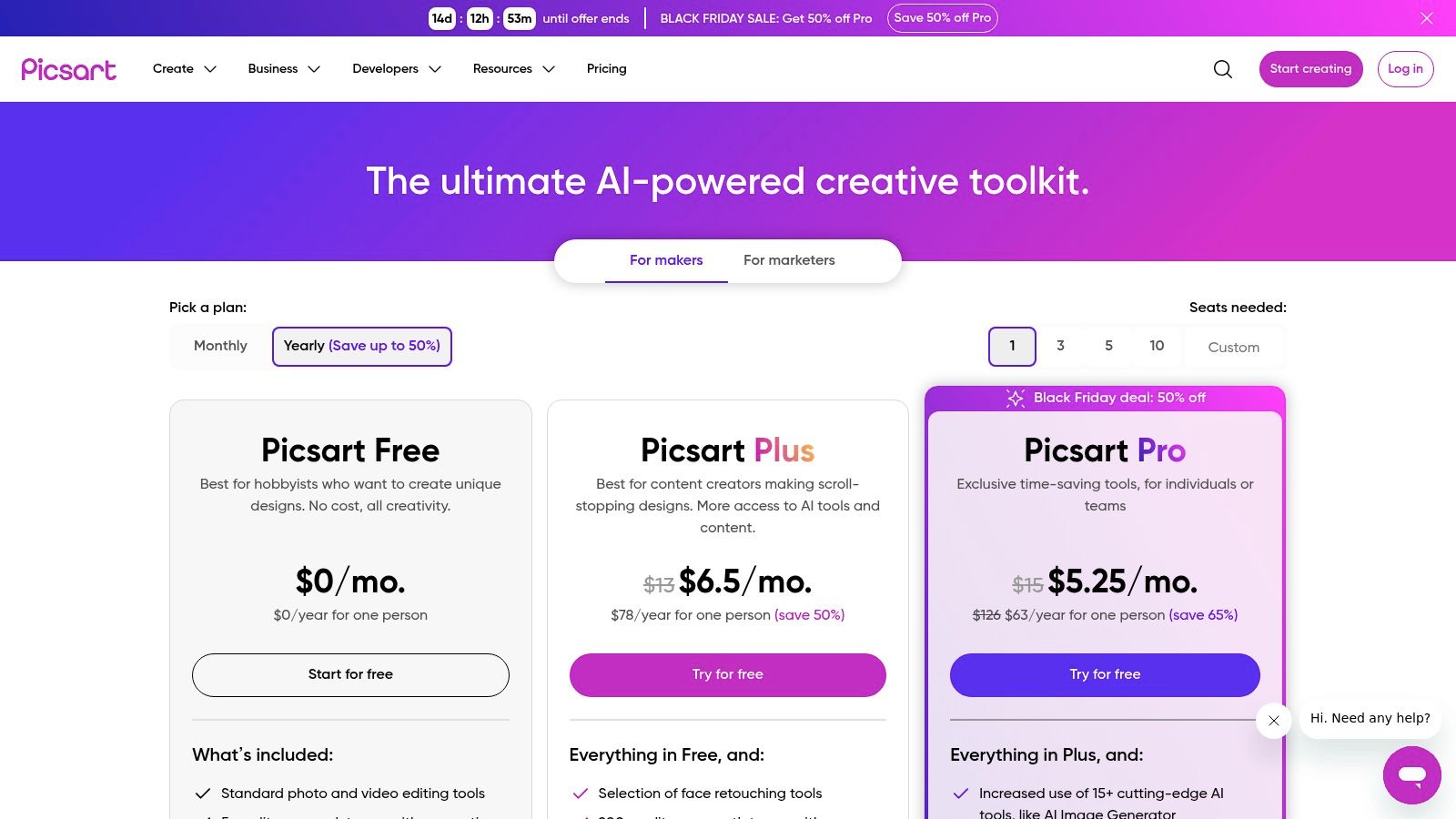
The platform operates on a freemium model, with AI generation and advanced features available through its Plus and Pro subscription plans. This credit-based system is ideal for users who need to generate images for specific projects without committing to a dedicated AI-only subscription. For those looking for the best AI art generator that combines image creation with practical, everyday design and editing tasks, Picsart offers a seamless and cost-effective workflow.
Key Features & User Experience
Picsart’s main advantage is convenience. Users can generate an AI image and immediately move it into the editor to add text, apply filters, or incorporate it into a larger design using thousands of available templates. This integrated workflow saves significant time compared to generating an asset on one platform and editing it on another. The interface is intuitive, especially for those familiar with mainstream design apps.
- Access: Web and Mobile (iOS/Android)
- Pricing: Limited free access. Plus plan is $5/month (billed annually) and includes a monthly credit allowance for AI tools. Pro and Enterprise plans offer more credits and team features.
- Pros: Integrates AI generation into a full-featured photo editor, affordable plans, large library of templates and stock content speeds up production.
- Cons: Monthly credit allocations require management for heavy users, and some advanced AI models may be gated behind higher-tier plans.
Website: https://picsart.com/pricing//
12. Artbreeder
Artbreeder offers a unique, collaborative approach to AI art creation, moving beyond simple text-to-image prompts. Instead, it uses a gene-splicing concept where users can "breed" and mix existing images using intuitive sliders. This GAN-based platform, now enhanced with SDXL capabilities, excels at iterative exploration and is perfect for discovering unexpected visual concepts or refining character designs through gradual mutation. Its strength lies in this playful, discovery-oriented process rather than precise prompt engineering.
Loading image...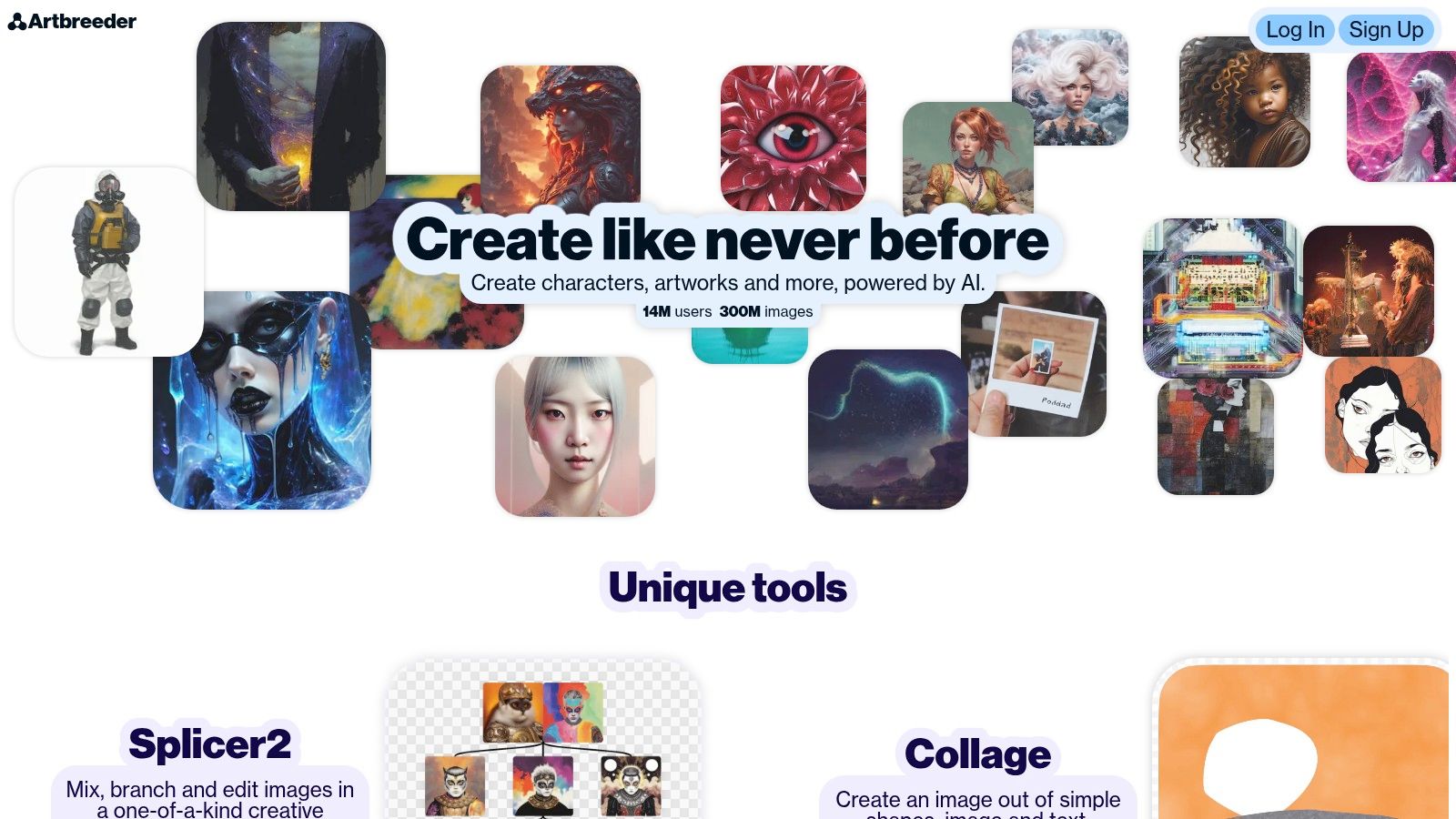
The platform operates on a freemium model. Free users receive a limited number of credits, while paid plans offer more monthly credits, high-resolution downloads, and privacy controls. This makes it an accessible and affordable tool for hobbyists and concept artists who enjoy a more tactile, experimental workflow. The community aspect is also strong, allowing users to remix and build upon the creations of others.
Key Features & User Experience
Artbreeder’s core is its "genes" and slider interface, which provides a hands-on way to manipulate image attributes. Instead of rewriting prompts, you adjust sliders for qualities like age, gender, or artistic style. This makes it a fantastic tool for generating a wide array of character portraits or landscape variations from a single starting point. While some of its tools may feel less advanced than newer diffusion platforms, its unique workflow makes it one of the best AI art generator options for creative brainstorming.
- Access: Web-based
- Pricing: Free tier with limited credits. Paid plans start at $8.99/month for 100 credits and go up to $38.99/month for 700 credits.
- Pros: Intuitive slider-based interface for easy exploration, great for concept discovery and character design, affordable plans for hobbyists.
- Cons: Less granular control compared to prompt-heavy generators, some tools feel dated next to cutting-edge diffusion UIs.
Website: https://www.artbreeder.com
Top 12 AI Art Generators — Feature Comparison
| Platform | Core features ✨ | Quality ★ | Price/Value 💰 | Target 👥 | USP / Notes |
|---|---|---|---|---|---|
| ai-media-studio 🏆 | Image & video gen; 50+ styles; inpainting/outpainting; team workspaces | ★★★★★ | 💰 Light $10; Starter $19; Pro $35 | 👥 Creators, marketers, SMBs, agencies | 🏆 Ease of use + commercial rights; privacy-first; strong export & collab |
| Midjourney | Web/Discord gen; advanced style controls; upscaling; animate | ★★★★★ | 💰 Subscription only (no free tier) | 👥 Artists, stylists, pros | ✨ Consistently high aesthetic quality; vibrant community |
| OpenAI Images (gpt-image-1) | Text→image + editing API; developer tooling | ★★★★★ | 💰 Pay-as-you-go API pricing | 👥 Developers, teams, enterprises | ✨ Programmatic, enterprise-grade reliability & governance |
| Adobe Firefly | Image/video/vector gen; Photoshop/CC integration; content credentials | ★★★★☆ | 💰 Credit-based via Creative Cloud plans | 👥 Creative pros, Adobe orgs | ✨ Provenance (content credentials) & admin controls |
| Stability AI (Stable Diffusion) | API/self-host; open weights; broad model ecosystem | ★★★★☆ | 💰 API credits / self-host (varies) | 👥 Teams needing customization & on‑prem | ✨ Flexibility & open-source model variety |
| Microsoft Designer / Copilot | M365-integrated image gen; admin & license controls | ★★★★☆ | 💰 Included/credits via M365 plans | 👥 Microsoft 365 users, enterprises | ✨ Native M365 workflow & admin integration |
| Canva Magic Studio | Dream Lab T2I/video; templates, brand kits, stock assets | ★★★★☆ | 💰 Free / Pro / Business (credit pools) | 👥 Non-designers, marketing teams | ✨ Fast on‑brand outputs with abundant templates |
| Leonardo.ai | Advanced canvas editing; fine‑tuned house models; API & teams | ★★★★☆ | 💰 Token system / paid tiers | 👥 Character artists, product creators, teams | ✨ Robust canvas + specialized models |
| NightCafe Studio | Freemium daily credits; multiple models; community & prints | ★★★☆☆ | 💰 Free daily credits + paid credits | 👥 Hobbyists, beginners | ✨ Very accessible; community challenges & print ordering |
| Ideogram | Strong text-in-image rendering; batch CSV generation | ★★★★☆ | 💰 Free → Pro plans (credits) | 👥 Poster/signage designers, bulk workflows | ✨ Best-in-class typography inside images |
| Picsart | Photo/design editor + AI gen; templates & background tools | ★★★☆☆ | 💰 Pro/Plus subscription (credit-based) | 👥 Solo creators, small teams | ✨ All-in-one editor with large asset library |
| Artbreeder | Slider/"genes" mixing; community remixing; iterative exploration | ★★★☆☆ | 💰 Free + annual Pro credit bundles | 👥 Concept artists, hobbyists | ✨ Intuitive breeding for concept discovery |
The Future of Visuals is Here—Start Creating Today
The landscape of visual content creation has been fundamentally reshaped. Navigating the world of AI art generators reveals a powerful truth: the ability to produce stunning, bespoke imagery is no longer exclusive to those with years of specialized training or expensive software. From marketing professionals to independent artists, the barrier between a creative concept and a tangible visual asset has all but disappeared.
Throughout this comprehensive review, we've explored a dozen of the most influential platforms, each with its unique philosophy and feature set. We’ve seen how tools like Midjourney push the boundaries of artistic photorealism, how Stability AI provides unparalleled control for developers through its open-source models, and how Adobe Firefly ensures commercial safety with its ethically trained dataset. Each platform carves out its niche, serving a specific segment of the creative community.
Key Takeaways for Choosing Your AI Art Generator
The journey to finding the best AI art generator is highly personal and depends entirely on your specific goals. To simplify your decision-making process, consider these core takeaways:
- For Business & Marketing: If your primary need is creating consistent, on-brand assets for commercial use, prioritize platforms that offer style consistency, user-friendly interfaces, and clear commercial licensing. Tools like AI Media Studio, Adobe Firefly, and Canva Magic Studio are built with these professional requirements in mind.
- For Artistic Exploration: For artists and creatives looking to explore novel aesthetics and push creative limits, platforms like Midjourney, Leonardo.ai, and NightCafe offer deep customization, active communities, and a vast array of artistic models and styles.
- For Integration & Development: If you're a developer aiming to build AI image generation into your own applications, the Stability AI API or OpenAI's image models provide the robust, scalable infrastructure needed for custom implementation.
- For Accessibility & Ease of Use: Beginners or casual users who want to generate high-quality images without a steep learning curve will find Microsoft Designer, Picsart, and Ideogram to be excellent, low-friction entry points.
Your Next Steps into the World of AI Art
The most crucial step you can take now is to move from reading to doing. Theoretical knowledge is valuable, but hands-on experimentation is where you will truly discover which tool resonates with your workflow. We strongly recommend signing up for the free trials or using the free credit tiers offered by several of the tools on our list.
Start by testing the same one or two prompts across different platforms. Observe the nuances in how each generator interprets your words. Pay attention to the user interface: is it intuitive, or does it feel clunky? This practical approach will quickly reveal which platform feels like a natural extension of your creative process.
Ultimately, the power of these tools lies in their ability to augment human creativity, not replace it. They are collaborators, ready to visualize your most ambitious ideas. Whether you're designing a logo for your startup, creating concept art for a project, or simply exploring the new frontiers of digital art, the perfect generator is waiting. The future of visual creation is not a distant concept; it's an accessible reality, available right now. The only remaining question is: what will you create first?
Ready to experience a tool that balances professional-grade power with intuitive design? As our top pick for the best AI art generator for most users, ai-media-studio offers the perfect blend of style consistency, ease of use, and commercial-ready features. Get started today and see how quickly you can bring your creative and business visions to life.