

Editorial task guide (English)
How do I clean up an existing electronics product photo?
Use this page for catalog repair: start with a photograph of the actual SKU and fix lighting or background before changing the composition. Capture a new angle with a camera when the source does not show the required detail.
Example brief, not a demonstrated result: “Clean the background of this photo of a pair of wireless headphones to neutral white. Keep the item, label, material and proportions unchanged; preserve a soft contact shadow. Do not add props or reconstruct hidden parts.”
What should I check before publishing?
- Check ports, buttons, hinge geometry and supplied accessories; a generated scene cannot verify compatibility.
- Compare the edit side by side with the original at full size. Reject changed product details; AI does not guarantee exact preservation.
- Export a clean catalog image and a detail crop from visible source detail, not an invented reverse-side view.
从一次产品上传创建电子产品摄影
使用电子产品摄影 AI 上传原始照片、选择电商目标、生成多种变体,并导出适配你电商流程所需的格式。
电子产品摄影模板
不用从空白提示开始,直接使用市场清图、产品棚拍、生活场景、白底上架图、社媒广告组或网站主图等模板入手。
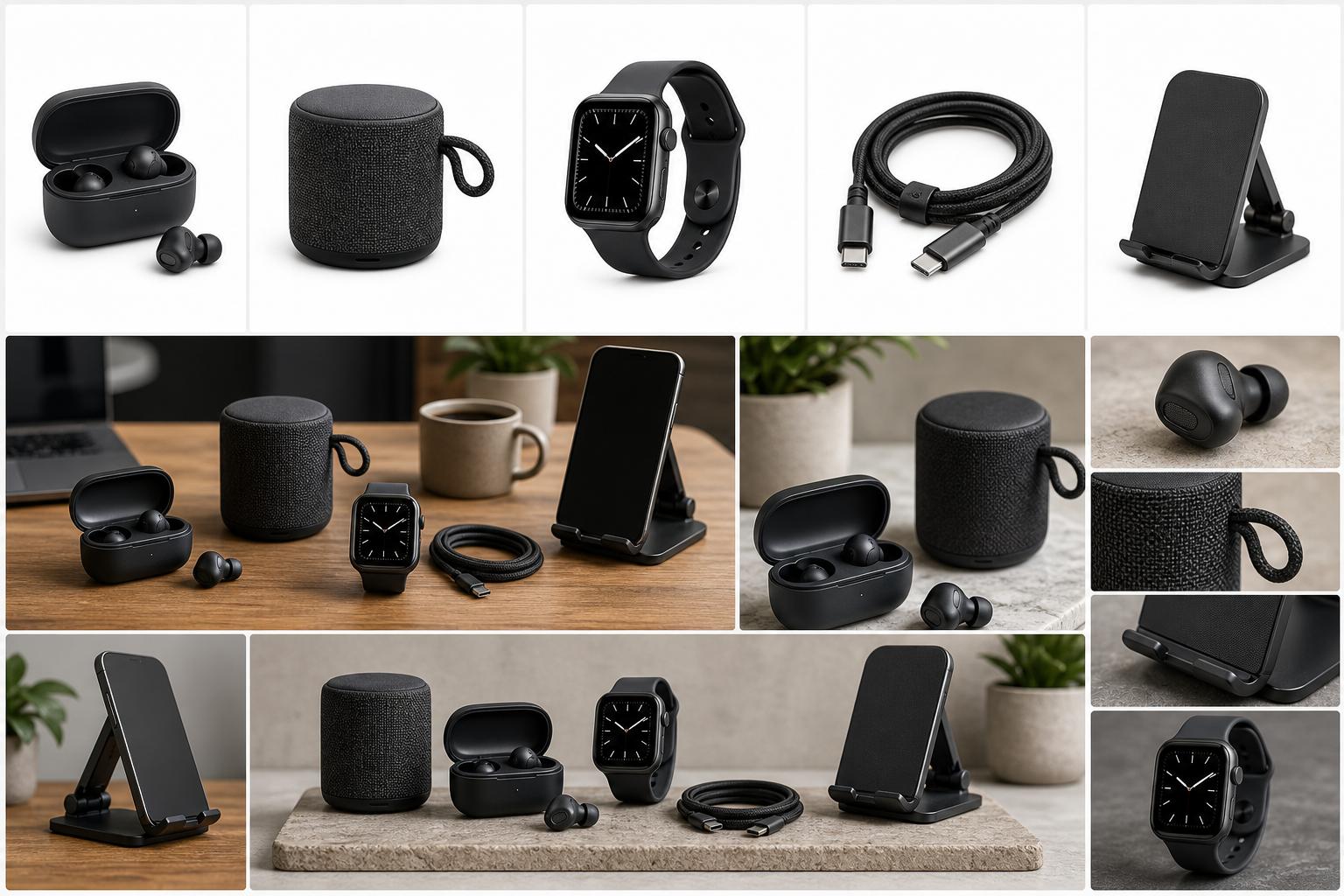
电子产品摄影 AI 示例
当你的产品准备上架,但原始照片需要更干净的背景、更好的光线、更清晰的细节或针对渠道的输出格式时,使用此工作流。
供应商图片风格不一致时,刷新商品列表。
无需重新拍摄也能制作季节性活动素材。
先预览,只有准备好导出时再注册。
常见问题
我可以免费试用电子产品摄影 AI 吗?
注册后可使用 Muse Image免费编辑一张上传的照片一次。其他功能均需付费方案。套餐每月 $19 起,包含完整的电商工作流程、无水印导出和完整商用权利。
我能把这些图片用于电子产品电商吗?
可以。该工作流专为电子产品电商素材设计,包括清晰的上架图、生活场景图、社媒裁切、竖版广告裁切和网站主图。
它能替换或清理产品背景吗?
可以。你可以移除干扰背景,生成干净的白底上架图,或将产品置入棚拍或生活场景中。
我可以商业使用生成的图片吗?
付费方案包含商业许可。你必须拥有原始图片、产品和品牌的使用权,并检查输出的准确性及第三方权利。公开条款保留用户所有权,但没有明确说明首次单次照片编辑的单独商业许可;商业使用前请咨询客服。
包内包含哪些格式?
该包侧重于市场方形图、社媒方形图、竖版广告和网站主图裁切,付费计划可提供高分辨率导出。