Choose an editor by the change you need, not just the word “free.” Background removal, prompt-based editing, and manual retouching are different workflows. Check whether an offer includes the export resolution and usage rights you need. The AI Media Studio section below was updated for the current photo-first editor; competitor allowances can change, so confirm them on each provider’s site.
1. AI Media Studio: edit your own photo with an instruction
AI Media Studio is our own tool. Upload a photo, describe what should change, then compare the result with the original. Background, portrait, restoration, and restyling tasks start from the image you already have; text-to-image remains available separately.
Plans start at $19/month. A paid plan is required to generate images and videos.
For a background change, try: “Replace the background with a softly lit studio. Keep the person, clothing, and pose unchanged.” For an old photograph, start with scratches and fading before attempting a larger transformation. These instructions guide the model; they do not guarantee exact preservation of faces, labels, or fine detail.
Open the AI photo editor to upload and transform, or the editor tool. Browse photo editing prompts, or follow the background-change guide. The old-photo restoration guide explains how to compare the result and keep the original. For a Canva Magic Edit or Photoshop Generative Fill comparison, see the prompt-first photo editor alternative.
Use a precise pixel editor when you need exact masks, layered compositing, or forensic fidelity. A generated edit is a new interpretation of the image, not a recovery of missing evidence.
2. Adobe Firefly
Adobe Firefly is the creative giant's formidable entry into the generative AI space, offering a suite of powerful tools directly within a web browser. As a leading ai image editor free to start, it excels at intuitive, context-aware modifications. Its standout features, Generative Fill and Generative Expand, allow users to seamlessly add, remove, or extend content in any image with simple text prompts.
Loading image...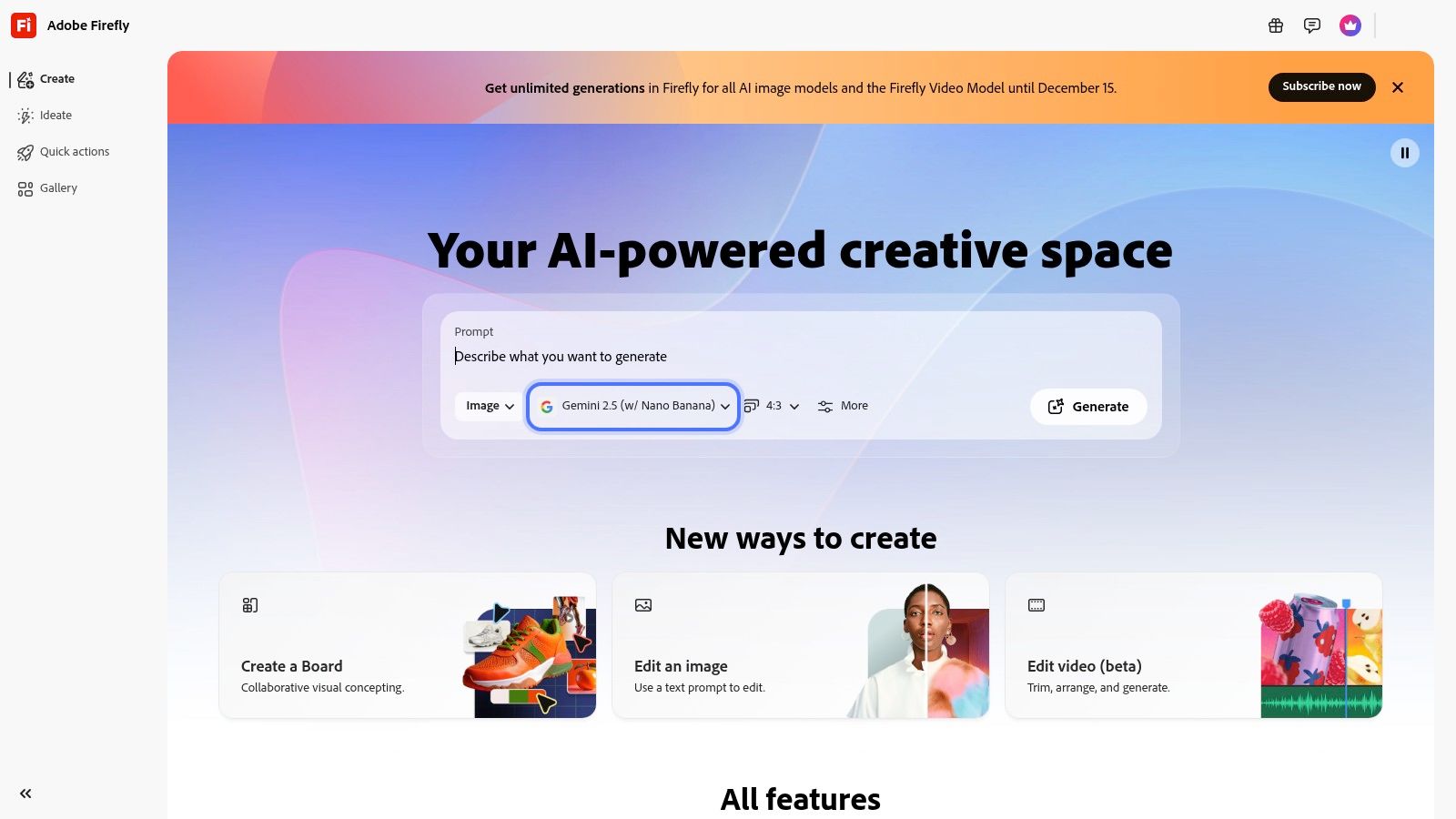
What sets Firefly apart is its deep integration with the Adobe Creative Cloud ecosystem. Edits made in the browser can transition smoothly to Photoshop or Adobe Express, making it a natural choice for existing Adobe users. The AI models are trained exclusively on Adobe Stock's licensed library and public domain content, ensuring the outputs are commercially safe. This makes it a reliable tool for marketing teams and professional artists concerned with copyright.
Free Plan & Limitations
The free plan provides users with 25 generative credits per month. Each generation of an image or use of a feature like Generative Fill consumes one credit. While this is a great way to test the platform's capabilities, high-volume users or those working on large projects will quickly need to upgrade to a paid Creative Cloud plan for more credits and full-feature access.
Key takeaway: Adobe Firefly is the ideal choice for creatives already invested in the Adobe ecosystem or those who prioritize commercially safe AI-generated content and industry-leading tools.
- Pros: Deep integration with Adobe apps, strong brand reputation, commercially safe outputs.
- Cons: Free usage is limited by a monthly credit system, full potential is unlocked with paid plans.
Website: https://firefly.adobe.com
3. Canva (Magic Studio)
Canva has evolved from a simple design tool into a comprehensive creative suite with its "Magic Studio," positioning itself as a highly accessible ai image editor free for mainstream users. Its strengths lie in seamlessly integrating AI tools like Magic Edit and Magic Expand directly into its famous template-driven workflow. Users can easily modify, remove, or generate new elements within an image by simply brushing over an area and typing a prompt.
Loading image...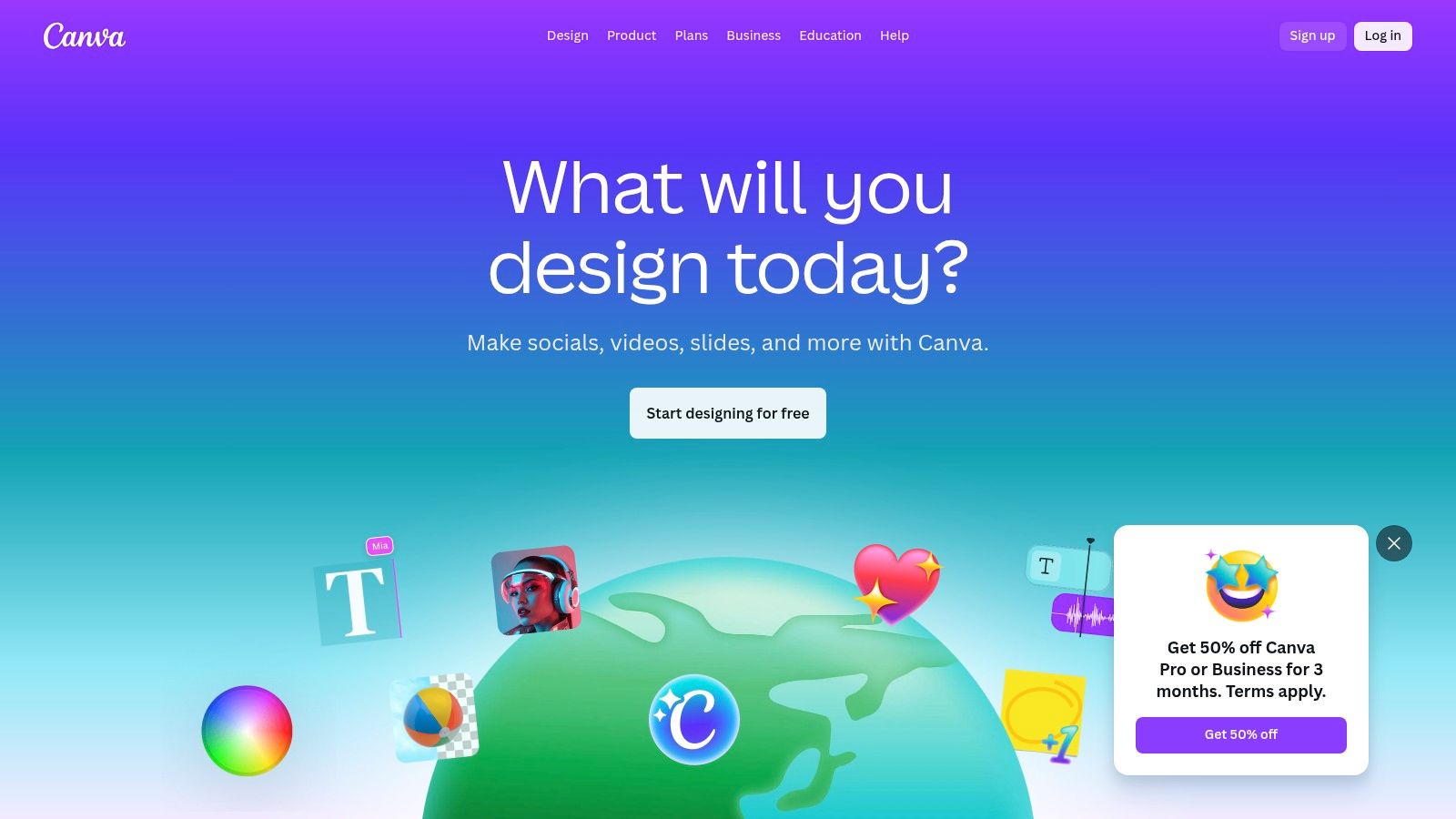
What makes Canva stand out is its all-in-one approach. You can generate an image, remove its background, place it into a social media template, and add text all within a single interface. When designing for social platforms with tools like Canva, it's also essential to consult a comprehensive guide to the best image sizes for social media to ensure your creations always look their best. This workflow is incredibly efficient for social media managers and marketers who need to produce content quickly.
Free Plan & Limitations
Canva's free plan generously includes limited access to its Magic Studio tools. Users get 50 lifetime credits for text-to-image generation and a certain number of uses for features like Magic Edit. To get more credits and unlock premium templates, stock photos, and advanced AI features, an upgrade to a Canva Pro or Teams subscription is necessary.
Key takeaway: Canva is the perfect choice for individuals and teams needing a fast, user-friendly design tool where AI editing is just one part of a larger content creation workflow.
- Pros: Very easy to learn and fast for quick designs, Free tier includes limited AI access for images, vast template library.
- Cons: Some AI features and higher quotas require paid plans, occasional reliability hiccups reported with Magic Edit.
Website: https://www.canva.com
4. Pixlr
Pixlr has long been a staple in the world of browser-based photo editing, and it has successfully evolved by integrating a powerful AI toolkit. This platform stands out as a versatile ai image editor free for quick, effective edits without the need for downloads or even an account for many features. Its suite includes modern AI tools like Generative Fill and Expand, allowing users to add or extend image content with text prompts, alongside one-click background and object removal.
Loading image...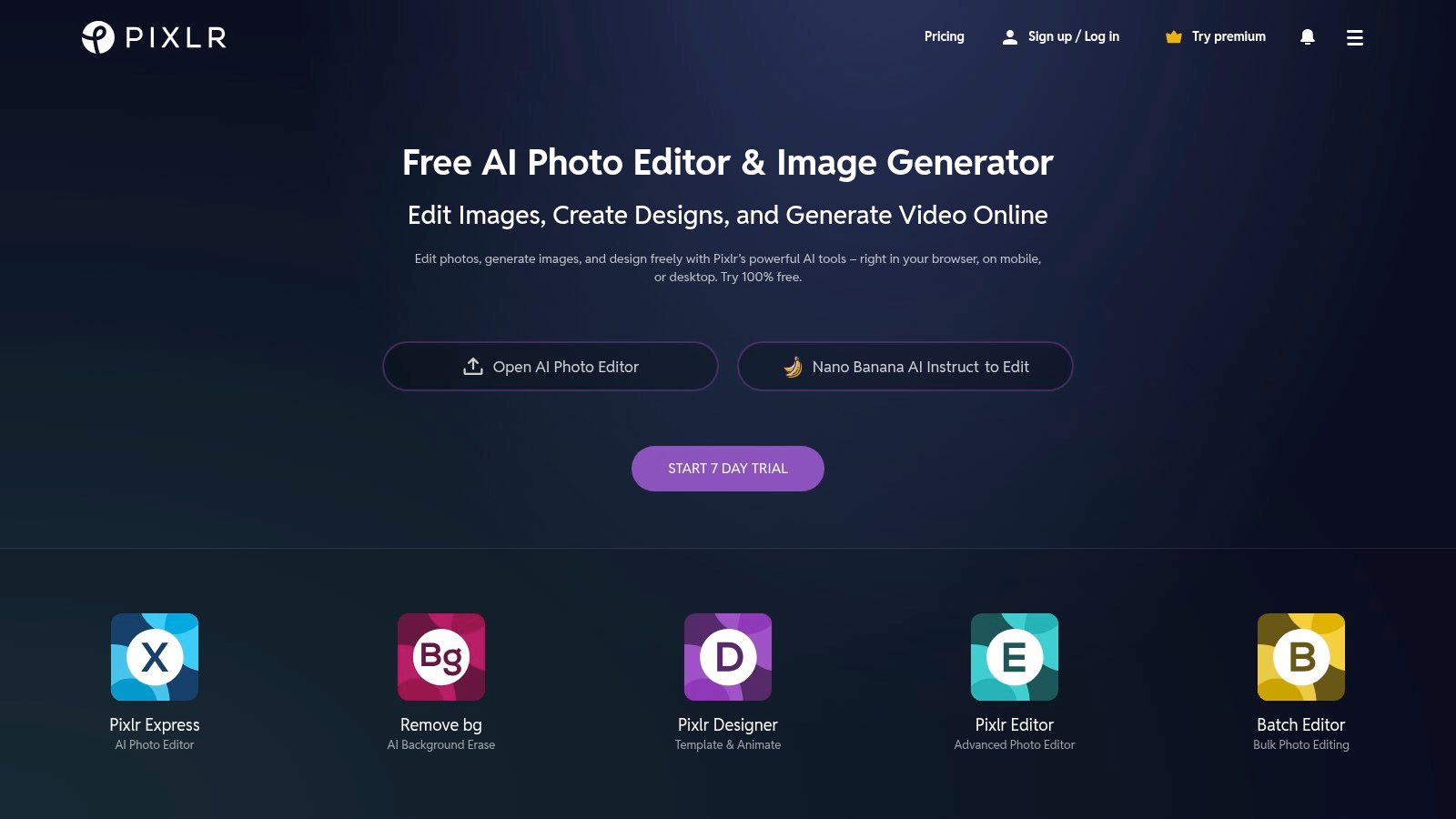
What makes Pixlr a go-to choice is its accessibility and speed. You can upload an image and start using sophisticated AI features like sharpening, denoising, or upscaling in just a few seconds. This frictionless experience makes it perfect for social media managers, bloggers, and small business owners who need to produce high-quality visuals quickly. The interface is intuitive, blending traditional editing layers with new AI-powered shortcuts.
Free Plan & Limitations
Pixlr's free plan is quite generous, offering access to many of its core AI tools and basic editing functions. However, this tier is ad-supported, and some of the more advanced features, like higher-resolution generative outputs or batch processing, are reserved for premium subscribers. While you can accomplish a lot for free, frequent users may find the ads and feature limitations push them toward a paid plan.
Key takeaway: Pixlr is an excellent, fast, and accessible option for everyday editing tasks and quick AI enhancements, making it ideal for social media content creation and light design work.
- Pros: Free and fast to use with no downloads for many features, broad tool coverage suitable for social content and light design.
- Cons: Ads and some feature gating on the free tier, advanced or batch features may require subscription.
Website: https://pixlr.com
5. Fotor
Fotor has established itself as an all-in-one visual creation platform, making it a highly accessible ai image editor free for beginners and casual users. It blends traditional photo editing with a comprehensive suite of AI tools, all within a clean, user-friendly interface. Key features include one-click background removal and replacement, an AI image enlarger for improving resolution, and an AI art generator for creating images from text prompts.
Loading image...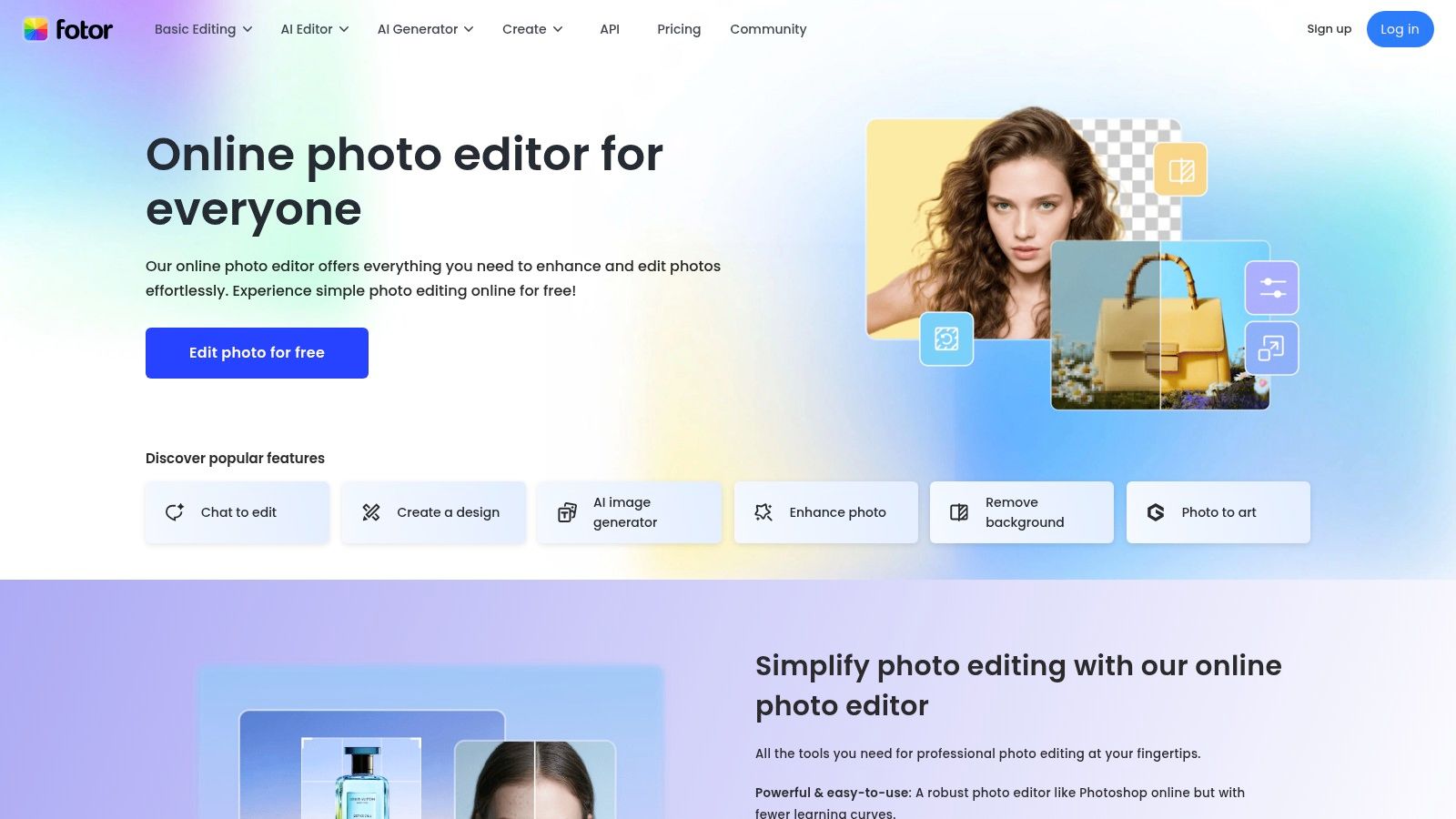
What makes Fotor stand out is its balance between simplicity and capability. It's not just an editor; it's also a design tool packed with templates for social media posts, collages, and marketing materials. This integrated approach allows users to quickly generate an AI image, remove its background, and place it into a professional-looking design template without ever leaving the platform, streamlining the entire content creation workflow for social media managers and small business owners.
Free Plan & Limitations
Fotor offers a generous "Fotor Basic" free-forever plan that includes core editing tools and a limited number of AI credits to test premium features. However, free users must contend with watermarks on downloaded images and advertisements on the platform. Accessing the full suite of AI tools and removing watermarks requires upgrading to a Fotor Pro or Pro+ subscription, which provides more monthly credits and advanced features.
Key takeaway: Fotor is perfect for marketers and hobbyists who need a simple, all-in-one tool for quick edits, AI enhancements, and social media graphic design without a steep learning curve.
- Pros: Gentle learning curve for casual users, Free 'forever' Basic plan with limited credits, combines editing with design templates.
- Cons: Watermarks and limited formats on the free plan, heavier AI access requires Pro/Pro+ subscriptions.
Website: https://www.fotor.com
6. Photopea
Photopea is a legendary browser-based editor that has long served as a free, web-native alternative to Adobe Photoshop. While its core strength lies in its robust manual editing tools, it has cleverly integrated AI capabilities, making it a powerful ai image editor free for those who need professional-grade control. Its interface will be instantly familiar to anyone who has used traditional photo editing software, supporting layers, masks, and advanced adjustments.
Loading image...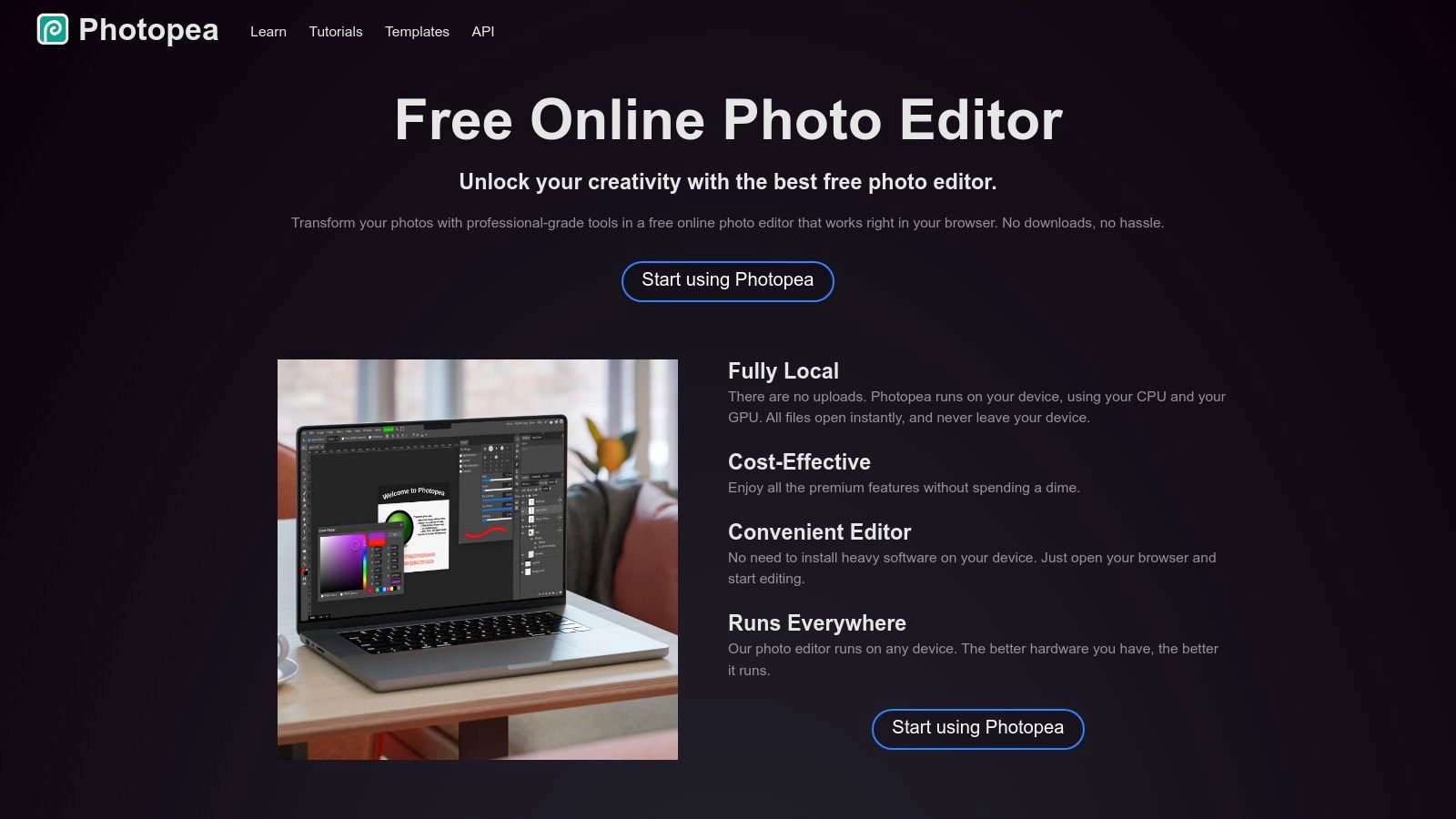
What makes Photopea stand out is its ability to open and save complex file formats like PSD, AI, and Sketch directly in the browser without any installation. The AI features, including text-to-image generation and generative inpainting, are powered by Stable Diffusion. This allows users to seamlessly combine precise manual editing with powerful AI generation within the same workflow, offering a level of control that most simplified AI editors lack.
Free Plan & Limitations
Photopea is entirely free to use, supported by ads displayed on the side of the interface. There are no credit systems or feature limitations for the AI tools, though performance can depend on server load. Users can opt for a premium subscription to remove ads and support the developer, but all core and AI functionalities are available on the free tier. This makes it an incredibly accessible tool for advanced projects.
Key takeaway: Photopea is the ultimate choice for users who need a full-featured, Photoshop-like environment in their browser and want to integrate AI generation into a traditional, layer-based editing workflow.
- Pros: Extremely capable free editor for layered and PSD work, works with common professional file formats, no credit limits.
- Cons: Denser interface can be intimidating for beginners, AI features may be slower than dedicated platforms during peak times.
Website: https://www.photopea.com
7. Microsoft Designer
Microsoft Designer emerges as a strong contender in the AI-powered design space, integrating DALL·E's generative capabilities into a user-friendly, web-based tool. Positioned as an all-in-one platform, this ai image editor free solution is designed for creating social media posts, invitations, and other visual assets with minimal effort. It simplifies the creative process with AI-driven features like generative erase for removing unwanted objects and one-click background removal.
Loading image...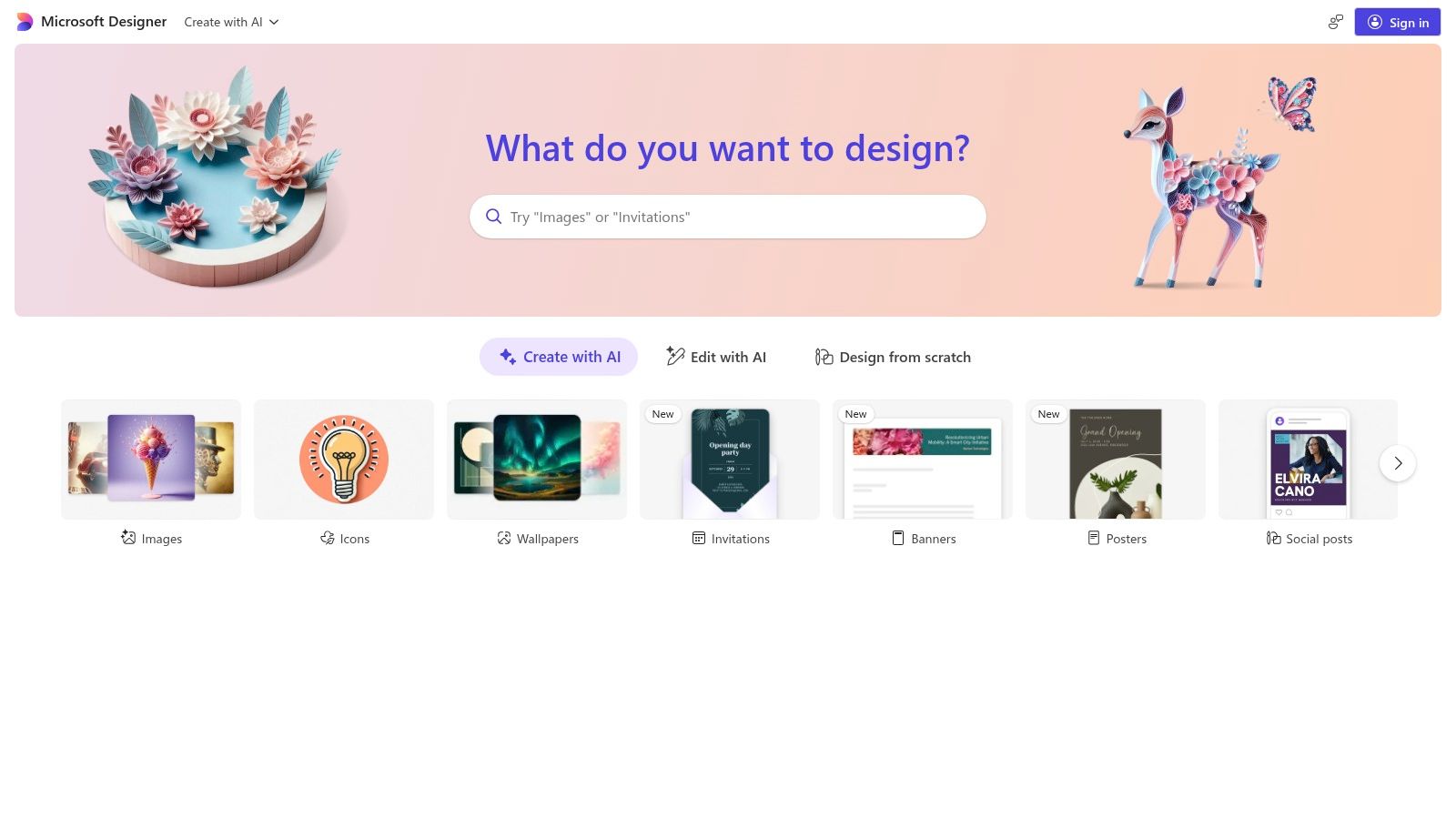
What makes Microsoft Designer particularly appealing is its seamless integration with the Microsoft ecosystem. If you frequently use Microsoft 365, the workflow feels natural and intuitive. The platform offers guided design flows, providing AI-powered layout and style suggestions based on your content and prompts. This approach is ideal for non-designers or marketers who need to produce polished visuals quickly without a steep learning curve.
Free Plan & Limitations
Microsoft Designer is currently free to use with a Microsoft account, offering a generous number of daily "boosts" for faster image generation. Without boosts, generation may be slower during peak times. While the core features are accessible, the platform is still evolving, meaning some advanced functionalities might be rolled out gradually or could eventually become part of a premium Microsoft 365 subscription.
Key takeaway: Microsoft Designer is the perfect starting point for users within the Microsoft ecosystem or beginners who want a guided, template-driven experience for creating social media and marketing graphics.
- Pros: Tight integration with Microsoft accounts, clear and guided design flows, generous free tier.
- Cons: Feature set is still evolving and availability can vary, reliance on the Microsoft ecosystem may not suit everyone.
Website: https://designer.microsoft.com
8. Google Photos
Google Photos has evolved from a simple cloud storage service into a surprisingly powerful and accessible ai image editor free for everyday users. Its strength lies in integrating sophisticated AI tools directly into the photo gallery app that millions already have on their phones. Features like Magic Eraser for removing unwanted objects, Photo Unblur for sharpening shots, and Portrait Light for adjusting lighting on faces make quick, high-quality edits incredibly simple.
Loading image...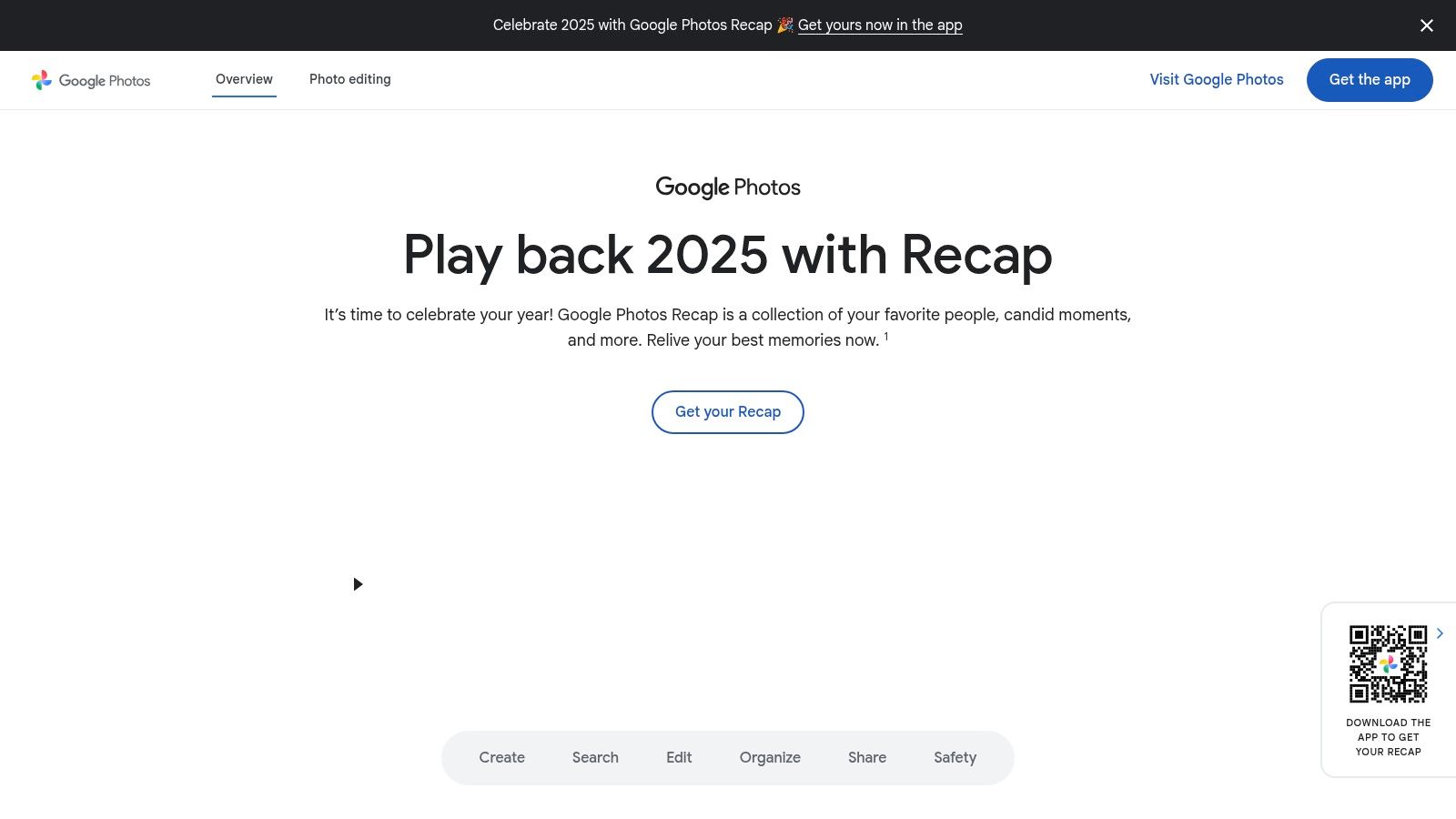
The standout feature is the generative Magic Editor, which allows for more complex edits like moving subjects, resizing objects, or replacing the entire sky with a simple tap and drag. This tool brings advanced AI capabilities to a mainstream audience without the need for specialized software. Because it's built into the primary photo app for Android and is popular on iOS, it offers unmatched convenience for on-the-go editing.
Free Plan & Limitations
Most AI editing tools, including Magic Eraser and Photo Unblur, are free for all users. The more advanced generative Magic Editor, however, has usage limits. Non-Pixel phone users can save up to 10 Magic Editor edits per month for free. Unlimited saves are reserved for Google Pixel device owners or users subscribed to a Google One Premium (2TB) plan or higher. Some new features also roll out to Pixel devices first.
Key takeaway: Google Photos is the perfect choice for users who want powerful, one-tap AI enhancements for their everyday photos directly on their mobile device without needing a separate app.
- Pros: Ubiquitous on Android and widely available on iOS, extremely simple user interface, powerful one-tap editing tools.
- Cons: Advanced Magic Editor saves are limited on the free plan for non-Pixel users, some features have a staggered device rollout.
Website: https://photos.google.com
9. remove.bg
While not a comprehensive editor, remove.bg is a hyper-specialized tool that executes one crucial task with surgical precision: background removal. This platform leverages powerful AI to instantly detect and isolate subjects from their backgrounds, delivering clean cutouts in seconds. As an ai image editor free for low-resolution previews, it has become an indispensable utility for creating professional product shots, social media assets, and clean headshots without manual tracing.
Loading image...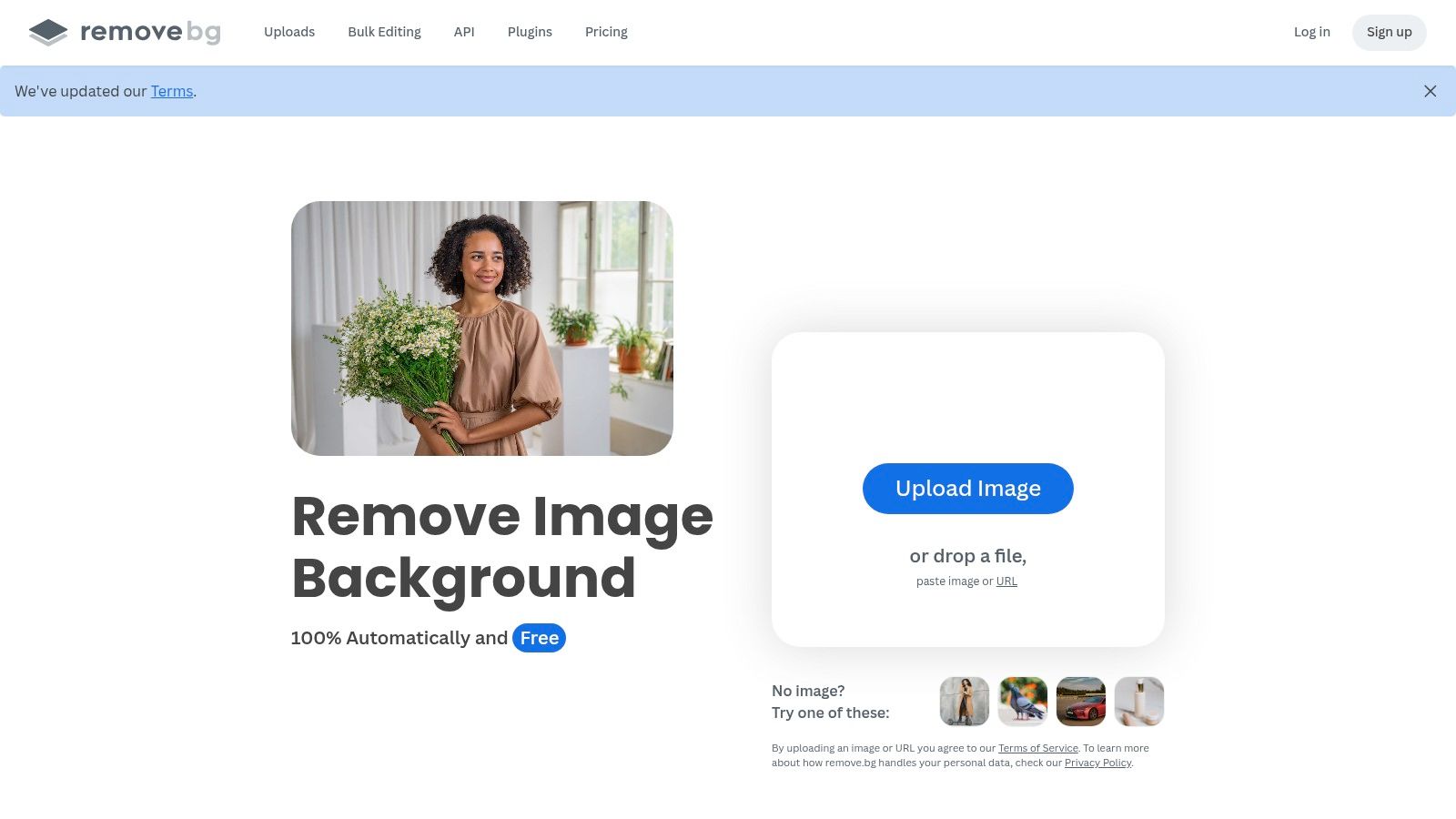
What makes remove.bg stand out is its speed and reliability. The AI excels at handling challenging details like hair and fine edges, which are often time-consuming to edit manually. Its simplicity is its greatest strength; you upload an image, and the AI does the rest. For businesses and high-volume users, remove.bg offers powerful API access and integrations with tools like Photoshop, Figma, and various e-commerce platforms, enabling seamless workflow automation.
Free Plan & Limitations
The free offering allows for unlimited low-resolution (up to 0.25 megapixels) downloads, which is perfect for web previews or small social media graphics. One free high-resolution download is provided to new users. To download full-resolution images, users must purchase credits on a pay-as-you-go basis or subscribe to a monthly plan, making it a freemium model where the core function is free but quality comes at a price.
Key takeaway: remove.bg is the ultimate single-task tool for anyone needing fast, accurate, and automated background removal, especially for e-commerce, marketing, and quick design mockups.
- Pros: Extremely fast and accurate cutouts, excellent at handling fine details like hair, offers API for workflow automation.
- Cons: Limited to only background removal, high-resolution downloads require payment, not a full-featured editor.
Website: https://www.remove.bg
10. Clipdrop
Clipdrop, by Stability AI, is a powerful suite of fast, task-focused AI tools designed for specific image enhancements. This ai image editor free platform excels at breaking down complex edits into simple, effective functions. Its offerings include high-precision tools like Cleanup for removing objects, Relight for adjusting lighting sources, Uncrop for expanding image boundaries, and a remarkably accurate Background Remover.
Loading image...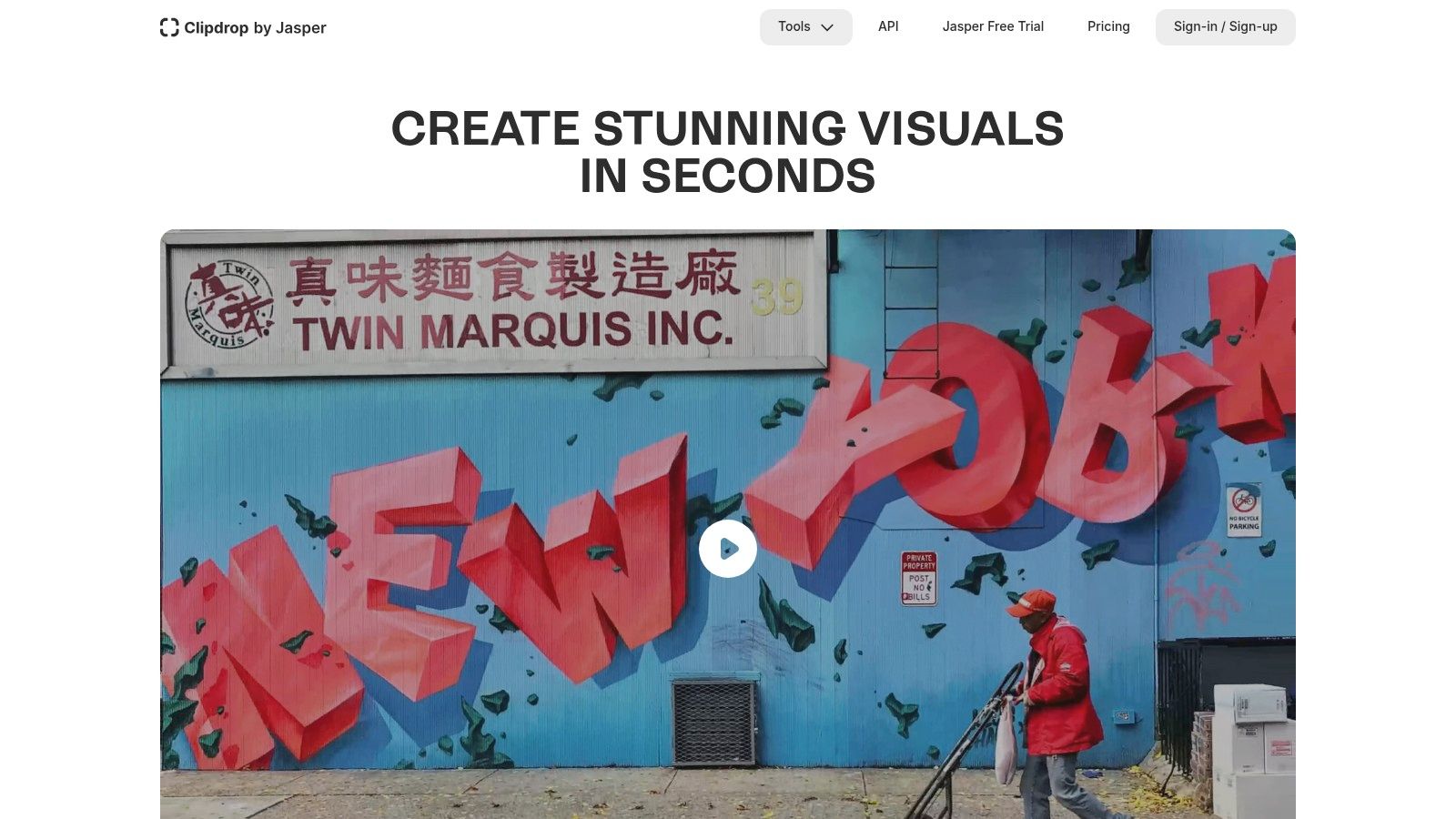
What makes Clipdrop stand out is its utilitarian approach. Instead of a single complex interface, it presents a collection of individual tools that do one thing exceptionally well. This tool-centric design is perfect for e-commerce store owners needing clean product shots, marketers creating social media assets, or anyone needing a quick, high-quality fix without a steep learning curve. It also offers a text-to-image generator and a robust API for developers wanting to integrate these functions into their own applications.
Free Plan & Limitations
The free plan offers access to most tools but with significant limitations. Users will experience queues during peak times, and image processing is capped at a lower resolution (typically 1024x1024). Features like the Cleanup tool are limited to standard definition, and upscaling is capped at 2x. Upgrading to the Pro plan is necessary for high-resolution outputs, faster processing, and unlimited use of all tools.
Key takeaway: Clipdrop is the go-to choice for users who need fast, reliable, and high-quality results for specific editing tasks like background removal or object cleanup, especially for product and marketing imagery.
- Pros: Highly effective and fast for targeted edits, clear and simple tool-based workflow, provides a developer API.
- Cons: Free tier has resolution caps and potential queues, best quality is locked behind the Pro subscription.
Website: https://clipdrop.co
11. Picsart
Picsart has evolved from a popular mobile photo editor into a comprehensive, cross-platform creative suite with a strong emphasis on AI-powered tools. As a versatile ai image editor free for everyday use, it combines a user-friendly interface with powerful features like an AI image generator, background and object removers, and a variety of face enhancement tools. Its intuitive design makes it exceptionally fast for creating social media content, stories, and quick promotional materials.
Loading image...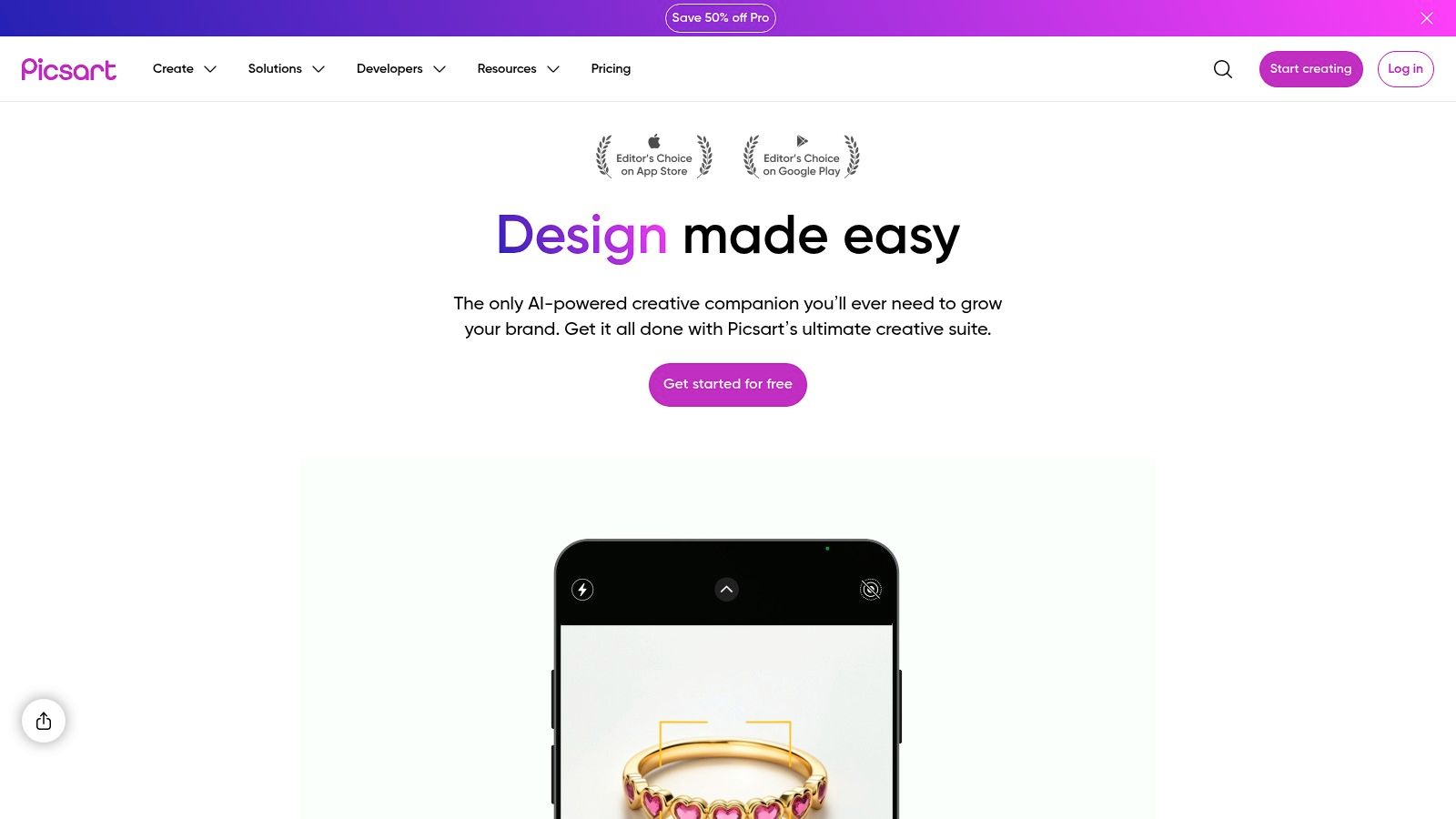
What makes Picsart stand out is its massive library of templates, stickers, and stock assets, which are seamlessly integrated with its AI capabilities. Users can generate an image and immediately drop it into a pre-designed template for Instagram or Facebook, streamlining the entire content creation workflow. The platform’s strength lies in its accessibility, offering powerful editing on both web and mobile devices with cloud synchronization. This makes it a go-to choice for social media managers and influencers who need to create and post on the fly.
Free Plan & Limitations
The free plan includes access to a basic set of editing tools and provides a limited number of AI credits that refresh weekly. This is sufficient for casual use and experimentation with the AI generator. However, many advanced AI tools, premium templates, and the full asset library are locked behind a paid subscription. Free users may also encounter watermarks or limitations on export formats, pushing frequent creators toward the Plus or Pro plans.
Key takeaway: Picsart is an excellent all-in-one editor for social media content creators and casual users who need a fast, template-driven workflow with accessible AI tools across all their devices.
- Pros: Easy to use and fast for social content creation, generous asset library and brand tools on paid plans.
- Cons: Free plan limits AI credits with a weekly cap, watermarks or format limits may apply on lower tiers.
Website: https://picsart.com
12. VanceAI
VanceAI offers a suite of specialized AI tools focused on photo enhancement and restoration rather than generative creation. This platform acts as a powerful ai image editor free for specific tasks like upscaling low-resolution images, sharpening blurry details, and removing digital noise. It excels at breathing new life into old or imperfect photos with dedicated tools for restoration, retouching, and colorization.
Loading image...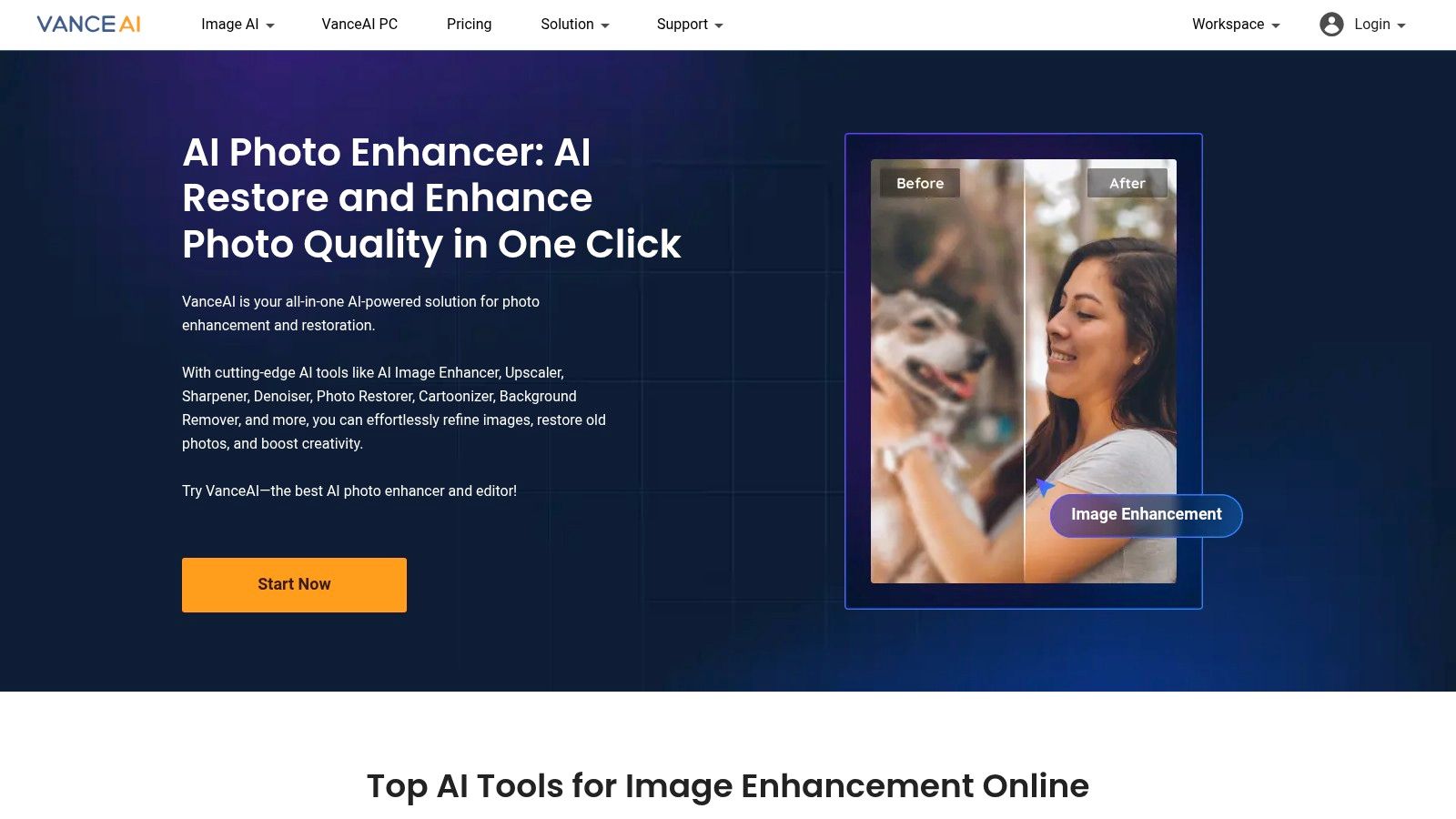
What makes VanceAI stand out is its task-oriented approach. Instead of a single complex editor, it provides individual, highly optimized tools for distinct problems. This makes it incredibly user-friendly for those who need a quick, high-quality fix without a steep learning curve. Whether you need to prepare an old family photo for printing or sharpen a product image for an e-commerce site, VanceAI streamlines the process. The platform is accessible both online and through a desktop app for more robust processing. You can find more details in our complete overview of VanceAI's AI photo enhancer.
Free Plan & Limitations
New users typically receive a few free credits to test the various tools. Each tool usage and high-resolution download consumes credits. Once the initial credits are used, you can either purchase more via subscription or pay-as-you-go plans. While you can process images for free, downloading the final high-quality result almost always requires credits.
Key takeaway: VanceAI is the perfect solution for users needing to repair, enhance, or upscale existing photos with specialized, easy-to-use AI tools rather than creating images from scratch.
- Pros: Excellent at photo restoration and enhancement, simple task-specific tools, offers pay-as-you-go credit options.
- Cons: Free usage is very limited, credit system can be confusing, not a tool for generative AI or creative editing.
Website: https://vanceai.com
Top 12 Free AI Image Editors — Feature Comparison
| Product | Core features ✨ | UX / Quality ★ | Value & Price 💰 | Target 👥 |
|---|---|---|---|---|
| AI Media Studio | Edit an uploaded photo with a text instruction | Compare the result and refine; exact preservation is not guaranteed | Plans start at $19/month. A paid plan is required to generate images and videos. | Backgrounds, portraits, restoration and restyling |
| Adobe Firefly | Generative Fill/Expand, text-to-image, Photoshop & Express integration ✨ | Professional-grade, enterprise controls ★★★★☆ | Free limited credits; full access via Adobe plans 💰 | Adobe users, enterprises, creative pros 👥 |
| Canva (Magic Studio) | Magic Edit/Expand, templates, background remover, upscaling ✨ | Very easy, template-first workflow ★★★★ | Free tier; Pro/Business boosts AI quotas & assets 💰 | Non-designers, social creators, marketers 👥 |
| Pixlr | Generative Fill/Expand, bg/object removal, AI upscaler ✨ | Fast, browser-based; ad-supported ★★★★ | Free w/ ads; premium removes ads & unlocks features 💰 | Casual editors, fast social content creators 👥 |
| Fotor | Text-to-image, upscaler, background replace, templates ✨ | Simple, gentle learning curve ★★★★ | Free 'forever' basic; Pro removes watermarks & expands AI access 💰 | Casual users, quick social edits 👥 |
| Photopea | Layered PSD editor in-browser, inpainting via Stable Diffusion plugin ✨ | Extremely capable for pro workflows; denser UI ★★★★☆ | Free w/ ads; optional premium/donate to remove ads 💰 | Designers, freelancers, PSD workflows 👥 |
| Microsoft Designer | DALL·E partner, generative erase, restyle, guided flows ✨ | Clear guided UX for non-experts ★★★★ | Free with Microsoft account; region/rollout limits may apply 💰 | Microsoft users, non-expert creators 👥 |
| Google Photos | Magic Eraser, Photo Unblur, Magic Editor for generative edits ✨ | Fast mobile-first edits; device-dependent limits ★★★★ | Free; generative save limits on non-Pixel devices 💰 | Everyday mobile photographers, casual users 👥 |
| remove.bg | One‑click bg removal, strong edge handling, API & bulk tools ✨ | Extremely fast and precise ★★★★★ | Free previews; HD exports via credits/subscription 💰 | E‑commerce, agencies, automation workflows 👥 |
| Clipdrop | Cleanup, Relight, Remove BG, Uncrop, text-to-image, API ✨ | Tool-centric, very fast for targeted edits ★★★★☆ | Free limited; Pro for higher quality/limits 💰 | Product photographers, devs, creators 👥 |
| Picsart | AI generator, bg/object removers, face tools, templates ✨ | Social-first, easy & fast ★★★★ | Free weekly AI credits; paid tiers expand assets & quotas 💰 | Influencers, social creators, casual designers 👥 |
| VanceAI | Upscaler, denoise, sharpen, restorer, bg remover ✨ | Strong enhancement quality for low‑res images ★★★★ | Free credits; pay-per-use or subscription for HD outputs 💰 | Photo restorers, pros & hobbyists needing enhancement 👥 |
From Quick Fixes to Creative Freedom: Your Next Move in AI Editing
Over the course of this article, we explored a dozen top ai image editor free platforms. From beginner friendly interfaces to advanced pro features, these solutions help content creators and marketers alike polish images, craft social posts, and prototype designs in minutes. Our goal was to unpack each tool’s strengths, free-tier limits, and ideal use cases so you can dive in with confidence.
Key Insights
-
User experience matters
Pixlr, Canva (Magic Studio), and Photopea shine when you need an intuitive layout and familiar controls. These tools minimize the learning curve for quick edits. -
AI generation vs. fine tuning
Adobe Firefly and AI Media Studio focus on text-to-image workflows. Use them for concept art, marketing visuals, or any scenario where you start from a prompt instead of a photo.Paid plans for AI Media Studio start at $19/month.
-
Background removal and retouching
remove.bg and Clipdrop excel at one-click object isolation. Fotor and Picsart deliver integrated retouching tools for blemish removal, color adjustments, and collage creation. -
Budget vs. scale
Free tiers vary widely in resolution, exports per month, or watermark presence. Google Photos offers unlimited basic retouching but lacks advanced AI features. VanceAI and Fotor lock certain filters behind paywalls. Align your project needs with each tool’s free limits.
Choosing the Right Editor
Assess your primary goals and match them to a tool’s feature set:
-
Social media managers and influencers
- Prioritize speed and templates (Canva, Microsoft Designer)
- Look for free libraries of graphics, stickers, and video snippets
-
Freelance designers and artists
- Seek high-quality AI generation (Adobe Firefly, AI Media Studio)
- Check for commercial-use rights and resolution caps
-
Small business owners and startups
- Value all-in-one branding tools (Canva, Picsart)
- Consider freemium upgrade paths and team collaboration features
-
Educators and creative agencies
- Require bulk processing (Google Photos, Fotor)
- Need straightforward licensing for classroom or client work
Important Implementation Factors
- Export limits – Track your monthly or daily downloads to avoid hitting paywalls mid-project.
- Supported formats – Confirm support for PNG, JPEG, SVG, or PSD depending on your workflow.
- Commercial rights – Double-check license terms when using ai image editor free assets for client projects.
- Team collaboration – Some platforms support shared folders and real-time commenting, which streamlines feedback loops.
Next Steps
- Pick one tool based on your top priority – whether it’s AI generation, fine-tuning, or batch editing.
- Experiment with a small project: social media post, blog hero image, or quick mockup.
- Note any feature gaps – you may combine two tools, for example background removal in remove.bg and final styling in Canva.
- Upgrade to a paid plan only after you hit free-tier limits and need higher resolution, commercial use, or more exports.
Final Thoughts
The best ai image editor free option depends on your workflow, skill level, and project scale. Free tools like Canva or Pixlr bridge design convenience with familiar editing, while paid options like AI Media Studio (from $19/month) add consistent, commercial-ready output. As AI continues to evolve, your creative toolkit will expand in capability and efficiency. Embrace experimentation and let your curiosity drive your next creative breakthrough.
Ready for professional-grade AI image editing? Open the AI photo editor. Paid plans start at $19/month. A paid plan is required to generate images and videos.