The world of AI-powered art is exploding, but navigating the options can be overwhelming. From photorealistic marketing assets to stunning digital art, the best text to image AI tools are transforming how we create visuals. However, not all platforms are created equal. Some excel at artistic flair, others prioritize commercial use and team collaboration, and many hide complex credit systems behind flashy promises.
This guide cuts through the noise. We have curated a list of the top platforms for 2025, evaluating each on its unique strengths, target audience, and practical application. We'll dive deep into Midjourney's artistic prowess, Adobe Firefly's commercial safety, and the seamless integration of tools like Canva's Magic Studio. Each review includes screenshots and direct links to get you started immediately. For a deeper dive into how text-to-image technology works, you might explore these dedicated Text To Image tools for more technical insights.
Whether you're a marketer needing on-brand visuals, an artist exploring new mediums, or a business owner looking for an affordable, easy-to-use solution, this roundup will help you find the perfect tool to bring your ideas to life instantly. Let's find the right AI image creator for your vision.
1. ai-media-studio
AI Media Studio solidifies its position as a top contender for the best text to image ai by focusing on accessibility, privacy, and professional-grade output. It masterfully bridges the gap between complex, developer-focused models and the practical needs of creators, marketers, and businesses. Instead of requiring users to master intricate prompt engineering, the platform simplifies the creative process with a library of over 50 distinct, pre-tuned art styles. This approach empowers anyone to generate high-quality visuals, from photorealistic marketing assets to stylized anime or cinematic scenes, with just a few clicks.
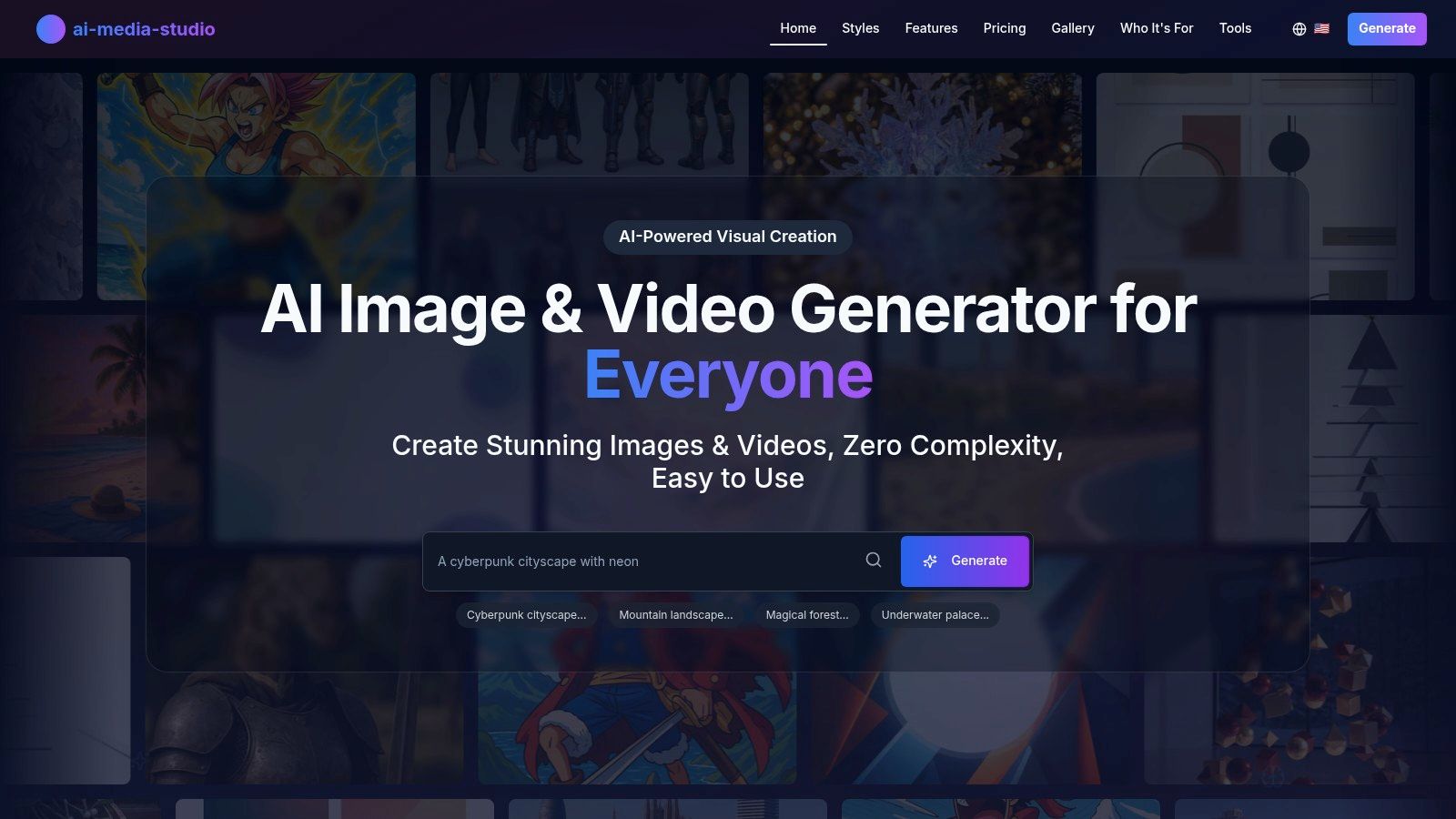
This platform is engineered for immediate results, making it an excellent choice for teams needing to produce content quickly without a steep learning curve. Its combination of image and video generation in one unified interface streamlines workflows, allowing users to create everything from blog headers to social media video clips without switching tools.
Standout Features and Practical Applications
AI Media Studio is packed with features designed for real-world use cases. The built-in AI editing suite, including inpainting and outpainting, allows for sophisticated image modifications directly within the platform. For example, a marketing team can generate a product lifestyle shot and then use outpainting to expand the background to fit a wide banner format.
- Diverse Style Library: Generate visuals in over 50 styles like Pop Art, Cyberpunk, or Watercolor. This is ideal for maintaining a consistent brand aesthetic or experimenting with different campaign themes.
- Integrated Editing Tools: Correct imperfections with inpainting or extend image dimensions with outpainting. This eliminates the need for post-processing in external software.
- Commercial Use Licensing: Paid plans include commercial licenses, providing legal clarity for using generated assets in client projects, advertisements, and monetized content.
- Privacy-First Design: All prompts and generated images are private by default, a critical feature for businesses working on confidential campaigns or proprietary concepts.
Pricing and Accessibility
The platform offers a flexible pricing structure that accommodates various user levels. A free tier provides 3 monthly generations for testing, while paid plans scale with creative needs. The Starter plan ($19/mo) unlocks commercial rights and 1,000 credits, making it a powerful and affordable option for freelancers and small businesses. The Pro plan ($35/mo) doubles the credits and adds priority support for agencies and high-volume creators.
Website: https://www.ai-media-studio.com
Pros & Cons
| Pros | Cons |
|---|---|
| Beginner-friendly with 50+ pre-set art styles | Some advanced features are still in development |
| Built-in editing tools (inpainting/outpainting) | Credit system may be limiting for very heavy users |
| Commercial-use rights included on paid plans | Video generation quotas should be confirmed for demanding projects |
| Privacy-first approach and team collaboration features |
AI Media Studio's emphasis on a user-friendly experience, combined with robust, commercially viable features, makes it a formidable and well-rounded choice for anyone seeking the best text to image AI generator.
2. Midjourney
Midjourney stands out as a titan in the AI art space, renowned for producing some of the most aesthetically pleasing and artistically stylized images. Initially accessible only through Discord, Midjourney now offers a streamlined, browser-based Create page, making it one of the best text to image AI platforms for professionals and serious hobbyists seeking industry-leading quality. Its distinct visual signature is often described as painterly and sophisticated, setting a high bar for creative output.
Unlike some competitors, Midjourney operates on a subscription-only model, with no ongoing free tier. However, its tiered plans offer significant value and scalability, catering to everyone from individual artists to large creative studios. Higher-tier plans include features like "Relax Mode" for unlimited, albeit slower, image generation, and "Stealth Mode" for private creations. The platform is also actively expanding into short video generation, positioning itself as a future tool for motion design.
Key Features and User Experience
The web interface is clean and intuitive, offering powerful controls over your creations. You can easily switch between model versions, adjust stylization levels, use reference images, and fine-tune your prompts for precise results. The user experience is geared toward creative iteration and discovery.
- Pricing: Four paid plans (Basic, Standard, Pro, Mega) starting from $10/month, each offering a set amount of "Fast GPU" hours.
- Unique Offerings: "Relax Mode" on Standard and higher plans provides unlimited generations, a huge plus for high-volume users.
- Quality: Consistently delivers highly artistic and coherent images that often require minimal post-production work.
- Community: A massive and active Discord community provides inspiration, support, and a space to share creations. While there are other options, you can discover more about Midjourney and its unique place in the AI art world to see how it compares to platforms that offer free access.
Pros and Cons
| Pros | Cons |
|---|---|
| Industry-leading artistic quality and distinct visual style. | No free tier; requires a subscription for access. |
| Scalable plans for casual users up to enterprise-level studios. | The GPU time system can be complex for new users to manage. |
| Actively expanding into video and animation capabilities. | A learning curve is needed to master advanced prompting techniques. |
Website: https://www.midjourney.com
3. OpenAI (ChatGPT Images and DALL·E)
OpenAI integrates its powerful image generation capabilities directly into the familiar ChatGPT interface, making it an incredibly accessible and one of the best text to image AI tools for users already in its ecosystem. The strength of this platform lies in its conversational, low-friction workflow; you can generate, refine, and discuss images within a single chat thread. This makes it ideal for rapid brainstorming, content creation, and for users who prefer a straightforward, dialogue-based creative process.
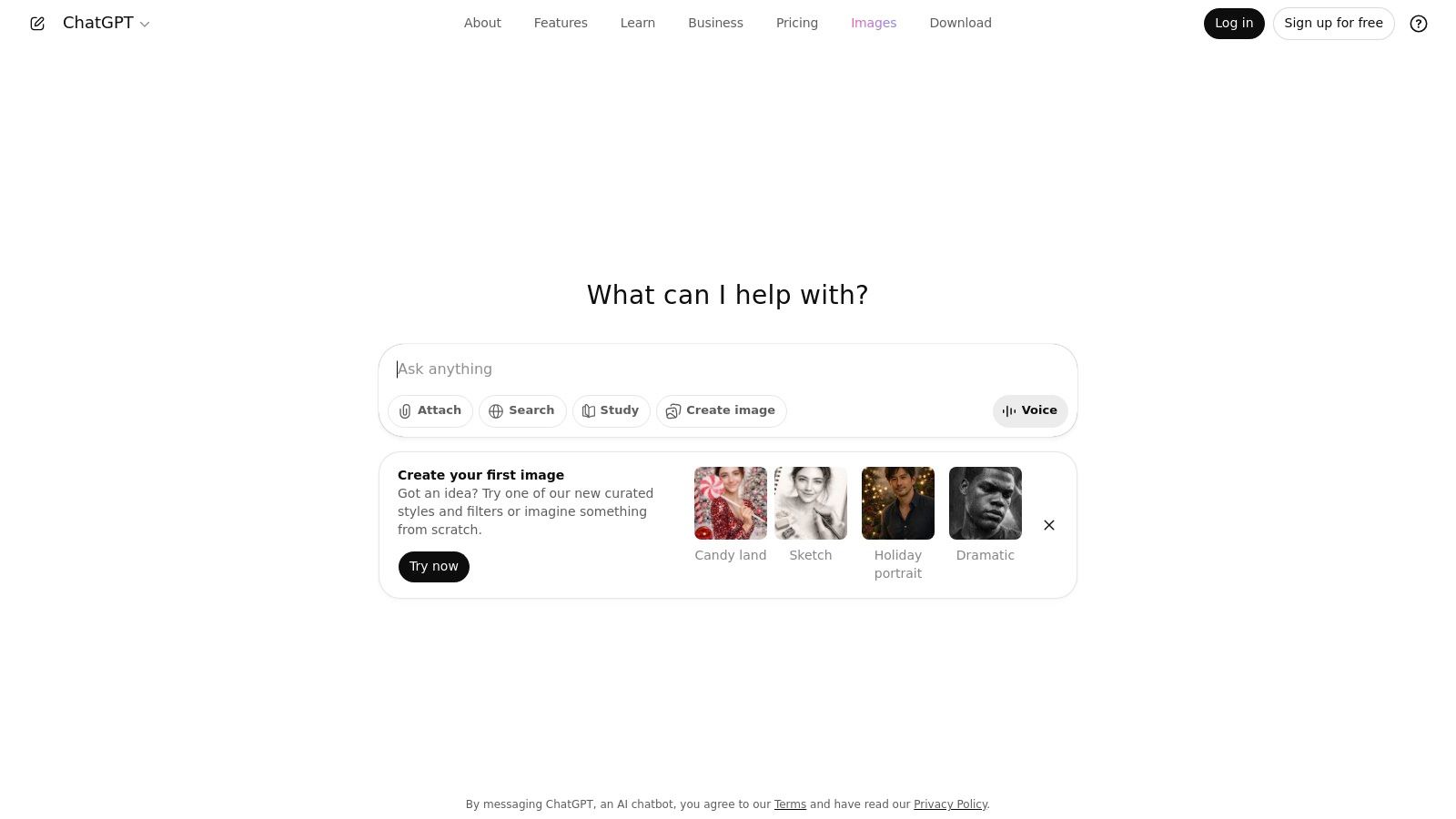
The platform caters to a wide audience with multiple plans, including a free tier with usage limits and paid tiers like Plus and Team that offer greater access and features. For developers and businesses needing automation, OpenAI provides the DALL·E 3 model via a robust Images API with clear, token-based pricing. This dual-pathway approach serves both casual creators and high-volume technical users. Beyond image generation, exploring AI's broader impact, including ChatGPT's role in creative fields, can offer valuable insights into emerging technologies.
Key Features and User Experience
The user experience is seamless for existing ChatGPT users. Simply type your request, and the model generates the image, often with enhanced accuracy for text and objects thanks to its underlying GPT-4o architecture. The Team plan is particularly useful for businesses, offering admin controls and ensuring company data is not used for training by default.
- Pricing: Multiple consumer plans (Free, Plus, Team) and a pay-as-you-go Images API for developers.
- Unique Offerings: Direct integration within the ChatGPT conversational interface and a powerful, well-documented API for custom solutions.
- Quality: Produces high-quality, coherent images with strong prompt adherence, especially for complex scenes or those including text. If your goal is realism, it's helpful to learn more about photorealistic prompting techniques to get the most out of the model.
- Community: While not a central feature like Discord-based platforms, the massive global user base of ChatGPT provides extensive unofficial support and examples online.
Pros and Cons
| Pros | Cons |
|---|---|
| Low friction for existing ChatGPT users with a simple chat workflow. | The free tier has usage limits; heavier use requires a paid subscription. |
| Clear developer pathway via a well-documented and scalable API. | Advanced batch generation and control are better handled via the API, not the chat UI. |
| The Team plan keeps business data out of training models by default. | Less focus on a centralized artistic community compared to other platforms. |
Website: https://openai.com/chatgpt
4. Adobe Firefly
Adobe Firefly enters the generative AI arena as a powerhouse, designed for seamless integration within the extensive Adobe Creative Cloud ecosystem. Rather than just being a standalone tool, Firefly is a suite of AI models that power features like Generative Fill in Photoshop and text-to-image creation in Adobe Express. This makes it one of the best text to image AI platforms for professionals and creatives already invested in Adobe's workflow, offering commercially safe and high-quality image generation.
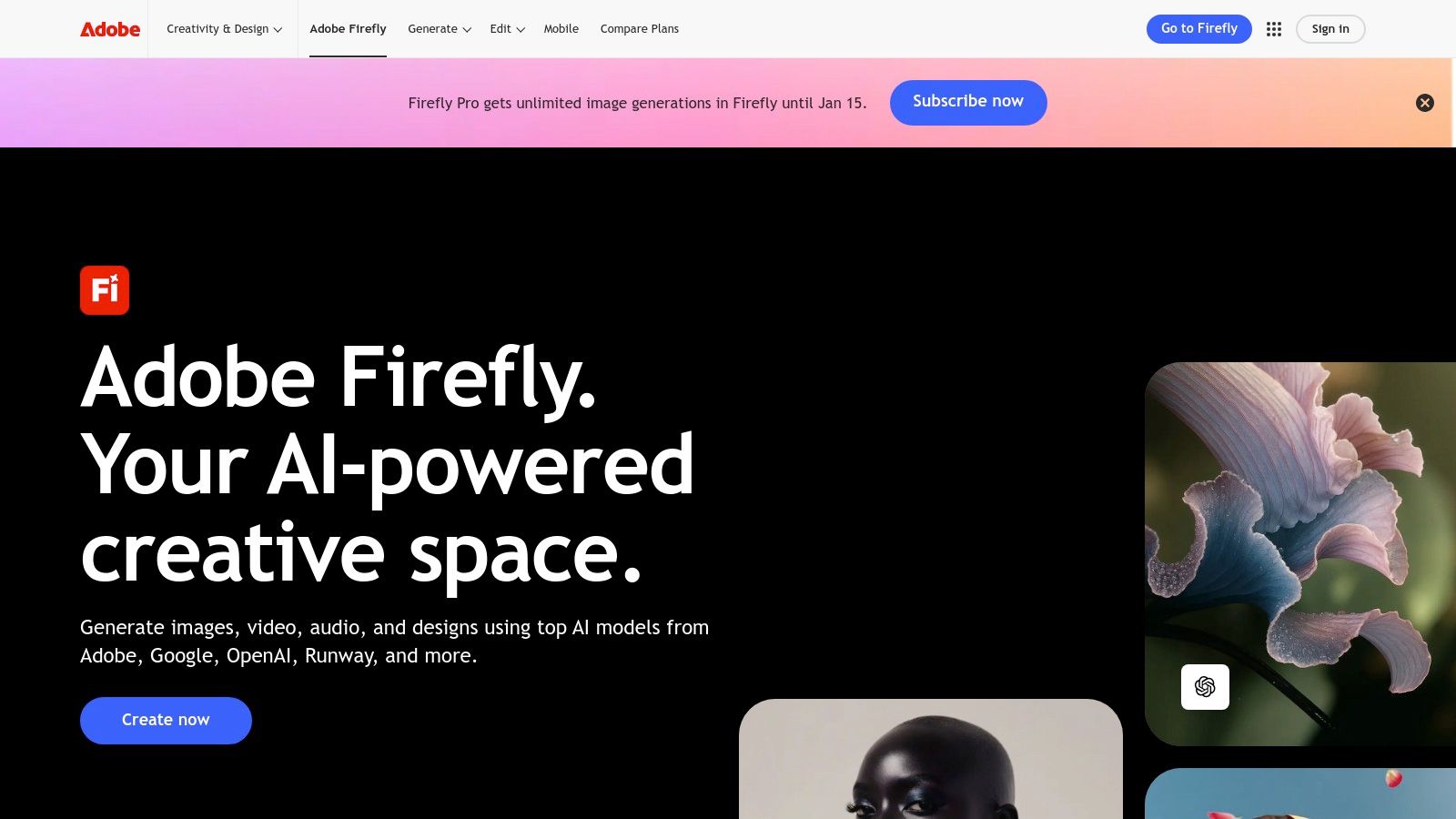
Adobe's approach is uniquely centered on ethical and commercial viability. The Firefly model is trained on Adobe Stock's library of licensed images and openly licensed content, which provides a layer of legal assurance for commercial use. The platform operates on a generative credit system, with various Creative Cloud plans including a monthly allocation of credits. This system standardizes usage across text-to-image generation, Generative Fill, and other AI-powered features, making it predictable for professional budgeting.
Key Features and User Experience
The user experience is classic Adobe: polished, intuitive, and deeply integrated. You can generate an image in the Firefly web app and then seamlessly send it to Photoshop or Express for further editing with a single click. This interconnected workflow is Firefly's biggest strength, eliminating the friction of exporting and importing assets between different applications.
- Pricing: Included with many Creative Cloud plans or available via a premium Firefly plan. Operates on a monthly "Generative Credits" system.
- Unique Offerings: Deep integration with Photoshop and Adobe Express allows for in-app generative editing and creation.
- Quality: Produces photorealistic and high-quality images suitable for professional design, marketing, and commercial projects.
- Commercial Use: Designed from the ground up to be commercially safe, a major advantage for businesses and agencies. If you want to explore more about Adobe Firefly and its capabilities, particularly for design assets, you can find additional resources on AI Media Studio.
Pros and Cons
| Pros | Cons |
|---|---|
| Deep integration with the Creative Cloud ecosystem. | The generative credit system can be confusing for new users. |
| Clear commercial use guidelines and ethically sourced training data. | Best value is for existing Creative Cloud subscribers; can be costly otherwise. |
| Broad creative toolset beyond just image generation. | Output may feel less "artistic" or stylized compared to Midjourney. |
Website: https://www.adobe.com/products/firefly.html
5. Leonardo.ai
Leonardo.ai emerges as a powerful, creator-focused suite of generative AI tools, carving out a niche for itself with a strong emphasis on user control and asset production. It is a comprehensive ecosystem designed for artists, game developers, and creative agencies who need more than just a text-to-image generator. By integrating features like custom model training and a cohesive toolset for image editing, Leonardo.ai positions itself as one of the best text to image AI platforms for building consistent visual styles and production-ready assets.
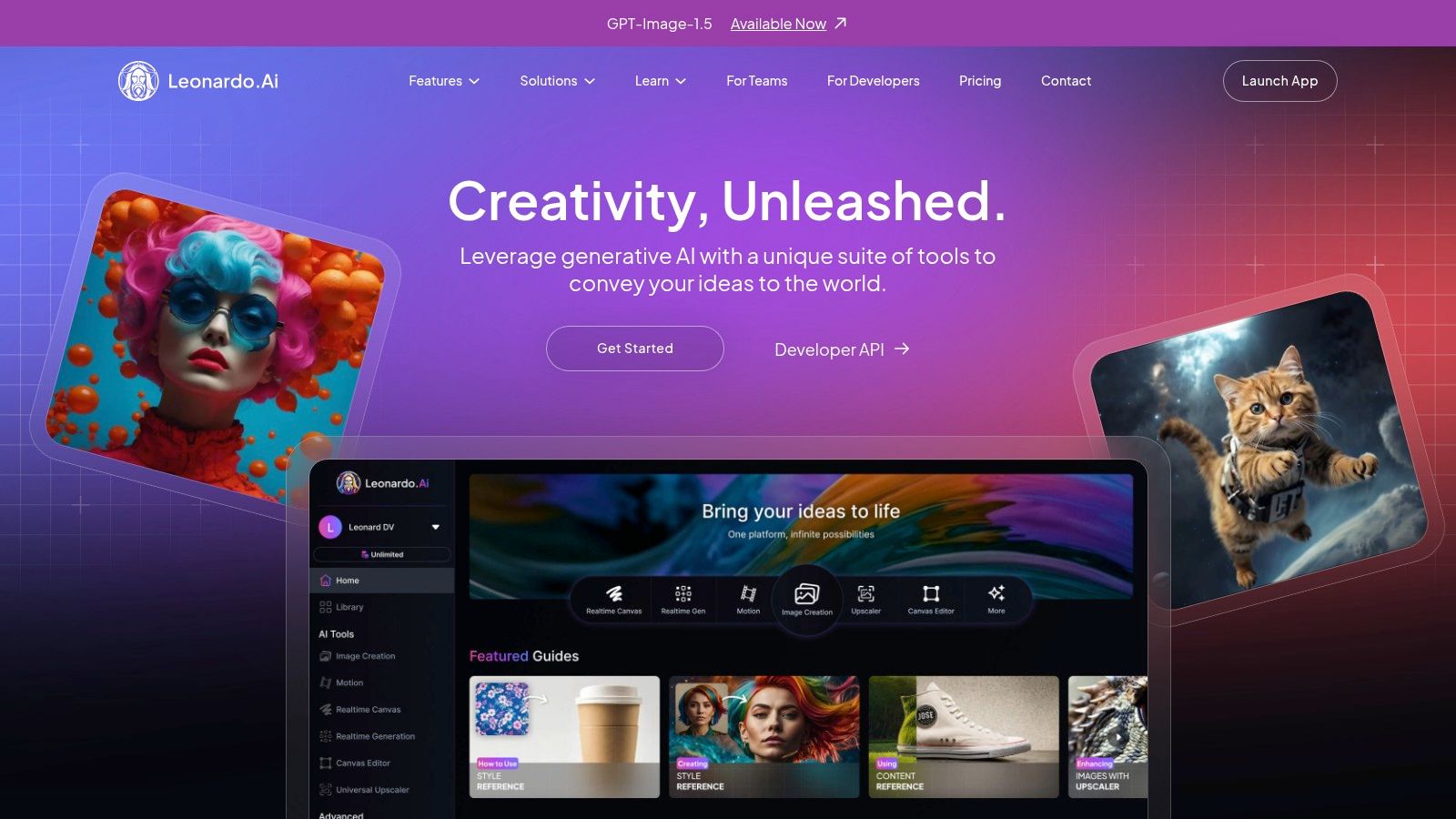
The platform operates on a freemium model, offering a generous daily allowance of tokens for free users to explore its capabilities. Paid plans scale up significantly, providing larger token banks that roll over, priority generation, and access to premium features. Notably, higher-tier "Unlimited" plans offer relaxed, unlimited generation on specific Leonardo-hosted models, which is a massive advantage for users who need to experiment extensively without worrying about token consumption. This makes it an attractive option for small studios and teams seeking predictable costs.
Key Features and User Experience
Leonardo.ai's interface is a feature-rich workspace that centralizes image generation, model training, and a community feed. Users can easily access a wide array of fine-tuned community models or train their own by uploading a set of images, granting unparalleled control over the final aesthetic. The platform also includes tools for upscaling, unzooming, and background removal.
- Pricing: A free plan with daily tokens, plus paid tiers (Apprentice, Artisan, Maestro) starting from $12/month.
- Unique Offerings: The ability to train custom models is a standout feature, allowing users to create assets with a consistent and unique style.
- Quality: Offers a diverse range of high-quality outputs, from photorealistic to illustrative, depending on the model selected.
- Community: A vibrant community feed showcases creations and shared models, providing endless inspiration and resources for all users.
Pros and Cons
| Pros | Cons |
|---|---|
| Generous free tier and cost-effective paid plans with relaxed mode. | "Unlimited" relaxed use excludes many popular third-party models. |
| Built-in model training offers exceptional creative control. | The token system and multiple modes can be confusing for new users. |
| Private generations are available on all plans, including free. | The sheer number of features can present a learning curve. |
Website: https://leonardo.ai
6. Microsoft Designer
Microsoft Designer leverages the power of DALL-E 3 and integrates it into a free, user-friendly graphic design suite. It's an excellent choice for users embedded in the Microsoft ecosystem, offering a seamless way to create social media posts, presentations, and digital marketing assets. As a platform that combines design with powerful AI, it stands out as one of the best text to image AI tools for those who need quick, practical visuals without a steep learning curve or subscription fee.
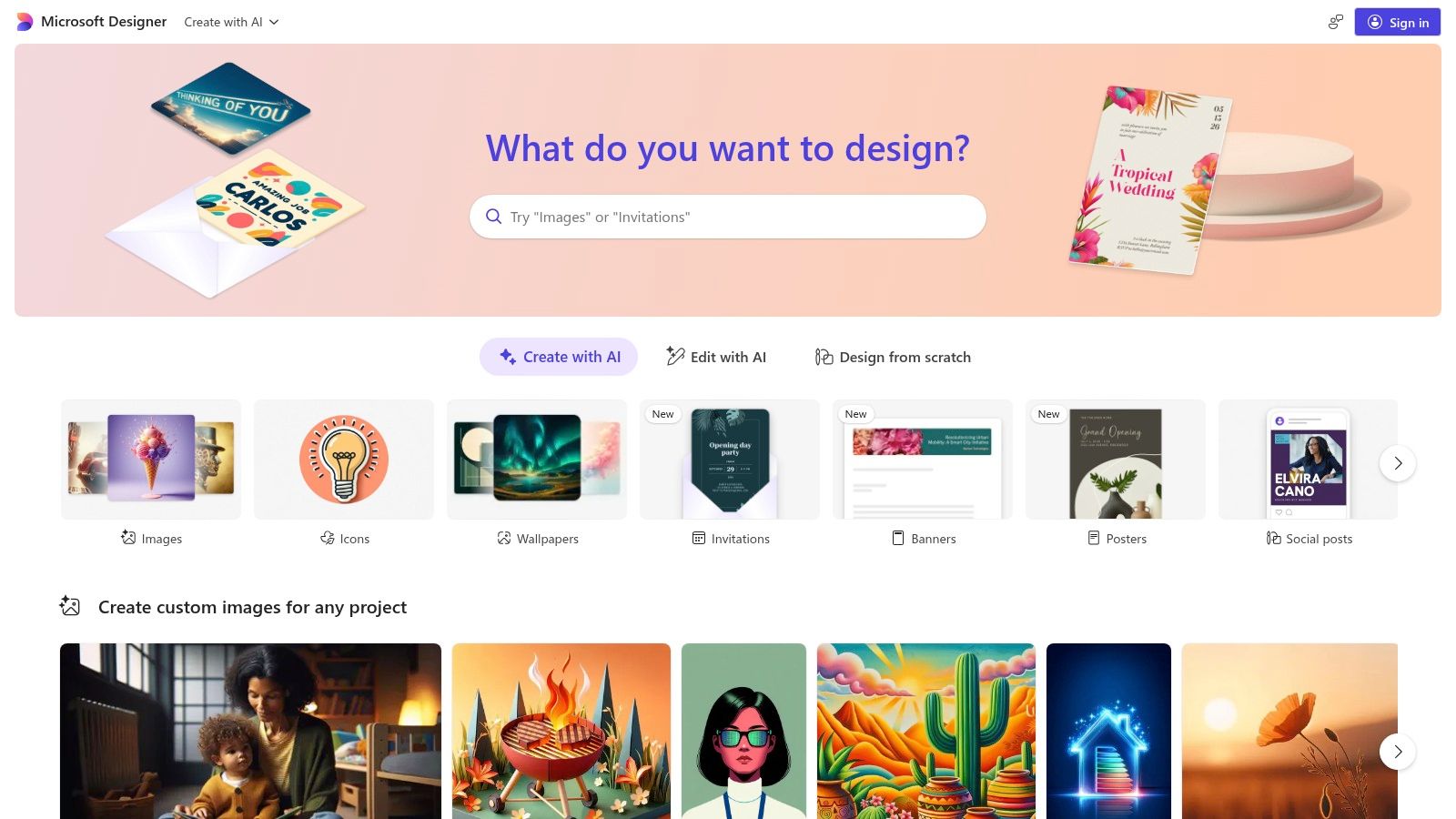
Available as a web app, Windows app, and on iOS, Microsoft Designer requires only a Microsoft account for access. It operates on a "boosts" system, providing 15 free, fast generations daily. This model makes it highly accessible for casual users, small businesses, and content creators. For those needing more power, a Copilot Pro subscription increases the daily boost count to 100 and unlocks further integration within Microsoft 365 apps like Word and PowerPoint.
Key Features and User Experience
The platform is designed for efficiency. You can generate an image from text and then immediately use the built-in design tools to add text, branding, or other elements. The user experience is straightforward, guiding users from idea to finished graphic with minimal friction.
- Pricing: Free to use with a Microsoft account, offering 15 daily boosts. A Copilot Pro subscription ($20/month) increases this to 100 daily boosts.
- Unique Offerings: Deep integration with the Microsoft 365 and Copilot ecosystem allows for in-app graphic generation within familiar tools like PowerPoint.
- Quality: Powered by DALL-E 3, the image quality is high, with excellent prompt adherence and text rendering capabilities.
- Accessibility: Broad language support and cross-platform availability make it a versatile tool for a global user base.
Pros and Cons
| Pros | Cons |
|---|---|
| Generous free tier tied to a standard Microsoft account. | Power users may quickly exhaust the daily boosts on the free plan. |
| Smooth integration with Microsoft 365 for in-app graphic generation. | The web app's features can change as Microsoft evolves its design tools. |
| Actively updated and accessible across multiple platforms. | Full potential and higher capacity are locked behind a Copilot Pro subscription. |
Website: https://designer.microsoft.com
7. Canva (Magic Studio + Dream Lab)
Canva has evolved from a simple graphic design tool into a comprehensive visual communication platform, with its Magic Studio suite bringing powerful AI capabilities directly into the design workflow. Dream Lab, its text-to-image generator, is deeply integrated, making Canva one of the best text to image AI solutions for users who need to create complete marketing assets, social media posts, or presentations, not just standalone images. Its strength lies in its approachability, allowing non-designers to produce professional-quality visuals quickly and efficiently.
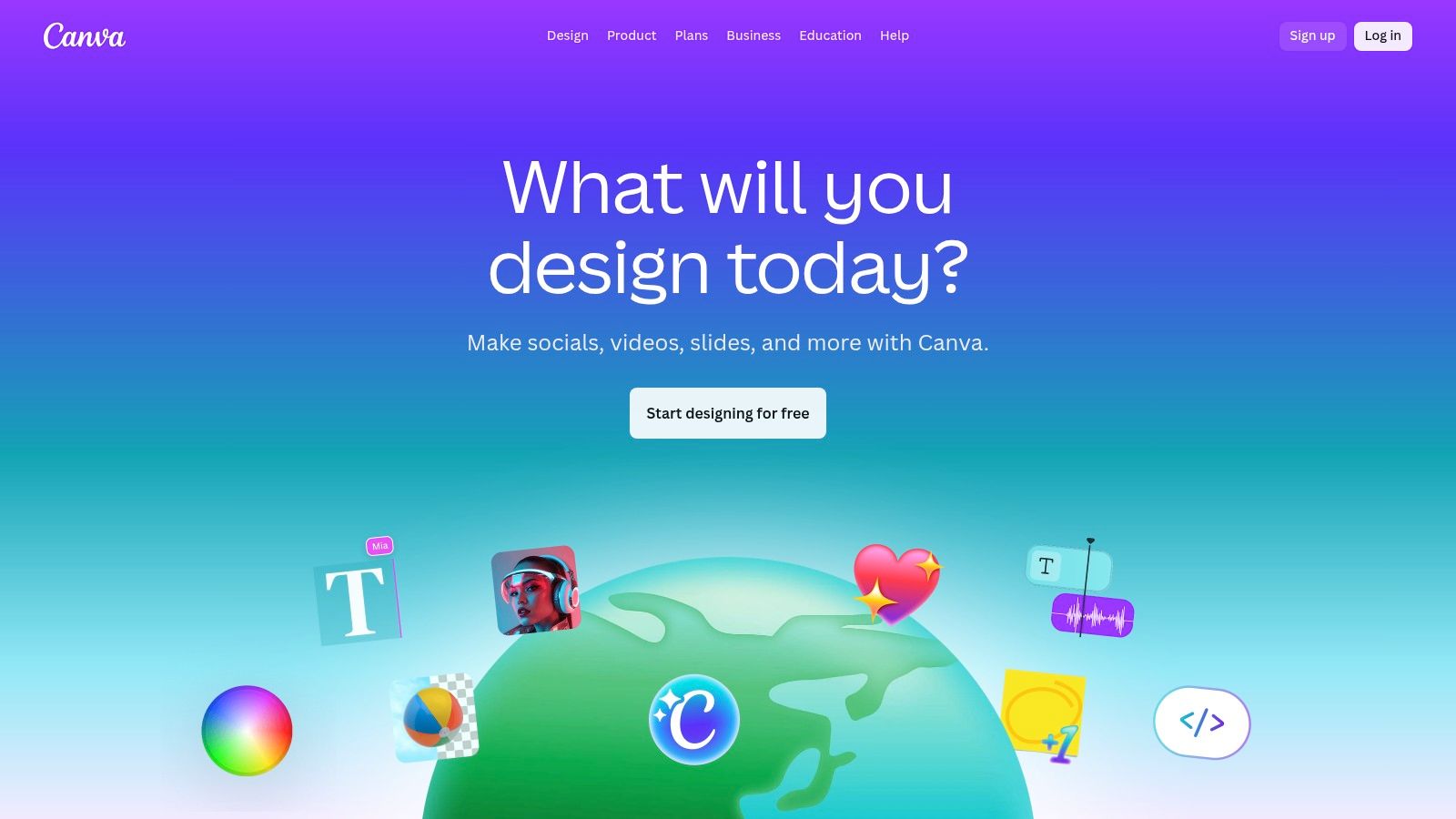
While the free version offers a taste of its AI features, Canva’s Pro and Teams plans unlock higher usage limits and a full suite of productivity tools. The recent integration of technology from Leonardo.ai has significantly boosted the quality of its image generation, making it a viable competitor for more specialized tools. The platform is designed for an end-to-end creative process, from ideation with AI to final publishing, printing, and team collaboration, all within a single, cohesive environment.
Key Features and User Experience
Canva’s user interface is famously intuitive, removing the technical barriers often associated with creative software. Generating an image with Dream Lab is as simple as typing a prompt, and the result can be instantly dropped into a template and further edited with other Magic Studio tools like Magic Expand or Magic Erase.
- Pricing: Free plan with limited AI credits; paid plans (Pro, Teams) offer significantly more credits and advanced business features starting from $14.99/month.
- Unique Offerings: A complete ecosystem of design, collaboration, and publishing tools. The integration of AI into templates and existing workflows is seamless.
- Quality: Good and rapidly improving quality suitable for social media, blogs, and marketing materials, enhanced by the power of Leonardo.ai.
- Community: Extensive tutorials, design guides, and a massive library of user-generated templates provide endless inspiration and support.
Pros and Cons
| Pros | Cons |
|---|---|
| Extremely easy to use; perfect for non-designers and quick turnarounds. | AI usage limits can be confusing as they vary by plan; confirm details at checkout. |
| Fully integrated AI tools within a complete design workflow. | Less suited for highly technical control or custom model needs versus specialist tools. |
| Excellent for team collaboration with brand kits and shared folders. | Image generation quality, while good, may not match industry leaders like Midjourney. |
Website: https://www.canva.com
Top 7 Text-to-Image AI Comparison
| Tool | Implementation Complexity 🔄 | Resource Requirements & Cost ⚡ | Expected Effectiveness ⭐ | Ideal Use Cases 💡 | Key Advantages / Results 📊 |
|---|---|---|---|---|---|
| ai-media-studio | Low — beginner-friendly UI; minimal prompt skill required | Free tier (3 gens/mo); Light $10, Starter $19, Pro $35; credit-based limits | ⭐⭐⭐⭐ — professional-looking images & videos; 50+ styles | Social content, marketers, small teams, educators | Privacy-first defaults; built-in inpainting/outpainting; team workspaces; affordable tiers |
| Midjourney | Medium — learning curve for prompts & modes; advanced settings available | Subscription tiers tied to GPU hours; Relax mode for higher tiers; no free ongoing tier | ⭐⭐⭐⭐⭐ — industry-leading stylized/artistic outputs | Artists, studios, stylized concept art, high-quality visuals | Strong artistic quality; large community; scalable GPU time |
| OpenAI (ChatGPT & DALL·E) | Low to Medium — chat interface is simple; API for advanced/batch use | Free/Plus/Team/Pro consumer plans; Images API with per-image/token pricing | ⭐⭐⭐⭐ — accurate text/object rendering; integrated workflow | Integrated products, developers, teams needing API automation | Chat+API integration; clear developer path; team controls for data |
| Adobe Firefly | Medium — credit system and Creative Cloud integration require onboarding | Credit-based generative system; best value with Creative Cloud subscription | ⭐⭐⭐⭐ — pro-grade outputs and editing tools | Photographers, designers, agencies embedded in Adobe CC | Deep Photoshop/Express integration; commercial-use guidance; generative fill |
| Leonardo.ai | Medium — token modes and model options; some onboarding for model training | Free + paid tiers (token banks, relaxed/unlimited on hosted models) | ⭐⭐⭐⭐ — flexible quality; private model training available | Small studios, teams, creators needing private models & cost control | Private generations; personal model training; relaxed unlimited options (select models) |
| Microsoft Designer | Low — consumer-friendly, few controls; integrated with M365 | Free with Microsoft account; daily boosts; Copilot Pro increases capacity | ⭐⭐⭐ — good for quick, on-brand graphics; limited advanced control | Casual users, Microsoft 365 customers, quick in-doc visuals | Free access; Copilot/M365 integration; cross-platform availability |
| Canva (Magic Studio + Dream Lab) | Low — template-driven, minimal skill required | Free tier + Pro/Business/Enterprise plans with higher AI limits | ⭐⭐⭐ — strong for fast marketing assets; less for fine-grained control | Non-designers, teams producing social/marketing collateral | All-in-one design + templates; brand collaboration tools; publishing/print services |
Choosing Your Creative Co-Pilot
Navigating the vibrant and rapidly evolving landscape of AI-powered image generation can feel overwhelming, but the journey to finding the best text to image AI for your needs is an exciting one. We've explored a diverse set of powerful platforms, each excelling in different areas, from artistic expression to seamless workflow integration. Your ideal creative partner depends entirely on your specific goals, technical comfort, and project requirements.
The key takeaway is that there is no single "best" tool for everyone; instead, there is a "best fit" for each unique user. The ideal choice is a highly personal one, balancing creative output with practical application.
How to Select the Right AI Image Generator
To make the right decision, consider these critical factors before committing to a platform. This isn't just about the quality of the images, but how the tool integrates into your existing processes and supports your long-term objectives.
- For Unparalleled Artistic Quality: If your primary goal is to create breathtaking, highly detailed, and stylized digital art, Midjourney remains a dominant force. Its community-driven model and sophisticated aesthetic make it a favorite among artists and designers who are willing to master its Discord-based interface.
- For Seamless Professional Workflows: Creatives deeply embedded in the Adobe ecosystem will find Adobe Firefly to be an indispensable asset. Its ethical training on Adobe Stock and deep integration with applications like Photoshop and Illustrator make it a powerhouse for professional, commercially safe design work.
- For All-in-One Content Creation: Marketers, social media managers, and small business owners who already rely on Canva will love the convenience of Magic Studio. It brings capable AI image generation directly into a familiar, user-friendly design environment, streamlining the entire content creation process.
- For Ultimate Conversational Convenience: If you live in a chat-based workflow, OpenAI's DALL·E 3 via ChatGPT offers unmatched ease of use. The ability to generate and refine images through simple conversation makes it incredibly accessible for brainstorming, rapid prototyping, and everyday creative tasks.
Finding Your Perfect Fit
Your final decision should be guided by a clear understanding of your priorities. Are you a solo creator focused on unique artistic flair, or a marketing team that needs consistent, on-brand visuals with clear commercial licensing? Do you need a tool that plugs into a larger design suite, or a standalone platform that offers a comprehensive set of features?
For users who need a powerful, business-ready solution that blends ease of use with professional-grade features, AI Media Studio presents a compelling package. It uniquely combines a vast library of over 50 distinct visual styles with integrated editing tools and a privacy-first approach, making it an exceptional choice for businesses that require high-quality, commercially viable assets without a steep learning curve. The best text to image AI is the one that empowers you to bring your vision to life effortlessly. The perfect tool is out there-start experimenting today to unlock your creative potential.
Ready to experience a tool that balances power, privacy, and simplicity? ai-media-studio offers a suite of intuitive AI tools designed for marketers and creators who need professional results, fast. Explore our generous free plan and see for yourself why it's a top contender for the best text to image AI at ai-media-studio.