
Make itGTA 6 style.
Turn photos and ideas into neon-soaked images and cinematic clips.
Explore presets01 / The preset library
Pick your scene.
6 presets
 image
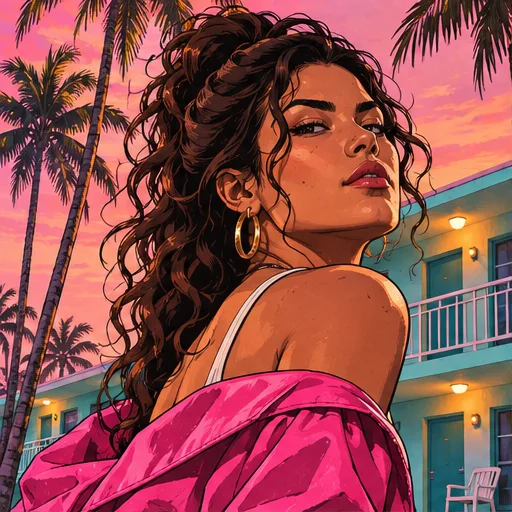
Main Character
Cast yourself in a sunset cover portrait.
 image
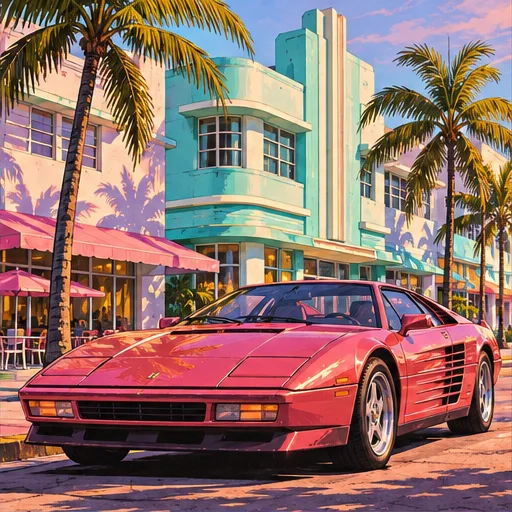
Ocean Drive
Park a classic coupe under candy-colored skies.
 image
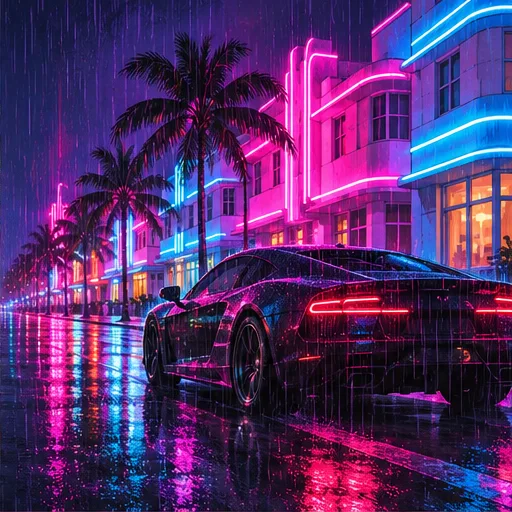
After Hours
Paint the city in rain, chrome and electric pink.
- PreviewOpen in Studio with Sunset Cruise
Sunset Cruise
Follow a red coupe down a coastal causeway.
 video
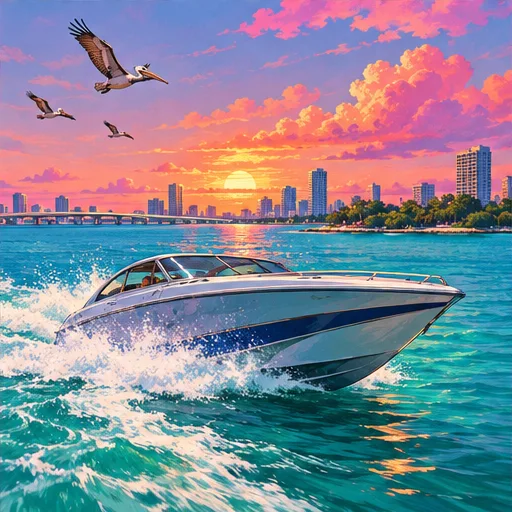
Bay Run
Send a speedboat across a turquoise bay.
 video
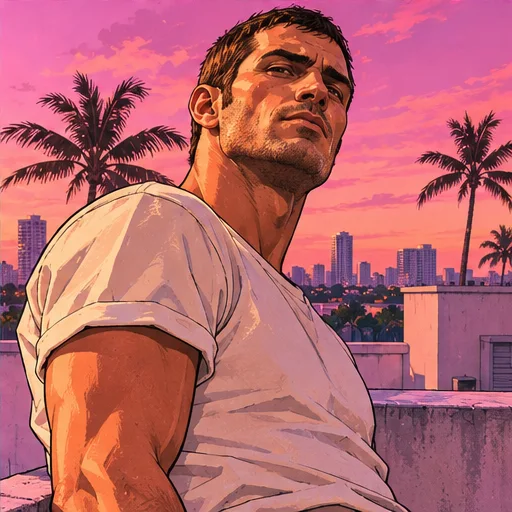
Rooftop Intro
Give your character a slow, cinematic entrance.

02 / The workflow
How it works.
Read the full guideChoose a scene
Pick an image or video preset. It opens in Studio with the prompt and model ready.
Make it yours
Edit the prompt, or add your own photo as a reference or video start frame.
Generate and download
Generate in Studio, then download your image or clip. Generation uses Studio credits.