The ability to generate high-quality visuals from a simple text description has transformed creative workflows across industries. However, with a rapidly growing market, choosing the right tool can feel overwhelming. This guide cuts through the noise to provide a detailed comparison of the top 12 contenders for the best AI image creator in 2025. We'll move beyond simple feature lists to offer a practical analysis of each platform's unique strengths, ideal use cases, pricing models, and crucial limitations.
Whether you're a marketer needing on-brand campaign visuals, a solo creator exploring new artistic styles, or an agency managing complex projects, this resource will help you identify the perfect tool to bring your ideas to life. Each entry includes detailed analysis, sample image outputs with prompts, and a direct link to the platform so you can start creating immediately. We will examine everything from photorealism and artistic flexibility to user interface and commercial licensing.
The goal is to equip you with the knowledge to make an informed decision, saving you hours of trial and error. We'll break down which tools excel at specific tasks, like generating realistic human faces, creating intricate illustrations, or producing marketing-ready assets with consistent branding. For a comprehensive overview of the capabilities of various platforms, refer to our guide on the AI Image Generator, which provides a foundational understanding of the technology. Now, let's dive into the detailed breakdown of each platform to find the best fit for your creative vision.
1. ai-media-studio
AI Media Studio solidifies its position as a top contender for the best ai image creator by blending an intuitive, browser-based interface with a powerful and versatile feature set. It’s an exceptionally well-rounded platform designed for professionals who need high-quality, on-brand visuals without a steep learning curve. The platform empowers users to generate compelling images and videos directly from text prompts or by uploading existing files, making it a comprehensive solution for content creation.
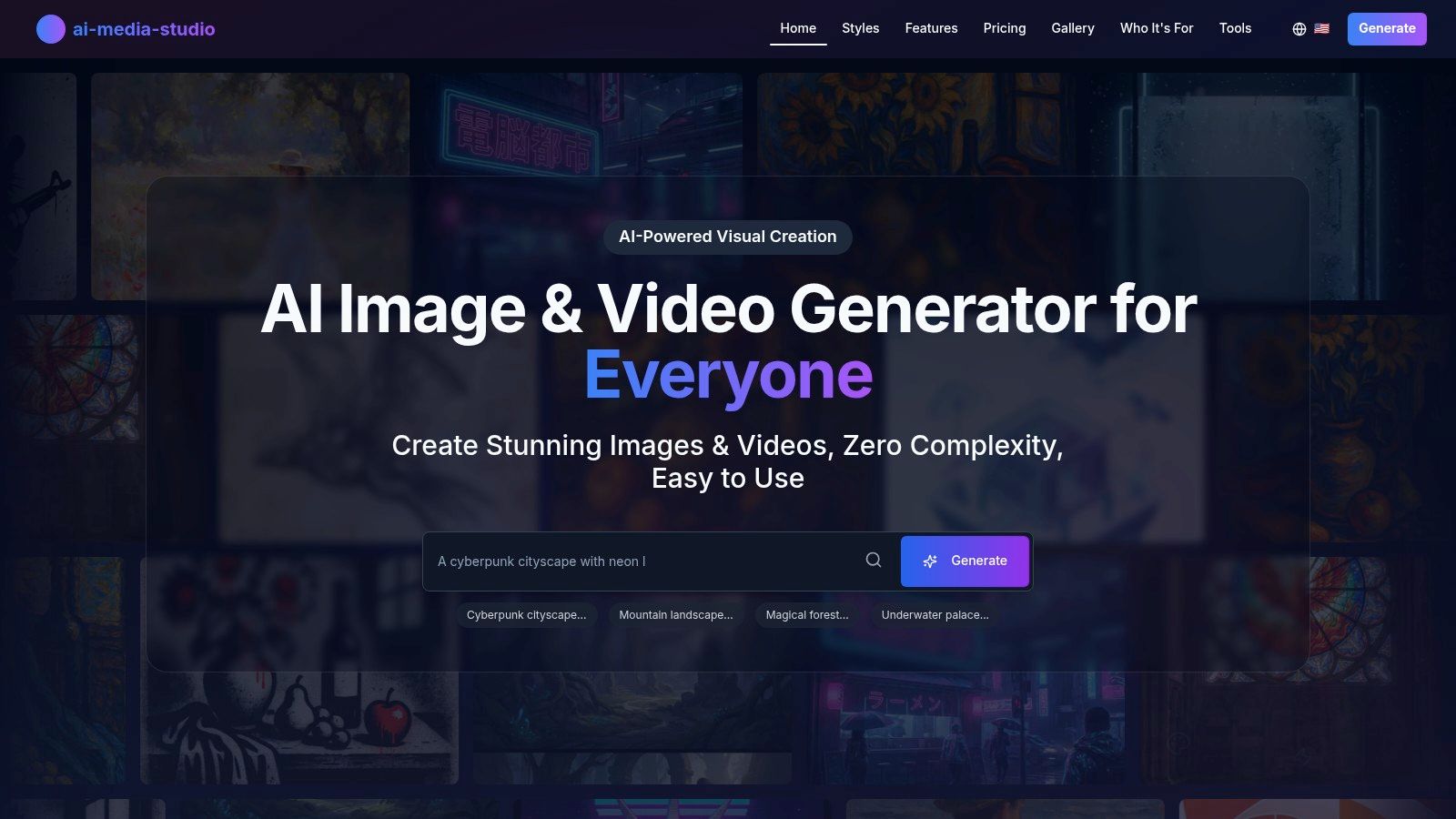
What truly distinguishes this tool is its commitment to both creative flexibility and practical workflow integration. It removes the need for complex prompt engineering, allowing creators, marketers, and agencies to focus on their creative vision rather than technical syntax.
Key Differentiators and Use Cases
AI Media Studio excels with several standout features that directly address common professional needs. Its expansive library of over 50 distinct art styles is a significant advantage, offering everything from photorealistic and cinematic looks to artistic styles mimicking Banksy or Andy Warhol. This versatility makes it ideal for a range of applications:
- Marketing Teams: Quickly generate a cohesive set of visuals for an ad campaign in a specific "cyberpunk" or "watercolor" style.
- Content Creators: Produce unique blog headers, social media posts, and YouTube thumbnails that align with their personal brand.
- Educators: Create engaging presentation slides and illustrative materials without needing any design skills.
The platform also integrates essential editing tools like inpainting and outpainting, which allow for precise refinements directly within the interface. This built-in functionality eliminates the time-consuming process of exporting to external software for minor adjustments, streamlining the entire creative workflow from concept to final asset.
Pricing and Licensing
- Free Tier: 3 free generations per month (no credit card required).
- Light Plan: $10/month for 200 credits.
- Starter Plan: $19/month for 1,000 credits, including commercial use rights and advanced editing.
- Pro Plan: $35/month for 2,000 credits, adding team collaboration and priority generation.
For professionals, the Starter and Pro plans are the most practical, as they unlock crucial commercial use rights for all generated assets. This clear licensing is a major benefit for businesses that need copyright-free visuals for their marketing and products.
Summary
| Feature | Details |
|---|---|
| Best For | Marketers, agencies, creators, and teams needing a versatile and user-friendly tool. |
| Key Strength | Huge style library (50+) and integrated editing tools (inpainting/outpainting). |
| Collaboration | Team workspaces are available on the Pro plan for collaborative projects. |
| Privacy | Prompts and images are private by default; data is not used for model training without consent. |
| Limitations | Free tier is very limited (3 generations/month); some advanced features like batch generation are still "coming soon." |
Website: https://www.ai-media-studio.com
2. Adobe Firefly
Adobe Firefly stands out as the best AI image creator for professionals and enterprises already embedded in the Adobe Creative Cloud ecosystem. Its greatest strength is not just its powerful text-to-image model, but its seamless integration into flagship applications like Photoshop and Adobe Express. This allows for an unparalleled workflow where you can generate an asset with Firefly and then immediately refine it using industry-standard tools.
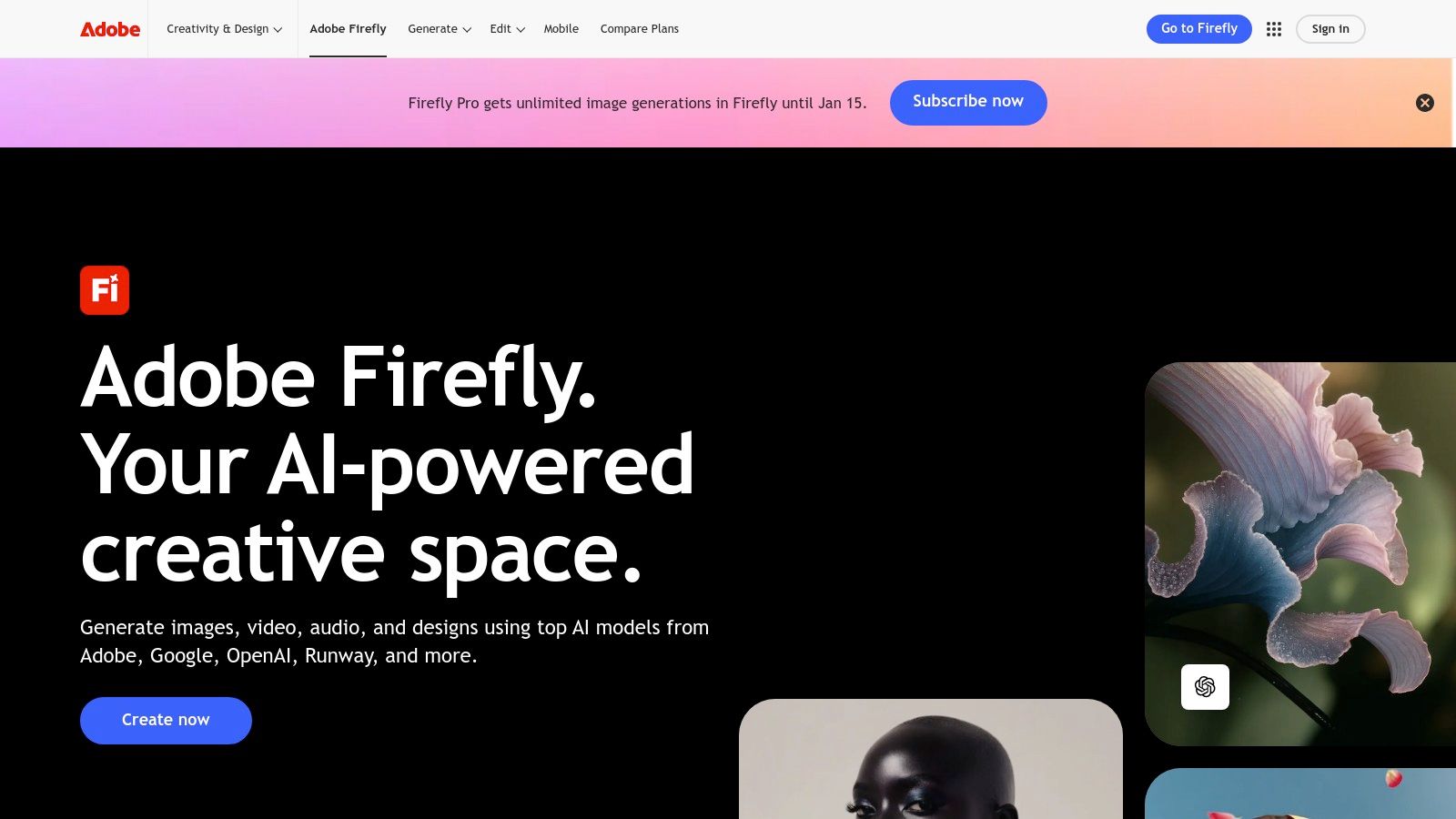
The platform’s core differentiator is its commitment to commercial safety. Firefly is trained on Adobe Stock’s licensed library and openly licensed content, mitigating the copyright and intellectual property risks often associated with other AI models. This makes it a dependable choice for marketing teams, agencies, and businesses that require legally sound visuals for commercial projects.
Key Features and User Experience
The user interface is clean and intuitive, whether you're using the standalone web app or the integrated Generative Fill and Generative Expand features within Photoshop. The system operates on a generative credit model, which is included in most Creative Cloud subscriptions and can be topped up. While the credit system can be a bit confusing initially, it standardizes usage across the entire Adobe AI toolset.
- Pros:
- Deep Integration: Unmatched workflow synergy with Photoshop, Illustrator, and Express.
- Commercially Safe: Trained on licensed data, making outputs safe for commercial use.
- High-Quality Outputs: Produces photorealistic and artistic images suitable for professional work.
- Cons:
- Credit System: The generative credit model can be restrictive for heavy users on lower-tier plans.
- Best Value within Ecosystem: Maximum benefit is realized with a Creative Cloud subscription.
Website: https://www.adobe.com/products/firefly
3. Midjourney
Midjourney has earned its reputation as a premier AI image creator, particularly celebrated for its distinctive, artistic, and often breathtakingly beautiful outputs. It excels at generating images with a strong, opinionated aesthetic that feels closer to high-concept art than a simple photographic reproduction. The platform operates uniquely through its web app and Discord server, fostering a vibrant community where users share prompts and techniques, making it an interactive, collaborative environment.
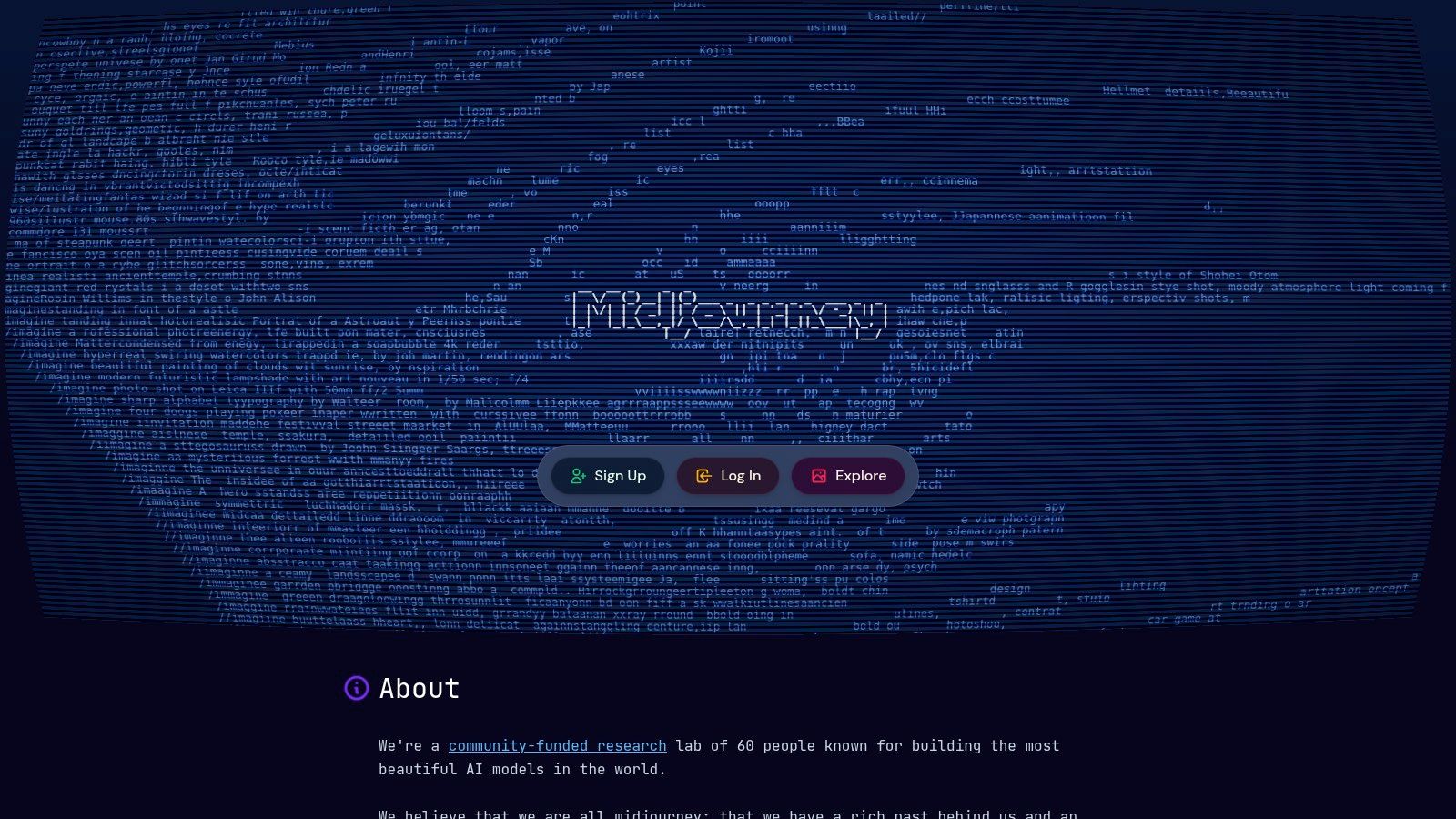
This community-driven approach is a core part of the experience, offering endless inspiration. Midjourney's model is finely tuned for creating visually stunning and cohesive styles, making it a favorite among artists, designers, and creatives looking to produce high-end concept art, fantastical scenes, and intricate illustrations. Its ability to generate hyper-realistic images has also become a key strength. To explore this capability further, learn more about achieving photorealistic styles with AI on our blog.
Key Features and User Experience
Interaction primarily happens through a web interface or by typing prompts into a Discord chat, which can be an unusual workflow for newcomers but becomes second nature. Subscription tiers offer different amounts of "Fast" GPU time for quick generations, with higher-cost plans including unlimited "Relax" mode generations and private "Stealth" mode. This tiered system provides flexibility for various usage levels, from hobbyists to power users.
- Pros:
- Distinctive High-Quality Aesthetics: Produces visually unique and artistic images that stand out.
- Active Community: A strong, collaborative environment for prompt sharing and inspiration.
- Flexible Subscription Tiers: Multiple plans cater to different usage needs and budgets.
- Cons:
- No Free Tier: A subscription is required for ongoing image generation.
- Discord-Centric UX: The interface may feel unconventional for users accustomed to web apps.
Website: https://midjourney.com
4. OpenAI (Images in ChatGPT + Images API)
OpenAI presents a powerful dual-pathway approach, making it a strong contender as the best AI image creator for both casual users and developers. For consumers, the DALL·E 3 model is seamlessly integrated into ChatGPT Plus, allowing for conversational and iterative image creation directly within a familiar chat interface. This makes generating high-quality visuals as simple as having a conversation, with the AI helping to refine prompts for better results.
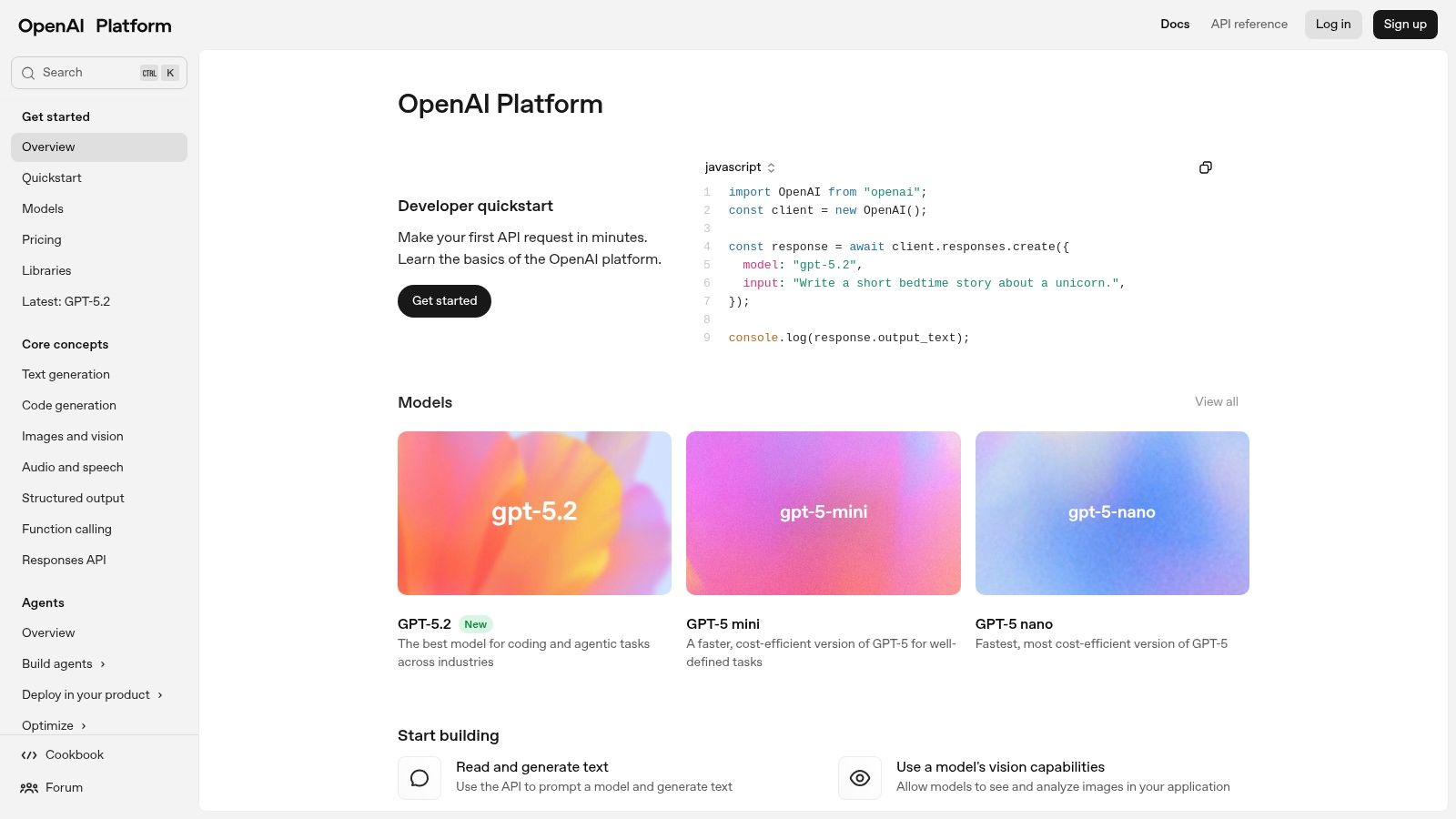
For developers and businesses, OpenAI's Images API provides programmatic access to its models, including the advanced DALL·E 3 and GPT-Image-1. This enables scalable, on-demand image generation to be built into any application or workflow. With clear documentation, tiered pricing for different quality and size requirements, and built-in safety features, it’s designed for robust, large-scale implementation. The inclusion of C2PA metadata for content provenance also addresses growing concerns about AI-generated media authenticity.
Key Features and User Experience
The user experience is split: the ChatGPT interface is incredibly intuitive for beginners, while the API offers granular control for technical users. The API’s pay-as-you-go model offers flexibility, allowing businesses to scale costs directly with usage. While this pricing can seem complex with different costs for standard versus HD quality, it provides precise control over budgets for specific project needs.
- Pros:
- Dual Access: Easy-to-use consumer interface in ChatGPT and a robust, well-documented API for developers.
- Conversational Creation: ChatGPT integration allows for natural language prompt refinement.
- Flexible API Pricing: Tiered, per-image pricing allows for cost-effective scaling.
- Cons:
- Complex Pricing Tiers: The API pricing for different models, quality, and sizes can be nuanced.
- Rate Limits: The API has rate limits that may affect high-volume, rapid-generation applications.
Website: https://platform.openai.com
5. Microsoft Designer
Microsoft Designer is positioned as the best AI image creator for users seeking a quick, streamlined solution for social media content and marketing materials, especially those already using the Microsoft 365 ecosystem. It integrates DALL-E 3's powerful image generation directly into a user-friendly, template-driven design application. This combination allows you to generate a visual and immediately place it into a social-ready design with text, branding, and other elements.
Its main advantage is accessibility and simplicity. Unlike more complex, artist-focused platforms, Designer is built for speed and practical application. It’s a direct competitor to tools like Canva but with a more powerful, native AI image generator at its core. This makes it an excellent choice for small businesses, social media managers, and individuals needing to produce attractive visuals without a steep learning curve or professional design software.
Key Features and User Experience
The interface is clean and intuitive, guiding users from prompt to finished design in just a few clicks. The platform operates on a "boosts" system for its free tier, giving users a set number of priority generations each month before speeds are throttled. Integration with Microsoft Copilot and OneDrive further streamlines the workflow for users invested in the Microsoft suite, making it easy to save and manage assets.
- Pros:
- No-Cost Entry: A generous free tier makes it highly accessible for casual use.
- Simple UX: Ideal for quickly creating social media posts and simple marketing visuals.
- Ecosystem Integration: Works seamlessly with Microsoft 365, Copilot, and OneDrive.
- Cons:
- Credit Limits: The "boosts" on the free plan can be limiting for high-volume creation.
- Fewer Pro Controls: Lacks the advanced artistic controls found in Midjourney or Stable Diffusion.
Website: https://designer.microsoft.com/
6. Leonardo.Ai
Leonardo.Ai positions itself as a comprehensive creative suite, making it one of the best AI image creator platforms for designers, game developers, and creative teams who need more than just simple text-to-image generation. Its key differentiator is the ability for users to train their own custom AI models. This allows for the creation of assets with a consistent and unique style, which is invaluable for brand identity, game art, or specific artistic projects.
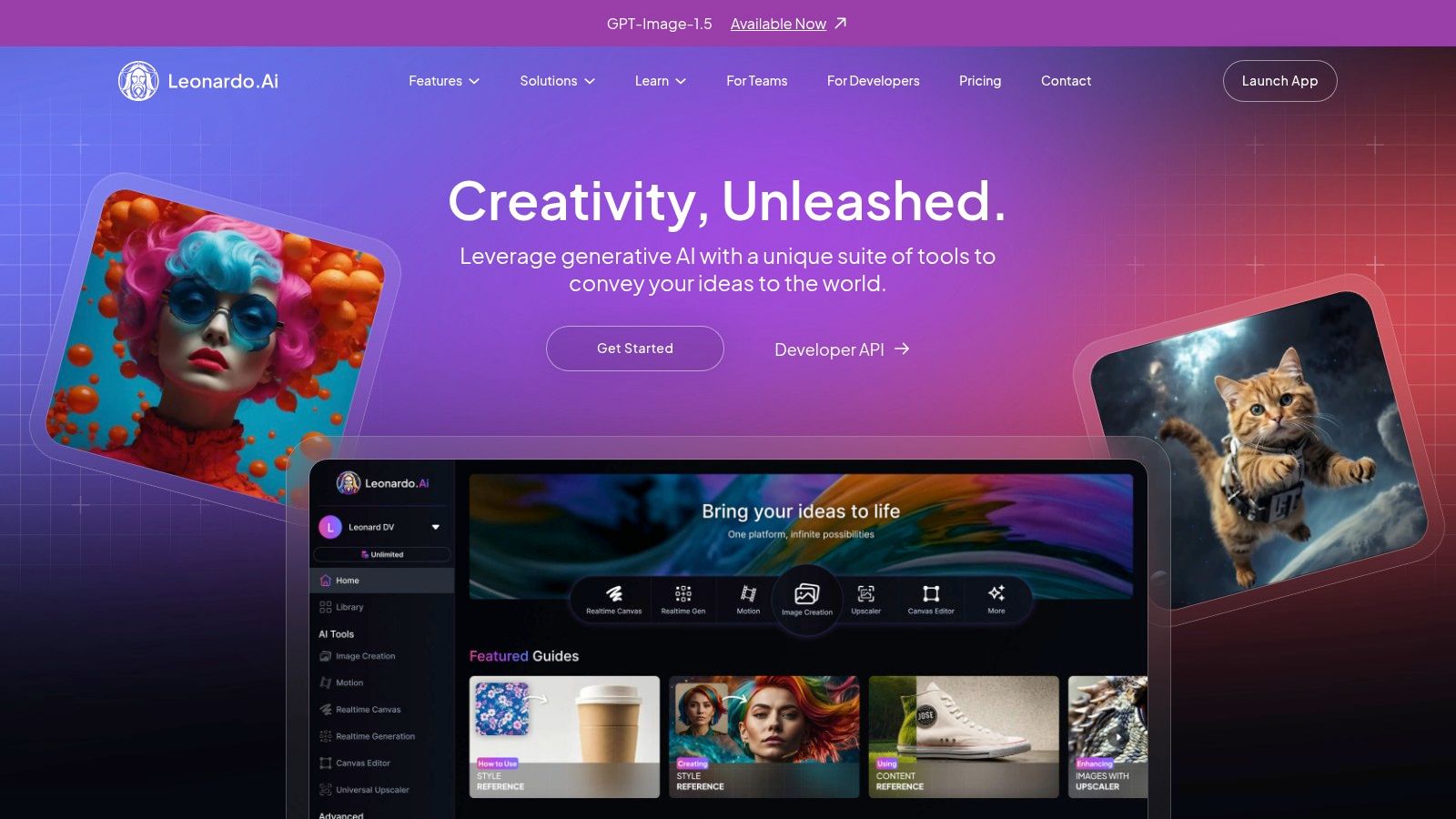
The platform balances robust features with a flexible pricing model built around tokens. Users can generate images quickly using tokens in "Fast" mode or wait longer for free generations in "Relaxed" mode, depending on their subscription level. With offerings that extend to video generation and team-based workspaces, Leonardo.Ai provides a powerful, all-in-one ecosystem for digital creators who want deep control over their AI-generated content.
Key Features and User Experience
The user interface is feature-rich, presenting a community feed, personal galleries, and advanced generation tools like Image2Image and Canvas Editor in a single dashboard. While the token system and various settings can present a slight learning curve, they offer a high degree of precision for those willing to experiment. Paid tiers provide benefits like private generations, increased training capacity, and API access for developers.
- Pros:
- Custom Model Training: Excellent for developing and maintaining a consistent brand or artistic style.
- All-in-One Platform: Combines image generation, video creation, and editing tools.
- Flexible Generation Modes: Token-based Fast and free Relaxed modes cater to different user needs.
- Cons:
- Complex for Beginners: The array of features and the token system can be overwhelming initially.
- Relaxed Mode Limitations: Some community models may not be available for unlimited "Relaxed" generation.
Website: https://leonardo.ai
7. Canva Magic Media
Canva Magic Media positions itself as the best AI image creator for marketers, teams, and non-designers who need to create polished, on-brand assets quickly. Its primary strength lies in its deep integration within Canva's all-in-one design ecosystem. Users can generate an image and immediately drop it into a presentation, social media template, or marketing document, streamlining the entire content creation workflow from concept to publication.
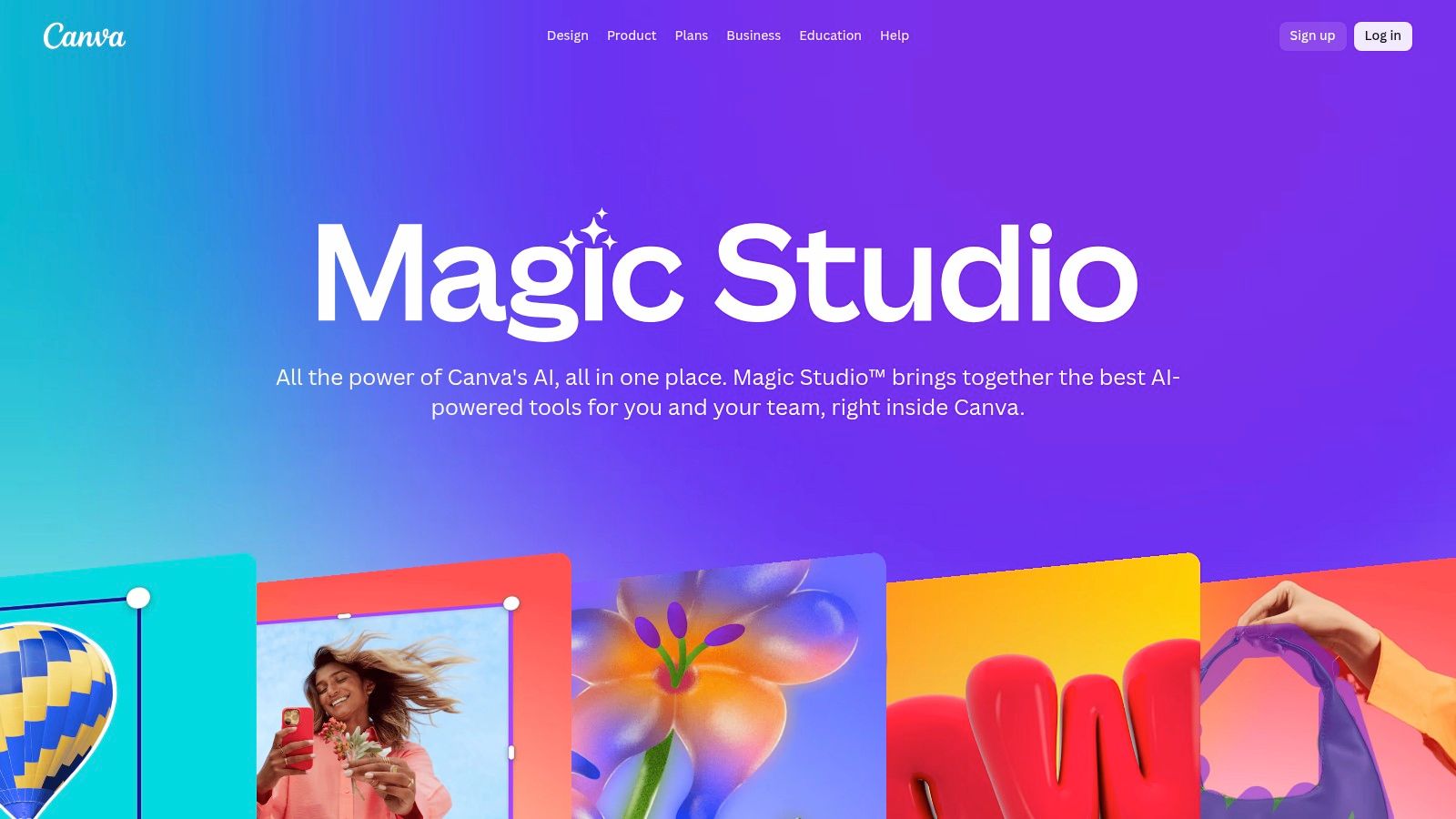
The platform is less about producing standalone fine art and more about practical application. It excels at creating custom visuals that align with a company’s Brand Kit, ensuring consistency across all materials. For teams already using Canva for collaboration, Magic Media becomes a natural extension, eliminating the need to jump between different tools for stock photos, design layouts, and AI generation. This integrated approach is its key differentiator in a crowded market.
Key Features and User Experience
The user experience is quintessentially Canva: simple, intuitive, and template-driven. The AI tools, including Magic Edit and Magic Expand, are accessible directly within the familiar editor. The system uses a credit model, with generous allotments for Pro and Teams users, though the specifics of these plans and credit counts have been known to change. While it may not offer the granular control of more specialized tools, its ease of use makes it highly accessible. For more advanced branding needs, users might explore a dedicated AI logo generator to complement Canva's features.
- Pros:
- Seamless Workflow: Unmatched integration with templates, brand kits, and publishing tools.
- Team Collaboration: Excellent for teams needing to maintain brand consistency across projects.
- Extremely Easy to Use: The intuitive interface is perfect for users without design experience.
- Cons:
- Pricing Changes: Plan costs, particularly for Teams, can change and have increased over time.
- Feature Quotas: AI feature access and credit limits vary significantly between free and paid plans.
Website: https://www.canva.com/magic
8. Shutterstock AI Image Generator
Shutterstock AI Image Generator is the best AI image creator for marketers and businesses who need legally sound, commercially licensable assets with the backing of a major stock photo provider. Its primary advantage is its direct integration with Shutterstock’s vast library and licensing framework, which ensures that every image generated is cleared for commercial use. This is achieved by training its model ethically on Shutterstock's own licensed content, with a contributor fund to compensate the original artists.
This model provides peace of mind for corporate users, eliminating the copyright ambiguity that plagues many other generative tools. By offering a standard license with every downloaded AI image, Shutterstock effectively bridges the gap between AI generation and the practical needs of commercial content creation, making it a reliable choice for advertising, marketing campaigns, and corporate branding.
Key Features and User Experience
The platform is straightforward, offering a simple text-to-image interface that feels familiar to anyone who has used Shutterstock’s search engine. It operates on a subscription model called Generative AI Plus, which provides a set number of monthly generations. When you download an image, it comes with a standard Shutterstock license, simplifying the legal workflow considerably. While it lacks the advanced in-app editing features of competitors, its focus is squarely on producing high-quality, commercially viable stock images.
- Pros:
- Business-Friendly Licensing: Every downloaded image includes a standard commercial license.
- Ethical Model: Trained on licensed Shutterstock data with a contributor compensation fund.
- Stock Marketplace Integration: Seamlessly fits into a workflow for sourcing commercial assets.
- Cons:
- Limited Editing Tools: Fewer integrated editing features compared to all-in-one platforms like Adobe or Canva.
- Generation Caps: Monthly plans have generation limits, requiring add-on purchases for heavy use.
Website: https://www.shutterstock.com/ai-image-generator
9. Ideogram
Ideogram has carved out a unique niche as the best AI image creator for generating visuals that require coherent and legible text. This specific capability makes it invaluable for creating logos, posters, social media graphics, and memes where text is a core component. While other models often struggle with garbled letters, Ideogram’s "Magic Prompt" feature helps interpret and render text with impressive accuracy, setting it apart from more generalized platforms.
The platform is designed to be accessible for individual creators while also providing scalable solutions for businesses. With consumer plans that differentiate between Priority and Slow generation queues, users can balance cost and speed. For larger operations, Ideogram offers Team plans and an API with custom model options, making it a versatile tool for both quick creative projects and integrated commercial applications.
Key Features and User Experience
The web interface is straightforward, focusing on the prompt bar and stylistic options like aspect ratio and model version. Users can choose between a faster "Priority" generation queue and a "Slow" queue, which is a great free-to-use option if you are not in a hurry. The credit-based system is easy to understand, with options to top up as needed, which offers flexibility for users with fluctuating workloads.
- Pros:
- Excellent Text Rendering: Superior ability to create images with clear, coherent text.
- Flexible Plans: Offers free "Slow" generation, plus paid plans for teams and API access.
- Good for Specific Use Cases: Ideal for logos, posters, and marketing materials requiring text.
- Cons:
- Slow Queue Times: The free queue can be very slow during peak hours.
- Requires Top-Ups: Power users may find they need to purchase additional credits frequently.
Website: https://ideogram.ai
10. NightCafe Studio
NightCafe Studio is one of the original and most community-focused AI art platforms, making it an excellent starting point for beginners. It provides access to multiple AI models, including various versions of Stable Diffusion, DALL-E 2, and its own proprietary models, all within a single user-friendly interface. Its greatest strength lies in its social features, encouraging users to share creations, participate in daily challenges, and learn from the prompts of others.
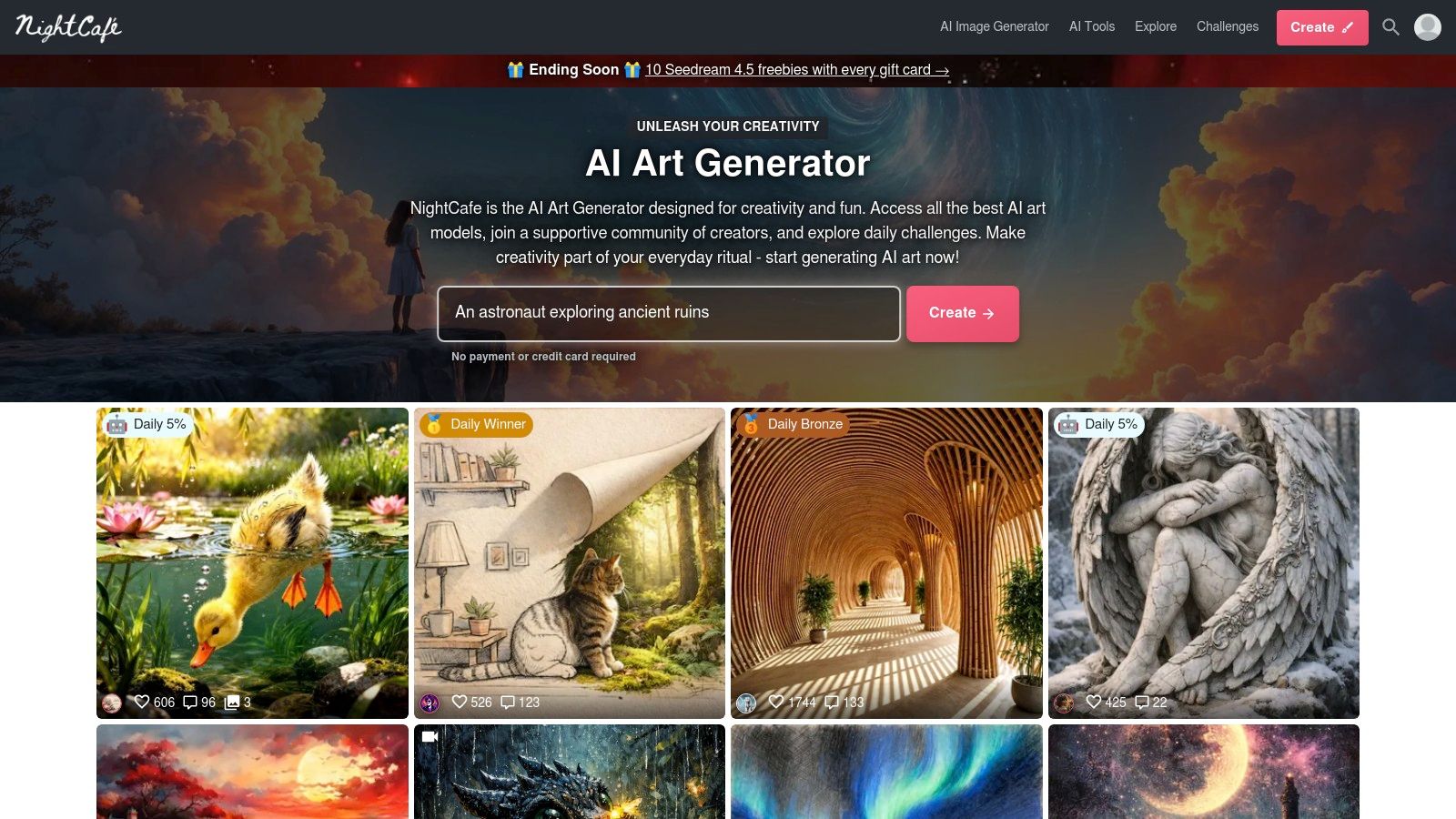
The platform operates on a credit system, but it stands out by offering a generous daily allowance of free credits, allowing casual users to experiment without a financial commitment. For those who want more, paid subscription tiers provide a larger monthly credit allotment that rolls over. This approach makes NightCafe a highly accessible and low-risk option for anyone curious about AI image generation. It even offers an integrated print-on-demand service to turn your favorite creations into physical artwork.
Key Features and User Experience
The user experience is geared toward exploration and community engagement. You can easily browse a massive gallery of creations, "evolve" existing images, or join chat rooms dedicated to AI art. While the platform offers numerous algorithms and presets, the advanced controls are less granular than running a local instance of Stable Diffusion, positioning it as a tool that prioritizes ease of use and community over technical complexity.
- Pros:
- Generous Free Tier: Daily free credits make it easy for anyone to get started.
- Strong Community: Daily challenges, galleries, and social features encourage learning and interaction.
- Multiple Models: Access to Stable Diffusion, DALL-E 2, and other models in one place.
- Cons:
- Limited Advanced Controls: Less technical fine-tuning compared to local or power-user platforms.
- Complex Credit System: The cost of different models and settings can be confusing for new users.
Website: https://nightcafe.studio
11. Playground
Playground positions itself as a design-first AI image creator, offering a compelling blend of its proprietary models alongside popular third-party alternatives. Its key differentiator is an exceptionally flexible economic model that caters to various user needs, from one-off projects to continuous high-volume creation. This makes it an ideal platform for users who want creative versatility without being locked into a rigid subscription.
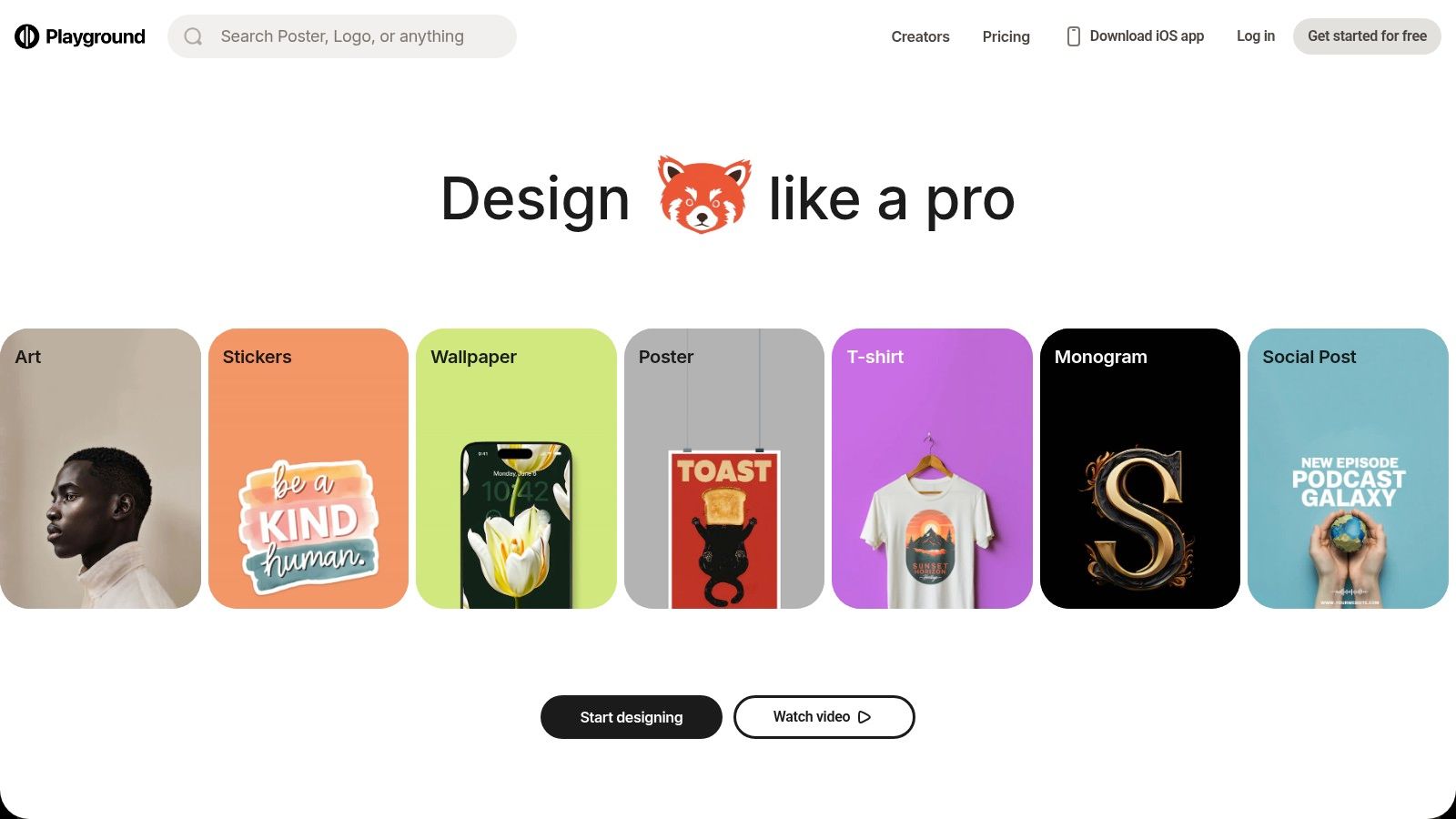
The platform is built around a powerful web-based editor that not only generates images but also allows for in-depth remixing and editing. This integrated workflow simplifies the process of refining AI-generated concepts into finished designs. By providing access to models like its own Playground v3 and others such as Seedream within a single interface, users can experiment with different aesthetic styles efficiently.
Key Features and User Experience
Playground’s user interface is clean and centered around the creative canvas, making it accessible for both beginners and experienced designers. The platform's most unique aspect is its purchasing options, which include standard monthly or annual plans, a 24-hour "Day Pass" for short-term needs, and credit packs for topping up. This approach provides a practical solution for freelancers or agencies managing fluctuating project demands.
- Pros:
- Flexible Economics: The 24-hour Day Pass and credit packs offer great value for non-continuous use.
- Multi-Model Access: Users can switch between Playground's models and others in one place.
- Transparent Limits: Usage caps are clearly documented, so users know exactly what they're getting.
- Cons:
- No Unlimited Usage: Even on paid plans, higher-cost models have enforced generation caps.
- Extra Costs: Accessing some of the most advanced models may require purchasing additional credits.
Website: https://playground.com
12. Picsart
Picsart positions itself as an all-in-one creative platform where AI generation is a powerful feature within a much larger editing suite. It’s an ideal choice for social media managers, content creators, and small businesses who need more than just an image generator. The platform excels at providing a complete workflow, from creating an initial concept with its AI image generator to finalizing it with text, filters, and other design elements, all within one accessible interface.
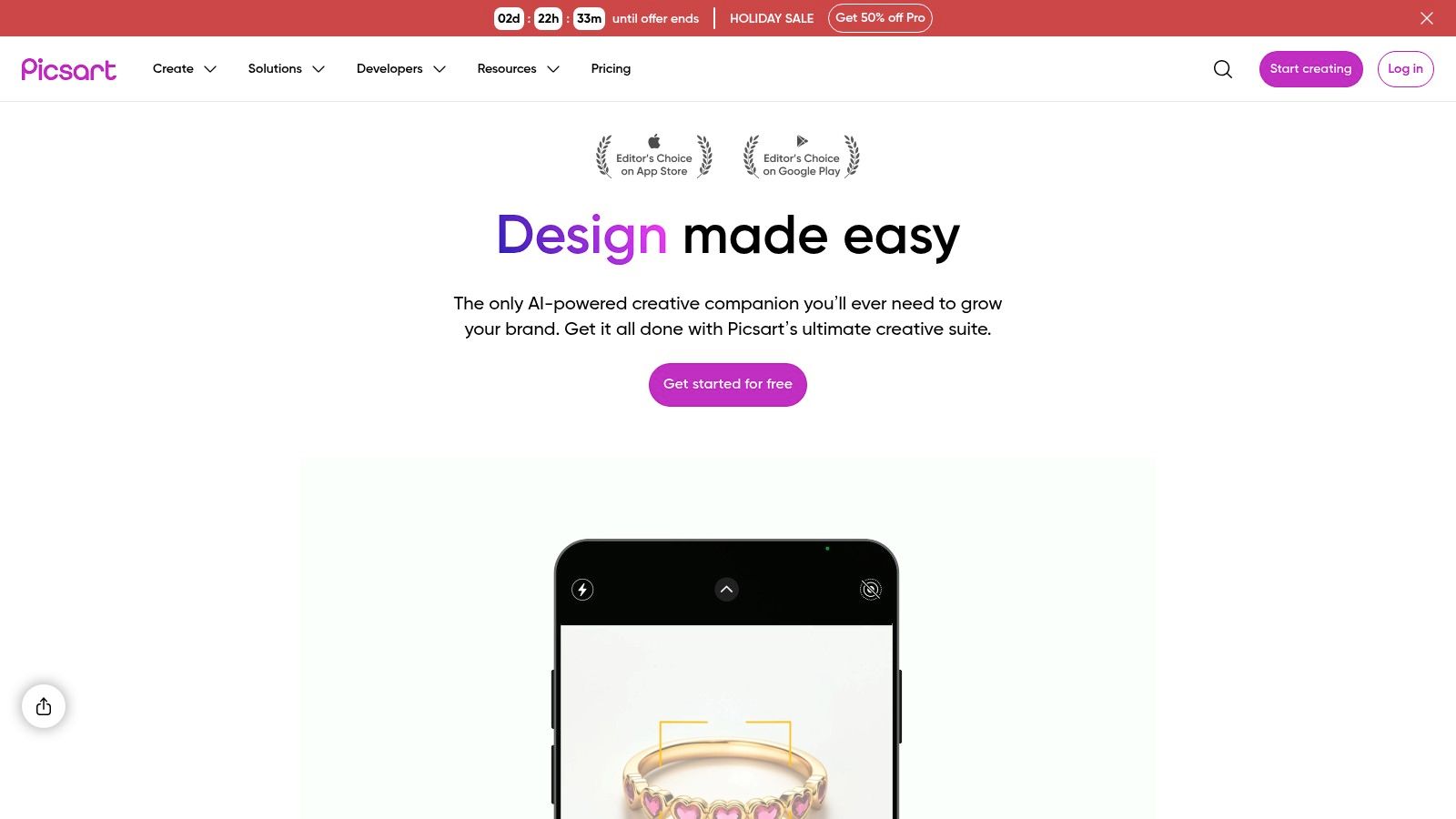
The platform’s main advantage is its mobile-first design and vast library of templates and traditional editing tools like background removal, object replacement, and upscaling. This makes Picsart a fantastic best ai image creator for users who primarily work from their phones or need to quickly produce marketing assets without switching between multiple applications. For those looking to dive deeper into the capabilities of an AI image editor, you can explore more about Picsart's comprehensive toolset.
Key Features and User Experience
The user experience is highly intuitive, catering to a mainstream audience rather than just AI art specialists. The system operates on a credit basis for its generative AI features, which is common in the industry. While this requires some management for heavy users, the plans are generally affordable and often come with promotional pricing, making it a low-barrier entry point into AI-assisted design.
- Pros:
- All-in-One Suite: Combines AI generation with a full-featured photo and video editor.
- Mobile-Friendly: Excellent mobile apps provide a powerful on-the-go workflow.
- Affordable: Competitive pricing makes it accessible for individuals and small teams.
- Cons:
- Credit System: Heavy AI usage can quickly deplete credits on lower-tier plans.
- Less Artistic Control: Lacks the advanced fine-tuning parameters found in dedicated AI art generators.
Website: https://picsart.com
Top 12 AI Image Creators — Feature Comparison
| Product | Core features | UX / Quality ★ | Price / Value 💰 | Target audience 👥 | Unique selling points ✨ |
|---|---|---|---|---|---|
| ai-media-studio 🏆 | Browser text→image & video, 50+ styles, inpainting/outpainting, team workspaces | ★★★★☆ — fast & beginner‑friendly | 💰 Free (3/mo) · Light $10 · Starter $19 · Pro $35 | 👥 Creators, marketers, agencies, teams | ✨ Huge style library, built‑in editing, privacy‑first, commercial rights |
| Adobe Firefly | Text→image, Generative Fill/Expand, Photoshop/Express integration | ★★★★☆ — pro workflows | 💰 Included in Adobe plans / credits | 👥 Designers, enterprises, agencies | ✨ Photoshop integration & enterprise commercial‑safety |
| Midjourney | Discord/web generation, Fast vs Relax modes, subscription tiers | ★★★★★ — distinctive, high‑quality renders | 💰 Subscription (Basic→Pro→Mega) | 👥 Concept artists, creators, illustrators | ✨ Unique aesthetic style + vibrant community |
| OpenAI (ChatGPT & Images API) | ChatGPT image gen + Images API (DALL·E 3 / GPT‑Image) | ★★★★☆ — reliable & scalable | 💰 API pay‑as‑you‑go; ChatGPT access tiers | 👥 Developers & casual users | ✨ Developer API, safety metadata (C2PA), strong docs |
| Microsoft Designer | Template‑driven creator, image tools, M365 & Copilot integration | ★★★★ — simple & social‑ready | 💰 Free tier + Microsoft 365 plans | 👥 Social marketers, non‑designers | ✨ M365/Copilot sync + social templates |
| Leonardo.Ai | Fast/Relax token modes, personal model training, upscaling | ★★★★ — power + control | 💰 Token/plan based pricing | 👥 Designers, teams building brand models | ✨ Train personal models for brand/style consistency |
| Canva Magic Media | AI image gen inside Canva, templates, brand kits, publish tools | ★★★★ — template‑first UX | 💰 Freemium → Pro/Teams subscriptions | 👥 Teams, social marketers, non‑designers | ✨ Brand kits + end‑to‑publish workflow |
| Shutterstock AI Image Generator | Generative + Shutterstock licensing, editor & marketplace tie‑in | ★★★★ — business‑focused | 💰 Generative AI Plus / licensed downloads | 👥 Marketers, businesses needing clear licenses | ✨ Stock marketplace + clear commercial licensing |
| Ideogram | Strong text‑on‑image, consumer & team credits, API | ★★★★ — excels at text fidelity | 💰 Priority/slow credits, team plans | 👥 Designers, brand/logotype creators | ✨ High‑fidelity text rendering in images |
| NightCafe Studio | Multiple models, daily free credits, community galleries, prints | ★★★★ — community & variety | 💰 Daily free credits + paid credit/sub plans | 👥 Hobbyists, artists, community creators | ✨ Mix of models, community galleries, print fulfillment |
| Playground | Multi‑model access, web editor, flexible passes (day/month/credits) | ★★★★ — flexible & practical | 💰 Day pass, subscriptions, credit packs | 👥 Short‑term projects, experimenters | ✨ Day Pass + multi‑model in one UI |
| Picsart | AI image generator + robust editing tools, mobile apps, templates | ★★★★ — mobile‑first & editing bundle | 💰 Affordable freemium + credit system | 👥 Mobile creators, social content makers | ✨ Mobile apps + bundled non‑AI editing tools |
Making Your Final Choice: Which AI Image Creator Is Right for You?
Selecting the best AI image creator ultimately depends on your specific needs, workflow, and budget. We've explored a dozen powerful platforms, each with a distinct focus. Now, let's synthesize this information into clear recommendations to help you make a confident decision.
The landscape of AI-powered creativity is no longer a one-size-fits-all arena. From the hyper-realistic artistry of Midjourney to the seamless workflow integration of Adobe Firefly, the ideal tool is a deeply personal choice. Your decision should hinge not just on image quality but on ease of use, commercial licensing, and how well a platform aligns with your existing creative process.
Key Takeaways and Final Recommendations
To simplify your choice, we've distilled our findings into audience-specific recommendations. This guide will help you pinpoint the best AI image creator for your unique goals.
-
For Marketing Teams and Agencies: Your primary needs are brand consistency, commercial safety, and workflow efficiency. Adobe Firefly stands out for its enterprise-ready features and ethically sourced training data. For rapid social media content and ad creatives, AI Media Studio and Canva Magic Media offer unparalleled ease of use and integration with broader marketing tools.
-
For Professional Artists and Designers: If pushing creative boundaries and achieving a specific artistic vision is your goal, Midjourney remains the undisputed leader in aesthetic quality. For those who need more granular control over models and fine-tuning, Leonardo.Ai and Playground provide a robust, community-driven toolkit that functions like a true digital art studio.
-
For Content Creators and Small Business Owners: You need a balance of quality, affordability, and simplicity. OpenAI's DALL-E 3 within ChatGPT is an excellent starting point for its conversational prompting and high-quality output. For those needing an all-in-one solution for blog graphics, social posts, and presentations, AI Media Studio offers a fantastic suite of tools beyond just image generation, making it a central hub for content creation.
-
For Beginners and Casual Users: If you're just starting your journey, user-friendly interfaces are crucial. Microsoft Designer offers a gentle learning curve with helpful integrations. Likewise, Picsart and NightCafe Studio provide accessible, fun platforms with strong community features that make the creative process engaging and less intimidating.
Strategic Factors to Consider Before You Commit
Before you subscribe to a platform, ask yourself these critical questions. Your answers will guide you to the perfect fit.
-
What is my primary use case? Are you creating photorealistic product mockups, fantastical concept art, or simple blog post illustrations? The tool optimized for one is rarely the best for another.
-
What does my workflow look like? Do you need a tool that integrates directly into Adobe Photoshop? Or do you prefer a standalone platform like a Discord server or a simple web app? A tool that disrupts your process, no matter how powerful, will ultimately slow you down.
-
What are the licensing and copyright terms? This is non-negotiable for commercial use. Always verify that the platform grants you the necessary rights to use generated images for business purposes. Tools like Adobe Firefly and Shutterstock AI are built specifically with commercial safety in mind.
-
How important is advanced control? Do you need to fine-tune models, use negative prompts, or control image composition with precision? Power users will gravitate towards platforms like Leonardo.Ai, while those needing quick, high-quality results may prefer the simplicity of DALL-E 3.
The best AI image creator is the one that empowers you to bring your vision to life with the least amount of friction. We encourage you to experiment with the free trials offered by many of these platforms. Spend time with two or three of your top choices to truly understand their nuances. This hands-on experience is the final, most important step in finding the tool that will become an indispensable part of your creative toolkit.
Ready to streamline your entire content creation process with a powerful, all-in-one AI suite? ai-media-studio offers not just a top-tier AI image creator but a full set of tools for writing, voiceovers, and more, making it the perfect hub for creators and marketers. Explore how you can accelerate your workflow and elevate your content at ai-media-studio today.