The world of visual content creation has been revolutionized. Just a few years ago, producing a high-quality, custom image required expensive software, specialized skills, or hiring a designer. Today, the power to create stunning visuals from a simple text description is accessible to everyone. The challenge is no longer if you can create AI-generated art, but which of the many free AI image generator tools is the right fit for your specific project.
Whether you're a marketer needing blog visuals, a social media manager creating engaging posts, or a hobbyist exploring digital art, the sheer volume of options can be overwhelming. This guide cuts through the noise. We've rigorously tested and analyzed the top platforms, focusing on what truly matters: the generosity of their free tiers, the quality of the images produced, overall ease of use, and the specific use cases where each tool shines.
This article is more than just a list; it's a comprehensive resource designed to help you make an informed choice. Beyond just generating images, these platforms are a key part of a modern workflow, and exploring the best AI tools for content creation can further enhance your creative output. In this guide, each entry includes screenshots, direct links, and a clear breakdown of pros and cons. We'll explore the real-world limitations you'll encounter, how to get started quickly, and what triggers the need to upgrade to a paid plan. Prepare to find the perfect tool to bring your ideas to life, without spending a dime.
1. ai-media-studio
Paid plans for AI Media Studio start at $19/month.
Loading image...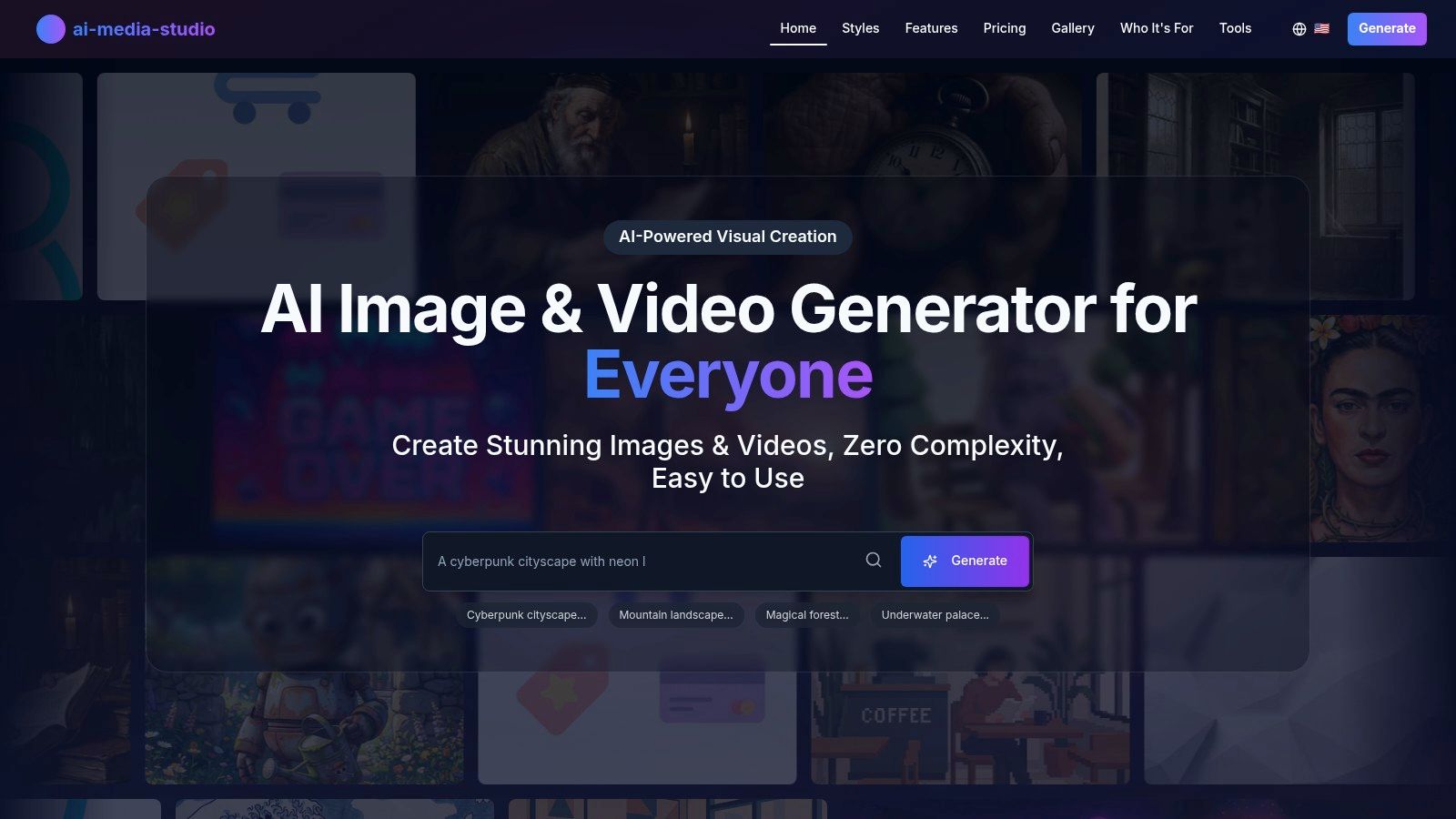
Unlike many competitors that demand a steep learning curve, AI Media Studio allows you to generate images from plain-language descriptions or by uploading an existing image. This streamlined workflow, combined with an extensive library of over 50 distinct art styles, empowers users to create everything from photorealistic product mockups and cinematic landscapes to anime characters and abstract watercolor paintings in seconds. This versatility makes it an invaluable tool for diverse creative and commercial projects.
Key Strengths & Features
One of the platform's most significant advantages is its direct focus on practical business applications. While many free tools restrict commercial use, AI Media Studio offers clear commercial licensing on its paid tiers, ensuring that the assets you create are ready for marketing campaigns, websites, and client work.
Privacy and Collaboration: A standout feature is the platform's commitment to user privacy. Unlike services that use your creations to train public models, your prompts and generated images remain private by default. For professional teams, the inclusion of collaborative workspaces allows for shared projects and streamlined asset management, a feature often reserved for enterprise-level software.
- Vast Style Library: Access more than 50 art and video styles, including niche options like cyberpunk, pop-art, and even Banksy-inspired aesthetics.
- Integrated Editing Tools: Go beyond simple generation with built-in tools for inpainting and outpainting, allowing for precise adjustments and image expansion.
- Business-Ready Workflow: Paid plans provide commercial use rights, team collaboration features, and streamlined export options for high-resolution downloads.
Paid plans for AI Media Studio start at $19/month.
AI Media Studio offers a straightforward and accessible entry point.
- Paid plans for AI Media Studio start at $19/month.
- Paid plans: From $19/month, with more credits and advanced features.
Limitations to Consider
While powerful, there are a few points to be aware of. The platform's marketing sometimes mentions "unlimited generation," which conflicts with its credit-based pricing structure; it's best to rely on the specific credit limits outlined in each plan. Catalog batch is live on Pro and above (Starter stays one SKU at a time), and 4K exports sit on higher plans.
AI Media Studio is not a free generator. Start on the AI image generator page. Already have a photo? Open the AI photo editor.
Visit the website: https://www.ai-media-studio.com
2. Adobe Firefly
Adobe Firefly stands out as a powerful, enterprise-ready free AI image generator tool deeply integrated into the Adobe Creative Cloud ecosystem. Unlike standalone generators, Firefly is designed for professional workflows, offering seamless text-to-image generation directly within applications like Photoshop and Adobe Express. This integration is its key differentiator, allowing designers and marketers to use generative AI not just for creating standalone images, but for enhancing existing projects with features like Generative Fill and Generative Expand.
Loading image...
The platform is built on a foundation of ethical sourcing, trained exclusively on Adobe Stock and openly licensed content, which provides crucial peace of mind for commercial use. This makes it an ideal choice for marketing teams and creative agencies that require commercially safe assets and clear licensing terms.
Key Features & Getting Started
Firefly operates on a "generative credit" system. Free Adobe Creative Cloud plans include a monthly allotment of 25 credits, which is enough for casual experimentation. Paid plans offer a higher monthly credit allowance.
- Getting Started: Sign in with a free Adobe ID to access the web app. Enter a descriptive text prompt, and then refine your output using the right-hand panel to control content type (Photo or Art), aspect ratio, and apply various style presets.
- Best For: Creative professionals, marketing teams, and anyone already using Adobe products who needs high-quality, commercially viable AI imagery integrated into their existing workflow.
- Pros: Tight integration with Photoshop and Express, commercially safe model, excellent governance and documentation.
- Cons: The free tier's credit limit is restrictive for heavy use, and more advanced features require a Creative Cloud subscription.
Website: https://www.adobe.com/products/firefly.html
3. Microsoft Designer / Bing Image Creator (Copilot)
Microsoft has seamlessly integrated a powerful and accessible free AI image generator tool across its ecosystem, powered by OpenAI's advanced DALL·E 3 and GPT-4o models. Available through Microsoft Designer, Bing Image Creator, and directly within Copilot, it offers high-quality text-to-image generation to a massive user base. Its main advantage is its widespread availability and deep integration into products many people already use daily, such as the Bing search engine and the Microsoft Edge browser.
Loading image...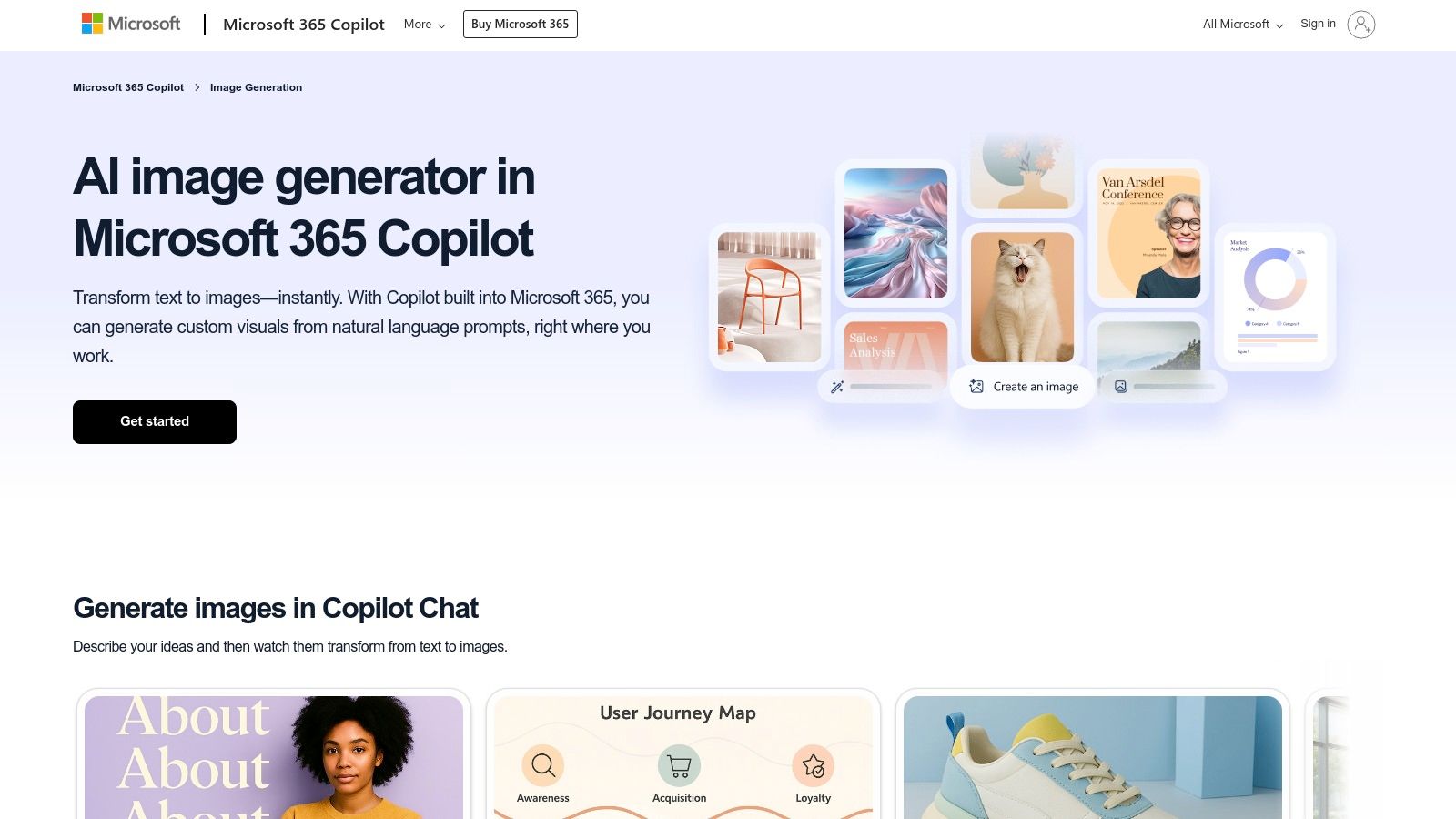
This tool democratizes access to a state-of-the-art image model, making it incredibly simple for anyone with a Microsoft account to start creating. Unlike some competitors that require complex sign-ups, Bing lowers the barrier to entry, making it an excellent starting point for those new to AI image generation or anyone needing a quick, high-fidelity image without leaving their current workflow.
Key Features & Getting Started
The platform operates on a "boosts" system, which allows for faster image generation. Users typically receive a daily or weekly allotment of boosts for free, and more can often be earned through the Microsoft Rewards program. Generations are still possible after boosts run out, but they will be significantly slower.
- Getting Started: Log in with any free Microsoft account on the Bing Image Creator website or within Copilot. Simply type your prompt into the text box and generate. The tool creates a batch of four images, which can then be downloaded or further edited in Microsoft Designer.
- Best For: Casual users, students, and professionals already embedded in the Microsoft ecosystem who need a quick and easy way to generate high-quality images with minimal friction.
- Pros: Uses the powerful DALL·E 3 model for free, excellent accessibility across multiple Microsoft platforms, and a simple, user-friendly interface.
- Cons: Boosts can be used up quickly, leading to slow generation times. The commercial usage terms have been a point of confusion and should be reviewed carefully before use in projects.
Website: https://create.microsoft.com/en-us/features/ai-image-generator
4. Canva AI Image Generator
Canva's "Magic Media" feature brings AI image generation directly into its widely-used design platform, positioning it as an invaluable free AI image generator tool for social media managers and marketers. Its primary strength lies in its seamless integration with Canva’s entire suite of design tools. Users can generate an image from a text prompt and immediately drop it into a social media template, presentation slide, or marketing graphic without ever leaving the editor. This creates an efficient, end-to-end content creation workflow.
Loading image...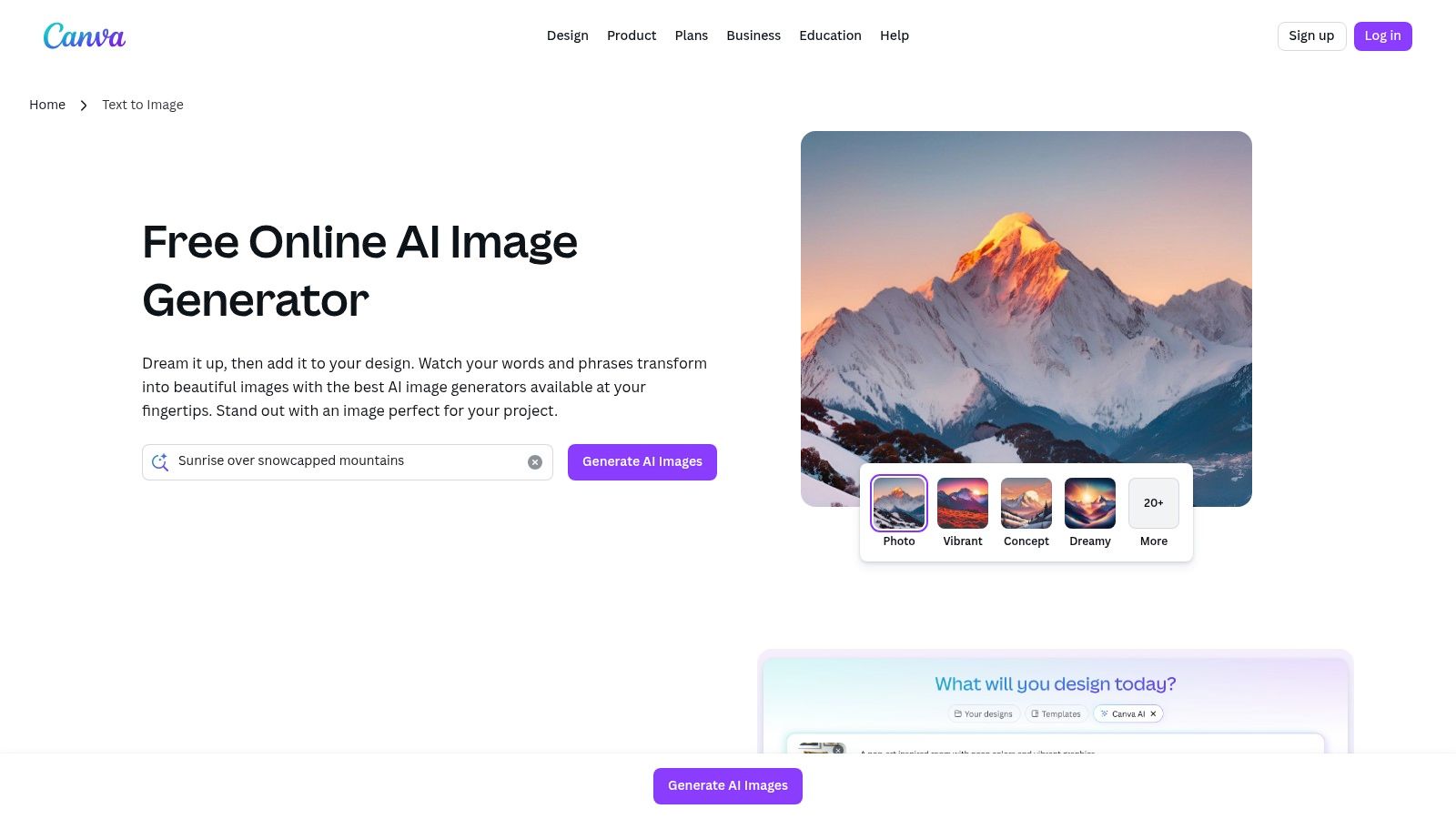
The tool is designed for accessibility, catering to users who need to produce branded content quickly. By combining AI generation with brand kits, templates, and text overlays, Canva empowers teams to maintain brand consistency while leveraging the speed of AI. Its Sketch-to-Life feature further expands creative possibilities, turning simple drawings into detailed images within the design canvas.
Key Features & Getting Started
Canva provides a pool of "lifetime" credits for free users to experiment with its Magic Studio features, including the image generator. Paid plans and Canva for Education users receive a more generous monthly allowance.
- Getting Started: Log into your free Canva account. Open a design and navigate to "Magic Media" in the left-hand panel. Simply type your prompt, choose a style, and generate your image directly onto the canvas.
- Best For: Marketing teams, social media managers, and small business owners who need to create branded visuals quickly and efficiently within a familiar design ecosystem. While powerful, those specifically looking to design a brand identity might explore a dedicated AI logo generator for more specialized features.
- Pros: Fully integrated into a comprehensive design workflow, low barrier to entry for existing Canva users, and excellent for creating social media and marketing assets.
- Cons: The free credit count is quite limited for frequent use, and higher-quality downloads or advanced features often require a Canva Pro subscription.
5. Leonardo.ai
Leonardo.ai positions itself as a comprehensive, creator-focused free AI image generator tool built for both hobbyists and professionals who want granular control and community-driven features. It stands apart with a robust ecosystem that includes not just image generation but also custom model training and a vast library of user-created models. This makes it a dynamic platform where users can experiment with unique, community-honed artistic styles that go beyond standard presets.
Loading image...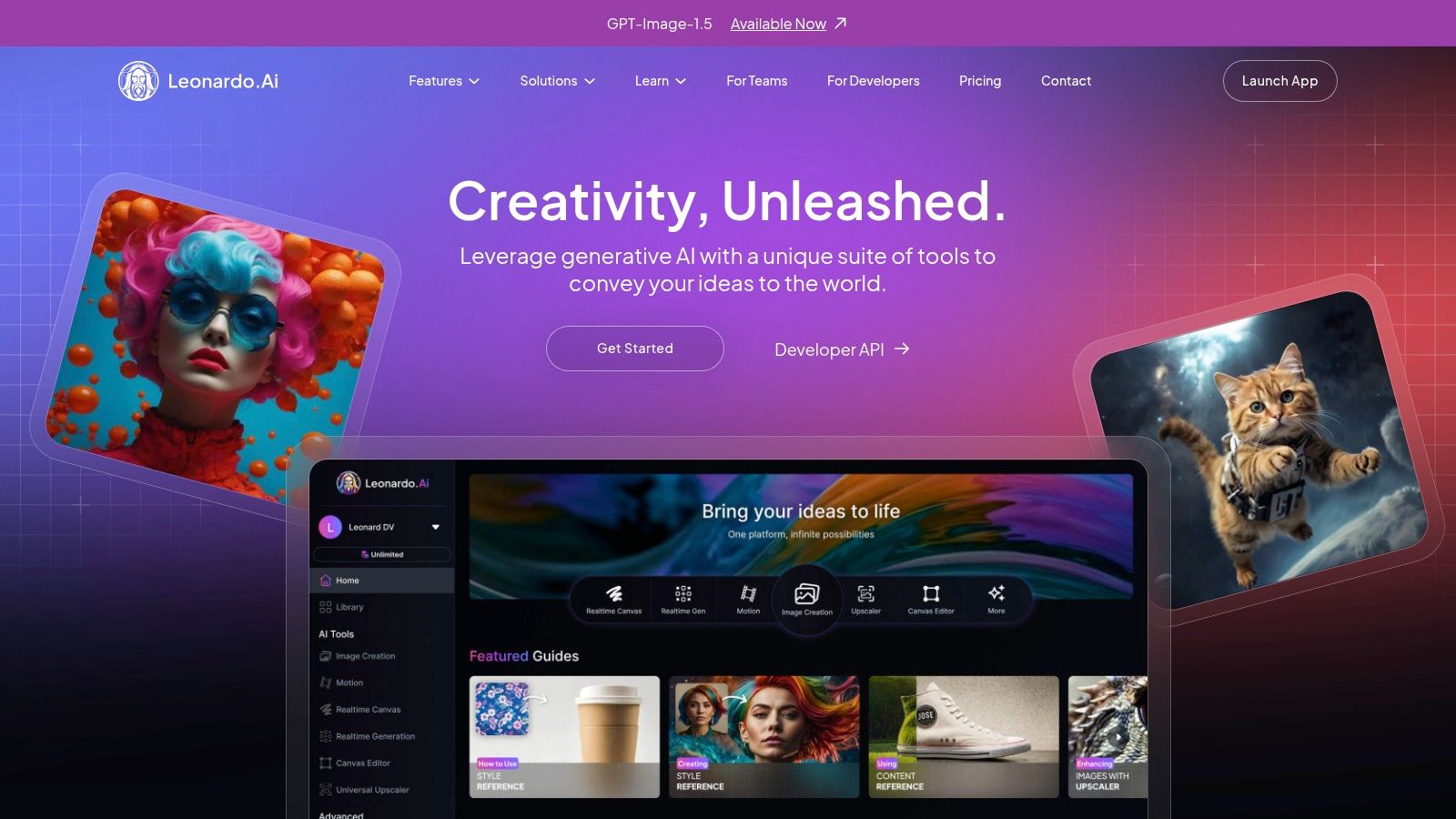
The platform operates on a daily token system, generously providing a free allotment that resets every 24 hours. While advanced features like training your own models or accessing priority generation queues are reserved for paid tiers, the free access is substantial enough for daily creative exploration and asset creation, particularly for those interested in generating specific visual styles, like those seen in various anime-style art productions.
Key Features & Getting Started
Leonardo.ai's free plan includes a daily allowance of 150 "fast" tokens, which is a considerable amount for consistent use. Paid plans unlock more tokens, private generations, and access to unique features like unlimited "relaxed" mode on certain models.
- Getting Started: After signing in, you can start creating immediately from the "Image Generation" tab. Type your prompt, then select a "Finetuned Model" from the dropdown list to define the core artistic style. You can further refine your image using negative prompts and generation settings on the left panel.
- Best For: Artists, game developers, and creative enthusiasts who want to explore a wide variety of community-made models or are interested in eventually training their own custom AI models.
- Pros: Generous daily token allowance on the free tier, access to a huge library of unique community models, and powerful customization options.
- Cons: The token system can feel complex, and popular models can have queues or slower generation times for free users during peak hours.
Website: https://leonardo.ai
6. Playground AI
Playground AI distinguishes itself as a highly flexible and user-friendly free AI image generator tool that doubles as a social platform for creators. It provides access to multiple underlying models, including its own, giving users a broad canvas for stylistic experimentation. This model variety, combined with intuitive editing tools and a community feed for inspiration, makes it a powerful sandbox for both new and experienced AI artists.
Loading image...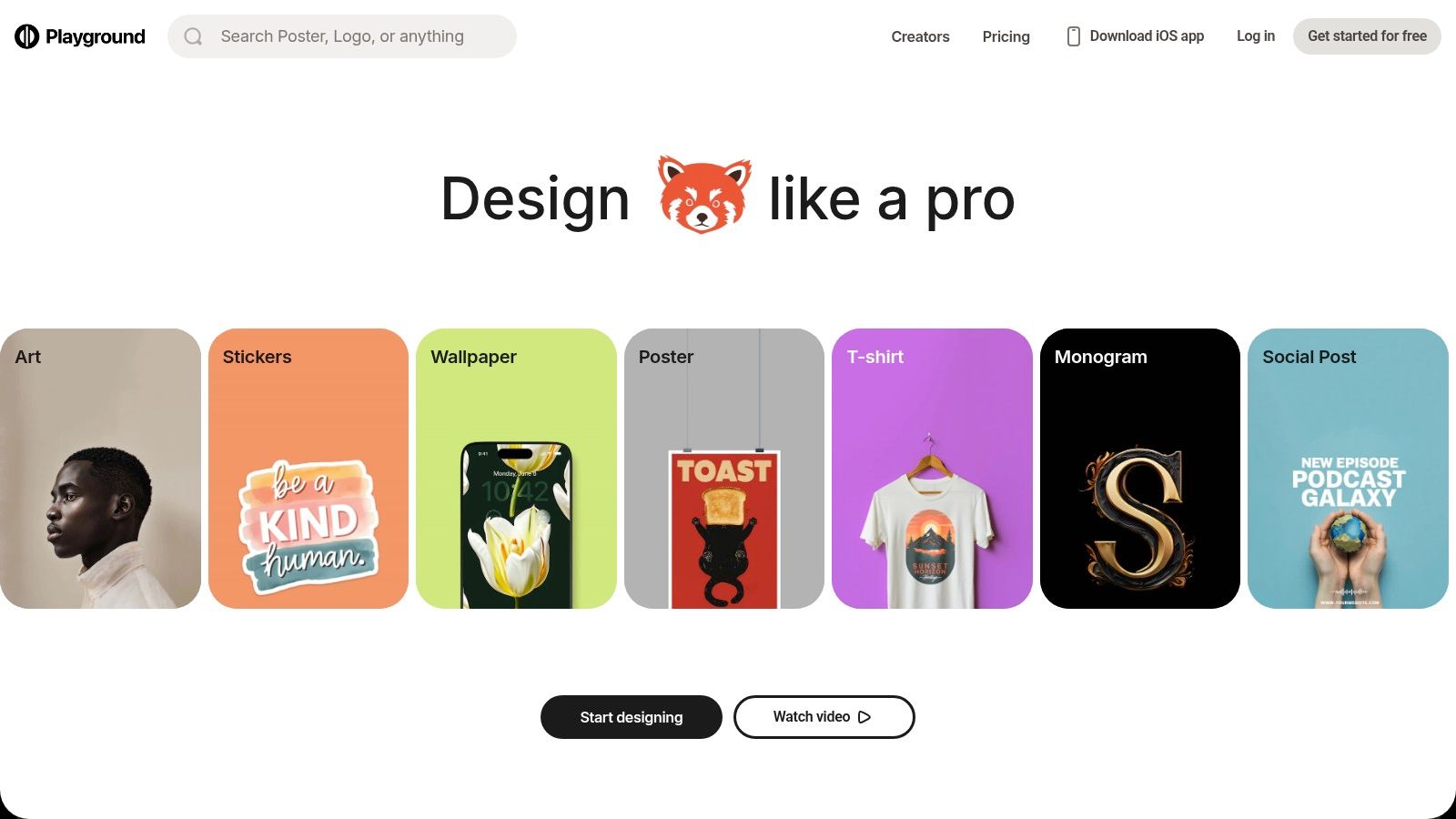
The platform is particularly noteworthy for its transparent usage policies. The free tier offers a generous number of daily image generations, with clear limits that are easy to track. For users needing more capacity for a specific project without a long-term commitment, Playground offers a "Day Pass," a unique feature that provides a temporary boost in capabilities. This makes it an adaptable choice for various project scales.
Key Features & Getting Started
Playground's free plan allows for a significant number of image creations per day, which resets every 24 hours. Upgrading to a Pro plan removes these limits and provides access to more advanced features and faster generation times.
- Getting Started: Sign up for a free account using Google. On the creation canvas, type your prompt at the top, and use the left-hand panel to switch between different AI models (like Playground v2.5 or Stable Diffusion), add negative prompts, and adjust image dimensions and quality settings.
- Best For: Hobbyists, artists, and creators looking for a versatile platform with multiple models and a strong community component. It’s also great for users who need a burst of high-volume generation for a short-term project.
- Pros: Generous free daily image allowance, access to multiple AI models, and a unique Day Pass option for flexible power-ups.
- Cons: The free tier has constraints on image quality and commercial use, and wait times can occur during peak usage periods.
Website: https://playground.com
7. NightCafe Studio
NightCafe Studio is a community-centric free AI image generator tool that has cultivated a loyal following since the early days of AI art. It distinguishes itself not just with its generation capabilities but with a strong social platform, allowing users to share creations, participate in daily challenges, and engage with other artists. This community focus, combined with a reliable free credit system, makes it an appealing choice for hobbyists and creators who enjoy a more interactive experience.
Loading image...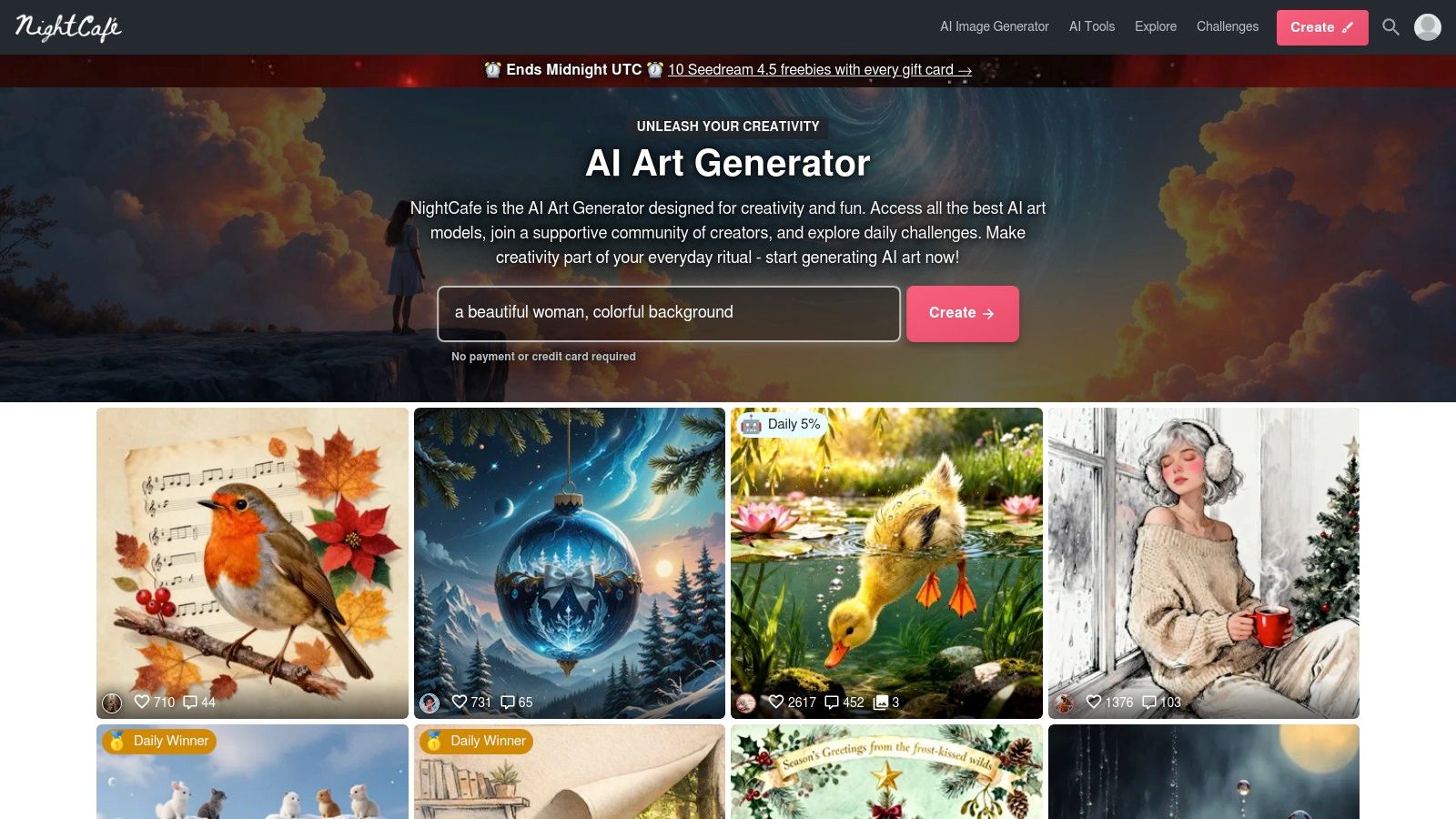
The platform offers access to multiple AI models, including Stable Diffusion variants, providing users with a range of stylistic possibilities. A unique aspect of NightCafe is its integrated print-on-demand service, which lets users easily order high-quality prints of their generated artwork, turning digital creations into physical products. This feature is particularly useful for artists looking to monetize their AI-generated pieces or simply decorate their space.
Key Features & Getting Started
NightCafe's free tier is based on a daily credit top-up system. New users receive an initial credit bundle, and you can claim 5 free credits every day by logging in. These credits never expire, allowing casual users to accumulate them over time for larger projects.
- Getting Started: Sign up for a free account to receive your starting credits. Choose a creation method like "Text to Image," select an AI model (e.g., SDXL), and type your prompt. You can adjust advanced settings before generating, and remember to log in daily to claim your free credits.
- Best For: Hobbyist AI artists, users who value community interaction and daily challenges, and anyone interested in easily printing their AI-generated art.
- Pros: Generous and consistent daily free credits, a vibrant and engaging user community, and an integrated print-on-demand shop.
- Cons: The free path requires consistent daily logins to be effective, and generating high-resolution or multiple images can quickly deplete free credits.
Website: https://nightcafe.studio
8. Clipdrop (by Stability AI)
Clipdrop, developed by Stability AI, is a versatile suite of free AI image generator tools that extends far beyond simple text-to-image generation. It functions as a powerful toolkit for creative and production workflows, offering specialized utilities like background removal, image upscaling, object cleanup, and relighting. This focus on practical, production-oriented tools, alongside its core image generation capabilities, makes it a unique and developer-friendly option.
Loading image...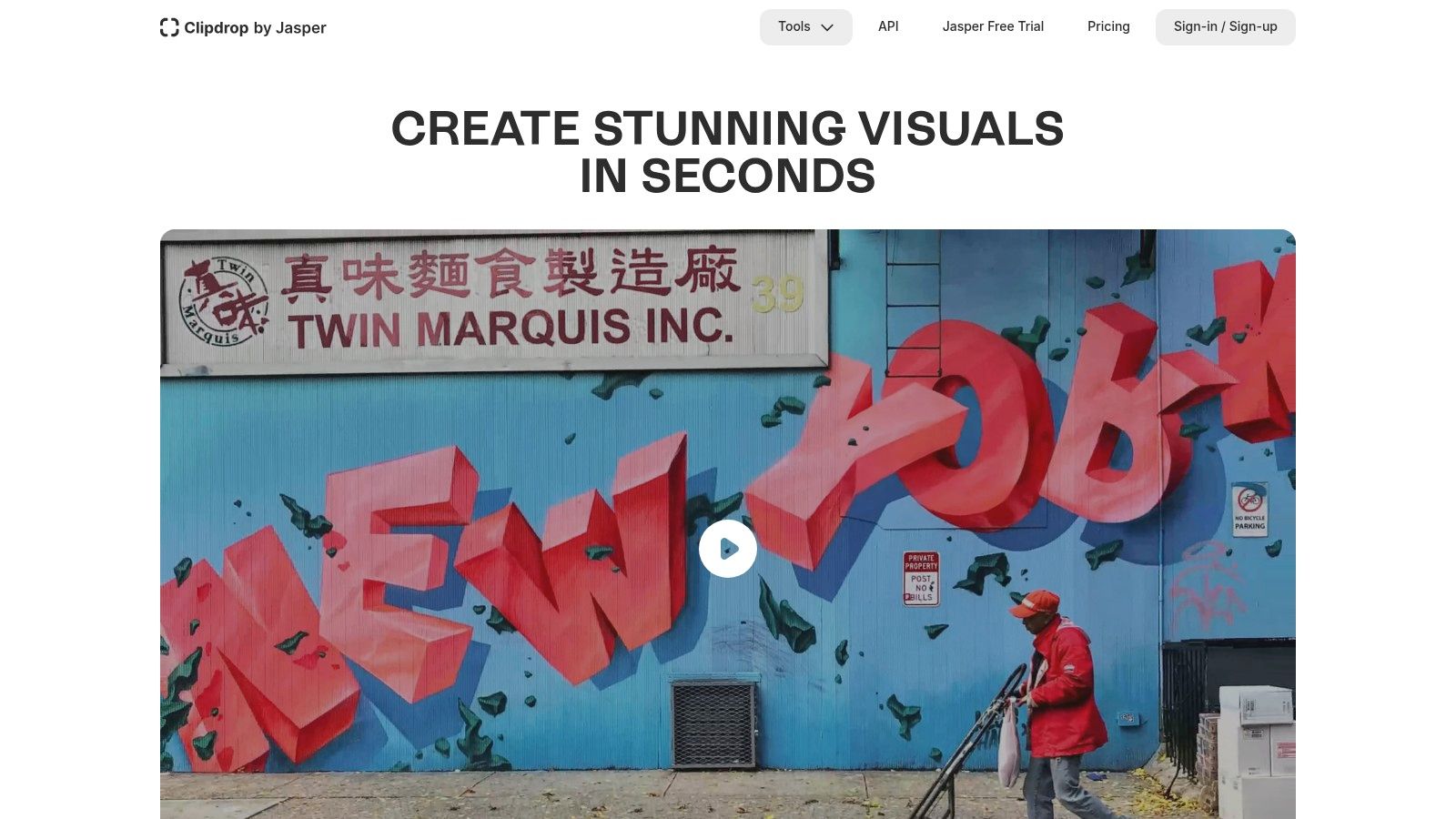
The platform is particularly appealing to developers and businesses looking to integrate AI image processing into their own applications. Clipdrop provides robust API endpoints for all its tools, allowing for seamless integration. This makes it an ideal solution for automating image editing tasks in e-commerce, marketing, or software development environments.
Key Features & Getting Started
Clipdrop offers a free tier for its web app with some limitations on resolution and processing, while its API access provides a one-time grant of 100 free credits for testing. For continuous or high-volume use, a paid subscription is necessary.
- Getting Started: Visit the Clipdrop website and select the tool you want to use, such as "Stable Diffusion XL" for generation or "Cleanup" for object removal. Simply upload your image or type a prompt to begin processing immediately, with no mandatory sign-up for basic use.
- Best For: Developers, e-commerce businesses, and marketing teams needing a suite of reliable AI image editing and utility tools, in addition to high-quality image generation.
- Pros: Excellent collection of fast utility tools, developer-friendly API with free starting credits, strong performance on cleanup and background removal tasks.
- Cons: The free tier has usage and resolution limits, and the one-time 100 free API credits are quickly consumed, requiring a subscription for ongoing use.
Website: https://clipdrop.co
9. Craiyon
Craiyon, widely known by its original name DALL-E mini, is one of the most accessible free AI image generator tools available, prized for its simplicity and no-signup-required approach. It serves as an excellent starting point for anyone new to AI image generation, offering a straightforward way to test prompts and understand the basics of text-to-image conversion without any commitment. Its main appeal lies in its immediate, browser-based access, making it a go-to for quick, casual creative exploration and meme generation.
Loading image...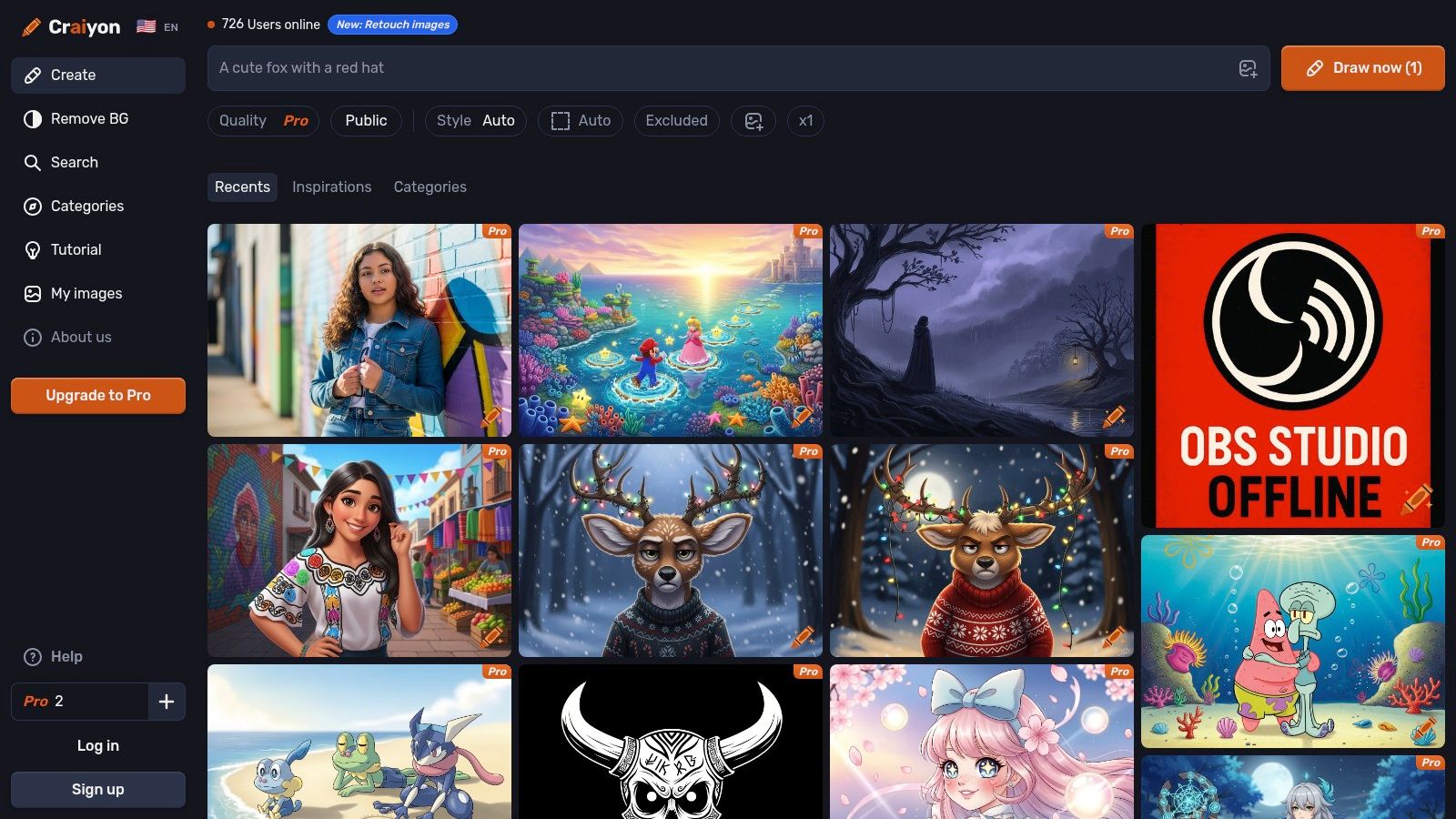
While the free version's output quality is lower than premium competitors and images are watermarked, its speed and ease of use are unparalleled. It’s the perfect tool for brainstorming ideas, generating simple visuals for personal projects, or simply having fun with AI without navigating complex interfaces or credit systems. The platform is transparent about its limitations and offers clear, affordable paid tiers for those who want to remove watermarks and improve image quality.
Key Features & Getting Started
Craiyon is entirely free for basic use, with optional subscriptions to remove ads, watermarks, and speed up generation times. There are no credits to manage on the free plan, allowing for unlimited experimentation, though you may encounter queues during peak hours.
- Getting Started: Simply visit the website, type your prompt into the main text box, and click "Draw." You can add negative keywords in the "Exclude from image" field and select a style like Art, Drawing, or Photo to guide the output.
- Best For: Beginners, students, and casual users looking for a fast, no-frills tool to experiment with AI image prompts without creating an account.
- Pros: Completely free to use with no login required, very simple interface, unlimited generations for prompt testing.
- Cons: Free images have noticeable watermarks and are lower fidelity, limited to square aspect ratio, and generation can be slow during high-traffic periods.
Website: https://www.craiyon.com
10. Pixlr AI Image Generator
Pixlr brings AI image generation directly into its well-known suite of online photo editors. This integration makes it a standout free AI image generator tool for users who need to create an image and immediately begin editing, retouching, or incorporating it into a larger design project. Rather than being a standalone generator, Pixlr's tool is part of a complete workflow, bridging the gap between raw AI output and a polished final asset.
This setup is particularly useful for creating social media posts, blog graphics, or marketing materials where the generated image is just one component. Users can instantly move from a text prompt to using Pixlr's layers, filters, and template library, streamlining the entire content creation process within a single browser tab.
Key Features & Getting Started
Pixlr's free plan offers a limited number of AI credits to get started, with paid plans providing a larger monthly allotment and additional features. Its strength lies in combining generative AI with powerful editing capabilities. For those interested in the post-generation process, you can learn more about how an AI image editor enhances creative workflows.
- Getting Started: Navigate to the Pixlr AI generator, enter your prompt, and choose a style. Once your image is generated, you can open it directly in the Pixlr X (easy) or Pixlr E (advanced) editor to add text, apply effects, or combine it with other elements.
- Best For: Social media managers, bloggers, and marketers who need a one-stop tool for both generating images and editing them into finished designs.
- Pros: Fully integrated with a powerful photo and design editor, competitive pricing for paid tiers, and offers team collaboration plans.
- Cons: Heavy AI usage will quickly require purchased credits, and the generator has fewer advanced controls than specialized art creation tools.
Website: https://pixlr.com/ai-image-generator/
11. Fotor AI Image Generator
Fotor positions itself as a comprehensive, consumer-friendly photo editor that incorporates a free AI image generator tool into its broader suite of creative utilities. Unlike platforms focused solely on generation, Fotor bundles text-to-image with AI-powered photo editing, touch-up tools, and even video AI features. This makes it an all-in-one solution for casual users who want to create an image and then immediately refine it with filters, text, or other enhancements within the same ecosystem.
Loading image...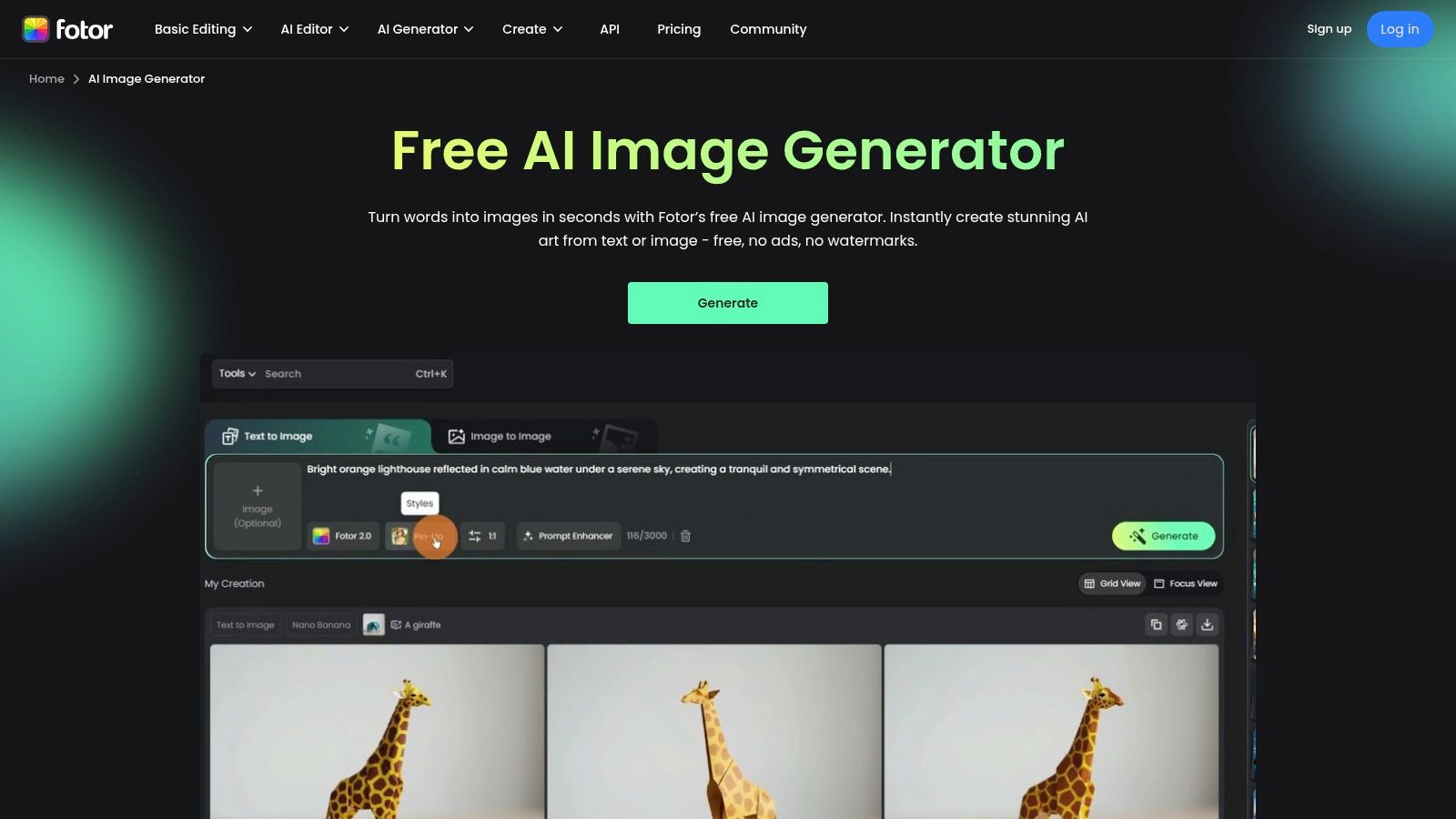
The platform operates on a straightforward credit system, providing a small number of free credits upon signup and rewarding users for daily check-ins. This model encourages frequent, light usage and makes it easy to understand the cost of each action, whether it's generating a new image or using a premium editing filter. The easy onboarding process is ideal for beginners just starting to explore AI creativity.
Key Features & Getting Started
Fotor's free plan offers limited credits, which can be used across its various AI tools. Pro and Pro+ subscriptions provide more credits, remove watermarks, and unlock HD exports.
- Getting Started: Create a free account to receive your initial credits. Navigate to the AI Image Generator, type your prompt, and select a style like "Anime," "Photography," or "3D." The system clearly indicates how many credits each generation will consume.
- Best For: Casual users, social media enthusiasts, and hobbyists who want a simple generator combined with a full-featured photo editor for quick, all-in-one projects.
- Pros: Combines AI generation with extensive photo and video editing tools, very easy for beginners to get started, transparent credit usage for all features.
- Cons: The free credit allowance is restrictive and may not cover high-volume needs, outputs on the free plan are often watermarked, and monthly credits can expire.
Website: https://www.fotor.com/ai-image-generator/
12. Mage.space
Mage.space offers a web-based studio for Stable Diffusion and other advanced models, positioning itself as a highly accessible and versatile free AI image generator tool. It stands out by providing effectively unlimited, uncensored image generation on its free tier, making it an excellent playground for experimentation and learning the nuances of different AI models like SDXL and Flux. The platform is designed for users who want to dive deep into model options without an immediate financial commitment.
Loading image...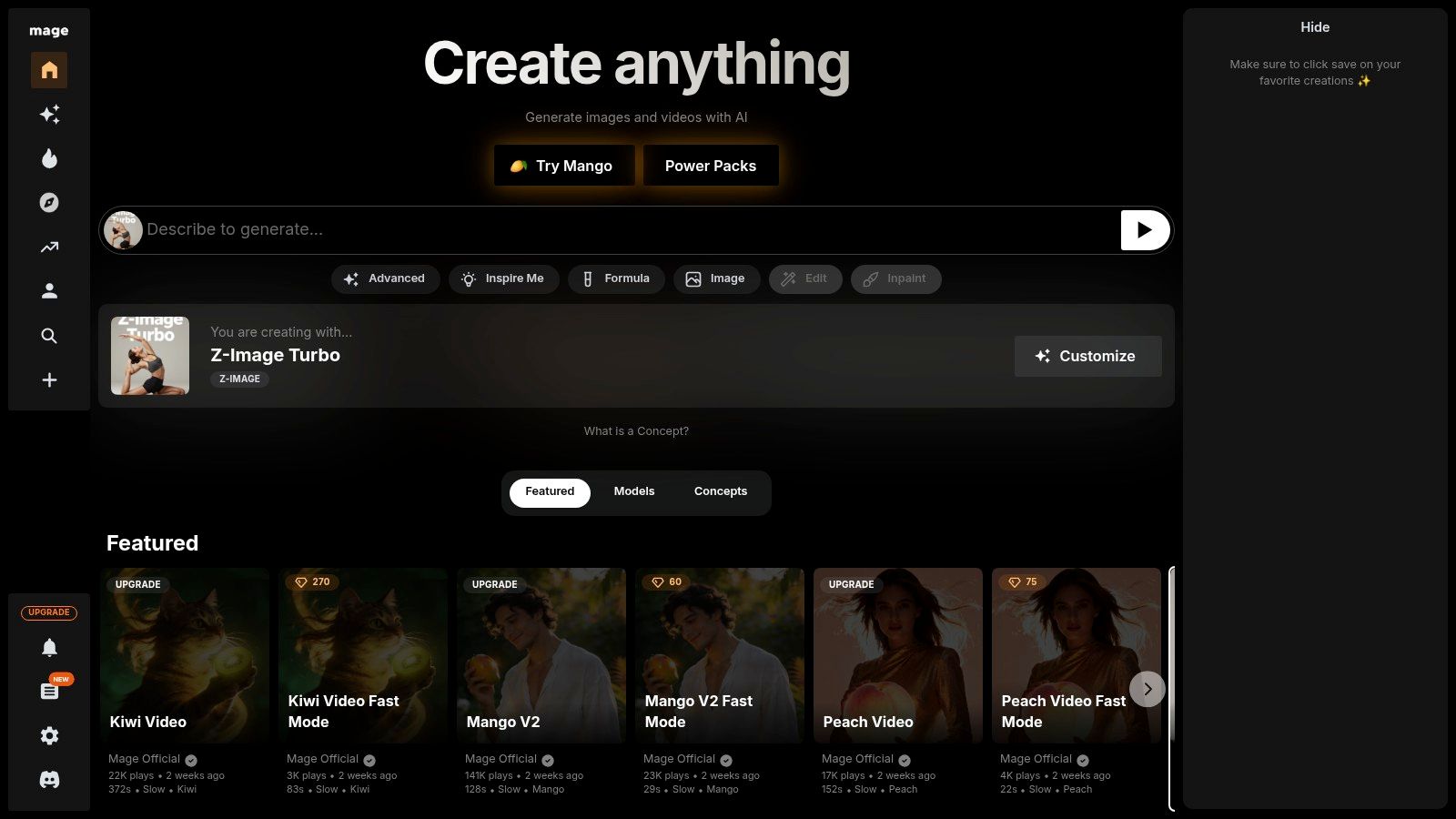
While the free service is robust, it comes with trade-offs like slower generation speeds and queues during peak times. Mage.space monetizes through premium tiers that unlock faster processing, more concurrent generations, and access to a wider variety of models, LoRAs, and advanced features like ControlNet and text-to-video. This tiered approach makes it a flexible choice for both casual hobbyists and more dedicated AI artists.
Key Features & Getting Started
The platform's core strength is its straightforward access to a wide range of powerful models without complex local installations. The free tier is generous, though performance can vary.
- Getting Started: Simply visit the website and start typing a prompt. You can select from a list of available models, adjust basic settings like aspect ratio and guidance scale, and generate. No sign-up is required for basic use, but an account is needed to save your work.
- Best For: AI art hobbyists, developers testing Stable Diffusion models, and users who want uncensored, unlimited generations for non-commercial experimentation.
- Pros: Extremely generous free tier with unlimited generations, access to many current models like SDXL and Flux, and an easy-to-use interface.
- Cons: Free usage is subject to queues and can be slow, with many advanced features and the best models locked behind a paid subscription.
Website: https://www.mage.space
Top 12 Free AI Image Generators — Comparison
| Product | Core features | UX & Quality | Pricing & Value | Best for | Unique selling point |
|---|---|---|---|---|---|
| ai-media-studio 🏆 | 50+ art & video styles, text→image/video, inpainting/outpainting, team workspaces | ★★★★☆ fast, polished outputs | Paid plans from $19/month | 👥 creators, marketers, teams | ✨Wide style library, collaboration, privacy-focused |
| Adobe Firefly | Text-to-image, generative fill/expand/upscale, partner models | ★★★★☆ professional, integrated | 💰 Limited free → credits; enterprise licensing | 👥 agencies, pro designers | ✨Deep Adobe app integration, clear commercial terms |
| Microsoft Designer / Bing Image Creator | DALL·E 3 / GPT‑4o models, prompt controls, Edge/Copilot access | ★★★☆☆ fast for light use | 💰 Free with account; boosts/daily limits | 👥 casual users, Microsoft ecosystem | ✨DALL·E 3 + Copilot/Edge integration |
| Canva AI Image Generator | Text-to-image, sketch-to-life, templates, brand kits | ★★★★☆ easy, template-driven | 💰 Daily free credits; Pro for HD/extra | 👥 marketers, social teams | ✨End-to-end design pipeline & brand kit |
| Leonardo.ai | Daily tokens, custom model training, community models | ★★★☆☆ flexible, community-led | 💰 Free daily tokens; paid token packs & tiers | 👥 hobbyists, creators training models | ✨Custom model training & community library |
| Playground AI | Multiple models, clear usage caps, Day Pass option | ★★★☆☆ transparent meters, web/mobile | 💰 Free w/ caps; Pro or Day Pass for bursts | 👥 short projects, testers | ✨One-time Day Pass for burst projects |
| NightCafe Studio | Daily free credits, social features, print-on-demand | ★★★☆☆ community-focused | 💰 Daily free → credits/subscription options | 👥 community artists, casual users | ✨Daily credits + community challenges & prints |
| Clipdrop (Stability) | Text-to-image, inpainting, BG removal, upscaling, APIs | ★★★★☆ utility-grade, production-ready | 💰 Free trial API (100 credits); Pro for scale | 👥 developers, production workflows | ✨Developer APIs + cleanup/utility toolset |
| Craiyon | No-signup text→image, public gallery, simple UI | ★★☆☆☆ instant, low-fidelity | 💰 Free; paid upgrades for quality/watermark removal | 👥 casual experimenters | ✨Truly no-login, instant prompt testing |
| Pixlr AI Image Generator | Prompt-to-image inside full editor, templates | ★★★☆☆ editor + gen workflow | 💰 Monthly AI credits on paid tiers | 👥 editors needing retouch & design | ✨Generate then edit in one editor pipeline |
| Fotor AI Image Generator | Credits-based generator, photo/video AI tools | ★★★☆☆ consumer-friendly | 💰 Free limited; Pro/Pro+ for HD & more credits | 👥 social creators, casual users | ✨Many non-generation AI utilities included |
| Mage.space | SD/FLUX models, LoRA/ControlNet, text→video, public feed | ★★★☆☆ experimental, generous free tier | 💰 Free (queueing); memberships for speed/concurrency | 👥 experimenters, SD/Flux testers | ✨Generous free SD testing + advanced model tools |
Choosing Your Creative Co-Pilot: Final Thoughts and Recommendations
Navigating the expansive universe of free AI image generator tools can feel like an overwhelming journey, but as we've explored, this abundance of choice is a creator's greatest asset. The era of needing advanced artistic skills or expensive software to produce stunning visuals is officially over. Now, the primary skill is translating your vision into a descriptive prompt, and the primary investment is your time to experiment.
We've seen a clear spectrum of tools, each with a distinct personality. From the community-centric, model-training playground of Leonardo.Ai to the seamless ecosystem integration of Adobe Firefly, there is no single "best" platform. The ideal choice is deeply personal and project-specific, hinging entirely on your unique creative workflow, technical comfort level, and ultimate goals.
How to Choose Your Ideal AI Image Generator
To move from analysis to action, consider your primary needs. This isn't about finding a tool that does everything; it's about finding the tool that does what you need most, exceptionally well.
- For Business & Marketing Professionals: If your priority is generating polished, commercially viable images with minimal fuss, your focus should be on speed, ease of use, and curated styles. Tools like AI Media Studio and Canva are built for this, prioritizing intuitive interfaces and professional presets over complex parameter tweaking. They help you create on-brand assets for social media, blogs, and presentations in minutes, not hours.
- For Artists & Designers: If you seek maximum creative control, fine-tuning capabilities, and the ability to train your own models, platforms like Leonardo.Ai, Playground AI, and Mage.space are your creative sandboxes. They offer a deeper level of customization, allowing you to blend models, adjust CFG scales, and leverage community creations to achieve a highly specific aesthetic. The learning curve is steeper, but the artistic ceiling is significantly higher.
- For Unmatched Image Quality (Free Tier): When raw image fidelity and prompt adherence are your top concerns, Microsoft Designer (with Copilot) and its integration of DALL-E 3 currently lead the pack in the free-to-use category. It excels at interpreting complex, nuanced prompts and delivering incredibly detailed and coherent results, making it a powerful option for anyone who values output quality above all else.
- For Casual Experimentation & Fun: If you're just dipping your toes into AI art and want a simple, no-strings-attached experience, tools like Craiyon and NightCafe Studio offer an accessible entry point. They are perfect for exploring ideas, generating memes, or simply experiencing the magic of text-to-image generation without needing to create an account or navigate complex settings.
Your Actionable Next Steps
The theoretical knowledge you've gained from this guide is valuable, but the real learning begins with hands-on practice. Your mission now is to become an active experimenter.
- Select Your Top 3: Based on the profiles above, choose three tools that most closely align with your needs.
- Run a Standardized Test: Craft a single, detailed prompt that represents a typical image you might need to create.
- Compare the Results: Run that exact same prompt on each of your three chosen platforms. Pay close attention to the differences in style, coherence, speed, and overall quality.
- Evaluate the Experience: Which user interface felt the most intuitive? Which workflow was the least disruptive to your creative process?
This simple test will provide more clarity than hours of additional research. You'll quickly discover which of the many free AI image generator tools not only produces the best results for your specific needs but also feels like a natural extension of your own creative mind. The perfect AI co-pilot is waiting for you; it's time to start the conversation.
Paid plans for AI Media Studio start at $19/month.