The challenge isn't finding an AI art generator; it's finding the best AI art generator free for your specific needs without hidden costs or frustrating limitations. The market is saturated with options, each promising incredible results, but their "free" offerings vary dramatically. Some operate on a freemium model with premium features locked away, while others provide a generous daily or monthly credit allowance. This guide cuts through the noise to help you find the right tool.
We have meticulously tested and reviewed the top contenders, focusing on output quality, ease of use, feature sets, and the true value of their free plans. Whether you're a marketer creating social media assets, a blogger needing unique blog post images, or an artist exploring new creative avenues, the right platform is in this list. While this guide focuses specifically on image generation, the broader landscape of best AI tools for content creators offers immense value for boosting overall productivity.
This comprehensive resource provides a side-by-side comparison to help you make an informed decision quickly. Each entry includes direct links, real output examples, and a clear breakdown of its strengths and weaknesses, so you can spend less time searching and more time creating.
1. ai-media-studio: The Business-Ready Content Engine
AI Media Studio distinguishes itself as a premier choice for the best ai art generator free by offering a polished, business-centric platform that prioritizes both ease of use and professional-grade output. It effectively bridges the gap between simple, one-click generators and overly complex, developer-focused tools. This makes it ideal for marketers, agencies, and content creators who need high-quality visuals without a steep learning curve or intricate prompt engineering.
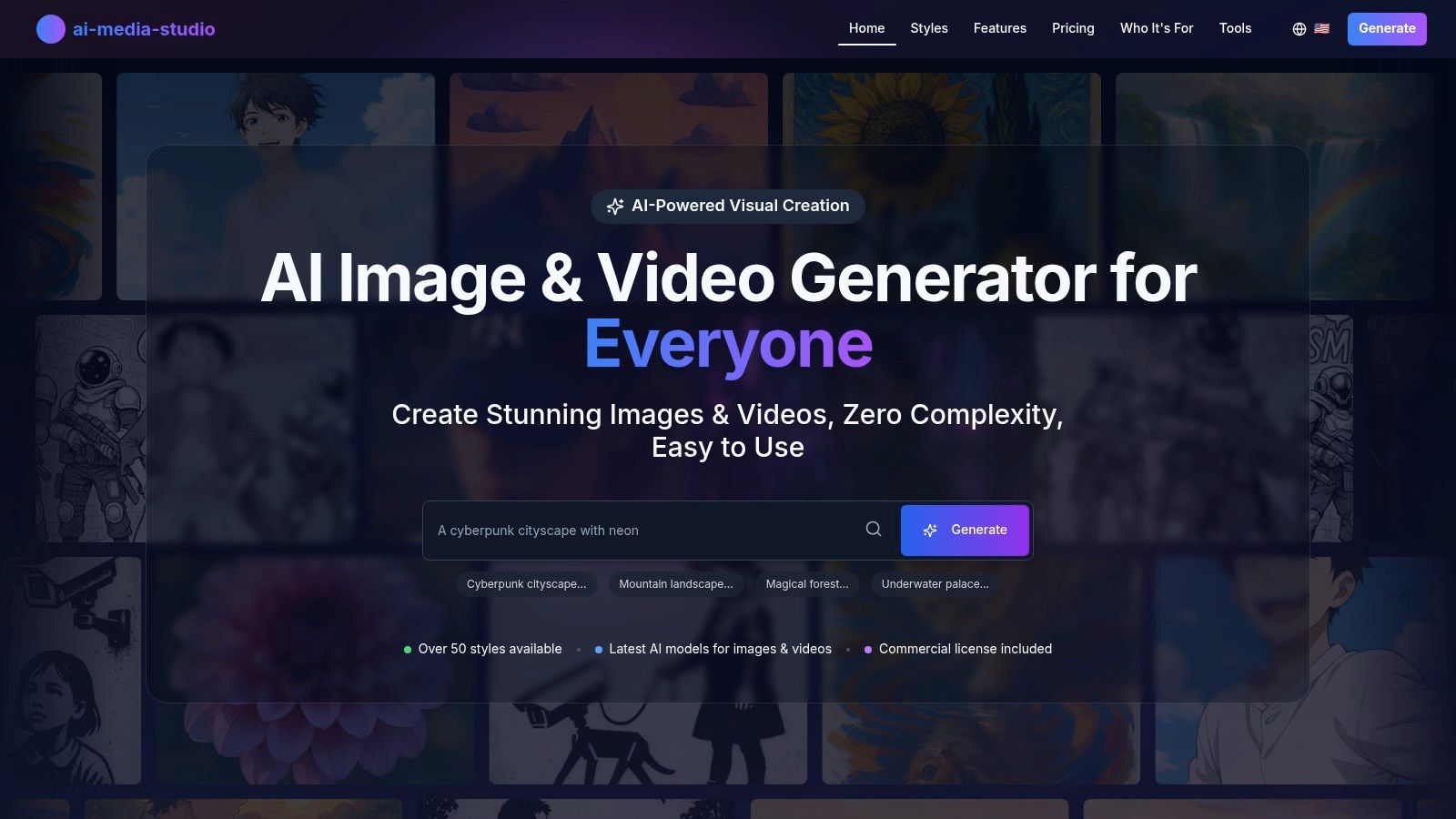
The platform’s strength lies in its streamlined workflow. Users can generate images or videos from simple text prompts or by uploading an image, choosing from over 50 distinct art styles like photorealism, 3D, and watercolor. This accessibility, combined with powerful AI editing tools such as inpainting and outpainting, provides a comprehensive toolkit for refining visuals directly within the platform. To explore how it stacks up against other options, you can see how they evaluate the best free AI image generators.
Key Features and User Experience
- Accessibility: Start for free with 3 monthly generations, no credit card required. Paid plans start at $10/month for 200 credits, offering a scalable path for growing needs.
- Business-Focused Tools: Paid tiers include commercial-use licenses, team collaboration workspaces, priority processing, and credit rollovers, which are essential for professional workflows.
- Privacy-First Approach: A significant advantage is its commitment to privacy. All prompts and generated assets remain private by default and are not used to train AI models without explicit user consent.
- Practical Use Cases: Excellent for creating social media content, ad campaign visuals, blog post images, and rapid prototyping for product concepts.
Limitations and Considerations
While AI Media Studio markets "unlimited" generation, its public pricing is credit-based, so high-volume users should verify the exact limits. Additionally, some advanced features like 2048x2048 high-resolution downloads are listed as "coming soon." This may be a limitation for professionals who require maximum output quality immediately. Despite this, its robust feature set and user-friendly interface make it a powerful and reliable engine for producing creative assets.
Website: https://www.ai-media-studio.com
2. Adobe Firefly
Adobe Firefly is the creative giant's official entry into generative AI, offering a suite of powerful tools designed for both image creation and sophisticated editing. It stands out by being ethically trained on Adobe Stock's licensed library, meaning its outputs are designed to be commercially safe. For users already invested in Adobe's ecosystem, Firefly is an exceptionally powerful and free AI art generator that integrates directly into existing workflows.

The platform operates on a "generative credit" system. Free users receive a monthly allotment of credits (typically 25) which are used for generating images or using features like Generative Fill and Generative Expand. These tools allow you to seamlessly add, remove, or extend content within your existing photos with a simple text prompt, making it ideal for marketing mockups, photo restoration, or creative compositing.
Key Features & Limitations
Adobe Firefly’s main draw is its tight integration with Photoshop (web version) and Adobe Express, allowing you to move from generation to detailed editing without leaving the ecosystem.
-
Pros:
- Commercial-Use Ready: Outputs are designed with commercial safety in mind.
- Powerful Editing: Generative Fill is a game-changer for photo manipulation.
- Adobe Integration: Unmatched workflow benefits for Creative Cloud users.
-
Cons:
- Credit-Based System: The free tier is limited by a monthly credit allowance.
- Paid Tiers Needed: Unlocking faster processing and more features requires a subscription.
Website: Adobe Firefly
3. Microsoft Designer – Image Creator
Microsoft Designer’s Image Creator is a browser-based tool powered by OpenAI's DALL·E technology, offering a simple and accessible entry point into generative art. It is positioned as an easy-to-use, zero-install option for casual creators, marketers, and anyone needing quick visuals. All that is required is a free Microsoft account, making it a genuinely free AI art generator for creating social media posts, blog headers, or simple marketing assets directly in your browser.
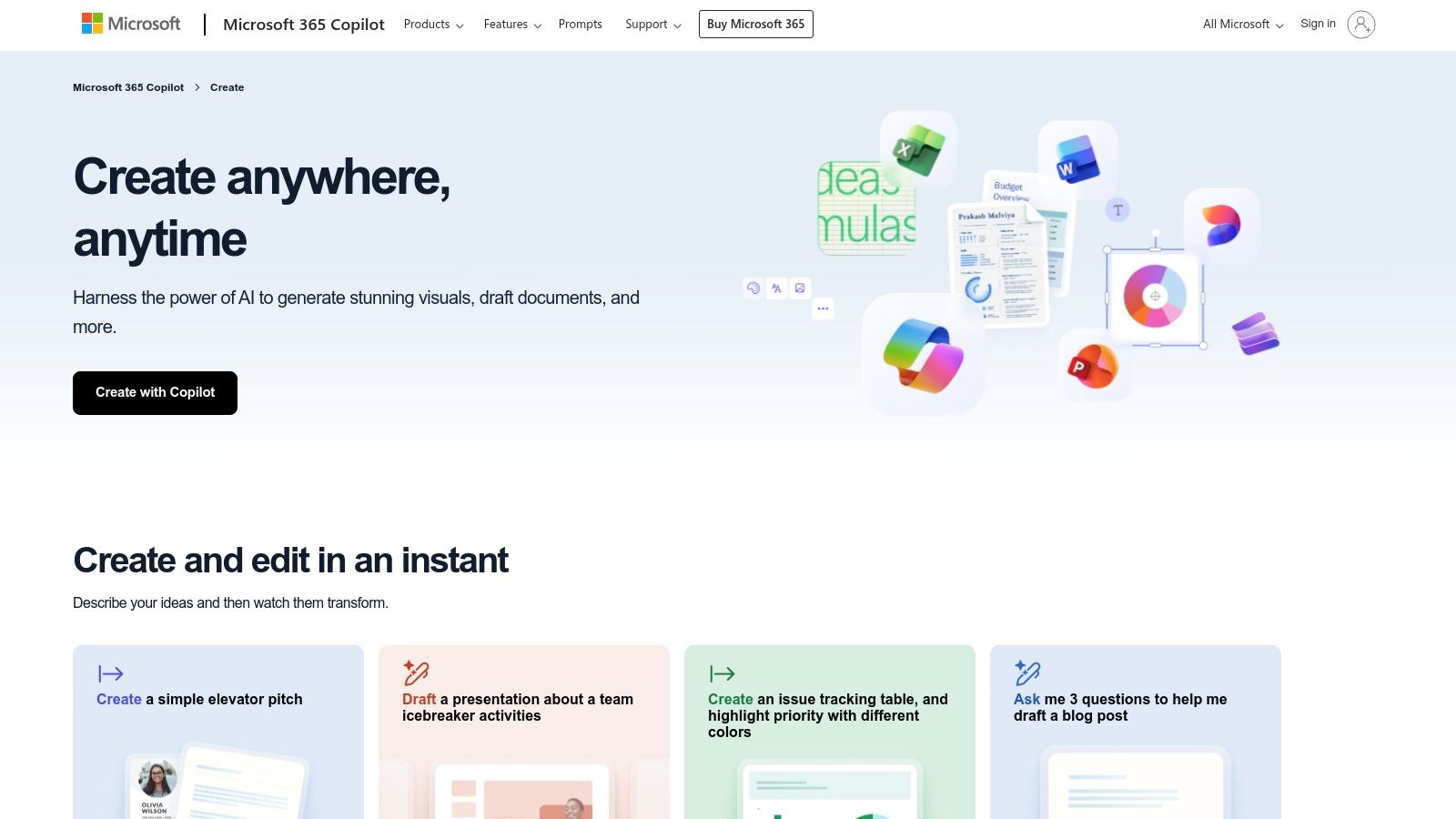
The platform operates on a "boosts" system. Users are given a number of priority generations that create images quickly. Once these boosts are used up, image creation is still free but may be slower during peak times. The real strength of the tool lies in its integration with the broader Microsoft Designer suite, allowing you to instantly move from image generation to a full design canvas to add text, graphics, and other branding elements.
Key Features & Limitations
Image Creator excels at speed and convenience, making it ideal for users who need quality images without a steep learning curve or complex software.
-
Pros:
- Truly Free Access: Generous free tier with a Microsoft account.
- DALL·E Powered: Access to a high-quality image generation model.
- Zero-Install: Works entirely in the browser for ultimate convenience.
-
Cons:
- Slower Speeds Possible: Generations can be throttled after free boosts are used.
- Limited Advanced Controls: Lacks the fine-tuning options of more specialized tools.
Website: Microsoft Designer – Image Creator
4. Freepik AI Image Generator
Freepik's AI Image Generator leverages its massive stock asset library by integrating multiple powerful AI models into one streamlined interface. It offers a unique value proposition by giving users access to various generation engines, including Flux and Ideogram, directly within the Freepik ecosystem. This makes it an excellent choice for creators who need diverse visual styles and want a seamless transition from AI generation to utilizing high-quality stock photography and vectors.
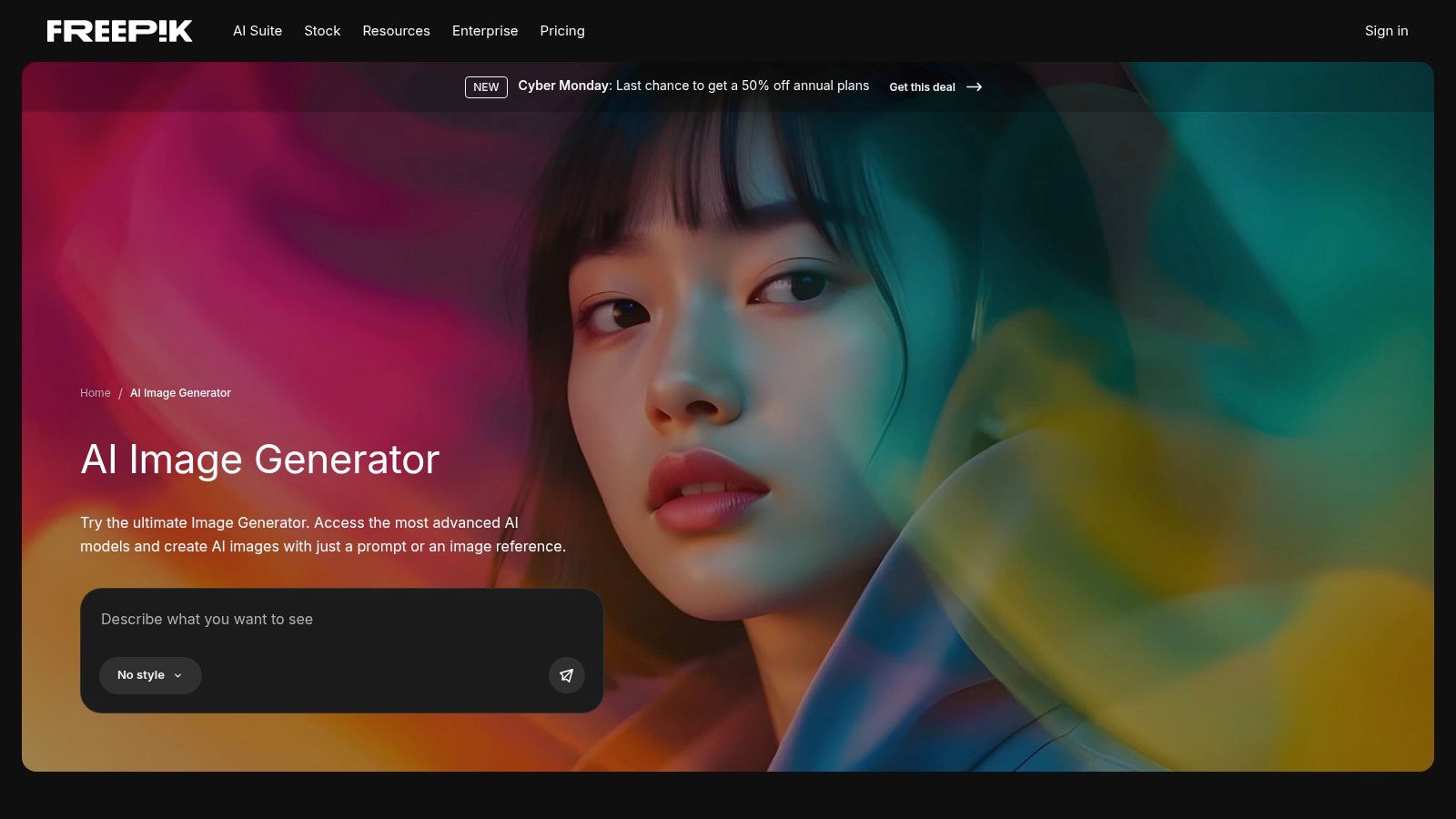
The platform stands out as a highly competitive best ai art generator free option due to its generous daily allowance. Free users receive 20 image generations per day, a significantly higher limit than many competitors. While advanced features like upscaling, editing, and SVG downloads are reserved for premium subscribers, the free tier provides more than enough runway for daily experimentation and content creation. You can explore a deeper analysis of this tool in our guide to royalty-free AI image generators.
Key Features & Limitations
Freepik's primary strength is its versatility and high-volume free access, making it a go-to tool for daily creative tasks.
-
Pros:
- Generous Free Tier: 20 daily generations is one of the highest free limits available.
- Multi-Model Access: Switch between different AI engines for stylistic variety.
- Ecosystem Integration: Connects directly with Freepik's extensive asset library.
-
Cons:
- Fair-Use Limits: Unlimited plans have fair-use policies that can slow or queue heavy users.
- Strict Terms of Service: Users report strict enforcement against high-volume downloading.
Website: Freepik AI Image Generator
5. Leonardo.ai
Leonardo.ai is a feature-rich platform that has quickly become a favorite among artists and designers for its powerful customization options. Positioned as more than just a simple text-to-image tool, it provides a full suite of features for creating highly specific and stylized visuals, making it one of the most versatile free AI art generator options available. It’s particularly strong for users who want to develop a consistent artistic style, such as for concept art, character design, or product mockups.

The platform operates on a token-based system, giving free users a daily allotment of "Fast Tokens" to generate images quickly. What sets Leonardo.ai apart is its emphasis on user-created models. You can train your own AI model on a specific style or subject, or browse a vast library of models trained by the community. This allows for unparalleled creative control that goes far beyond a single prompt. More details on its capabilities are available in this overview of AI image creation tools.
Key Features & Limitations
Leonardo.ai excels in providing advanced tools like Image to Image transformation and a Canvas Editor for outpainting, making it a robust creative environment.
-
Pros:
- Personal Model Training: Train custom models for a unique and consistent style.
- Community Models: Access a huge library of pre-trained styles.
- Powerful for Concept Art: Ideal for character design and product shots.
-
Cons:
- Tokens Deplete Quickly: Premium models and features use more tokens.
- Public Outputs: Free generations may be publicly visible by default.
Website: Leonardo.ai
6. NightCafe Studio
NightCafe Studio is a community-focused AI art generator that emphasizes user engagement and accessibility. It provides a generous free tier that operates on a daily credit system, allowing users to consistently create art without a subscription. The platform is known for its wide variety of generation models, including multiple versions of Stable Diffusion, DALL-E 2, and its own proprietary models, giving users a broad creative palette to experiment with.
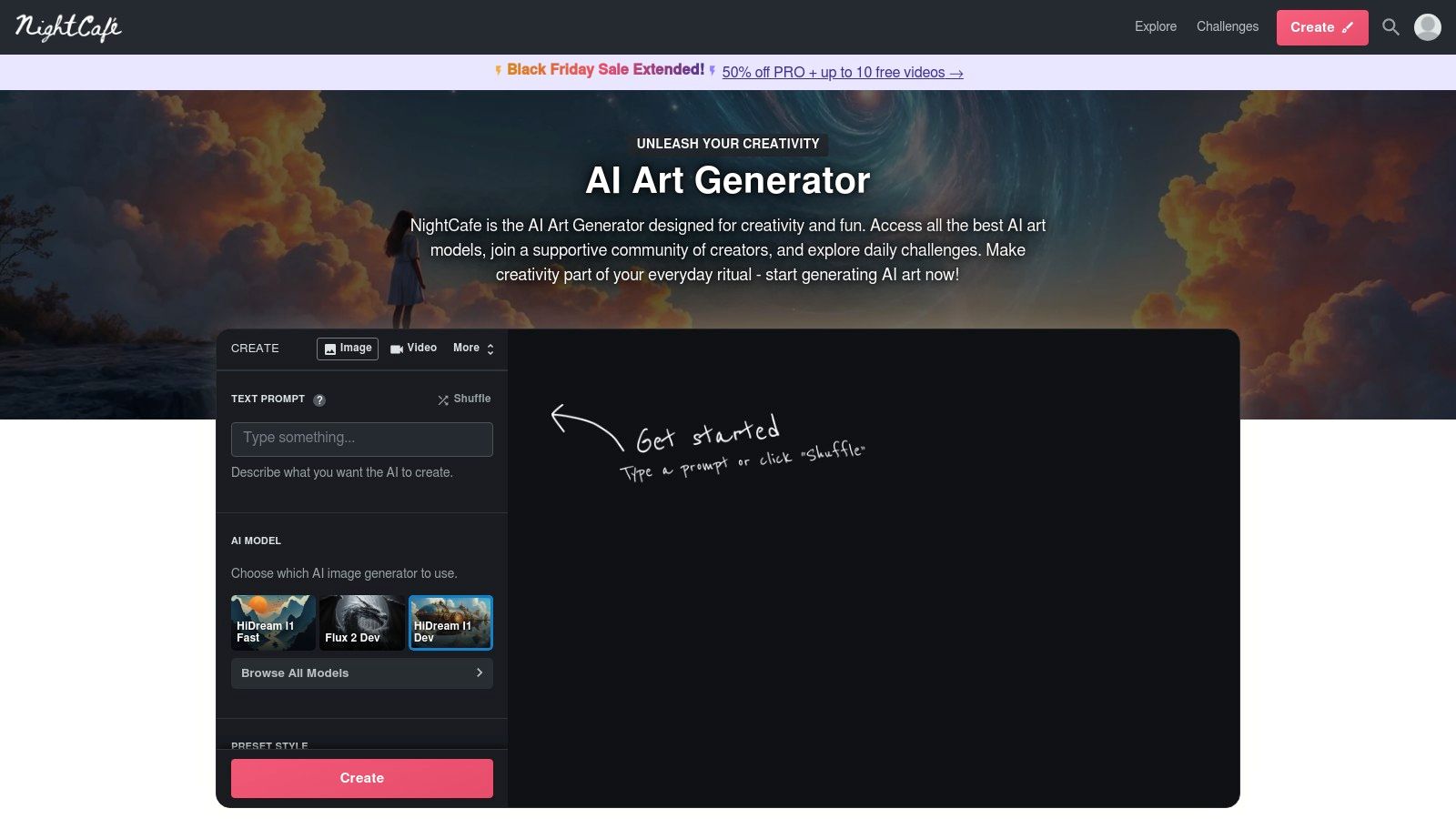
What makes NightCafe stand out is its gamified approach to earning credits. Beyond the daily free allotment, users can earn more by participating in community challenges, voting on other creations, or maintaining a login streak. This creates a vibrant, interactive environment and provides a reliable way to generate images for free. Its accessibility via both web and mobile makes it a convenient option for creating on the go.
Key Features & Limitations
NightCafe is one of the best AI art generator free options for those who enjoy a community-driven experience and want a sustainable way to create without paying.
-
Pros:
- Generous Credit System: Daily free credits and multiple ways to earn more.
- Large, Active Community: Engage in challenges, view galleries, and get inspiration.
- Variety of Models: Access to several popular and unique AI art models.
-
Cons:
- Daily Credit Management: Free use depends on logging in regularly to claim credits.
- Variable Credit Costs: Advanced models and features can consume credits more quickly.
Website: NightCafe Studio
7. Ideogram
Ideogram has carved out a niche in the generative AI space by excelling at one of the most common challenges for image models: typography. While many generators struggle to create coherent text, Ideogram consistently produces high-quality images with accurate and stylized lettering. This makes it an invaluable free AI art generator for creating posters, logos, T-shirt designs, or any visual that requires integrated text. Its reliability in this area sets it apart from many competitors.
The platform operates on a credit system, but its free plan is generous enough for experimentation. Users receive a weekly allotment of free credits (typically 100) that can be used for generations in the "slow" queue. While paid plans offer faster "priority" generation, the free tier is fully functional, giving access to its powerful Magic Prompt feature, which helps enhance and expand user ideas for more creative and detailed outputs.
Key Features & Limitations
Ideogram’s standout feature is its typography engine, but it also offers a simple, community-focused interface where users can browse and remix creations from others.
-
Pros:
- Exceptional Text Rendering: Best-in-class for creating images with accurate text.
- Ideal for Design Mockups: Perfect for posters, logos, and brand assets.
- Generous Slow Queue: The free weekly credits provide ample opportunity to experiment.
-
Cons:
- Slow Free Generations: The free tier queue can be slow during peak times.
- Limited Free Credits: The weekly allowance may not be sufficient for high-volume users.
Website: Ideogram
8. Canva (Magic Media / Magic Studio)
Canva has seamlessly integrated AI into its wildly popular design platform with Magic Studio, which includes the Magic Media text-to-image generator. This tool is purpose-built for creators who need to produce visuals and immediately place them into a design, such as a social media post, presentation slide, or marketing flyer. Instead of being a standalone generator, it's a feature designed to enhance and speed up the existing Canva workflow, making it an incredibly efficient free AI art generator for practical applications.

The primary advantage is its all-in-one nature. You can generate an image, remove its background, apply brand colors, and add text all within the same interface. Free users get a limited number of lifetime credits (typically around 50 for images) to experiment with the tool. Once an image is created, it's added to your uploads, ready to be dropped into any template, making the entire process from concept to finished design remarkably fast.
Key Features & Limitations
Canva's strength isn't in creating photorealistic or complex artistic masterpieces, but in its unparalleled utility for everyday design tasks.
-
Pros:
- All-in-One Workflow: Generate and edit assets directly within your design projects.
- User-Friendly Interface: Perfect for beginners with no prior AI generation experience.
- Immediate Application: Assets are instantly available for use in Canva's vast template library.
-
Cons:
- Limited Free Credits: The free tier has a lifetime credit limit, not a recurring one.
- Less Artistic Control: Lacks the advanced prompting and parameter controls of dedicated tools.
Website: Canva
9. Playground AI
Playground AI is a user-friendly and versatile platform that combines text-to-image generation with intuitive editing tools, making it an excellent free AI art generator for beginners. It simplifies the creative process with a template-first interface, guiding users to produce specific styles for marketing graphics, social media posts, or artistic concepts. The platform supports multiple models, including its own Playground v3, giving users a range of aesthetic choices.
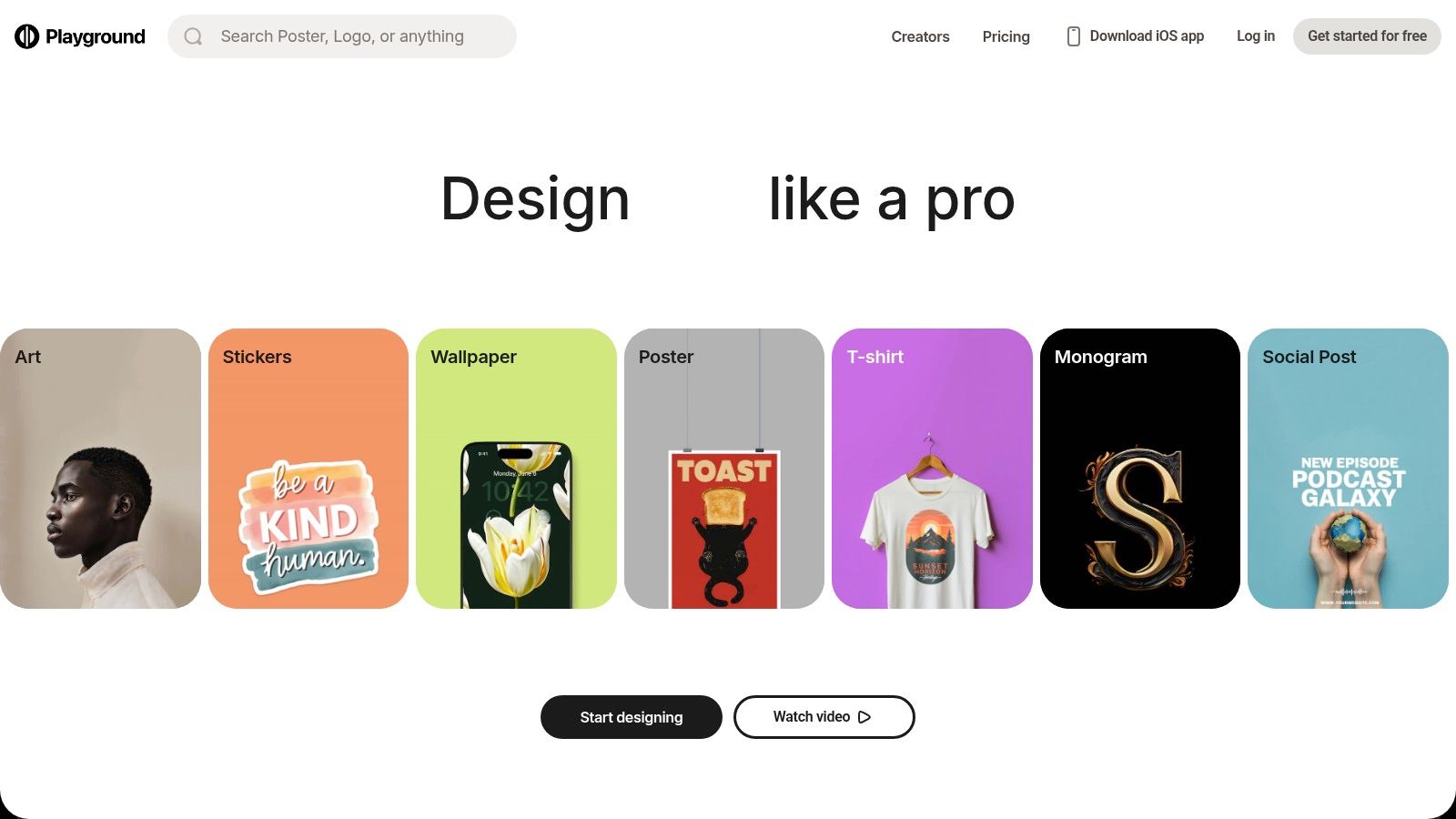
The free plan offers a generous allowance of daily image generations, which is more than enough for casual experimentation or small projects. For those needing more, Playground provides flexible options like paid subscriptions for more credits, higher resolution upscaling, and faster generation, along with a unique "day pass" option for short-term, high-volume needs. Its focus on accessibility and guided creation makes it a strong contender for non-artists.
Key Features & Limitations
Playground AI excels at bridging the gap between a simple generator and a full-fledged design tool, making it highly practical for creating polished, usable graphics directly from the platform.
-
Pros:
- Easy Learning Curve: The template-driven interface is ideal for beginners and non-artists.
- Guided Results: Great for creating marketing-style graphics with a consistent look.
- Mobile App Support: Offers flexibility to create and edit on the go.
-
Cons:
- Free Plan Limits: The free tier has restrictions on commercial use and image quality.
- Product Instability: Some users report occasional bugs or changes to the platform's features.
Website: Playground AI
10. Craiyon
Craiyon, widely recognized by its original name DALL-E mini, is one of the pioneering and most accessible AI art generators. Its biggest strength is its simplicity and truly free access; you can start generating images instantly without needing to create an account or provide any personal information. This makes it an excellent tool for quick brainstorming, testing out prompt ideas, or simply exploring AI image generation without any commitment.

While the free version provides unlimited generations, it comes with a few trade-offs, such as watermarked images and potentially longer wait times during peak hours. The platform offers several art styles and a "Negative Words" feature to help refine outputs. For those needing higher-quality results, paid plans are available that remove watermarks, speed up generation, and offer more advanced features. Craiyon remains a top choice for anyone looking for a no-fuss, best ai art generator free experience.
Key Features & Limitations
Craiyon's appeal lies in its zero-barrier entry, allowing anyone to experiment with text-to-image AI without any sign-up process, making it perfect for educational purposes or casual users.
-
Pros:
- Zero-Barrier Access: Completely free to use without requiring an account.
- Unlimited Generations: Experiment with as many prompts as you like.
- Fast for Concepting: Ideal for quickly visualizing and iterating on ideas.
-
Cons:
- Watermarked Images: The free tier includes a visible watermark on all outputs.
- Slower Generation: Free users may experience queues during high-traffic periods.
- Lower Quality: The model is not as advanced as some premium competitors.
Website: Craiyon
11. Hugging Face Spaces (Image Generation category)
Hugging Face Spaces serves as a vast public library for AI models rather than a single, polished generator. For image generation, it hosts hundreds of free demos for cutting-edge models like Stable Diffusion XL (SDXL), allowing you to test and compare different versions side-by-side. This platform is less of a consumer-focused art tool and more of a "showroom" where you can experiment with various models directly in your browser without any installation.
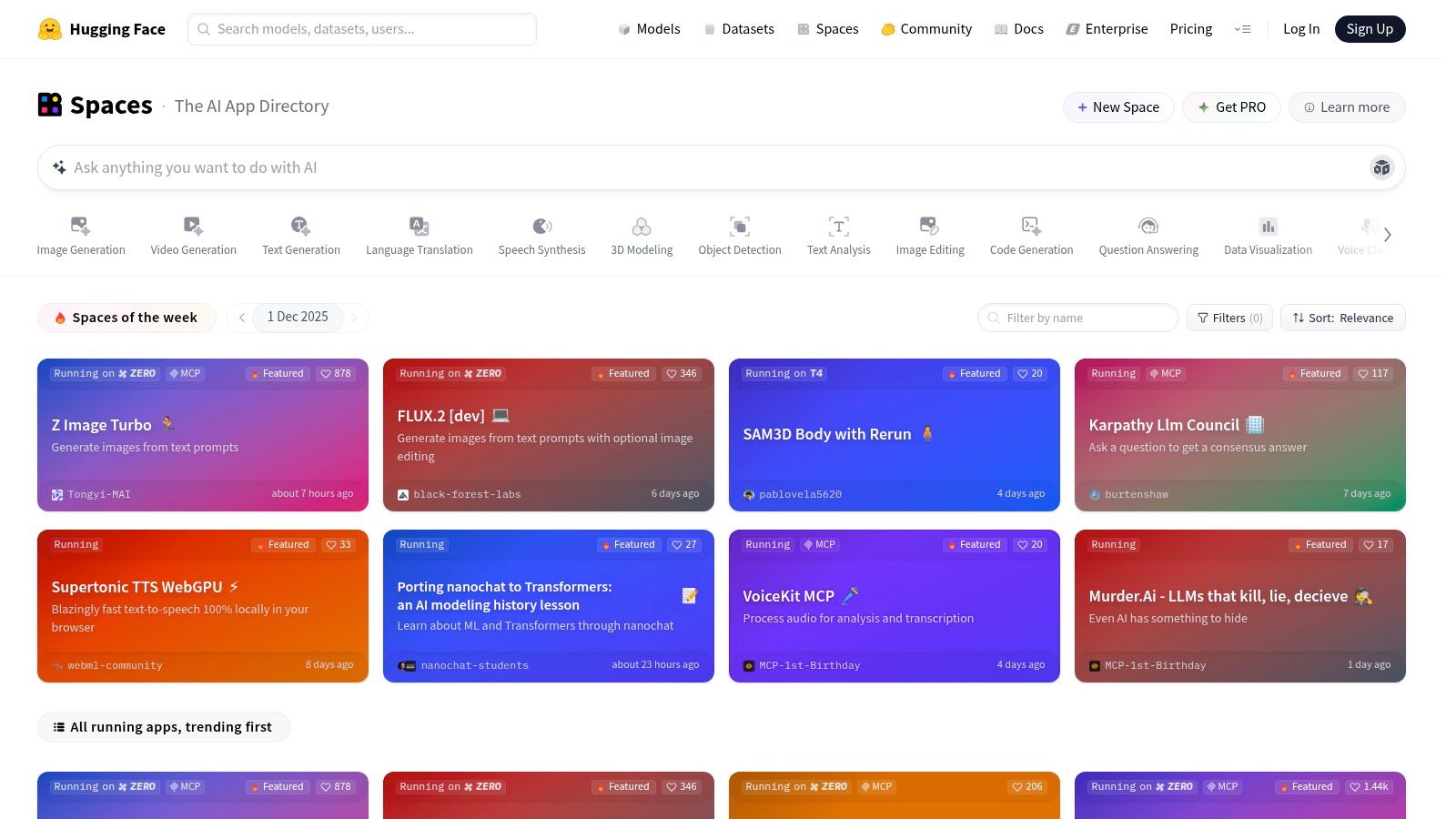
This makes Hugging Face an invaluable resource for anyone wanting to understand the subtle differences between AI models or find a specific style for a project. Each demo, or "Space," typically includes options for adjusting parameters and provides transparent information about the model's license and training data. It is perhaps the most direct and educational free AI art generator experience available for those curious about the underlying technology.
Key Features & Limitations
The primary strength of Hugging Face is its unparalleled variety and transparency, offering a direct line to the AI community's latest creations.
-
Pros:
- Extensive Model Comparison: The best place to test and compare hundreds of models at no cost.
- Educational Value: Gain a deeper understanding of how prompts and parameters affect outputs across different models.
- No Installation Needed: Run community and official demos directly in your browser.
-
Cons:
- Potential Downtime: Demos can be rate-limited, slow, or temporarily offline due to high traffic.
- Not a Production Suite: More of a testing ground than a fully-featured design tool.
Website: Hugging Face Spaces
12. starryai
starryai is a mobile-first AI art generator designed for on-the-go creativity. It offers a straightforward free tier where users receive a daily allowance of credits, called “Lumens,” which can be used to generate images across various styles. The platform stands out by providing both a user-friendly app experience and powerful API access, making it a versatile tool for casual users and developers alike.
The free model allows for several generations per day and provides opportunities to earn more credits through in-app tasks like watching ads or participating in community challenges. starryai supports multiple AI models, including Altair (for abstract and dreamlike creations) and Orion (for realistic, cohesive images). This flexibility allows you to experiment with different artistic outputs directly from your phone or web browser, making it a great free AI art generator for quick projects.
Key Features & Limitations
starryai’s main appeal is its accessibility, with fully-featured iOS and Android apps that mirror the web experience. It's a great option for creating social media content or exploring ideas without being tied to a desktop.
-
Pros:
- Mobile-First Design: Excellent on-the-go experience via dedicated apps.
- Daily Free Credits: A renewable allowance encourages consistent use.
- Developer API: Offers starter credits for integrating AI art into other projects.
-
Cons:
- Modest Free Limits: The daily credit allowance may feel restrictive for heavy use.
- Paid for Quality: Higher-quality outputs and advanced features are behind a paywall.
Website: starryai
Top 12 Free AI Art Generators Comparison
| Tool | Core features | Quality & UX ★ | Pricing & Value 💰 | Target audience 👥 | Unique selling points ✨ |
|---|---|---|---|---|---|
| ai-media-studio 🏆 | 50+ art styles; text→image & video; inpainting/outpainting; team workspaces | ★★★★ | Free (3 gens/mo); Light $10/mo (200 credits); Starter $19/mo (1,000); Pro $35/mo (2,000) | Creators, marketers, agencies, small teams | ✨ Business-ready workflow, privacy-first, easy pro exports |
| Adobe Firefly | Text→image + Generative Fill/Expand; Photoshop/Express integration | ★★★★★ | Free limited credits; full features via Firefly/Creative Cloud subscription | Photographers, designers, agencies | ✨ Tight Photoshop integration; commercial-ready outputs |
| Microsoft Designer – Image Creator | DALL·E-powered text→image inside browser editor; remix tools | ★★★★ | Free with Microsoft account; some features tied to MS subscriptions | Casual creators, social marketers | ✨ Zero-install, fast social asset creation |
| Freepik AI Image Generator | Multi-model options; 20 free images/day; stock integration | ★★★★ | 20 free/day; paid tiers for upscaling/asset downloads | Marketers, content creators needing stock assets | ✨ Broad model choice + Freepik stock ecosystem |
| Leonardo.ai | Text→image, upscaling, style packs, personal model training | ★★★★ | Free daily Fast Tokens; paid token banks & team features | Concept artists, product designers | ✨ Personal model training & community models |
| NightCafe Studio | Multiple models; daily free credits + earnable credits; mobile/web | ★★★ | ★ Free claimable credits; subs/purchases for volume | Hobbyists, community-driven creators | ✨ Gamified credit earns, active galleries & challenges |
| Ideogram | Strong text-in-image rendering; Remix/Canvas editing; priority queues | ★★★★ | Free weekly slow credits; paid priority credits | Brands, poster/label designers | ✨ Best-in-class typography & logo rendering |
| Canva (Magic Studio) | Text→image/video inside full design editor; templates & brand kits | ★★★★ | Free limited quotas; Canva Pro for expanded use | Social teams, marketers, non-designers | ✨ All-in-one generation + immediate layout placement |
| Playground AI | Template-first UI; multi-model support; edits & upscaling | ★★★ | Free limited edits; day passes & top-up credits | Beginners, marketers, mobile users | ✨ Guided templates for marketing-style graphics |
| Craiyon | Truly free, no-login text→image; style presets; instant testing | ★★ | Free; paid tiers to remove watermark & priority | Rapid ideation, casual users | ✨ Zero-barrier access for quick concept tests |
| Hugging Face Spaces (Image) | Directory of community & official model demos (SDXL, etc.) | ★★★★ | Free demos; usage limits vary by Space | Developers, researchers, evaluators | ✨ Best place to compare many models side-by-side |
| starryai | Mobile-first generator; daily Lumens; upscaling & API access | ★★★ | Daily free Lumens; paid packs & API starter credits | Mobile creators, developers (API) | ✨ Mobile apps + developer API starter credits |
Choosing Your Creative Partner: Which Free AI Art Generator Is Right for You?
The journey through the world of free AI art generators reveals a vibrant and rapidly evolving landscape. We've explored a dozen powerful platforms, from the seamlessly integrated Adobe Firefly to the community-driven Leonardo.ai and the user-friendly Canva. It's clear that there isn't one single best ai art generator free for everyone; the ideal choice is deeply personal and depends entirely on your specific goals, technical comfort level, and creative vision.
The key takeaway is to match the tool to the task. A marketing team might gravitate towards Microsoft Designer for its direct integration with social media content, while a professional artist exploring new concepts could find the advanced model control in Leonardo.ai indispensable. Your choice hinges on a balance between output quality, generation speed, usage limits, and ease of use.
Matching the Tool to Your Needs
To help you decide, here’s a quick-reference guide that aligns common use cases with the top-performing free tools from our list:
| Your Primary Goal... | Recommended Free AI Art Generator |
|---|---|
| Simplicity and Quick, High-Quality Images | ai-media-studio |
| Professional Integration and Ethical Sourcing | Adobe Firefly |
| Social Media Content Creation | Canva (Magic Media) or Microsoft Designer |
| Reliable Text and Typography in Images | Ideogram |
| Advanced Control and Community Models | Leonardo.ai or Playground AI |
| High Volume of Free Generations | Freepik AI Image Generator |
| Artistic Styles and Unique Aesthetics | NightCafe Studio or starryai |
| Experimentation and Open-Source Models | Hugging Face Spaces |
Final Considerations Before You Create
As you begin implementing these tools, remember that the technology is in constant flux. A feature that is premium today might become free tomorrow, and new models are released continuously. Therefore, the most crucial skill is adaptability and a willingness to experiment. Don't be afraid to try two or three different platforms for the same prompt to see which one best captures your intent.
Furthermore, as these tools become more integrated into our creative workflows, they spark important conversations about originality and the nature of art itself. For those interested in the broader philosophical and ethical discussions surrounding these tools, exploring the definitive guide on AI art vs. human art can offer valuable insights.
Ultimately, the power of these platforms lies in their ability to act as a creative co-pilot, a tireless assistant that can bring the most abstract ideas to life in seconds. The true magic happens when your unique human creativity guides the immense potential of artificial intelligence. So, dive in, start prompting, and discover which of these incredible free tools will become your go-to partner in creation.
Ready to create stunning visuals without the steep learning curve? ai-media-studio offers a streamlined experience with its intuitive interface and powerful AI models, making it the perfect starting point. Visit ai-media-studio to generate your first masterpiece for free today.