The landscape of creative technology is rapidly changing, with text to image AI tools leading the charge. These platforms transform simple text prompts into stunning visuals, empowering marketers, creators, and businesses to produce high-quality images without needing extensive design skills. However, with a growing number of options, each with unique features, pricing models, and ideal use cases, choosing the right one can be overwhelming. This guide cuts through the noise.
We provide an in-depth, practical comparison of the 12 best tools available in 2025. Our analysis focuses on real-world performance, commercial viability, and ease of use to help you select the perfect generator for your specific workflow. A crucial aspect of this selection process involves understanding and evaluating image quality, as it directly impacts the final result's professional application.
Below, you'll find detailed reviews for each platform, complete with direct links and screenshots to illustrate their capabilities. We'll explore the strengths and limitations of tools like Midjourney, DALL·E, and Adobe Firefly, comparing them against emerging contenders. Our goal is to equip you with the insights needed to find the most effective AI art generator for your projects, saving you time and helping you create compelling visuals effortlessly.
1. ai-media-studio
AI Media Studio distinguishes itself as a premier choice among text to image AI tools by focusing on accessibility, speed, and practical application for professional creators. It's engineered for users who need high-quality visuals without the steep learning curve of complex prompt engineering. The platform excels at translating simple text or image uploads into polished visuals across a vast library of over 50 distinct styles, from photorealistic and corporate to anime and watercolor. This makes it an ideal solution for maintaining brand consistency across various marketing campaigns.
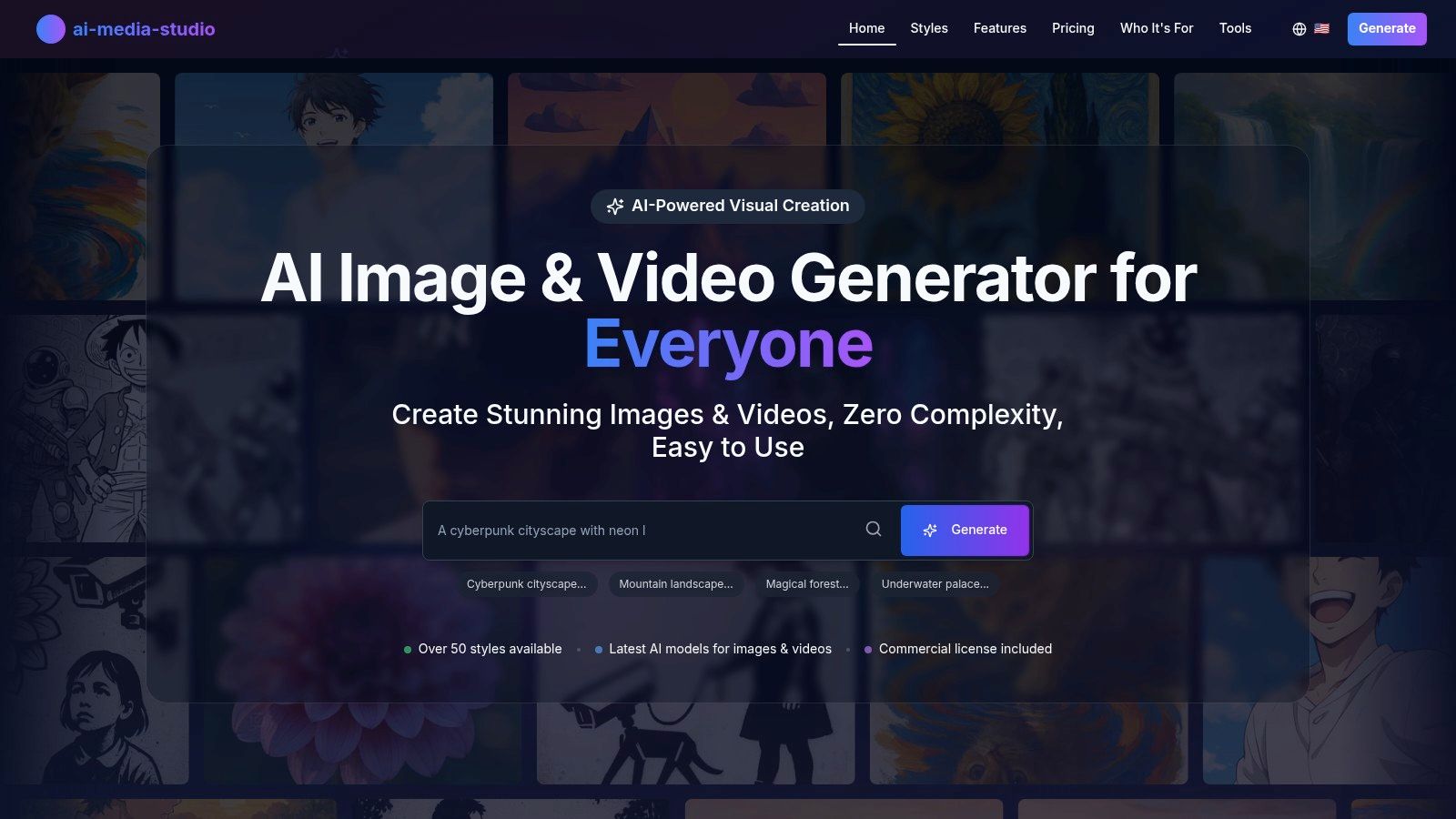
This tool is particularly powerful for marketing teams and small businesses. Its collaborative workspaces and clear commercial licensing on paid tiers streamline the content creation pipeline. The inclusion of built-in editing tools like inpainting and outpainting allows for quick refinements, reducing reliance on external software. Moreover, its privacy-first policy ensures that user-generated prompts and images are not used for model training without explicit consent, a critical consideration for proprietary projects.
Key Features & User Experience
AI Media Studio’s interface is clean and intuitive, designed to deliver results in seconds. Its emphasis on a large, pre-defined style library is a significant advantage for users who prioritize speed and consistency over granular, code-like control.
- Ease of Use: The platform is built for non-designers. Generating professional visuals requires minimal input, making it perfect for rapid content creation for social media, blogs, and presentations.
- Team Collaboration: Shared workspaces and team-based credit management facilitate seamless collaboration for agencies and in-house marketing departments.
- Commercial Viability: Paid plans include commercial use rights and high-resolution exports (PNG, JPEG, WebP), making it a reliable tool for professional client work and marketing assets.
- Privacy: A clear stance on data privacy protects sensitive or confidential creative concepts.
Pricing and Access
The platform offers a structured, credit-based system that scales with user needs. A key benefit is the free-forever tier, which allows users to test the core functionality without any financial commitment.
| Plan | Monthly Price | Key Benefits |
|---|---|---|
| Free | $0 | 3 monthly generations, no credit card required |
| Light | $10 | 200 credits |
| Starter | $19 | 1,000 credits, commercial license, advanced editing, teams |
| Pro | $35 | 2,000 credits, priority support, all Starter features |
Pros:
- Extremely user-friendly interface, ideal for beginners and teams.
- Extensive library of 50+ styles ensures brand-consistent output.
- Commercial licenses and team features are built for professional workflows.
- Privacy-focused approach protects user data and intellectual property.
Cons:
- The free tier is highly limited, serving primarily as a trial.
- Some advanced features like batch generation are listed as "coming soon," so users with high-volume needs should verify current capabilities.
Website: https://www.ai-media-studio.com
2. OpenAI Images (DALL·E / GPT-Image-1)
OpenAI's suite of image generation tools, powered by models like DALL·E 3 and the underlying gpt-image-1 API, represents a production-grade solution for businesses and developers. Rather than a standalone creative studio, its strength lies in integration. Users can generate images directly within ChatGPT for quick content creation or leverage the powerful Images API to build AI features into their own applications.
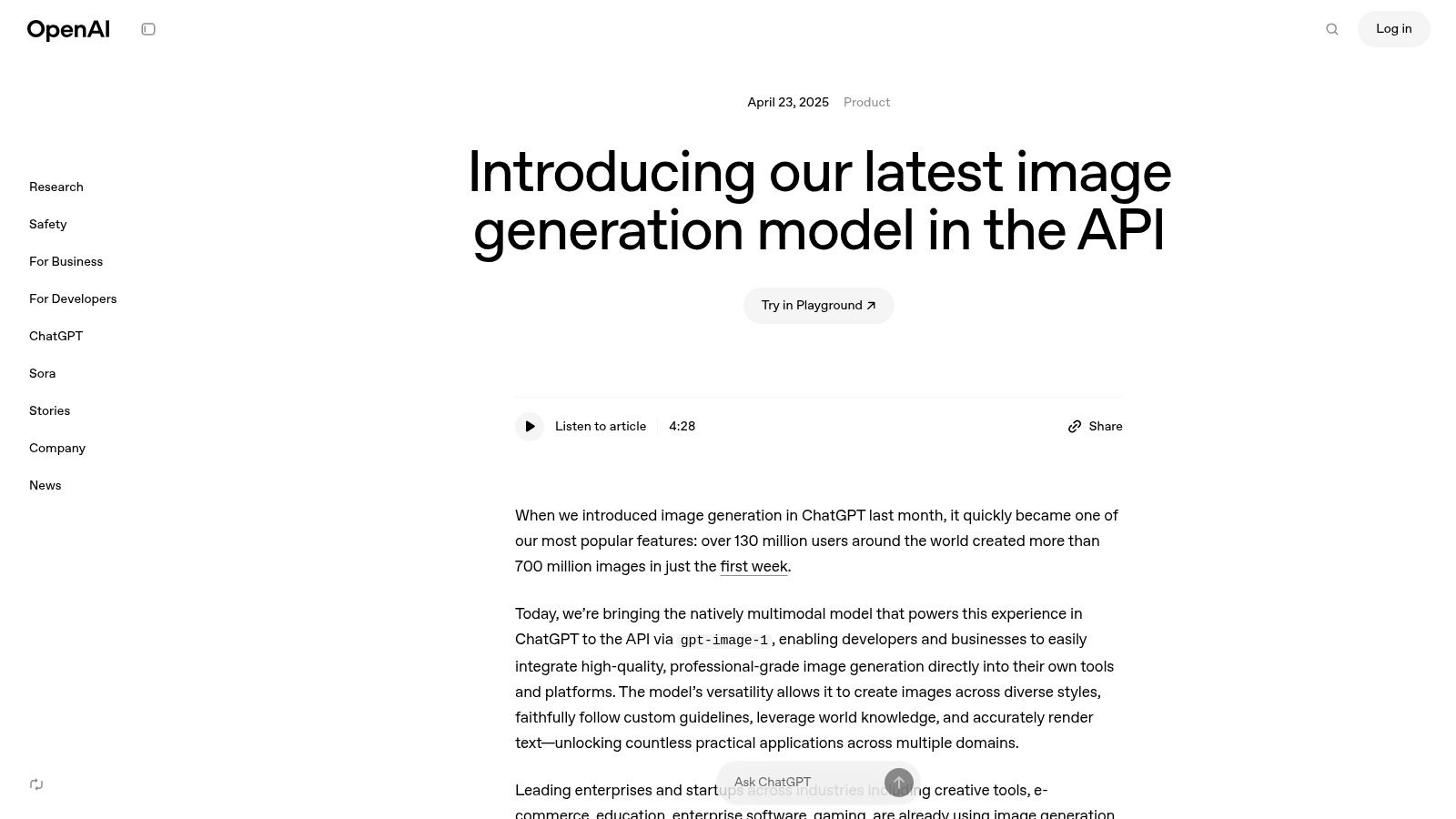
The platform is one of the more mature text to image AI tools available, offering predictable, per-image pricing tiers that make budgeting for large-scale projects straightforward. This developer-first approach is supported by extensive documentation and enterprise-level controls for security and management. Beyond its image capabilities, the broader ecosystem has significant implications; you can learn more about the OpenAI browser disruption and its impact on publishers to understand its wider influence.
Key Features and Considerations
- Primary Use Case: Best for API integrations, building custom applications, and embedding AI image generation into existing workflows.
- Pricing Model: Pay-per-generation via API credits, with clear cost differences between standard and HD quality outputs.
- Pros: Highly reliable, excellent documentation, and transparent costs. The integration with ChatGPT makes it accessible for Plus subscribers.
- Cons: The API-centric model can be less intuitive for casual users who prefer a dedicated web interface or creative studio.
For those interested in how OpenAI's models compare with others, you can find a deeper dive into AI image creation tools here.
Website: https://openai.com/index/image-generation-api/
3. Midjourney
Midjourney is a research lab and AI image generator celebrated for its highly artistic and aesthetically pleasing outputs. Unlike many competitors that offer a simple web interface, Midjourney operates primarily through a Discord server and a dedicated web app, fostering a large, collaborative community where users share creations and prompts. This unique approach makes it one of the more distinct text to image AI tools for creatives seeking inspiration.
The platform is built around a subscription model based on "fast GPU hours" for quick image generation, while higher-tier plans offer a "Relax mode" for unlimited, slower creations. Its strength lies in its opinionated model, which often produces stylized and photorealistic results with minimal prompt engineering. Mastering its command-based system is key to unlocking its full potential; you can learn more about crafting effective Midjourney text-to-image prompts to get started.
Key Features and Considerations
- Primary Use Case: Best for artists, designers, and creatives focused on high-quality, stylized, or photorealistic concept art and illustrations.
- Pricing Model: Subscription-based tiers offering different amounts of fast GPU hours, with unlimited "Relax mode" generations on higher plans.
- Pros: Consistently produces visually stunning and artistic images. The active Discord community is an excellent resource for prompt inspiration.
- Cons: The Discord-centric workflow has a learning curve for newcomers. There is no longer a true free tier for casual experimentation.
Website: https://www.midjourney.com
4. Adobe Firefly
Adobe Firefly represents the creative giant's answer to generative AI, designed from the ground up for seamless integration within professional workflows. Rather than just a standalone tool, Firefly’s power is most evident inside Creative Cloud apps like Photoshop and Illustrator. It is trained exclusively on licensed Adobe Stock content and public domain images, a key distinction that provides a strong foundation for commercial safety and clear licensing.

This focus makes Firefly one of the most practical text to image AI tools for designers, marketers, and creative agencies already embedded in the Adobe ecosystem. The model excels at tasks like Generative Fill and Expand in Photoshop or generating editable vector graphics from a text prompt in Illustrator. Access is managed through a credit-based system, with a set number of monthly credits included in most Creative Cloud subscriptions, making it an accessible addition for existing users.
Key Features and Considerations
- Primary Use Case: Best for creative professionals seeking AI capabilities directly within their existing Adobe software (Photoshop, Illustrator, Express).
- Pricing Model: A monthly allocation of "Generative Credits" is bundled with most Creative Cloud plans, with options to purchase more.
- Pros: Deep integration with industry-standard creative apps. The clear licensing posture and commercial safeguards are a major advantage for business use.
- Cons: The credit system and bundled plans can be confusing for new users. The best value is often tied to a broader Creative Cloud subscription.
Website: https://www.adobe.com/products/firefly.html
5. Microsoft Designer
Microsoft Designer integrates DALL·E's powerful image generation capabilities directly into a user-friendly design application, making it a strong contender for those already embedded in the Microsoft 365 ecosystem. Instead of a standalone tool, it positions AI as a feature within a broader creative workflow, allowing users to generate visuals and immediately incorporate them into social media posts, presentations, or digital ads. This approach lowers the barrier to entry for professionals who need quick, high-quality visuals without a steep learning curve.
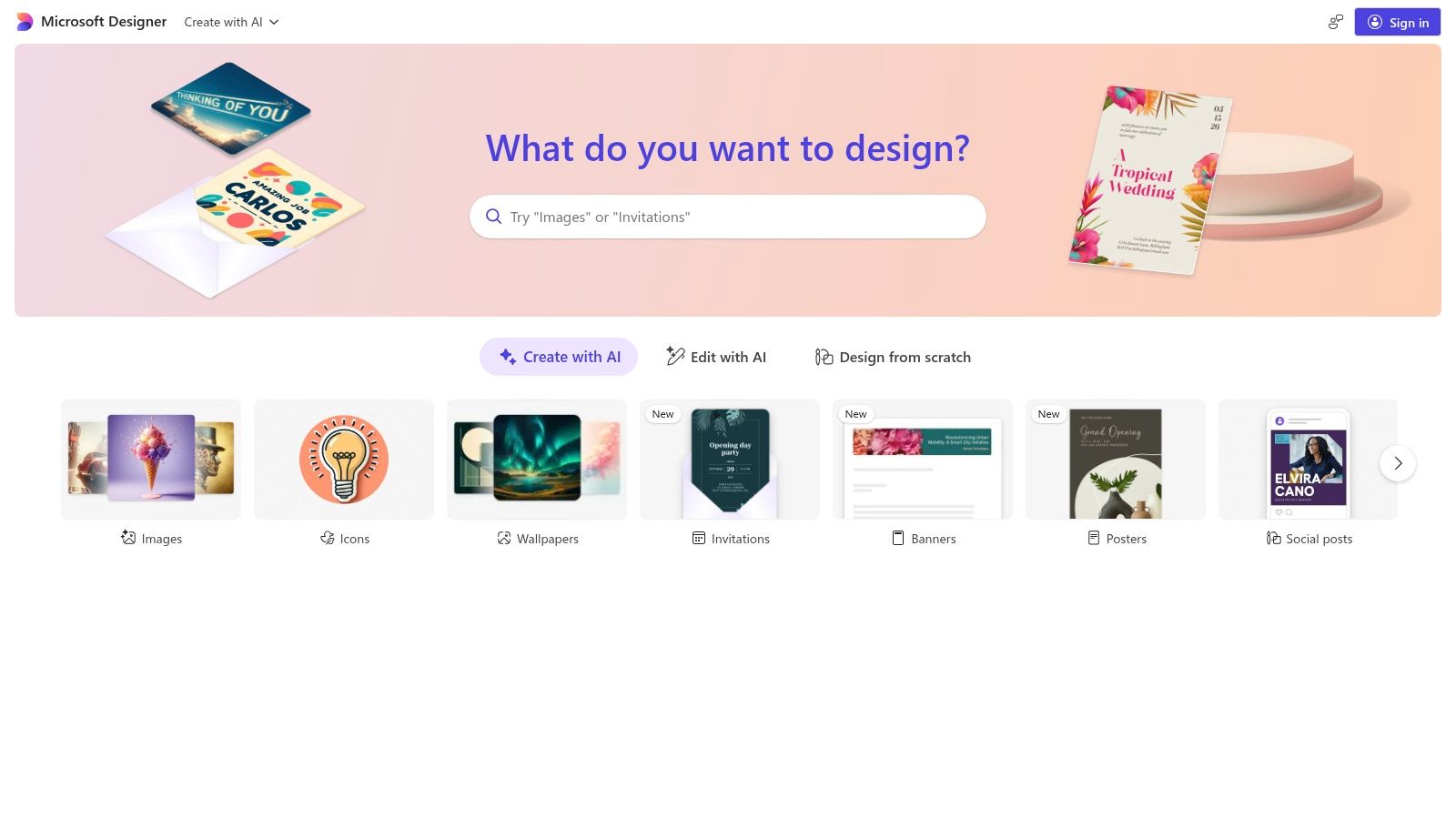
The platform's value proposition is its seamless integration with tools like OneDrive and its straightforward credit system. For many, it stands out among text to image AI tools by bundling generative AI costs into an existing subscription, which simplifies budget management for individuals and small teams. It’s an ideal choice for marketers, bloggers, and business owners who need an all-in-one solution for content creation and design, rather than a specialized image generator.
Key Features and Considerations
- Primary Use Case: Best for creating social media graphics, marketing materials, and other design assets for users within the Microsoft 365 ecosystem.
- Pricing Model: Image generation is handled via "boost" credits, which are bundled with Microsoft 365 Personal and Family subscriptions.
- Pros: Very easy for non-technical users, integrates seamlessly with familiar Office tools, and included credits can reduce separate AI tool spending.
- Cons: Monthly credit caps can be restrictive for heavy creators, and the availability and structure of business plans can be inconsistent.
Website: https://designer.microsoft.com
6. Ideogram
Ideogram has carved out a distinct niche by excelling at one of the most common challenges in AI image generation: rendering coherent and accurate text. While many models struggle with typography, Ideogram consistently produces high-quality visuals where text is a central element, making it ideal for creating logos, posters, memes, and social media graphics. Its web-based platform is designed for direct creative work rather than complex integrations.
The platform operates on a credit system with both "slow" and "priority" generation queues, offering flexibility for users with different needs and budgets. Its consumer-focused plans, including a free tier, make it an accessible entry point among text to image AI tools. Higher-tier plans add valuable features like API access and batch generation from a CSV file, catering to more professional workflows.
Key Features and Considerations
- Primary Use Case: Best for generating images that require accurate and stylized text, such as logos, social media posts, and promotional materials.
- Pricing Model: Freemium model with monthly subscription plans (Plus, Pro, Teams) that provide a mix of priority and slow generation credits. Credit top-ups are also available.
- Pros: Exceptional accuracy for rendering text and typography within images. The flexible queue system and credit top-ups provide cost control.
- Cons: The free tier is quite limited with only a few slow credits per week. Unused priority credits expire monthly, which may not suit infrequent users.
Website: https://ideogram.ai
7. Leonardo.ai
Leonardo.ai is a comprehensive creative suite designed for artists, game developers, and marketing teams. It extends beyond basic image generation, offering a full workflow-oriented platform that includes private model training, team collaboration features, and a robust API. This makes it a powerful contender among text to image AI tools for users who need a unified, production-ready environment.

The platform operates on a tiered subscription model using "Fast Tokens" for priority image generation, with higher plans offering a unique "relaxed" mode for unlimited creations using Leonardo-hosted models. This hybrid approach caters to both high-volume individual creators and businesses requiring predictable API access. The emphasis on custom models and collaborative workspaces sets it apart as a solution for specialized creative projects.
Key Features and Considerations
- Primary Use Case: Best for dedicated creative workflows, custom model training, game asset creation, and team-based content production.
- Pricing Model: Tiered monthly subscriptions with token allotments. API access is available through separate credit bundles.
- Pros: Excellent workflow tools like Realtime Canvas and Blueprints, strong private model training capabilities, and collaborative features for teams.
- Cons: The "unlimited" generation is restricted to Leonardo-hosted models, and using third-party models still consumes tokens.
Website: https://leonardo.ai/pricing/
8. Canva Magic Studio (Magic Media: Text-to-Image)
Canva's Magic Studio integrates text-to-image AI directly into its popular design platform, making it one of the most accessible tools for content creators and marketers. Rather than a standalone generator, its Magic Media feature allows users to create and insert AI-generated visuals directly into presentations, social media posts, and other templates. This seamless workflow eliminates the need to switch between applications, streamlining the entire design process from concept to completion.

The platform stands out by offering multiple underlying AI models through its app marketplace, including integrations for DALL·E and Google's Imagen. This flexibility allows users to experiment with different generative styles within a single, familiar interface. As one of the most user-friendly text to image AI tools, it's designed for speed and convenience, appealing primarily to non-designers who need quality visuals quickly. The credit-based system is included in Pro and Teams subscriptions.
Key Features and Considerations
- Primary Use Case: Best for marketers, social media managers, and business users who need to quickly create and add custom visuals to existing design templates.
- Pricing Model: A set number of credits are included with Canva Pro and Canva for Teams subscriptions, with options to purchase additional credits.
- Pros: Extremely accessible for non-designers; outputs integrate seamlessly into layouts. Having multiple model options available inside one interface is a major advantage.
- Cons: Users have reported periodic changes to feature availability and AI credit limits. Pricing adjustments for team plans have also caused user friction.
Website: https://www.canva.com/magic/
9. Stability AI (Stable Diffusion / hosted APIs)
Stability AI offers a powerful and flexible approach to image generation, catering to both developers who need a reliable API and enterprises that require full control via self-hosting. Its platform provides hosted access to its flagship models, including the Stable Diffusion families like SD3.5 and SDXL, through a straightforward, credit-based API. This allows for programmatic image generation, editing, control, and upscaling without managing complex infrastructure.

The dual-offering model is what sets Stability AI apart from many other text to image AI tools. Businesses can start with the simple API and later transition to a self-hosted license for enhanced privacy, performance customization, or product integration. This scalability makes it an excellent choice for startups and large companies alike. For those new to the ecosystem, you can learn more about how to generate images with AI to get started with these powerful models.
Key Features and Considerations
- Primary Use Case: Best for developers needing API access to Stable Diffusion models and enterprises requiring self-hosted solutions for privacy and control.
- Pricing Model: Credit-based pay-as-you-go for the hosted API, with subscription tiers and enterprise licensing available for self-hosting.
- Pros: Offers the choice between a convenient hosted API and a fully controllable self-host license. Access to a broad ecosystem of advanced models.
- Cons: API pricing and endpoint availability can change, requiring developers to monitor updates. Third-party guides may become outdated, so always verify current rates.
Website: https://platform.stability.ai
10. Google ImageFX (Labs)
Google ImageFX is an experimental platform showcasing the capabilities of Google's Imagen models. Positioned within Google Labs, it offers a straightforward, browser-based experience for users to explore prompt-to-image generation without needing technical expertise. Its main purpose is to serve as an accessible testing ground, allowing for quick experimentation and feedback on Google's latest imaging stack.
A standout feature is the integration of SynthID, which invisibly watermarks and adds metadata to all generated images. This approach emphasizes responsible AI use and helps establish provenance for AI-created content, making it one of the more transparent text to image AI tools from a major developer. However, its experimental nature means availability can be inconsistent, often limited by region, account status, or usage credits.
Key Features and Considerations
- Primary Use Case: Best for casual experimentation and getting a first look at the creative potential of Google's Imagen models.
- Pricing Model: Currently free within Google Labs, but access and usage limits can fluctuate and are not guaranteed.
- Pros: Very easy to use with a simple interface. The built-in SynthID watermarking is a great feature for responsible AI deployment.
- Cons: Availability is inconsistent and can be restricted. As a Labs project, it lacks the stability and feature set of a commercial product.
Website: https://labs.google/fx/tools/image-fx
11. Shutterstock AI Image Generator
Shutterstock integrates AI image generation directly into its massive stock media library, leveraging models like DALL·E to create commercially licensable visuals. This approach is designed for marketers and businesses who need stock-ready images that come with clear usage rights. Rather than being a standalone creative tool, it operates within the familiar Shutterstock workflow, ensuring that generated assets meet commercial standards and are covered by a standard license upon download.

The platform is one of the few text to image AI tools that directly addresses the complex issue of commercial licensing. Its Generative AI Plus plan offers a set number of monthly generations, making it an affordable entry point for users who prioritize legal safety over advanced creative controls. This focus on a secure, marketplace-integrated experience sets it apart from more experimental or artist-focused generators.
Key Features and Considerations
- Primary Use Case: Best for creating commercially safe, stock-style images for marketing campaigns, websites, and business presentations.
- Pricing Model: Subscription-based with the Generative AI Plus plan (e.g., 100 generations/month), with options to purchase additional credits.
- Pros: Clear and reliable commercial licensing integrated into the Shutterstock ecosystem. The low entry price is attractive for users focused solely on AI generation.
- Cons: Monthly generation limits can be quickly exhausted by heavier users. The creative controls are more basic compared to dedicated pro tools.
Website: https://www.shutterstock.com/pricing/ai-image-generator/
12. Hugging Face
Hugging Face serves as a massive collaborative hub for the AI community, offering a different approach to image generation. Rather than a single tool, it provides access to thousands of open-source models, community-built demo applications (Spaces), and powerful inference APIs. It is the ideal platform for exploring, testing, and comparing a vast array of models, from popular Stable Diffusion variants to cutting-edge research projects.
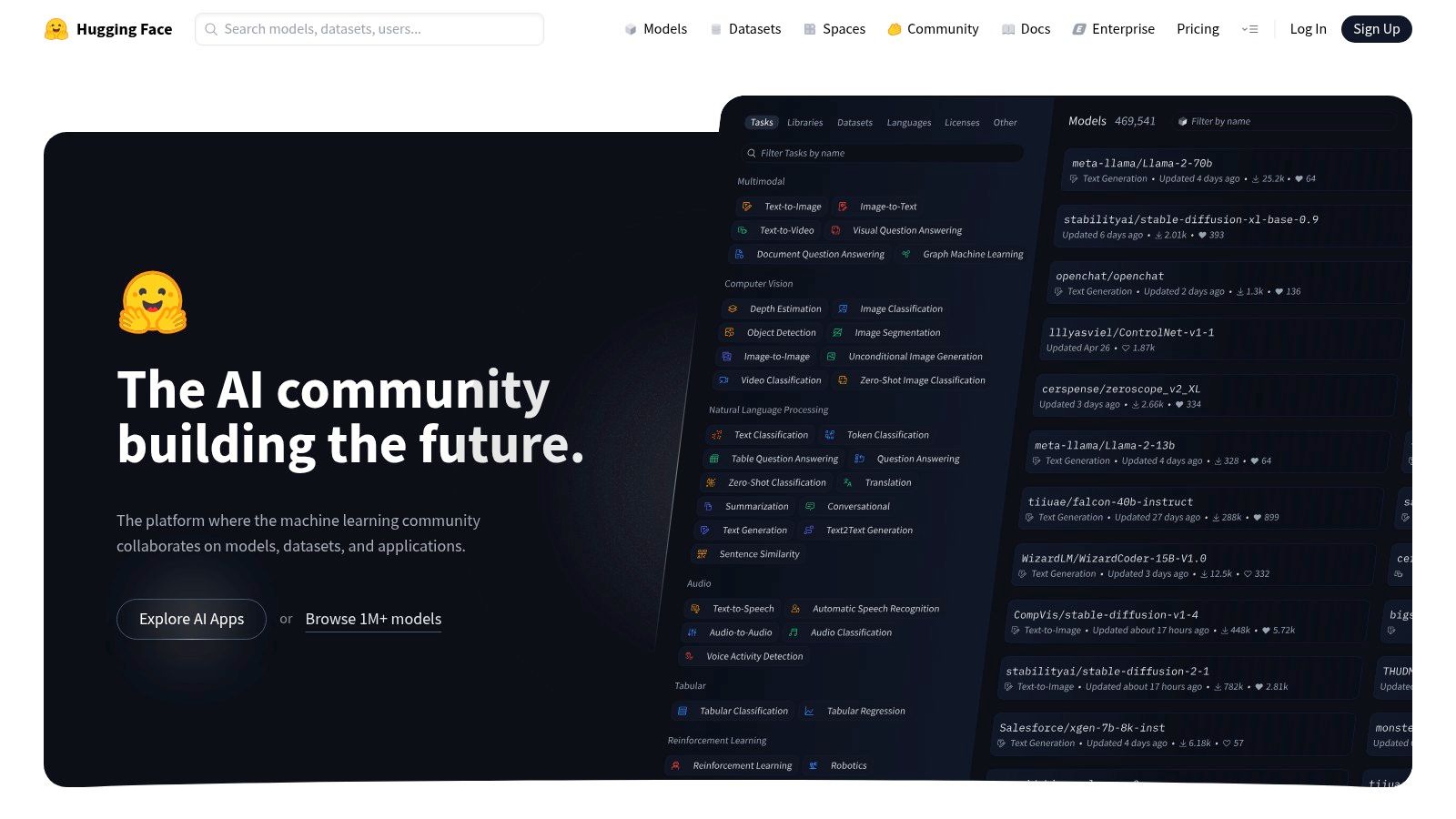
This makes Hugging Face one of the most versatile text to image AI tools for developers and researchers who want to go beyond a single, polished interface. Users can run public demos for free, fork existing applications to customize them, or deploy their own models. The platform is supported by extensive documentation and tutorials, making it an excellent resource for learning about the underlying technology of AI image generation.
Key Features and Considerations
- Primary Use Case: Best for developers, researchers, and enthusiasts wanting to explore, compare, and deploy a wide variety of open-source image models.
- Pricing Model: Free access to community demos and models. Paid options include a PRO plan (e.g., $9/mo) for increased private storage and quotas, plus pay-as-you-go inference for API usage.
- Pros: Huge selection of models and community apps for evaluation and learning. Highly flexible, allowing users to run demos, fork Spaces, or deploy their own applications.
- Cons: Not a single turnkey generator, so quality varies significantly by the chosen model or app. The pay-as-you-go inference can lead to unexpected costs if usage is not monitored carefully.
Website: https://huggingface.co
Top 12 Text-to-Image AI Tools: Feature Comparison
| Product | Core features | Quality / UX ★ | Value & Pricing 💰 | Target audience 👥 | Unique selling points ✨ |
|---|---|---|---|---|---|
| 🏆 ai-media-studio | Text→image & short video, 50+ styles, inpainting/outpainting, team workspaces | ★★★★☆ — fast, beginner-friendly | 💰 Free (3/mo) → Light $10 / Starter $19 / Pro $35 | 👥 Creators, marketers, SMBs, teams | 🏆 Streamlined UX + commercial-ready exports & privacy-first approach |
| OpenAI Images (DALL·E / GPT-Image-1) | Text/image generation & editing API, ChatGPT integration | ★★★★☆ — reliable, predictable | 💰 Per-image pricing tiers (predictable) | 👥 Developers, enterprises, product teams | ✨ Strong docs, enterprise controls, API-first integration |
| Midjourney | Discord/web app generator, fast/relax modes, privacy tiers | ★★★★★ — standout aesthetics | 💰 Subscription (GPU hours / tiers) | 👥 Artists, stylized creators, communities | ✨ Best-in-class stylized & photoreal outputs; large community |
| Adobe Firefly | Text-to-image, generative fill, Photoshop/Illustrator integration | ★★★★☆ — pro workflows | 💰 Credit-based; bundled with Creative Cloud | 👥 Creative professionals, agencies | ✨ Deep CC app integration + clear commercial licensing |
| Microsoft Designer | DALL·E-powered in-browser designer, OneDrive integration | ★★★★ — simple & integrated | 💰 Bundled credits with Microsoft 365 | 👥 Non-technical users, Office subscribers | ✨ Seamless Office ecosystem + easy templates |
| Ideogram | Strong on-image typography, credit queues, API | ★★★★ — excellent text rendering | 💰 Free limited → paid plans, top-ups | 👥 Designers needing accurate typography | ✨ Superior on-image text & CSV batch on higher tiers |
| Leonardo.ai | Token plans, private model training, relaxed unlimited mode | ★★★★ — versatile studio | 💰 Token-based tiers; taxes vary | 👥 Teams, studios, model trainers | ✨ Private model training, relaxed unlimited hosted mode |
| Canva Magic Studio | In-design generators, multiple engines, templates | ★★★★ — super accessible | 💰 Included with Canva plans / credits | 👥 Marketers, non-designers, small teams | ✨ Direct insert into templates; multi-engine options |
| Stability AI (Hosted SD) | Hosted SD3.5/SDXL APIs, edits, upscaling, self-host options | ★★★★ — flexible models | 💰 Credit-based API; self-host licensing | 👥 Privacy-focused devs, enterprises | ✨ Self-host & hosted choices for control/privacy |
| Google ImageFX (Labs) | Imagen-powered prompt-to-image, SynthID watermarking | ★★★ — experimental access | 💰 Labs availability; no fixed retail pricing | 👥 Experimenters, researchers, early adopters | ✨ SynthID provenance + Google research models |
| Shutterstock AI Generator | Stock-aligned generator, licensing on download | ★★★★ — stock-ready outputs | 💰 Generative AI Plus examples (e.g., 100 gen/mo) | 👥 Brands, agencies, commercial creators | ✨ Clear stock licensing + marketplace workflow |
| Hugging Face | Model hub, Spaces demos, pay-as-you-go inference | ★★★★ — huge model variety | 💰 PRO $/mo + pay-for-inference | 👥 Researchers, builders, model evaluators | ✨ Massive open model ecosystem & deployable Spaces |
Choosing Your Creative Co-Pilot: Which AI Tool is Best for You?
The landscape of text to image AI tools has exploded from a niche technological wonder into a vibrant ecosystem of powerful creative assistants. As we've explored, the journey from a simple text prompt to a compelling visual is no longer a monolithic process. The sheer diversity of platforms, from the hyper-artistic Midjourney to the commercially-focused Adobe Firefly and the developer-centric Stability AI APIs, proves there is no single "best" tool for everyone. Your ideal choice hinges entirely on your specific goals, technical comfort level, and creative workflow.
The key takeaway is that selection is a strategic decision, not just a technical one. You are not just picking software; you are choosing a creative partner. The "right" tool will feel like an extension of your own imagination, streamlining your process and unlocking new possibilities rather than creating friction.
Making Your Final Decision
To navigate this choice effectively, consider these critical factors before committing to a platform:
- Primary Use Case: Are you creating blog post illustrations, high-concept digital art, product mockups, or social media graphics? A marketing team’s needs are vastly different from a freelance artist's. Align the tool's core strengths with your primary output.
- Workflow Integration: How will this tool fit into your existing process? Platforms like Canva Magic Studio, Adobe Firefly, and Microsoft Designer excel because they are embedded within larger creative suites, minimizing context switching. Standalone tools may offer more power but require an extra step to import assets.
- Ease of Use vs. Control: Beginners and busy professionals will gravitate towards user-friendly interfaces with helpful presets. Experts and artists, however, may prefer the granular control offered by platforms like Midjourney or self-hosted Stable Diffusion models, where mastering complex prompts and parameters yields unique results.
- Commercial Viability and Licensing: This is non-negotiable for business use. Always verify the terms of service. Tools like Adobe Firefly and Shutterstock AI are trained on licensed content, offering greater peace of mind for commercial projects. Always double-check the image rights for any tool you plan to use professionally.
Your Actionable Next Steps
Ultimately, the best way to choose your creative co-pilot is to take a test flight. The most effective path forward is hands-on experimentation. Dedicate time to test the free trials or freemium tiers of your top two or three contenders. Use the exact same set of prompts across each platform to create a direct, apples-to-apples comparison of their output, style, and overall user experience. This practical approach will quickly reveal which interface feels most intuitive and which AI model best interprets your unique creative vision. The world of AI-powered creation is moving at a breathtaking pace, and by taking these deliberate steps, you can harness its power to bring your ideas to life more efficiently and imaginatively than ever before.
Ready to find a tool that balances powerful features with an intuitive workflow? ai-media-studio is designed for creators and marketers who need high-quality, commercially-ready images without a steep learning curve. Explore our suite of AI tools and start creating stunning visuals in minutes at ai-media-studio.