
AI image generator
AI image generator — from idea to a usable visual
Start from text if you need to. Our strength: upload a photo and transform it.
Already have a photo? Start with the AI photo editor.
Plans from $19/month. Three free edits after sign-up: your own uploaded photos, edited with Muse Image. Everything else needs a paid plan.
“Portrait in a dark blazer, soft side light, quiet background.”
AI-generated example — not a Midjourney cloneBefore / After
Usable visuals from text or a photo.
Listing background, social post, presentation visual — no overclaim. Text-to-image is supported; the product center remains upload and transformation.
Product listing with a clean lifestyle background


Social post from a short English prompt / restyled existing photo
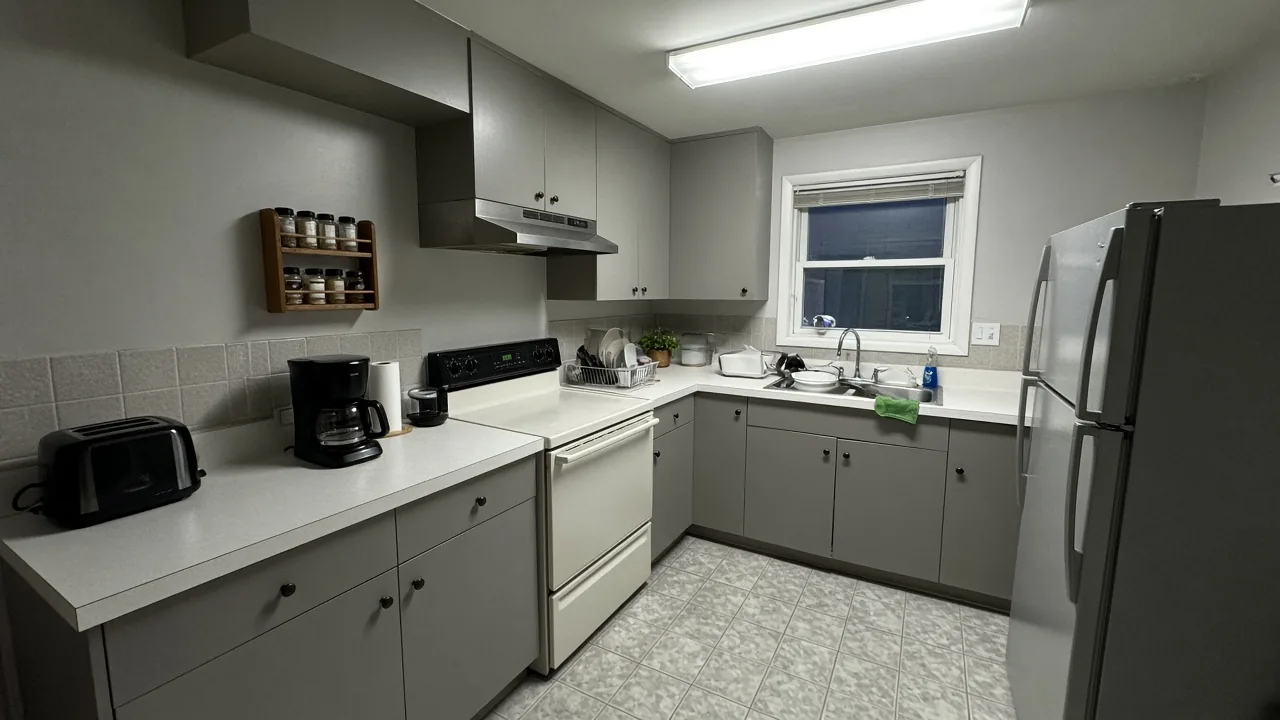
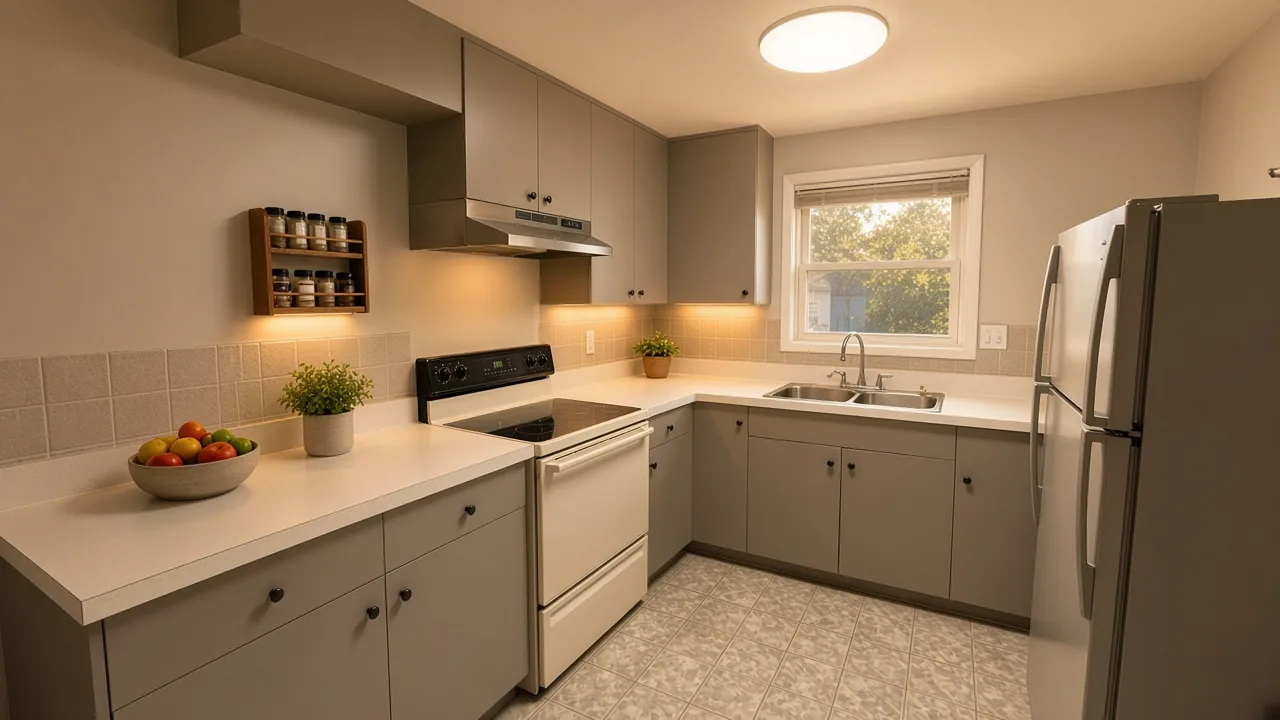
Presentation visual from a dull slide or stock shot
How it works
Text or photo. Then transform with intent.
Pure generators start empty. Here you can begin with a line — or with the photo you already have.
Start editing- 01
Describe the image (or upload a photo)
A short prompt if you do not have a photo yet — or the file you already have.
- 02
Generate the still
Style, background, or look. One clear change, no empty hype.
- 03
Download or continue editing
Compare before and after, then download — or keep going in the editor.
Before you start
Still have questions?
Text-to-image is possible. The focus stays upload and transformation — with a clear price, no hype.
Are there free transformations?
Yes, three edits. AI Media Studio has no free plan: text-to-image, video and advanced outputs need a plan from $19/month. Three free edits after sign-up: your own uploaded photos, edited with Muse Image. Everything else needs a paid plan.
Text only or also upload?
Both. You can start from a text prompt or upload a photo. The core promise remains upload then edit: transform a visual you already have. The homepage leads with editing, not a pure generator. To the AI photo editor
Commercial use?
Use depends on the terms and your plan. We do not promise blanket rights. Read the terms of use before you publish. Read the terms
What does it cost after?
After the first output, you pay on a plan from $19/month. AI Media Studio does not list $9 as the monthly catalog price.
Difference vs pure generators?
Pure generators start from an empty prompt. Here the product center is transformation and editing from a real photo. Text-to-image is supported, but it is secondary.
Text or photo
Start a visual and transform it
Start editingPlans from $19/month. Three free edits after sign-up: your own uploaded photos, edited with Muse Image. Everything else needs a paid plan.