
AI photo editor
AI photo editor — from your shot to a usable visual
Upload the photo. Change background, look, and sharpness in a few steps.
AI Media Studio: no free plan. Plans from $19/month. Three free edits after sign-up: your own uploaded photos, edited with Muse Image. Everything else needs a paid plan.
« Clean the background. Keep the product, the light, and the edges. »
Studio edit exampleBefore / After
From your shot, to a usable visual.
Catalog background, brighter listing photo, light portrait cleanup — the same path: upload, transform, compare.
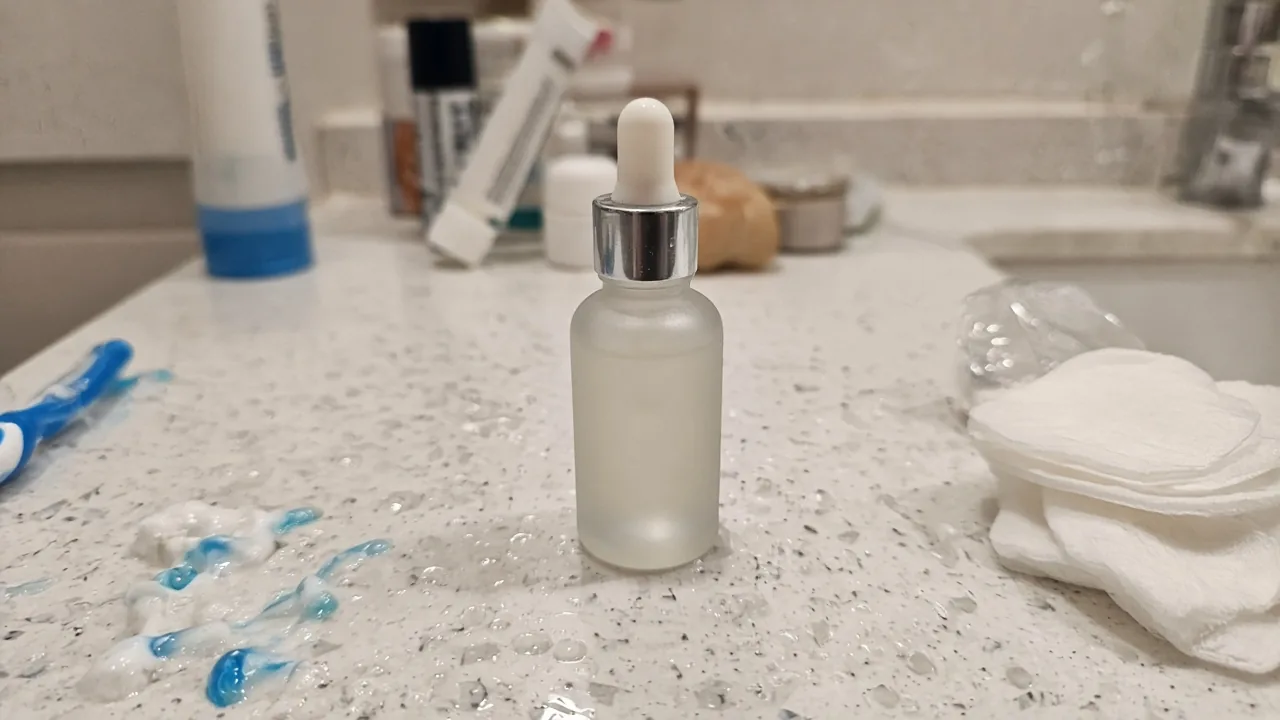
Clean catalog / ecommerce background
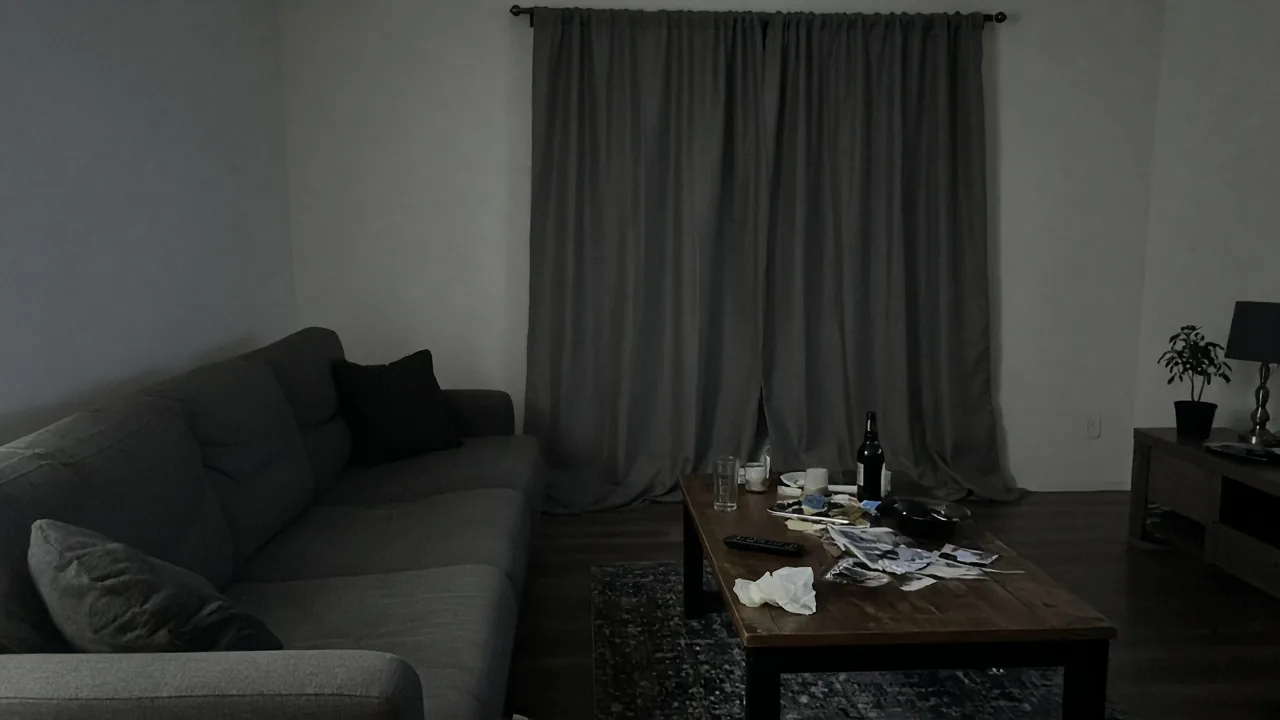
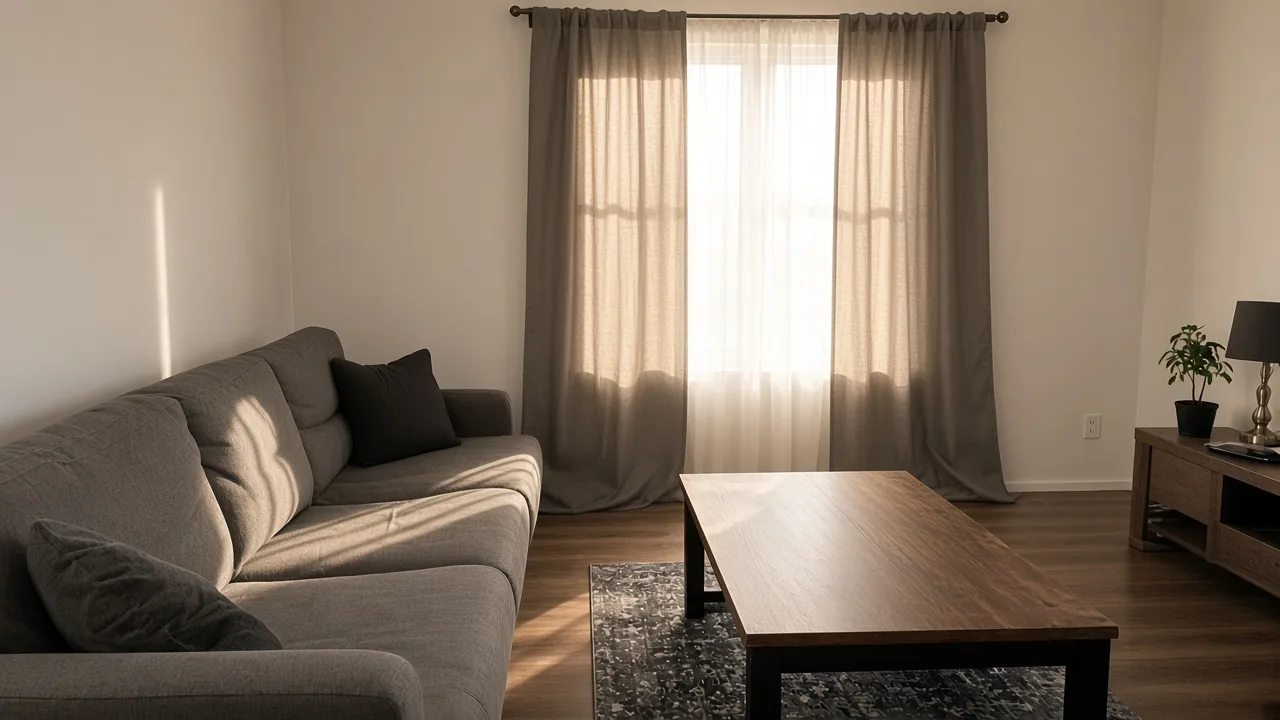
Brighter, tidier real-estate listing photo
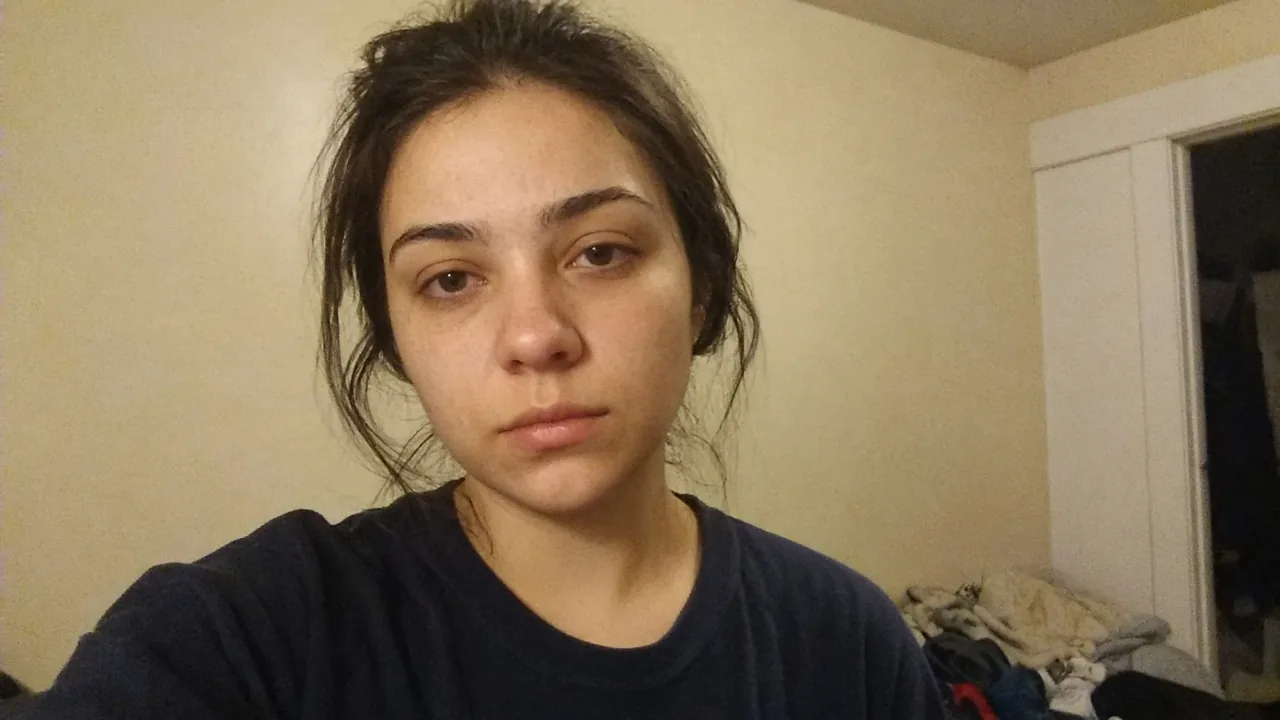
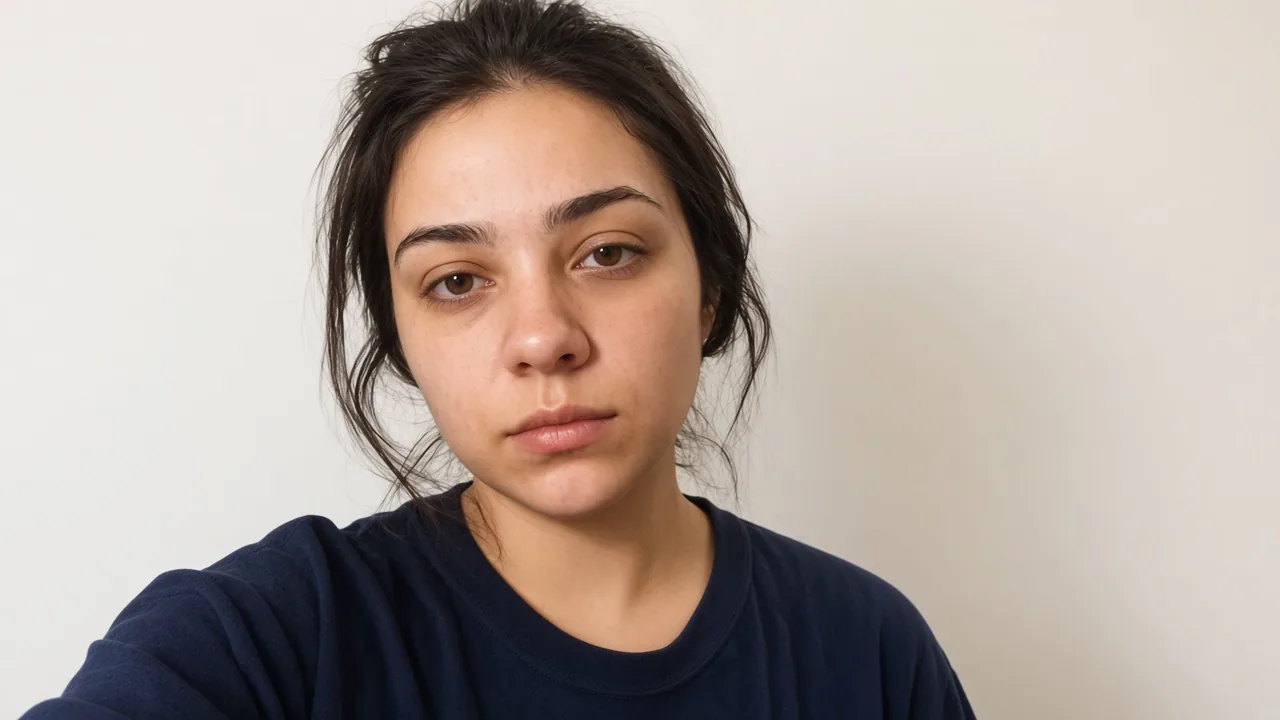
Soft website / LinkedIn portrait background (no perfect-skin claims)
How it works
Upload. Transform with intent.
No empty prompt to start. You begin with the photo you already have and say what should change.
Upload a photo and edit- 01
Upload a photo
Product, portrait, interior — the file you already have.
- 02
Choose the edit
Background, style, or sharpness. One change, with a clear name.
- 03
Download the transformation
Compare before and after, then download — the original is not overwritten.
Before you start
Frequently asked questions
AI photo editor to upload and transform — no hype, with a clear price.
What edits can I do?
Start from the photo you upload: edit, restyle, change the background, or sharpen it. This is not a generator from an empty prompt. Video is a separate paid flow.
Are there free transformations?
Yes, three edits. AI Media Studio has no free plan, and plans start at $19/month. Three free edits after sign-up: your own uploaded photos, edited with Muse Image. Everything else needs a paid plan.
Does it replace Photoshop?
Useful for everyday and commerce edits: background, style, and sharpness in a few steps. It is not a full professional suite — no layers, brushes, or pixel-by-pixel editing.
Is the original kept?
Yes. The file you upload stays the original. The transformation sits beside it so you can compare before and after. The original is not overwritten.
What about photo privacy?
Photos and results stay in your workspace until you share them. The privacy policy explains what is stored and for how long. Privacy policy
Upload and start
Upload a photo and edit
Upload a photo and editAI Media Studio: no free plan. Plans from $19/month. Three free edits after sign-up: your own uploaded photos, edited with Muse Image. Everything else needs a paid plan.