Skip to contentai media studio
Open the studio
AI Tool

Turn a photo into a video with AI

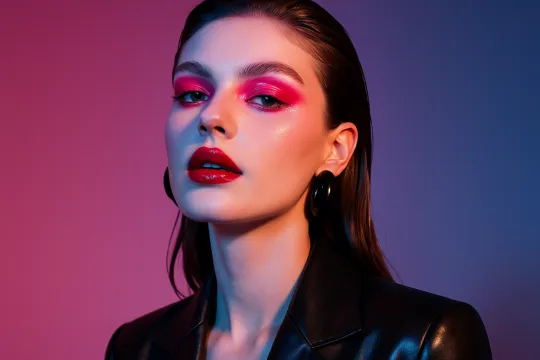
Start with one image and describe how it should move. Try a slow camera push, subtle subject motion, or an atmospheric scene, then review the generated clip.

This workflow requires a paid plan from $19/month. Check the available settings before generating.

What you can do

Start from one photo
Describe camera or subject motion
Generate a short clip
Preview before downloading
Refine the motion prompt
Model-dependent duration and resolution

Ways to use the result

📱

Social posts

Animate a single photo for a short social clip.

🛍️

Product details

Try subtle camera movement around one product image.

🎨

Creative scenes

Add atmosphere to an illustration or generated image.

How to get a useful result

  1. 1.

    Choose a clear starting image

    Use a photo with a distinct subject and room for the movement you want.

  2. 2.

    Describe a small movement

    Request a slow camera move or subtle subject motion. Keep the first attempt simple.

  3. 3.

    Watch the whole clip

    Check the beginning and end, faces, hands, and any lettering. Revise the motion prompt if the image distorts.

Example to try

Slowly move the camera closer. Add a gentle breeze to the leaves. Keep the person still and preserve the original composition.

Frequently Asked Questions

How do I turn a photo into a video?

Upload your image in the animation workflow, describe the motion, select the available settings, and generate a clip. Preview it before downloading.

Can I create a slideshow or guarantee 4K output?

This workflow animates a starting image. It is not a slideshow editor. Clip duration, resolution, and audio support depend on the selected model and settings.

This workflow requires a paid plan from $19/month. Check the available settings before generating.

Turn a photo into a video with AI

Start with one image and describe how it should move. Try a slow camera push, subtle subject motion, or an atmospheric scene, then review the generated clip.

Upload a photo to animate