Amazon Listing Image 1 Remake
Image 1 is the Amazon search tile. Most listing photos fail it: gray backgrounds, tiny products, text on the main image, or a lifestyle shot where Amazon wants a studio white. Paste the live URL. We remake Image 1 as a clean marketplace shot and show the pair here.


Remake Image 1 from the listing you already have
You do not upload a photo first. Paste the Amazon URL, compare the remake, then create listing, lifestyle, social, and hero images from the same product.
Image 1 plus the rest of the listing set
The remake is the main image. A complete product set adds lifestyle, social, and hero crops so the listing, ads, and site match.
Amazon Image 1
Prepared from the same brief so your outputs stay aligned across placements.
Lifestyle scene
Prepared from the same brief so your outputs stay aligned across placements.
Social square
Prepared from the same brief so your outputs stay aligned across placements.
Website hero
Prepared from the same brief so your outputs stay aligned across placements.
What Amazon Image 1 has to do
Search results show one photo. Image 1 has to read at thumbnail size, stay legal under Amazon's main-image rules, and make the buyer click.
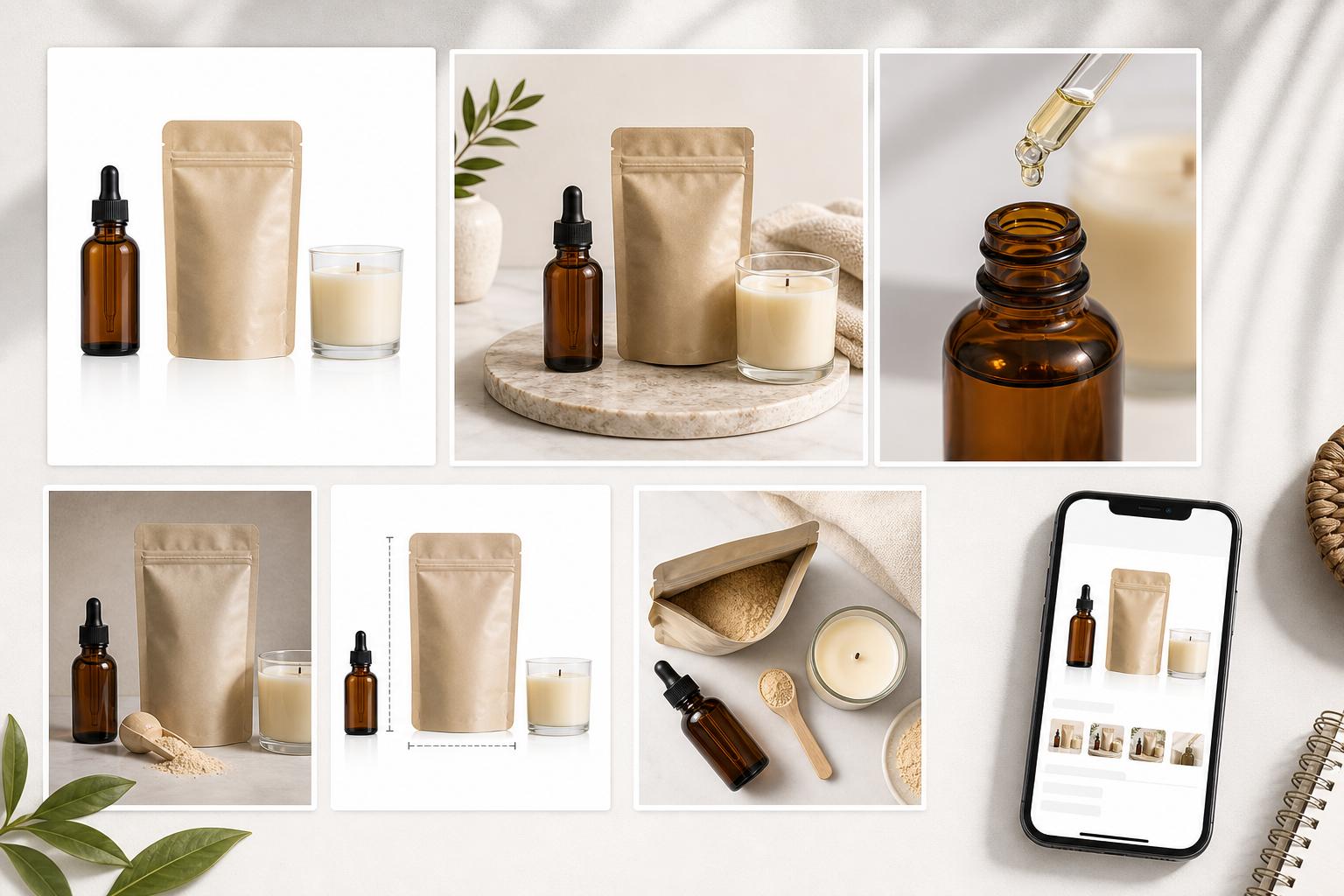
Why most Amazon listing photos fail
Sellers usually upload a phone photo, a supplier packshot, or a lifestyle scene as Image 1. Amazon's main-image rules reject those. The listing then looks cheap in search even when the product is fine.
Off-white or gray backgrounds fail the pure-white rule.
A product floating small in the frame fails the 85% fill rule.
Text, Amazon badges, or lifestyle props on Image 1 get the listing suppressed.
Photos under 1,000 px lose zoom — and buyers bounce.
Frequently asked questions
What is Amazon listing Image 1?
Image 1 is the main image: the photo in search results and at the top of the product page. It must be a pure-white studio shot of the product only. Lifestyle, infographics, and badges belong in later image slots.
Can I remake Image 1 from my Amazon URL?
Yes. Paste the listing URL. We fetch the current Image 1, remake it as a clean marketplace shot, and show the before/after on this page. We do not write the remake back to Amazon.
Is the first remake free?
The on-page Image 1 preview is separate from generation in AI Media Studio. The studio is a paid product with no free tier; plans start at $19/month.
Does this replace my Amazon listing photos automatically?
No. We remake Image 1 and show the pair here. You download the set and upload it in Seller Central yourself.
What size should Amazon Image 1 be?
Upload a 2000 × 2000 px square. Amazon requires 500–10,000 px on the longest side and at least 1,000 px to enable zoom. See the Amazon product image requirements guide for the full table.