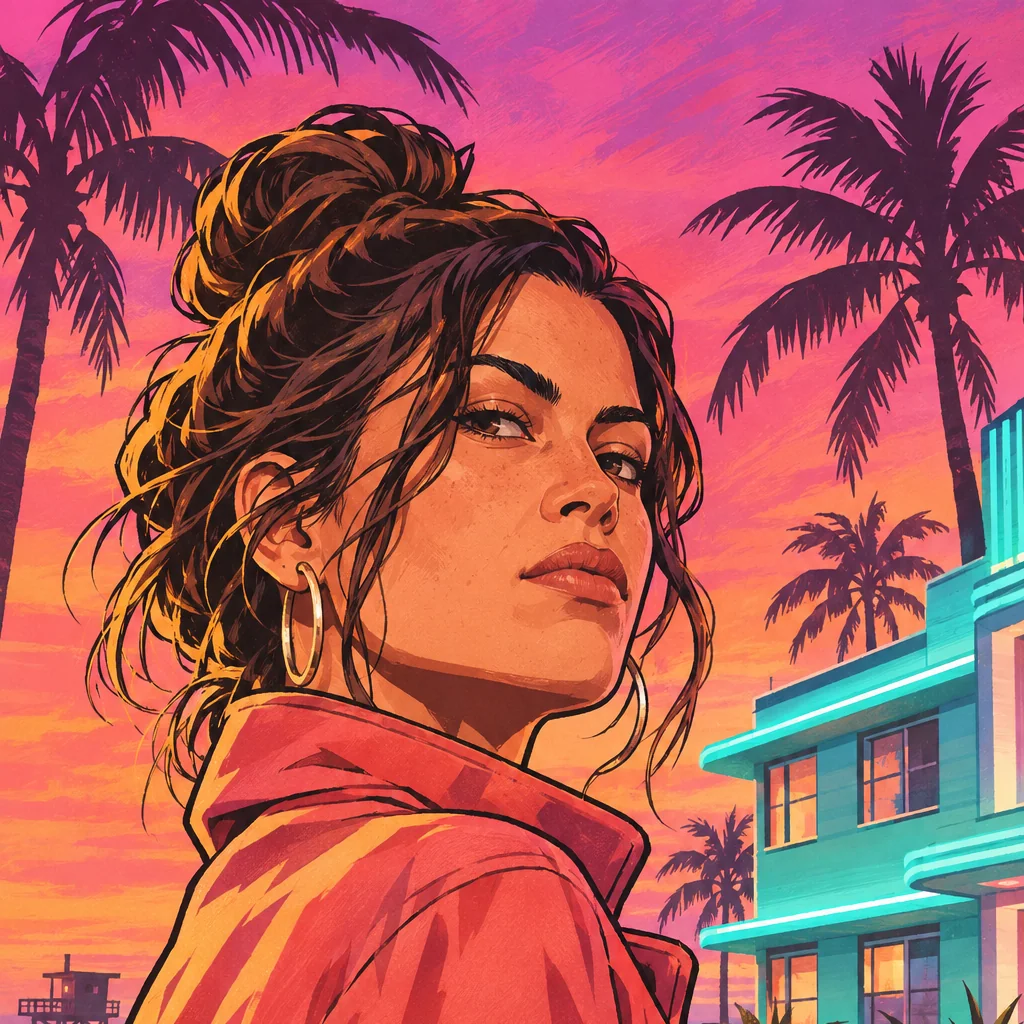
AI Character Sheet Generator
Create a turnaround sheet from one reference. Show the same character from the front, side, and back with matching proportions and clothes.
Every edit needs a paid plan. Plans start at $19/month.
Look at the examples
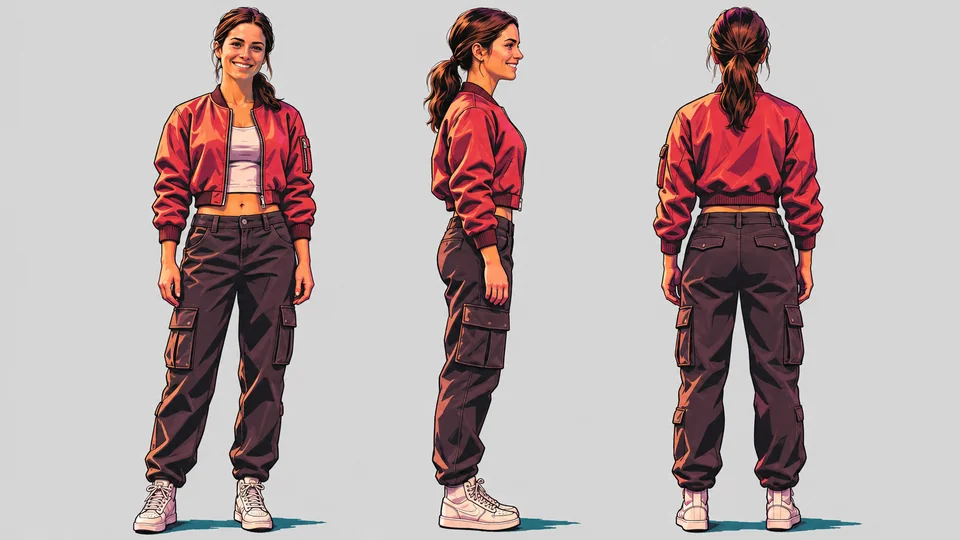
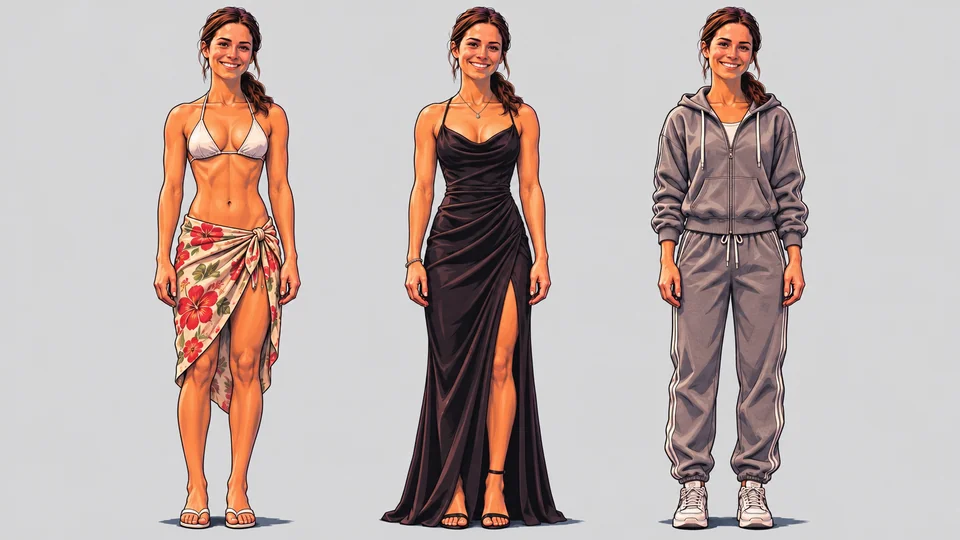
The illustration examples use fictional people.
How it works
Pick a full-body reference
Use an image with the face, outfit, and shoes visible.
Generate the three views
Attach the reference to the Studio prompt. Keep the stance and lighting simple so you can compare the result.
Review the turnaround
Check clothing details, body proportions, and spacing. Use the finished sheet as a reference for outfit changes.
Make an original visual character turnaround from the attached full-body reference. In one landscape 3:2 image on a light neutral background, show exactly three full-body figures of the same character: front, left profile and back. Align the feet and head height across the three views and keep anatomy, face, clothing, hair, color and accessories consistent. Use a relaxed neutral stance and even light. Leave space between views and around the entire figure. No captions, logos, watermarks or extra people.
Questions
What is a character turnaround?
A turnaround is a visual reference that shows the same character from several angles, such as front, profile, and back.
Can I generate new outfits from the sheet?
Yes. Attach the finished sheet to a new Studio edit and describe what to change and which details must stay consistent.
Can I start from text?
Yes. Generate a full-body concept from your description first, then attach that image to the turnaround prompt.