Black and white logo
Black and white logo with AI: your name in handwriting, plus a symbol
Describe the logo in one prompt: the name in quotes, the lettering style (for example handwritten script), one small symbol and where it goes, and “black on white only, no gray”. We made a logo for a fictional ceramics studio in 12 languages on Nano Banana 2.1 and GPT Image 2.6: every name and tagline came out spelled correctly, and Nano Banana followed the brief most closely. You get a 1024 × 1024 PNG, not a vector file. One logo costs 8 credits on Nano Banana 2.1 or 15 on GPT Image 2.6.
Every edit needs a paid plan. Plans start at $19/month.
How do I make a black and white logo with AI?
- 01
Write the name exactly, in quotes
Put the name and any tagline in quotation marks, with the capitals and accents you want: "Lunavera", "CERAMICS". The model copies quoted text more reliably than a name buried in a sentence.
- 02
Name one symbol and its place
One simple object drawn as a line drawing, and where it sits: “a small line drawing of a vase to the left of the name”. A leaf, a tool, an animal or an initial works the same way. More symbols make a busier logo.
- 03
Say black on white, and what you do not want
“Black on white only, no gray, no shading, flat.” Without it you get soft shadows and gray tones that print badly and are hard to cut from a sticker or a stamp.
- 04
Generate on two models and pick one
Run the prompt on Nano Banana 2.1 and on GPT Image 2.6, check every letter of the name, then refine the one you like in a second edit, one change at a time.
One logo brief, two models, one refining edit
The studio Lunavera is made up for this page. Each image is the first result of the prompt shown; open “Exact prompt we ran” under an edit to see its prompt.
1.The name in handwriting with a small symbol
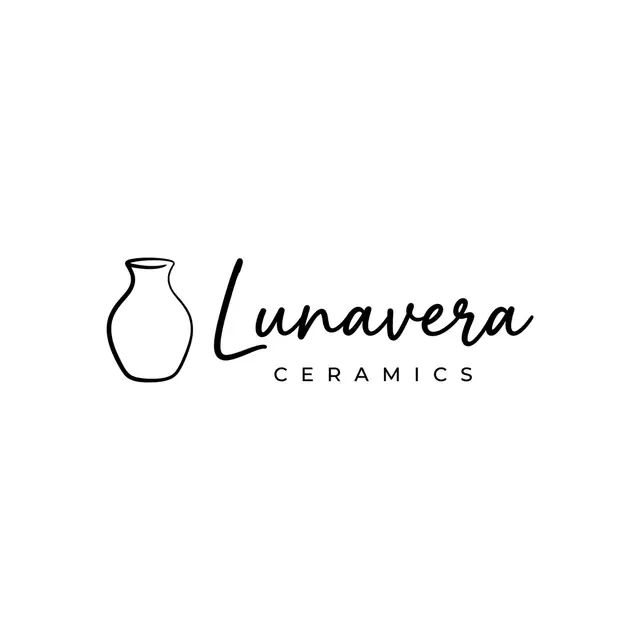
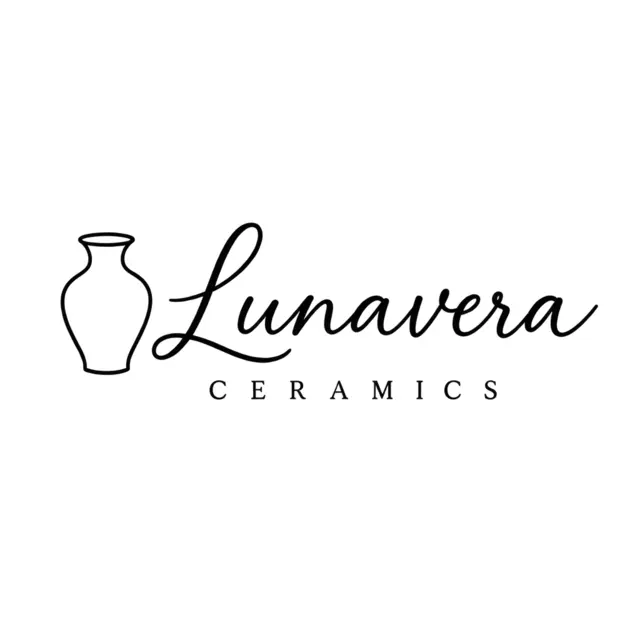
Both models spelled “Lunavera” and “CERAMICS” correctly and kept to black on white. Nano Banana 2.1 drew the vase with a thinner line than the lettering; GPT Image 2.6 matched the weights better and set the tagline in a serif. Across the 12 languages we ran, GPT Image 2.6 added flowers, sprigs or stripes to the vase in 8 logos without being asked; Nano Banana did that once.
Prompt we ran
Create a simple, creative logo for a ceramics studio: the name "Lunavera" in flowing handwritten script, a small line drawing of a vase to the left of the name, and the word "CERAMICS" in small spaced capitals below. Black on white only, no gray, no shading, flat, centered, lots of white space.
Suggested model: Nano Banana 2.1
2.Refine it in a second edit, and check the name again
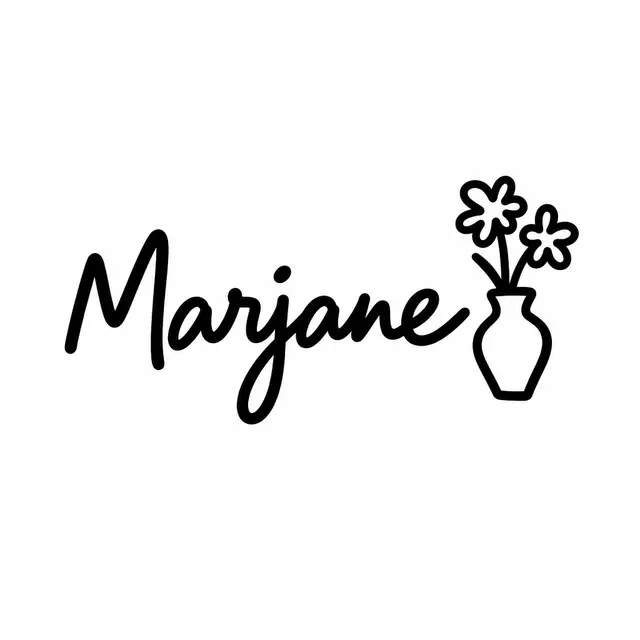
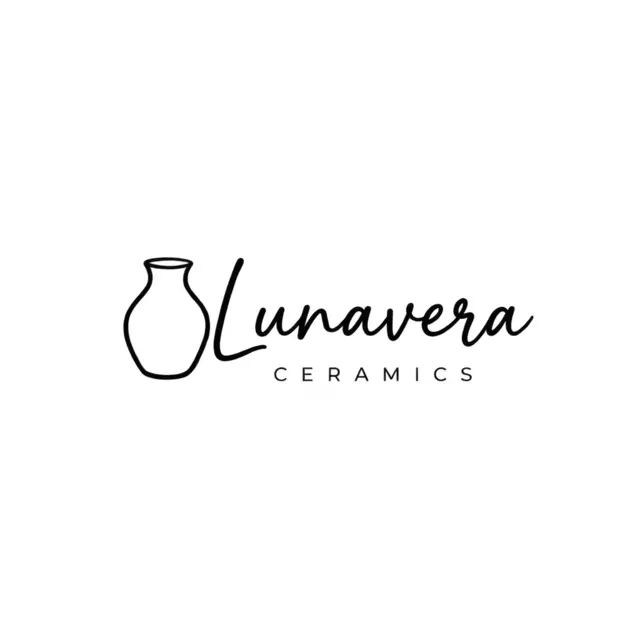
We asked for thicker vase lines and a vase closer to the name. Editing the GPT logo, which came back with a transparent background, returned a different logo with an invented name, “Marjane”. That happened in 5 of the 12 languages we ran. The same edit started from the Nano Banana logo, which has a white background, kept the name: the vase moved closer and its lines got a little heavier.
Prompt we ran
Make the vase lines exactly as thick as the handwriting strokes and move the vase a little closer to the name. Keep the lettering, the spelling and everything else exactly as it is. Black on white only.
Suggested model: GPT Image 2.6
Small refinements such as line weight changed little in our runs. For exact spacing and stroke widths, finish the logo in a vector editor or with a designer.
Check before you use it
- Read the name and tagline letter by letter at full size. All 24 of our logos were spelled correctly, accents included, but one wrong letter on a sign or a stamp is expensive.
- Check that you got only what you asked for. GPT Image 2.6 added flowers or stripes to the symbol in 8 of 12 logos.
- After every edit, check the name again. Edits of transparent logos returned an invented name in 5 of 12 runs; start the edit from a logo with a white background instead.
- The download is a 1024 × 1024 PNG. For printing large, embroidery, vinyl cutting or a stamp, have it traced to a vector (SVG) in a vector editor or by a designer.
- Search the name before you print it. A generated logo can look like an existing brand, and nobody checks trademarks for you.
Which model to use
Both models run in the same composer and draw from the same credits. Prices are for one image in the web app.
| Model | Credits per image | On Starter | Use it for |
|---|---|---|---|
| Nano Banana 2.11K, 1024 × 1024 | 8 | $0.152 | Our pick for the first draft: added nothing unasked in 11 of 12 languages, white background, cheapest. |
| GPT Image 2.6Flare, high quality | 15 | $0.285 | Even line weights and a transparent background, but added decoration in 8 of 12 logos. Also the default for edits. |
The composer shows the credit cost before you generate. Prices checked .
What it costs
One logo costs 8 credits on Nano Banana 2.1 or 15 on GPT Image 2.6, and each edit costs 13 on GPT Image 2.6. On the Starter plan ($19 for 1,000 credits a month) a draft on each model plus two edits is 49 credits, about $0.931.
Every image needs a paid plan. Plans start at $19/month. Unused subscription credits roll over, downloads carry no watermark, and paid plans include a commercial license.
Frequently asked questions
Can AI write my name correctly in a logo?
In our 24 logos in 12 languages, both models spelled the name and the tagline correctly, including accents and Japanese, Korean, Chinese and Cyrillic text. Put the name in quotes and still check every letter.
Do I get a vector file (SVG)?
No. You download a 1024 × 1024 PNG. That is enough for a website, social media and small prints. For large prints, signs, embroidery or cutting, trace it to a vector in a vector editor or ask a designer.
Can I get a transparent background?
GPT Image 2.6 returned all 12 of our logos as PNGs with a transparent background, without being asked. Nano Banana 2.1 returned white. If you edit a transparent logo again, check the name: in 5 of 12 runs the edit returned a different logo.
Can I write the prompt in another language?
Yes. We ran the same brief in 12 languages, each with its tagline in that language, and every result was spelled correctly.
How much does it cost? Is there a free option?
One logo costs 8 credits on Nano Banana 2.1 or 15 on GPT Image 2.6. AI Media Studio has no free tier. Every edit needs a paid plan. Plans start at $19/month.
Uploads are processed by the AI provider that runs the model you pick. Retention, processors and deletion requests are covered in the privacy policy.