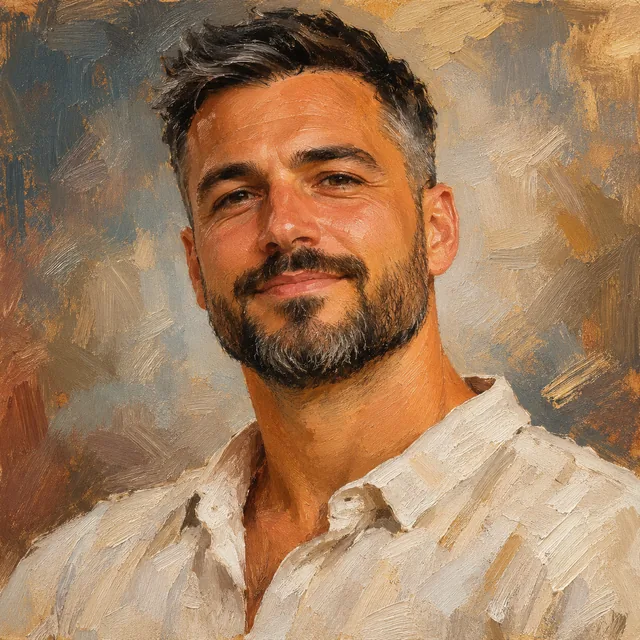
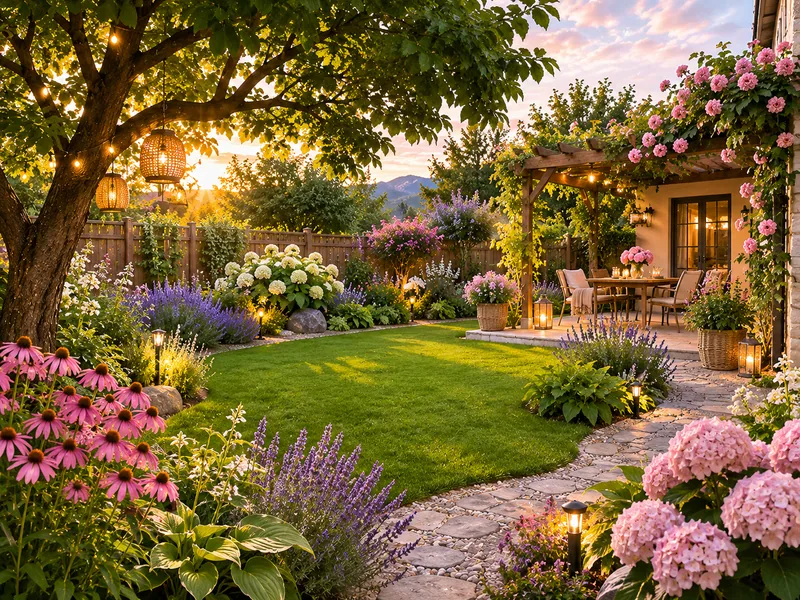
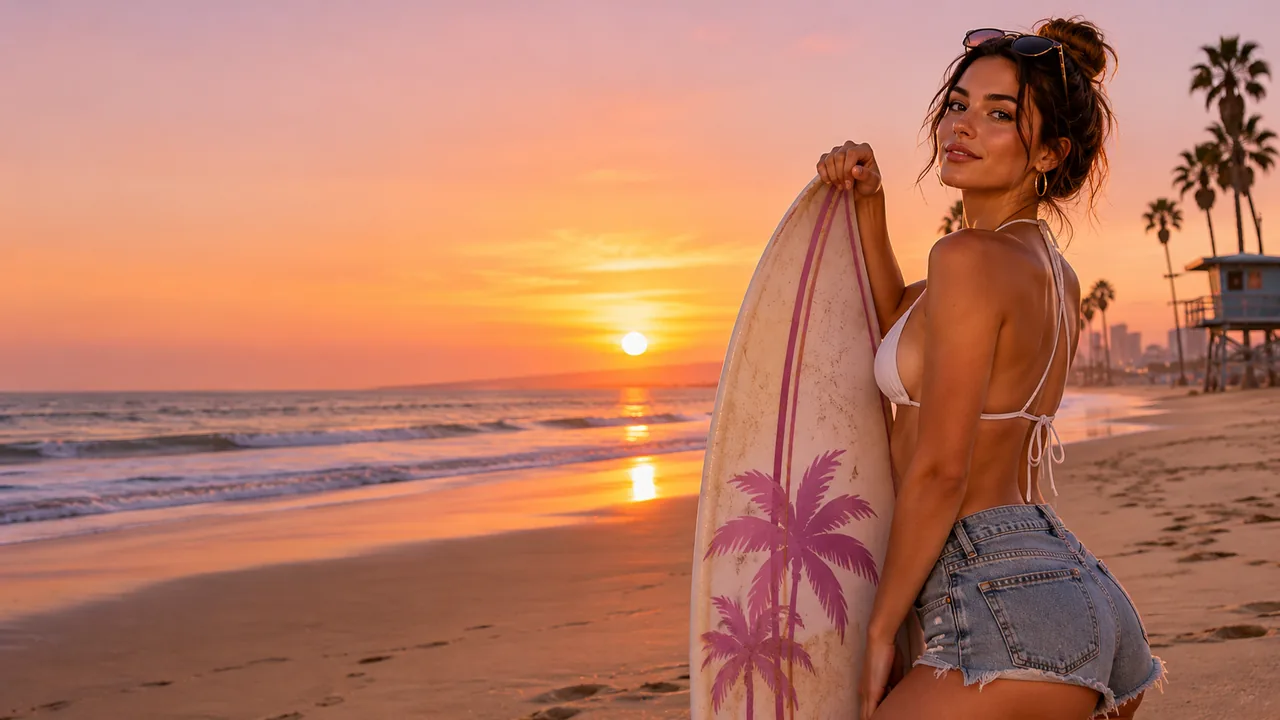
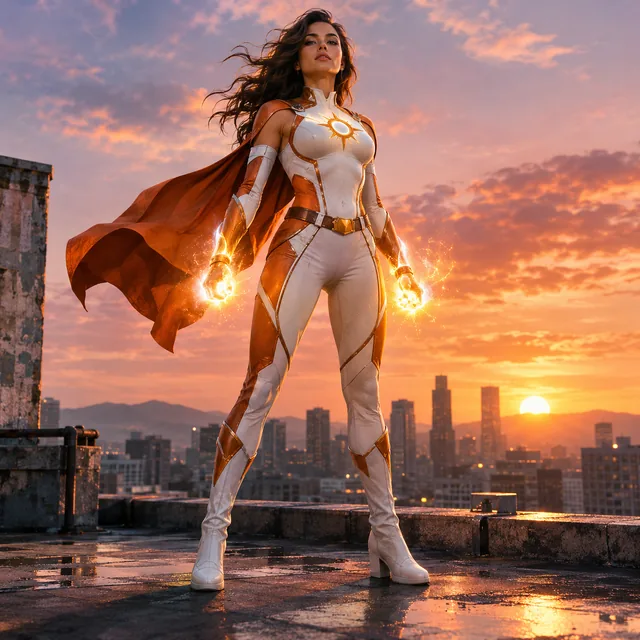
AI photo combiner
AI image combiner: merge two to four photos into one picture
To combine two images into one with AI, upload the photos (up to four), say what each one shows and describe the single picture you want. The AI image combiner merges them: you in a new place, two people in one photo, a product in a real setting, or one photo blended with the style of another. Name what must stay the same, such as faces, clothes or a label. One combined image costs 2 credits on Muse Image, 9 on Nano Banana 2.1 or 13 on GPT Image 2.6 plus 2 for each extra photo, and you see the cost before you generate.
Plans start at $19/month. Paid plans include a commercial license.
How do I combine two images into one with AI?
- 01
Upload two to four photos
Add the photos to the same edit; the editor takes up to four. Sharp, well-lit photos merge best, and faces should be clearly visible and roughly the same size.
- 02
Say what each photo is
Refer to each photo by what it shows: “the woman from the first photo”, “the lake photo”, “the green mug”. That tells the AI photo merger which part to take from which photo.
- 03
Describe the one picture you want
Where everyone is, what they do, the pose and the light: “they sit at a café table, warm afternoon light”. Then add what must not change: faces, hair, clothes, a product’s shape and colour.
- 04
Check the merge, then refine
Look at scale, light direction, shadows and every face. If one thing is off, run the prompt again with that one detail named rather than rewriting everything.
5 ways to combine photos with AI
Each idea shows an example of the finished picture and a prompt to copy. Swap in your own photos and keep the structure of the prompt: what to take from each photo, the scene, then what must stay.
1.Put a person into a new scene
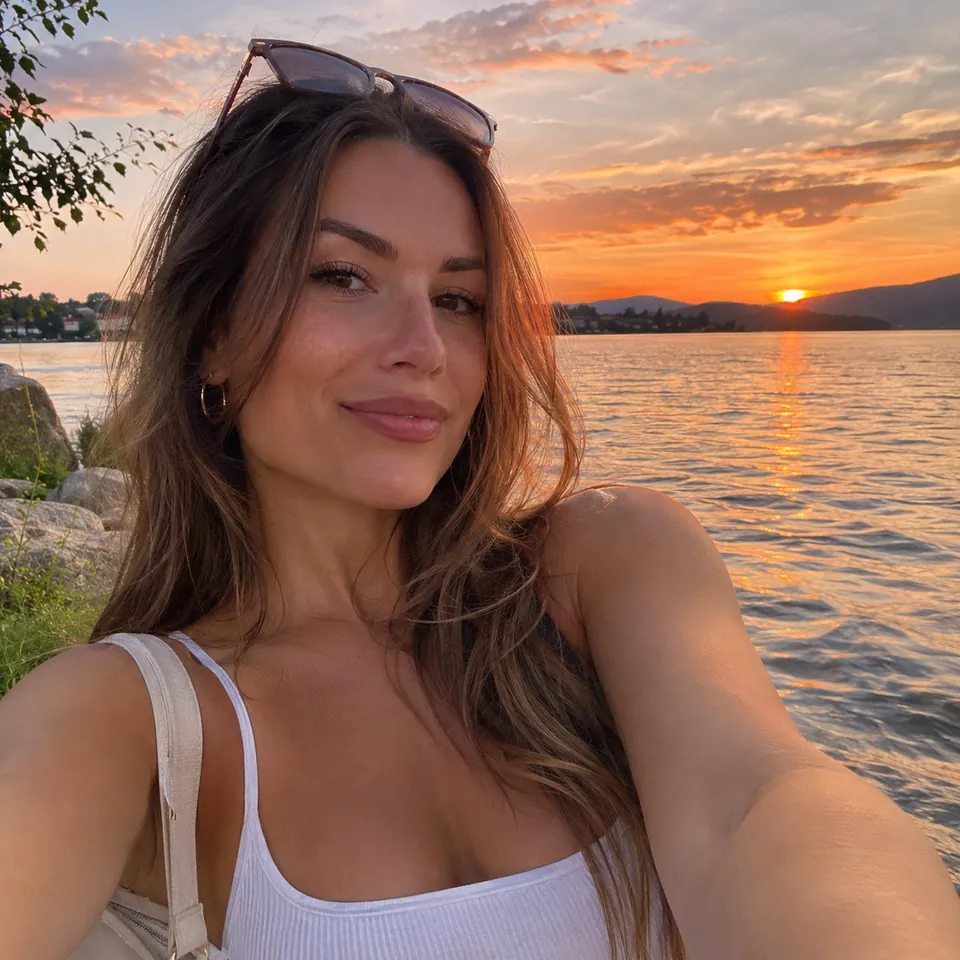
The most common merge: a person from one photo, a place from another. Ask for the light of the scene on the person, otherwise they look pasted in.
Prompt to try
Put the woman from the first photo into the lake photo: she takes a selfie on the shore at sunset, smiling, with her sunglasses on her head. Keep her face, long brown hair and white top exactly as they are, light her with the same warm sunset light, and keep the lake, rocks and sky.
Suggested model: Nano Banana 2.1
2.Merge two people into one photo
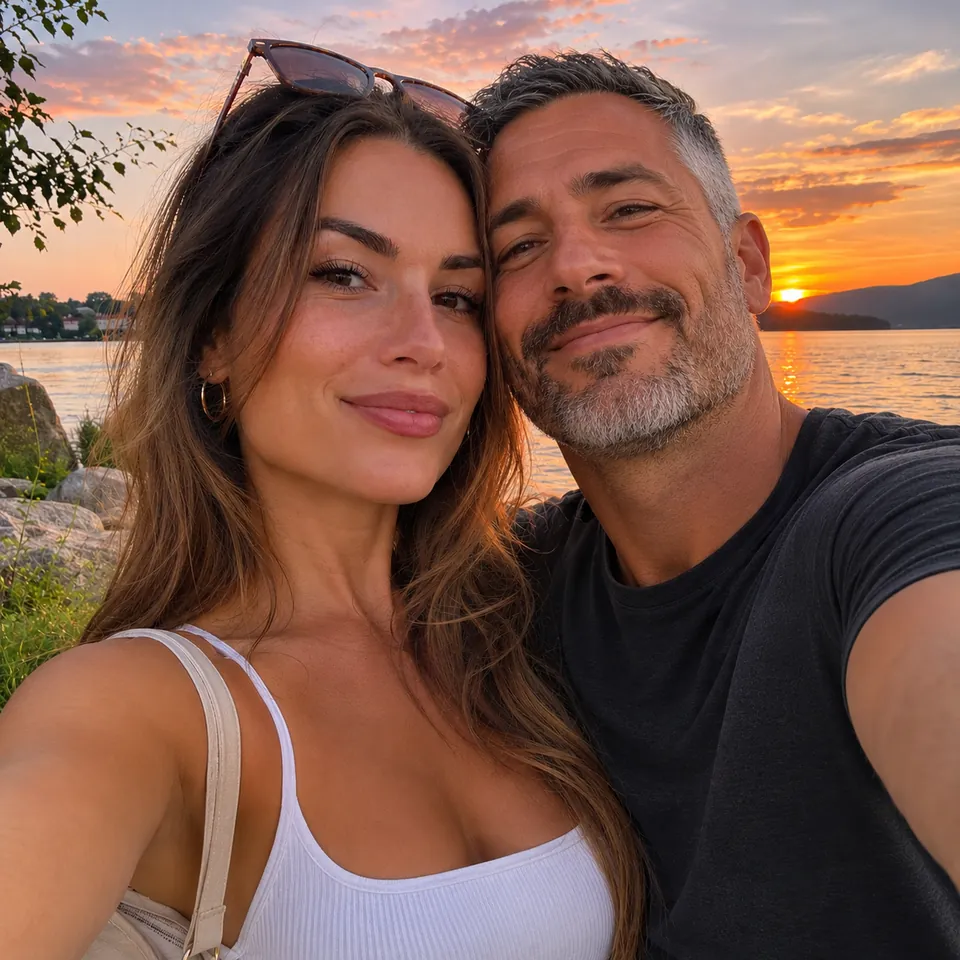
Two portraits taken apart become one photo of them together, for a friend who missed the trip or a family member who lives far away. Describe both people by how they look and ask to keep their ages.
Prompt to try
Combine the two photos into one selfie: the woman and the man stand cheek to cheek on the lake shore at sunset, both smiling. Keep both faces, hair, clothes and ages exactly as in their own photos, with the same warm light on both.
Suggested model: Nano Banana 2.1
Only combine photos of people who agreed to it, and do not present a merged photo as a real moment where that matters.
3.Put a product into a lifestyle shot
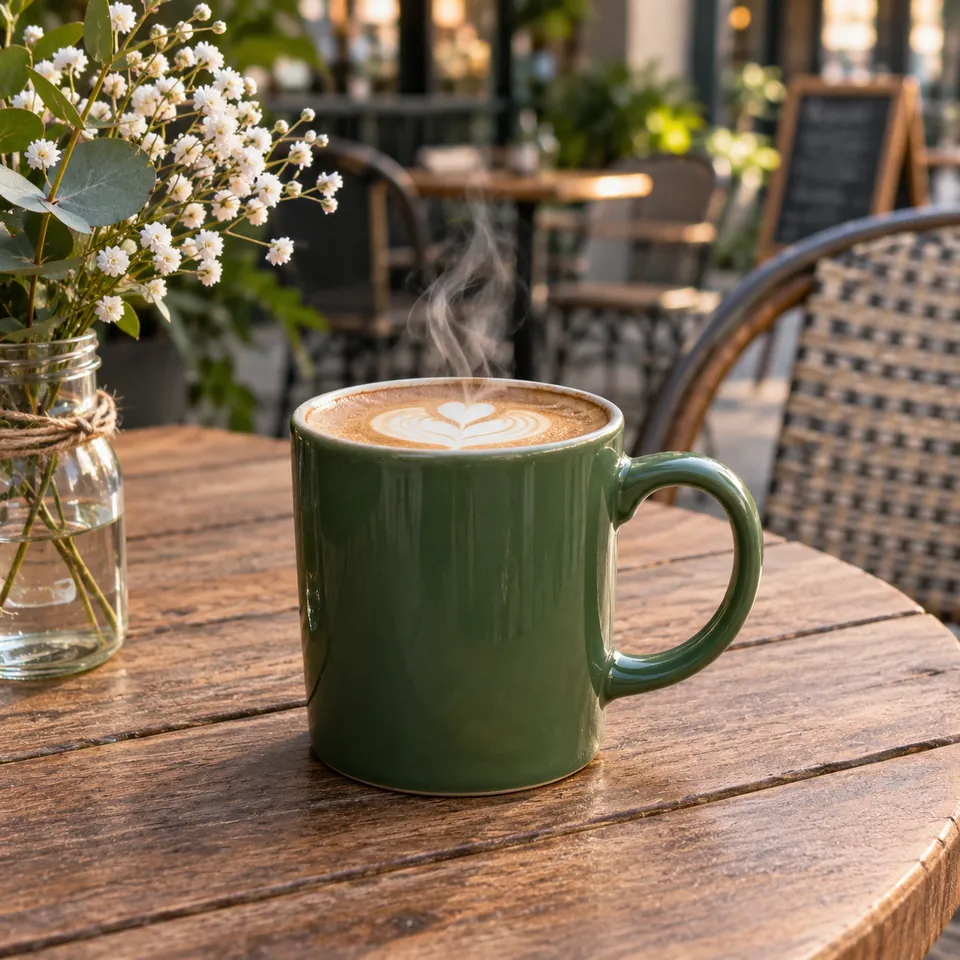
A product photo plus a photo of the setting you want. Ask to keep the product’s shape, colour and any text exactly, and to match the light of the setting.
Prompt to try
Place the green ceramic mug from the first photo on the wooden table of the café terrace in the second photo, next to the jar of flowers. Keep the mug’s shape, colour, glaze and handle exactly as they are, match the warm afternoon light and add a soft shadow under the mug.
Suggested model: Nano Banana 2.1
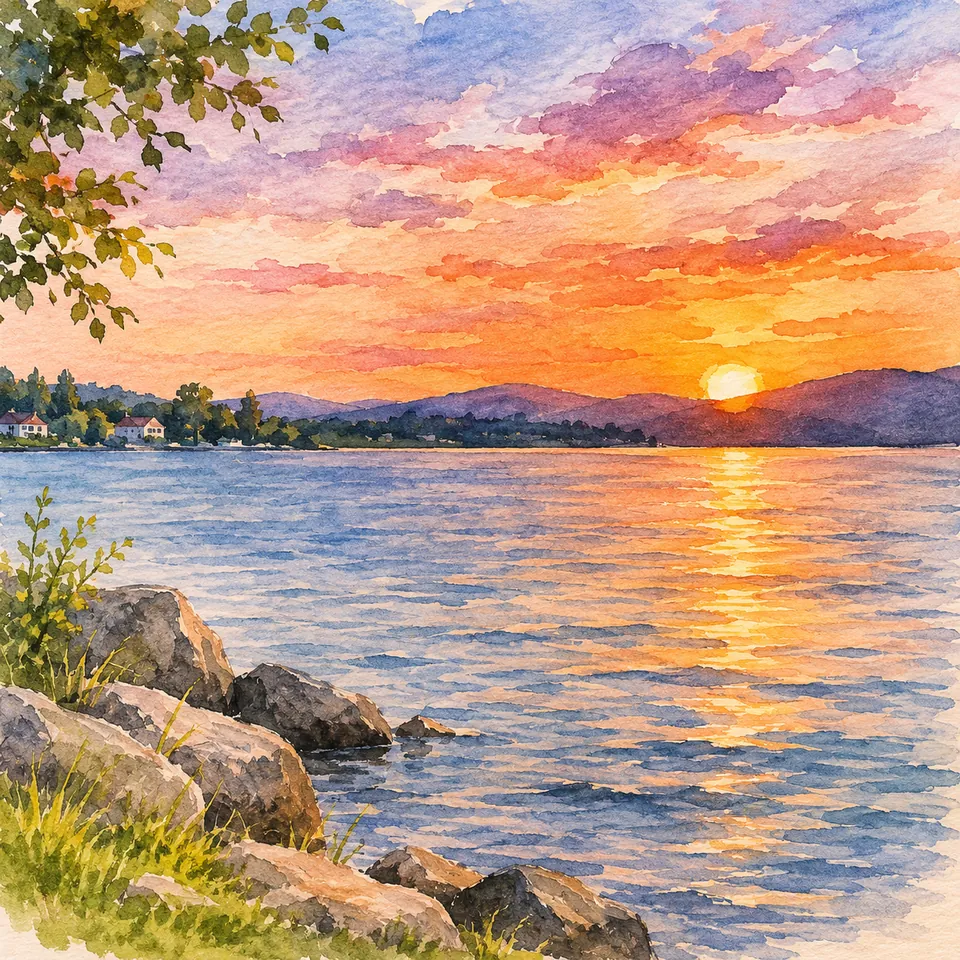
4.Blend two images: one photo in the style of another
An AI image blender mixes how one image looks with what another shows. Say which photo gives the content and which gives the style, and that nothing else from the style image should appear in the result.
Prompt to try
Blend the two images: paint the lake photo in the style of the watercolour, with soft washes, bleeding edges and visible paper texture. Keep the lake, the rocks, the far shore and the sunset colours from the photo.
Suggested model: Nano Banana 2.1
5.Combine four photos at once
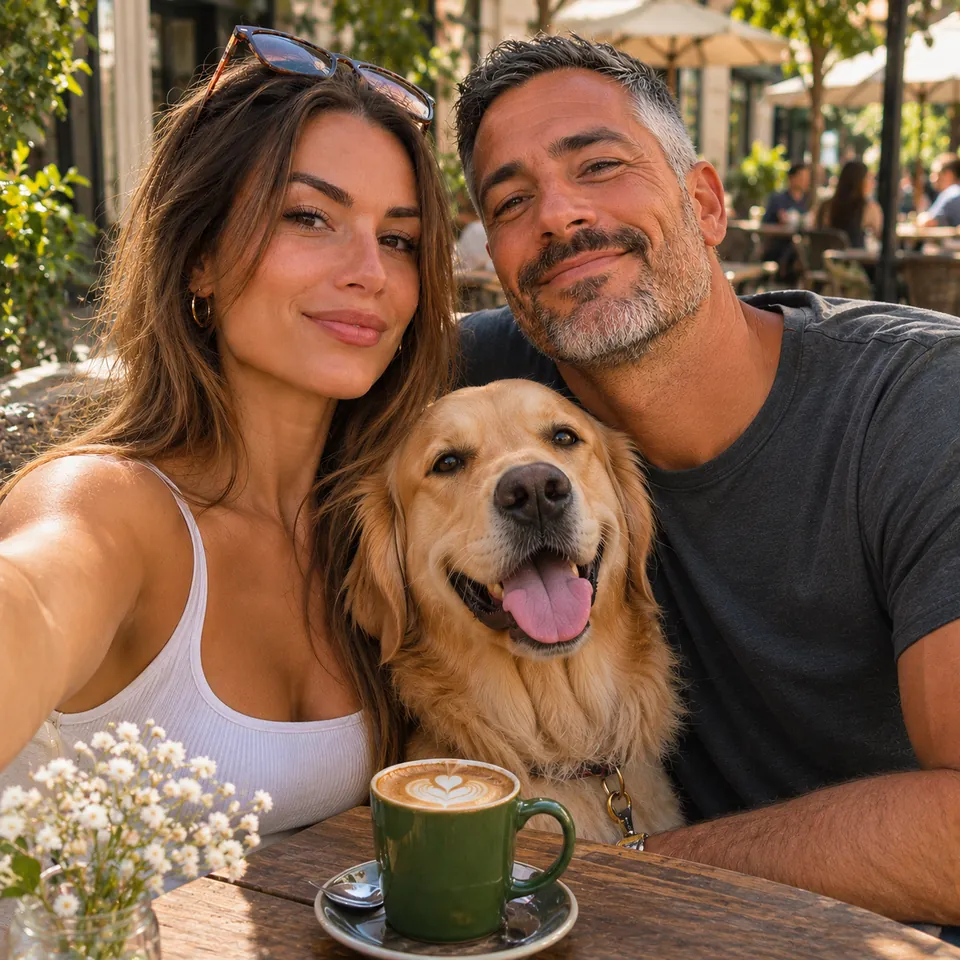
Four is the most one edit takes: for example two people, a dog and a café table. With more pieces, describe where each one goes and list everything that must stay. To combine more than four photos, merge some first and use the result as one photo in the next edit.
Prompt to try
Combine the four photos into one: the woman and the man take a selfie at the café table, with the golden retriever between them and the green mug of latte in front. Keep both faces, hair and clothes, the dog’s coat and the mug exactly as they are. Warm daylight, photo-realistic.
Suggested model: Nano Banana 2.1
Make the merge look real
- Ask for one light: “lit by the same warm sunset light as the lake”. Different light on the person and the scene is what gives a merge away.
- Check the scale. People, pets and products can come back too big or too small for the scene; name the size if it matters (“the mug is the same size as the latte cup”).
- Name every feature that must survive: hair colour, glasses, a beard, the product’s colour and text. Whatever you leave out may change.
- Count the people in the result. With several photos, say how many people the picture must show.
- Only combine photos of people who agreed, and do not use a merged photo to mislead anyone about where they were or who they were with.
Which model to use
Every model runs in the same editor, takes up to four photos per edit and draws from the same credits. Prices are for one combined image in the web app.
| Model | Credits per edit | On Starter | Use it for |
|---|---|---|---|
| Muse Imageone size, about 2.5 MP | 2 | $0.038 | The lowest price per combined image, for trying an idea before a bigger run. |
| Nano Banana 2.11K | 9 | $0.171 | The editor’s button opens it by default. 14 credits at 2K and 31 at 4K for a larger image. |
| GPT Image 2.6high quality | 13 | $0.247 | Adds 2 credits for each photo after the first: 19 credits with four photos. |
The editor shows the credit cost, including extra photos, before you generate. Prices checked .
What it costs
One combined image costs 2 credits on Muse Image, 9 on Nano Banana 2.1 at 1K and 13 to 19 on GPT Image 2.6, depending on how many photos you add. On the Starter plan ($19 for 1,000 credits a month) that is $0.038 to $0.361 per image.
Plans start at $19/month. Unused subscription credits roll over, downloads carry no watermark, and paid plans include a commercial license.
Frequently asked questions
How do I merge two photos into one?
Upload both photos to the same edit, say what to take from each (“the woman from the first photo”, “the lake”), describe the picture you want and list what must stay the same. Generate, check faces, light and scale, and download the result.
How do I merge two photos on an iPhone?
The editor is a web app, so open it in your phone’s browser, add the photos from your library and write the prompt the same way as on a computer, then download the result.
Do I need layers or Photoshop to combine images?
No. Instead of cutting out and stacking layers, you describe the finished picture in words and the AI builds it from your photos. For pixel-exact layouts, such as a collage with fixed positions, a layer-based editor is still the better tool.
How many photos can I combine at once?
Up to four in one edit. For more, combine some of them first and use that result as one of the photos in the next edit.
What is the difference between an AI image combiner and an AI image blender?
A combiner puts things from several photos into one picture: a person into a place, two people side by side. A blender mixes the look of one image with the content of another, such as a photo painted in a watercolour’s style. Both work in the same editor; only the prompt changes.
Can I put two people who were never together into one photo?
Yes. Upload a photo of each, describe the scene and ask to keep both faces, hair, clothes and ages. Do it only with their agreement, and check both faces before you share it.
Can I combine a product photo with a new background?
Yes. Upload the product and a photo of the setting, and ask to keep the product’s shape, colour and text exactly and to match the light. For a background without a second photo, describe it in words instead.
How much does it cost?
One combined image costs 2 credits on Muse Image, 9 on Nano Banana 2.1 at 1K or 13 on GPT Image 2.6, plus 2 per extra photo on GPT Image. Plans start at $19/month.
Uploads are processed by the AI provider that runs the model you pick. Retention, processors and deletion requests are covered in the privacy policy.