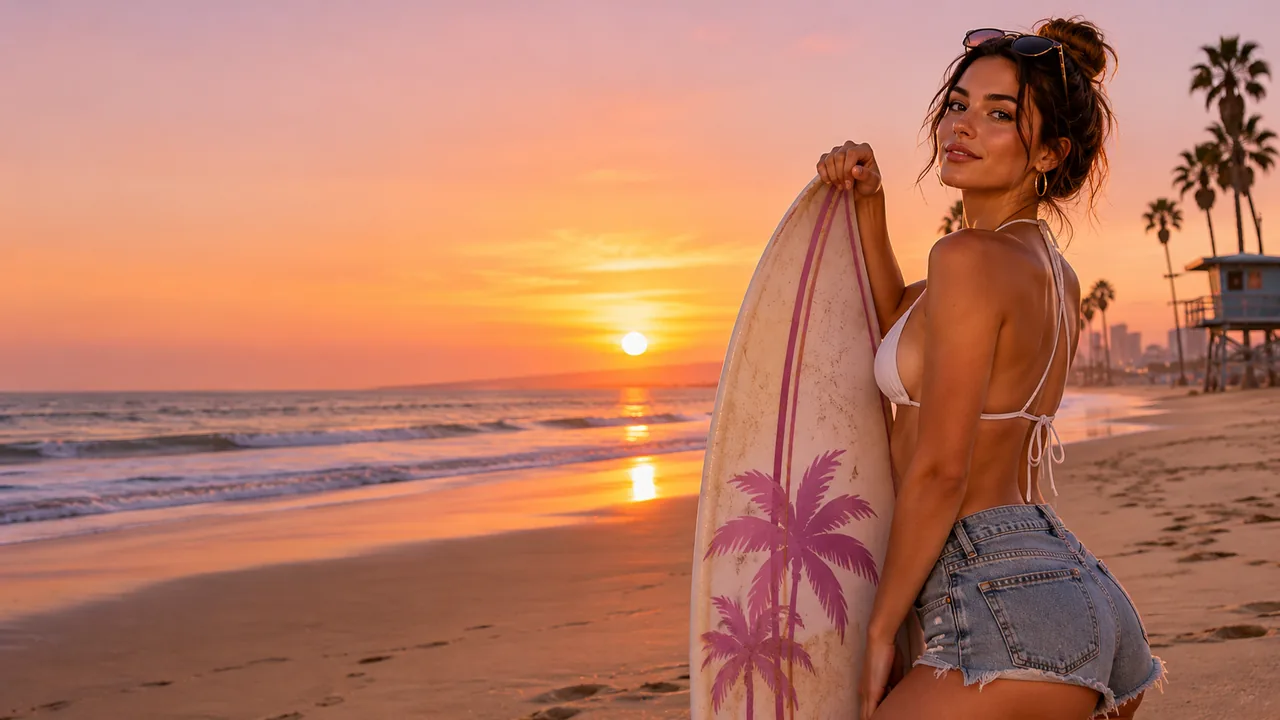
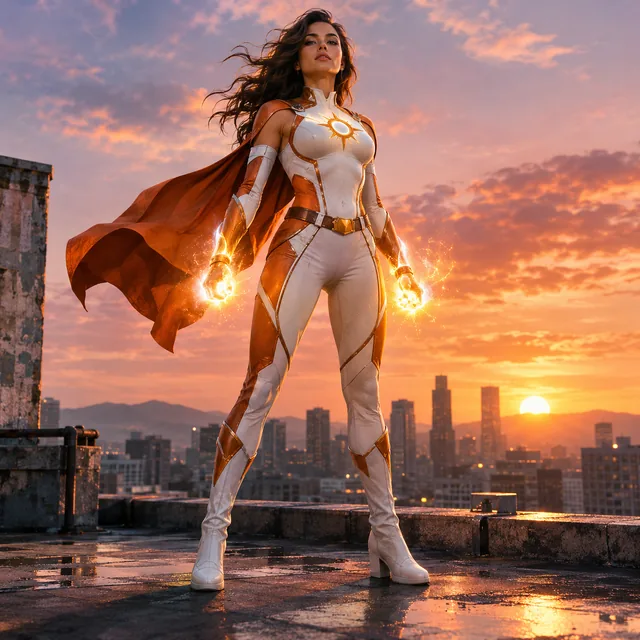
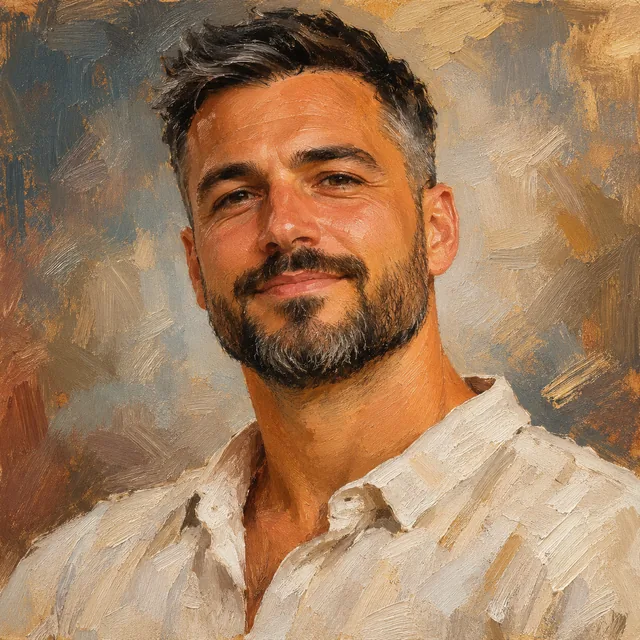
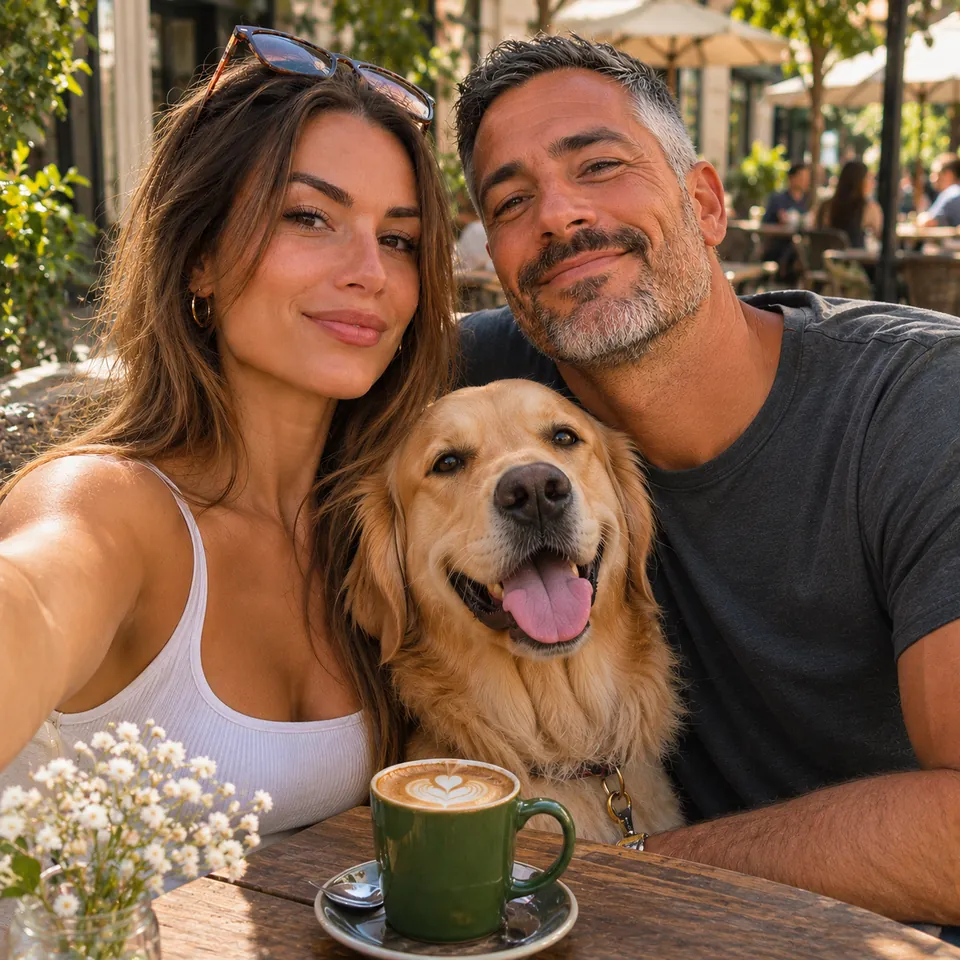
Glitch photo effect
Glitch effect: turn any photo into a glitch image with AI
To add a glitch effect to a photo, upload it and describe the glitch you want: an RGB split that pulls the color channels apart, a worn VHS tape, datamosh smears, pixel sorting or CRT scan lines. Say how strong it should be and what must stay readable, such as a face or a title. One glitch edit costs 2 credits on Muse Image, 9 on Nano Banana 2.1 at 1K or 13 on GPT Image 2.6, and you see the cost before you generate.
Plans start at $19/month. Paid plans include a commercial license.
How do I add a glitch effect to a photo?
- 01
Upload a photo with a clear subject
A portrait, a product or a city scene at night all work. High contrast and bright colors give the glitch more to pull apart than a flat, grey photo.
- 02
Name one glitch style
“RGB split”, “VHS tape”, “datamosh”, “pixel sorting” or “CRT scan lines”. One named style looks deliberate; “make it glitchy” gives a random mix.
- 03
Set the strength and what must stay
Say “subtle” or “heavy”, and name what must stay readable: the face, a logo, a title. Image models tend to redraw the subject along with the effect unless you ask them to keep it.
- 04
Download it or make it move
Download the glitch picture for a post, a cover or a thumbnail. For a moving glitch, press Animate on the result and describe the flicker.
Glitch photo styles, with prompts to copy
Each style comes with a prompt. Swap in your own subject and keep the last sentence: it tells the model what must survive the glitch.
1.RGB split glitch (chromatic aberration)
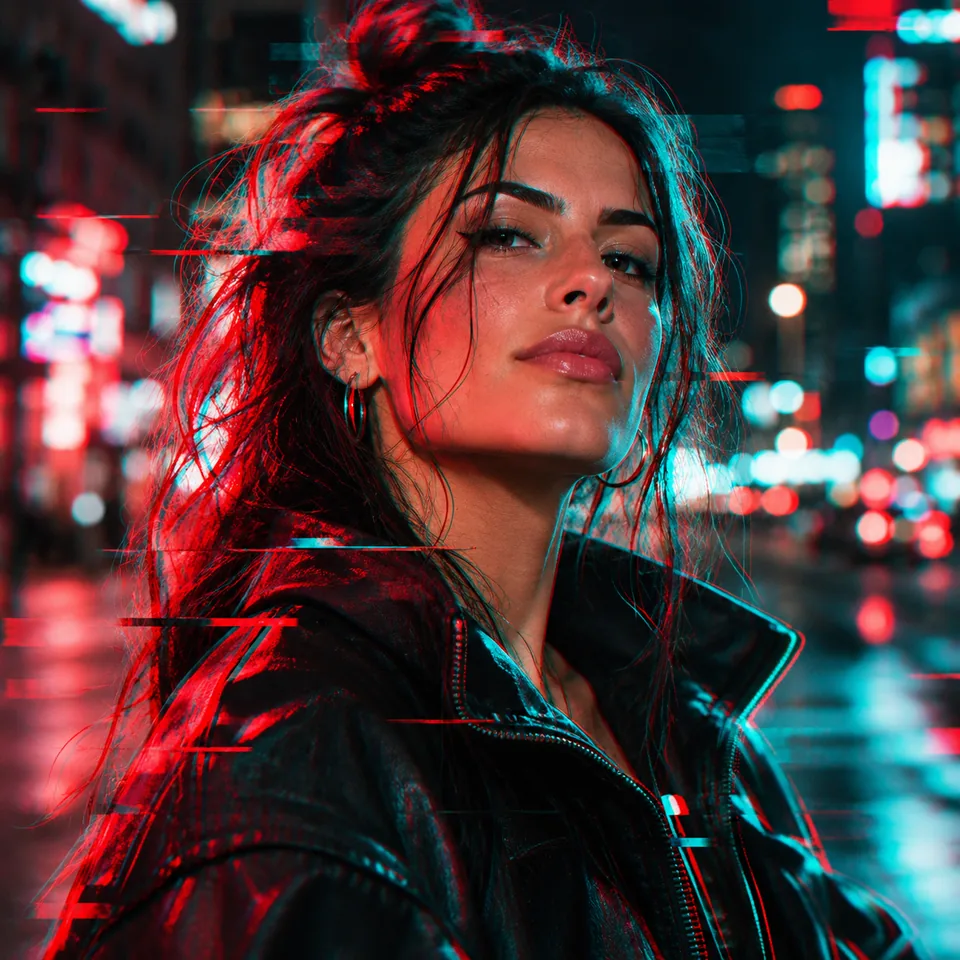
The classic glitch picture: the red and cyan channels drift apart, so every edge gets colored fringes, and a few horizontal slices jump sideways. Keep the shift to a few pixels on a portrait, or the eyes double and the face stops reading as a face.
Prompt to try
Add an RGB split glitch effect to this photo: shift the red and cyan color channels a few pixels apart, add thin horizontal slices that are offset sideways and a little digital noise. Keep her face, expression, hair and the composition recognisable under the effect.
Suggested model: Nano Banana 2.1
2.VHS glitch effect
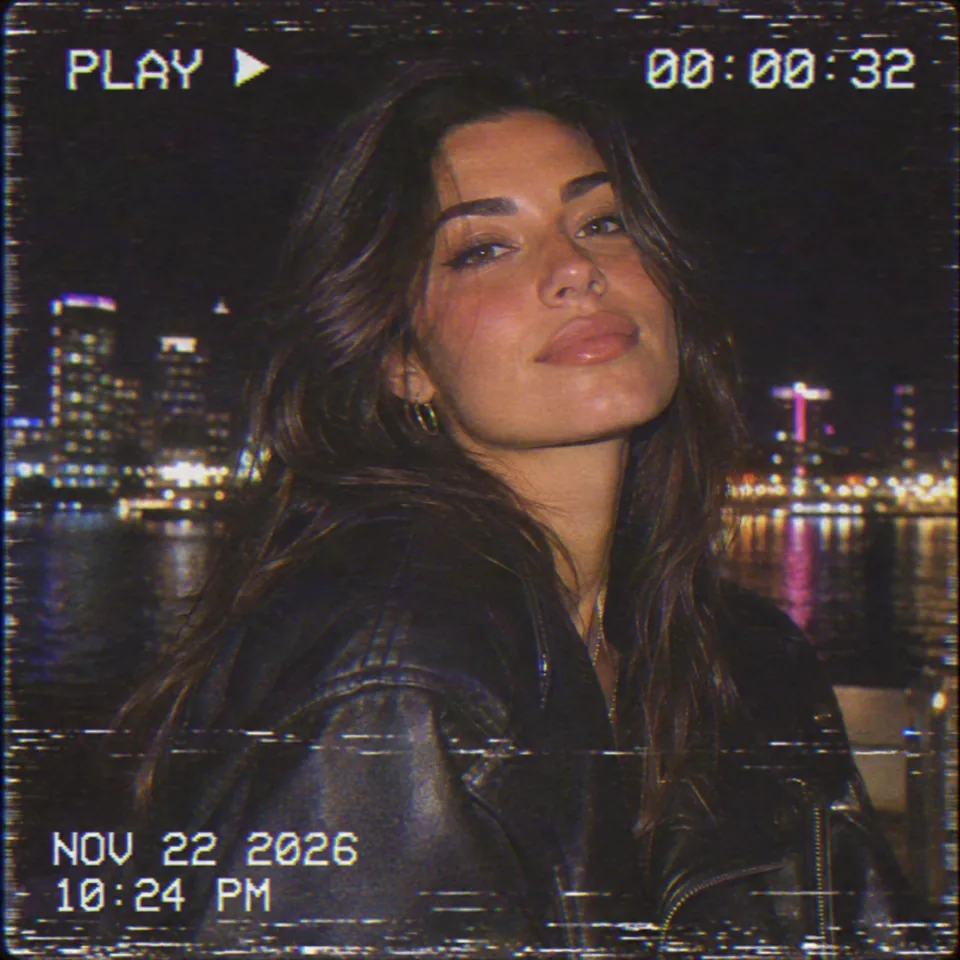
Tracking lines, color bleeding, a soft picture and a band of static: the look of a paused tape. Ask for washed-out colors too, because a sharp, saturated photo with lines on top reads as a filter, not as a tape.
Prompt to try
Make this photo look like a paused frame from a worn VHS tape: tracking lines, horizontal color bleeding, soft blur, washed-out colors, a band of static near the bottom and a white "PLAY" timestamp in the corner. Keep her face, expression, hair and the composition recognisable under the effect.
Suggested model: Nano Banana 2.1
3.Datamosh and corrupted file glitch
Datamosh copies what happens when a video file loses frames: blocks of pixels smear across the picture and colors from one area bleed into the next. It is the heaviest glitch style, so it suits covers and posters more than portraits.
Prompt to try
Add a datamosh glitch effect to this photo: blocky compression artifacts, smeared pixels dragged sideways across the image and patches of colors bleeding into each other, as if the video file were corrupted. Keep the main subject recognisable.
Suggested model: Nano Banana 2.1
4.Pixel sorting
Pixel sorting drags streaks of pixels from the bright parts of a photo, like the picture is melting. Say where the streaks run (down, sideways) and what stays untouched, or the whole photo turns into stripes.
Prompt to try
Add a pixel sorting glitch effect to this photo: streaks of sorted pixels melting downward from the bright areas, sharp edges where the sorting starts and the rest of the photo untouched. Keep the face clear.
Suggested model: Nano Banana 2.1
5.Scan lines and a CRT screen
The quietest glitch: fine lines, a curved edge and a glow, as if the photo were on an old monitor. It works for retro gaming thumbnails and keeps faces intact.
Prompt to try
Make this photo look like it is shown on an old CRT monitor: fine horizontal scan lines, a slight curve at the edges, a soft glow around bright areas and a faint green tint. Keep the photo itself sharp underneath.
Suggested model: Nano Banana 2.1
6.Glitch art for album covers, posters and thumbnails
Combine styles for a bold piece and leave room for type. Add the title in a design tool afterwards: image models often misspell longer text.
- Album or single cover: ask for a square image and clean space for the title.
- YouTube thumbnail: ask for 16:9 and keep the face large and readable.
- Story or reel cover: ask for 9:16 and keep the subject in the middle third.
- Uploads are processed by the AI provider that runs the model you pick. Retention, processors and deletion requests are covered in the privacy policy.
Prompt to try
Turn this photo into a glitch art album cover: strong RGB split, offset horizontal slices, scan lines and digital noise, high contrast and a dark background. Keep the person centred and recognisable, and leave clean space at the top for a title.
Suggested model: Nano Banana 2.1
7.Pick a photo that glitches well
A glitch pulls colors and edges apart, so it needs strong ones to work with. Night photos with neon lights, high contrast and a clear subject give the most striking result; a flat, grey photo gives a muddy one.
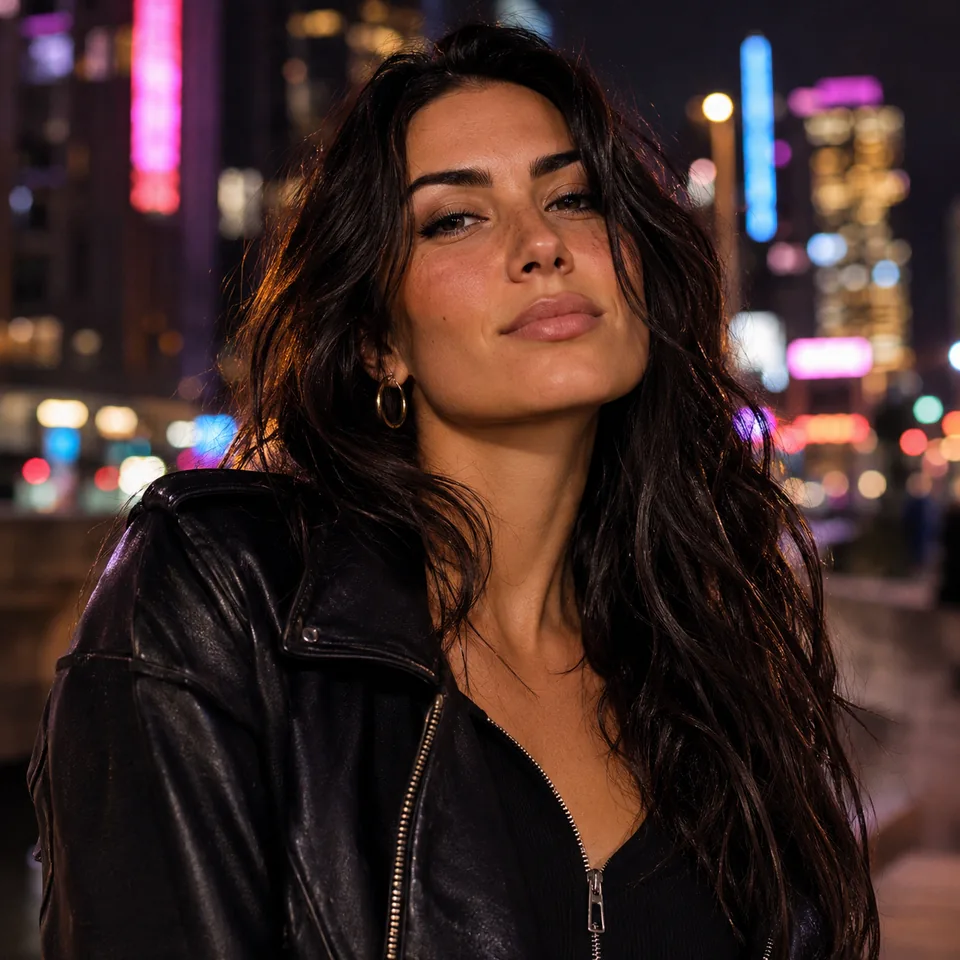
- Bright, saturated light sources such as signs, street lights and screens.
- A subject that stands out from the background: a face, a product, a silhouette.
- A sharp photo: the effect adds noise, so it cannot hide blur.
- Uploads are processed by the AI provider that runs the model you pick. Retention, processors and deletion requests are covered in the privacy policy.
Get a glitch that looks deliberate
- Pick one style per edit. RGB split, VHS and datamosh in one prompt usually turn into noise.
- Say “subtle” for profile pictures and portraits, “heavy” for covers and posters.
- End with what must stay recognisable: the face, the product, the logo.
- Run every new attempt from the original photo, not from a glitched one, so the noise does not pile up.
- For a looping, flickering glitch, animate the finished picture instead of asking the image model for motion.
Which model to use
Every model runs in the same editor and draws from the same credits. Prices are for one glitch edit in the web app.
| Model | Credits per edit | On Starter | Use it for |
|---|---|---|---|
| Muse Imageone size, about 2.5 MP | 2 | $0.038 | The cheapest way to test a glitch style before you run it at a larger size. |
| Nano Banana 2.11K | 9 | $0.171 | The editor’s button opens it by default. 14 credits at 2K and 31 at 4K, for a cover or a print. |
| GPT Image 2.6high quality | 13 | $0.247 | A second opinion on the same prompt, and the better pick when the image needs readable text. |
The editor shows the credit cost before you generate. Prices checked .
What it costs
One glitch edit costs 2 credits on Muse Image, 9 on Nano Banana 2.1 at 1K and 13 on GPT Image 2.6. On the Starter plan ($19 for 1,000 credits a month) that is $0.038 to $0.247 per photo. Trying three styles costs three edits.
Plans start at $19/month. Unused subscription credits roll over, downloads carry no watermark, and paid plans include a commercial license.
Frequently asked questions
What is a glitch effect?
A glitch effect makes a photo look like a digital error: color channels that drift apart, offset slices, tape noise, compression blocks or scan lines. It started as real faults in old TVs, tapes and video files and became a style for covers, posters and posts.
How do I make a glitch image from a photo?
Upload the photo, name one glitch style (RGB split, VHS, datamosh, pixel sorting or scan lines), say how strong it should be and what must stay recognisable, then generate. The prompts on this page are ready to copy.
Is this a glitch filter with sliders?
No. You describe the glitch in words and the image model redraws the photo with it. That gives looks a preset filter cannot, such as a VHS frame or datamosh smears, but no slider: to make it weaker, run the edit again from the original and ask for “subtle”.
Can I make a glitch picture without a photo?
Yes. Describe the whole scene and the glitch style, and the editor generates it from text. On Nano Banana 2.1 at 1K that costs 8 credits.
How do you draw a glitch effect by hand?
Copy the subject, tint one copy red and one cyan, offset them a few pixels, then cut a few horizontal strips and slide them sideways. A prompt does the same in one step, and you can still finish it by hand.
Can I make a moving glitch video?
Yes, in two steps: make the glitch picture, then press Animate on it and describe the motion, such as “the RGB split flickers and the slices jump every half second”. A clip is priced per second.
Will the glitch hide the face?
It can. Ask to keep the face recognisable and use “subtle” on portraits. Heavy datamosh and pixel sorting are better for covers where the person can be partly hidden.
How much does a glitch edit cost?
One edit costs 2 credits on Muse Image, 9 on Nano Banana 2.1 at 1K or 13 on GPT Image 2.6. Plans start at $19/month.
Uploads are processed by the AI provider that runs the model you pick. Retention, processors and deletion requests are covered in the privacy policy.